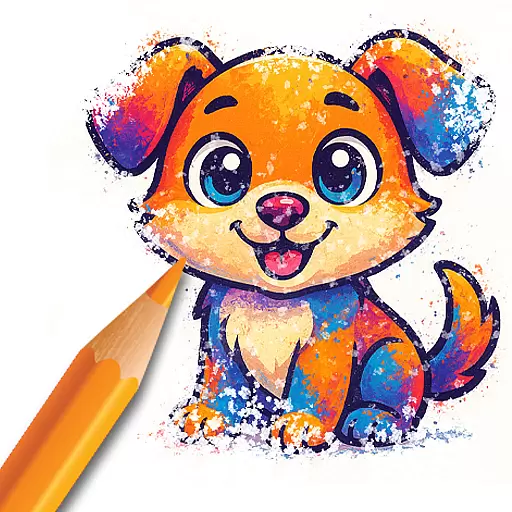
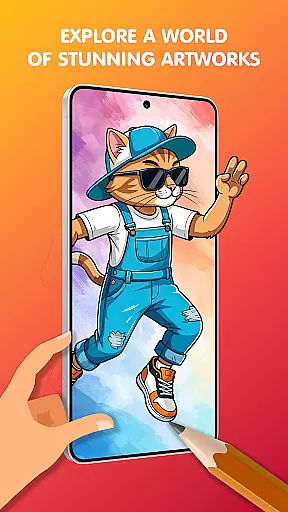
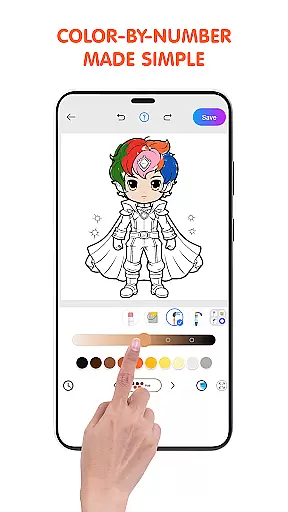
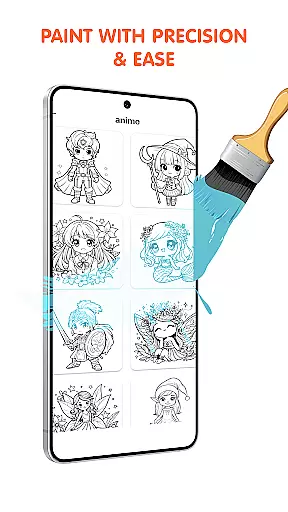
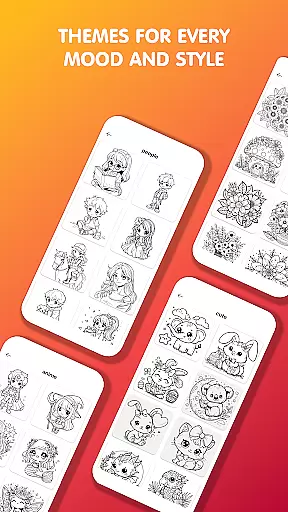
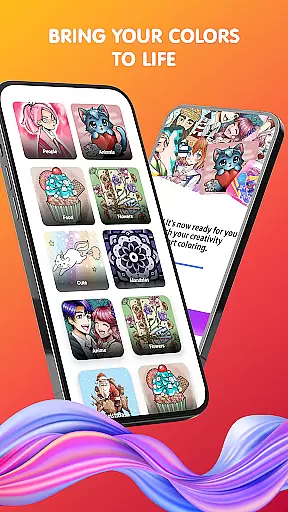
Pop Color is a personalization app designed to help users escape daily stress while expressing their creativity through coloring. With a vast library of illustrations including mandalas, animals, and landscapes, it offers an engaging way to relax and unwind. The app provides intuitive tools for painting, making it suitable for both beginners and experienced artists.
One of the standout features of Pop Color is its unlimited color options, which include solid colors, gradients, and textures. This ensures that every piece of art can be as unique as the user desires. Additionally, the app delivers daily illustrations, special seasonal packs, and social sharing capabilities, enhancing its appeal as a creative outlet that fits seamlessly into everyday life.
Pop Color stands out with its rich feature set tailored for relaxation and creativity. The app includes an extensive coloring book with endless pages of diverse themes such as mandalas, animals, and patterns. These are complemented by easy-to-use tools like brushes, pencils, smudge, and spray options, ensuring a stress-free painting experience.
Another key highlight is the unlimited color palette available to users, ranging from solid colors to soft gradients and textures. This flexibility allows for truly personalized artwork. Moreover, the app offers daily new illustrations, special holiday-themed packs, and seamless sharing options to social media, making it not just a tool for creativity but also a platform for connection and self-expression.
Pop Color offers a rich variety of customization options that cater to both casual users and dedicated artists. The app provides an extensive range of coloring pages including mandalas, animals, landscapes, and patterns, ensuring there is something for everyone.
With unlimited color choices, users can experiment with solid colors, gradients, and textures, allowing for endless creativity. This flexibility ensures that each piece of art can be as unique as the individual creating it.
The app also includes simple yet powerful tools such as brushes, pencils, smudge, and spray features. These intuitive controls make it easy for users to achieve professional-looking results without needing advanced skills.
Additionally, Pop Color frequently updates its library with new illustrations and special seasonal packs, keeping the content fresh and engaging. This commitment to variety ensures users always have new and exciting options to explore.
Theme compatibility in Pop Color ensures that users can seamlessly integrate their creations into various digital environments. Whether designing wallpapers, social media posts, or personal projects, the app's output is versatile and adaptable.
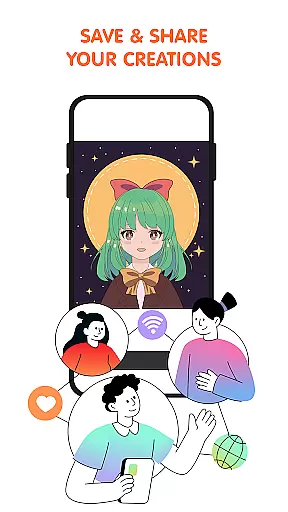
Users can share their finished artwork directly from the app to social media platforms or with friends. This ease of sharing enhances the compatibility of themes across different mediums and devices.
The appu2019s design supports high-quality rendering, making sure that every piece looks vibrant and sharp on any screen. This attention to detail guarantees that creations maintain their visual appeal regardless of where they are displayed.
Furthermore, Pop Coloru2019s premium upgrade option removes ads and unlocks all features, providing an uninterrupted experience. This ensures that users can fully immerse themselves in their creative process without any distractions, enhancing overall theme compatibility.
User-friendly interface
Vibrant color options
Daily updated content
Seasonal challenges
Social sharing integration
Limited free features
Contains in-app ads
Premium subscription required
Occasional bugs
High device storage use

Glass style colourful icons with a One UI look and feel
 4.60
4.60
Ninja Turtles Cowabunga SE watch face for Wear OS
4.50
Realistic animated snow on your wrist, with 10 images landscapes to choose from
4.00
Adult video chat, dating, making friends, random matching
4.20
A launcher for Samsung Good Lock and Good Guardians modules without ads
4.70
Wallpaper HD 4K Live - Thousands of high-quality Anime backgrounds for you.
4.80
Adorable pets roam and play right on your phone screen!
3.30
Transform your phone with stunning video wallpapers and a unique, personal touch
3.80
Install amazing sticker packs: endless styles, always cool.
4.70
300+ Stunning and well-designed widgets inspired by NOTHING.
4.70
Make your phone look simple & luxury, like iDevice
4.60
Vibrant Adaptive Icons with Material You and Enhanced Monet Colors.
4.50
A light in the dark, a unique style and an andless cutomization!
4.30
Romantic Kiss Stickers App. Start romantic messaging now!
4.30
App Icon Changer & Shortcut Creator. Customize your icons without any watermarks
4.30
Unleash Your Creativity and Connect with Loved Ones with Lockscreen Drawing!
4.20
Transfer your live wallpapers from Windows to Android using Wallpaper Engine!
4.00
Turn your lock screen into fun with smile live wallpapers & animated wallpapers!
2.50
Prank your friends with realistic broken screen and cracked HD effects!
4.2


User Reviews