
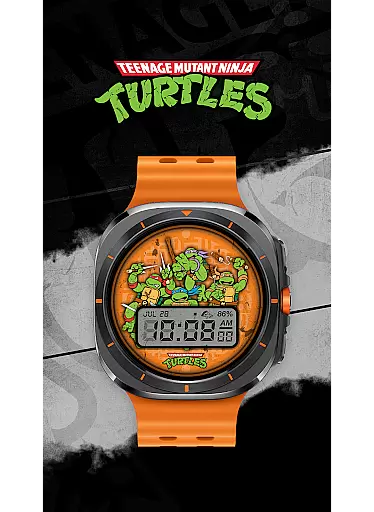
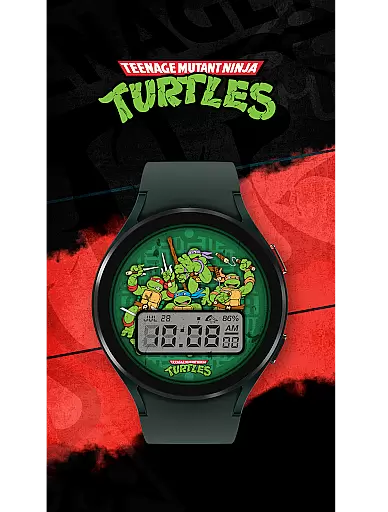
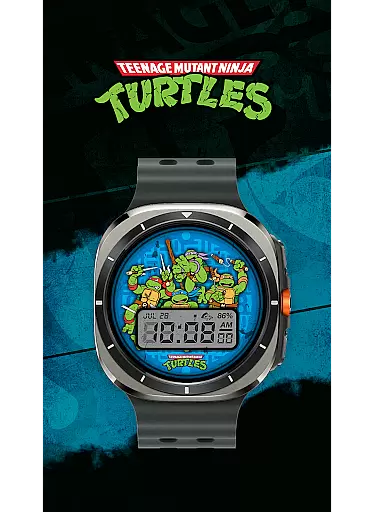
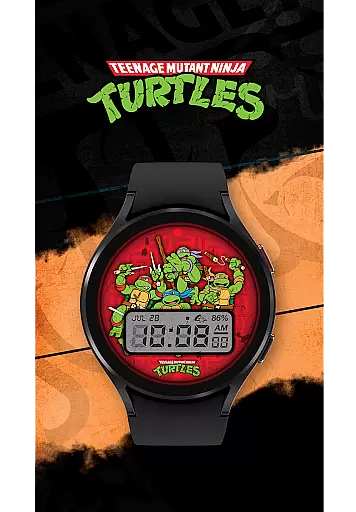
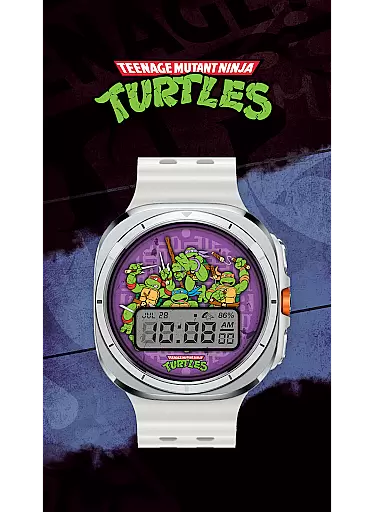
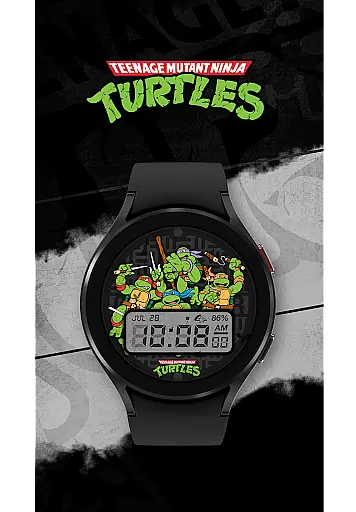
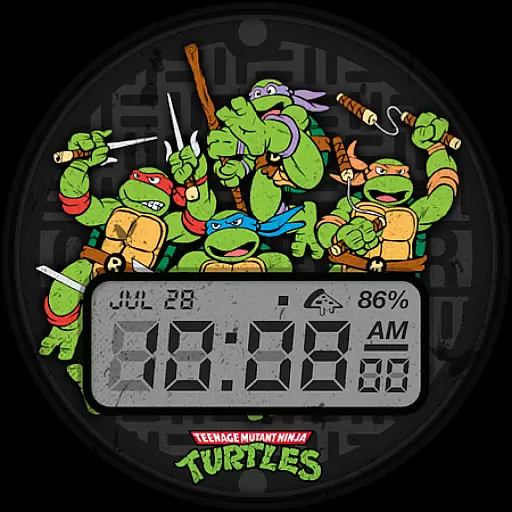
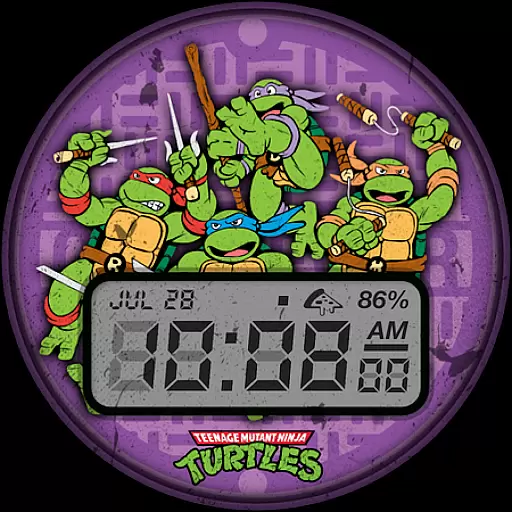
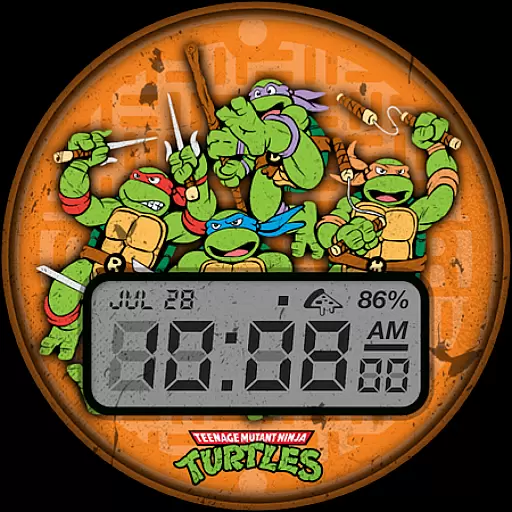
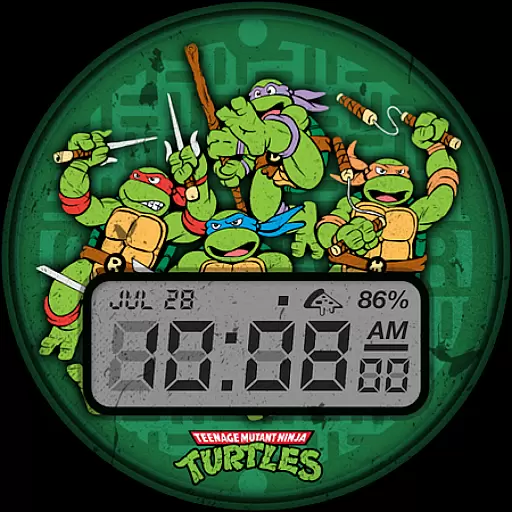
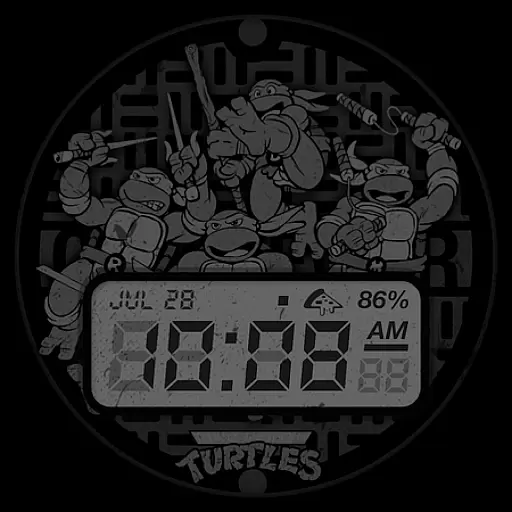
TMNT - Cowabunga SE Watch Face brings the nostalgia of retro-style design to your Wear OS smartwatch. Compatible with all Wear OS devices, including Galaxy Watch7 and Ultra, this watch face offers a perfect blend of style and functionality.
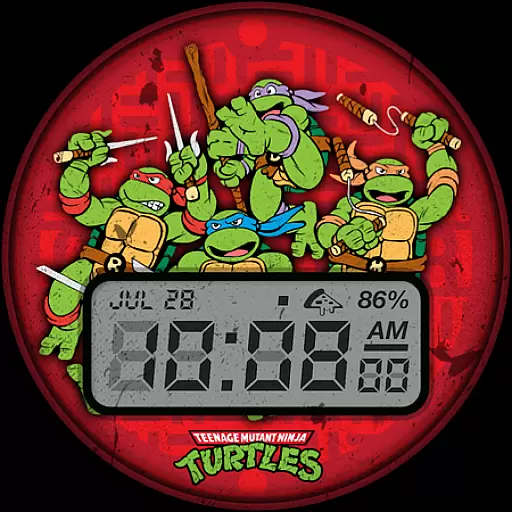
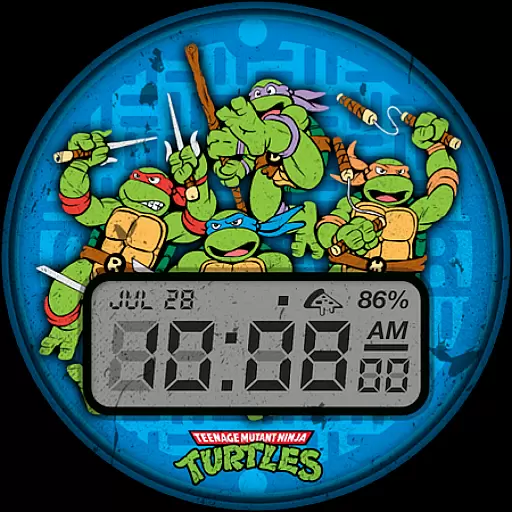
The app provides essential information at a glance, featuring a 12h/24h digital clock, date display, battery level indicator, and customizable complications. With six color options available, users can personalize their watch face to match their unique style while enjoying practical timekeeping features.
Whether you're a fan of the Teenage Mutant Ninja Turtles or simply appreciate vintage aesthetics, this watch face is ideal for those seeking both form and function on their smartwatch.
TMNT - Cowabunga SE Watch Face stands out with its array of practical features designed for everyday use. The digital clock supports both 12h and 24h formats, ensuring global usability, while the date and battery level indicators keep you informed about your day and device status.
One of the key highlights is the customizable complication, which comes with Day and Date as default options but allows further personalization based on user preferences. Additionally, the inclusion of six vibrant color options ensures that users can tailor the appearance to suit their mood or outfit.
These thoughtful features make TMNT - Cowabunga SE not just visually appealing but also highly functional, catering to users who value both aesthetics and utility in their wearable technology.
Customization is at the heart of personalizing your smartwatch experience, and the TMNT - Cowabunga SE Watch Face excels in providing a range of options to suit individual preferences.
This watch face offers six distinct color options, allowing users to match their watch face with personal style or mood. Beyond colors, it features a customizable complication, which by default displays the day and date, giving users the flexibility to prioritize the information most relevant to them.
The inclusion of both 12h and 24h digital clock formats ensures global usability, accommodating user preferences from different regions.
With these customization options, users can enjoy a personalized Wear OS experience that not only looks good but also enhances daily functionality according to their specific needs.
Theme compatibility is crucial for ensuring that a watch face integrates seamlessly with various Wear OS smartwatches, including models like Galaxy Watch7 and Ultra. The TMNT - Cowabunga SE Watch Face has been designed with this in mind, promising a hassle-free experience across devices.
By maintaining a retro-style design, it delivers a consistent aesthetic appeal while being optimized for performance on all supported devices. This means users can expect the same high-quality visual experience, regardless of their smartwatch model.
Furthermore, the basic information layout, including digital clock, date, and battery level, is strategically placed for optimal readability and does not interfere with device-specific features or settings.
This thoughtful design approach guarantees that users enjoy both form and function without compromising the integrity of their device's operating system.
Compatible with all Wear OS
Six vibrant color options
Customizable complications
Retro-style design
Battery level indicator
Limited to Wear OS
No advanced complications
Basic digital clock only
Few customization options
Requires smartwatch

A light in the dark, a unique style and an andless cutomization!
 4.30
4.30
Wear Os Watch Face - Seasonal - Animated Snow Effect - 9 Animals
4.20
Bring adorable pets to life on your screen. Playful, interactive and full of fun
4.60
Add cute Shimeji pets to screen, interact with them and relax with cute motions
4.60
Ultimate Gallery Lock App - Hide Pictures, Videos and Lock Apps Instantly!
4.60
Zip lock screen with magic wallpaper to decorate your phone with fun zipper lock
4.60 4.10
4.10
Nothing Icon pack with more than 3750+ highly crafted icons.
4.70
Vibrant Adaptive Icons with Material You and Enhanced Monet Colors.
4.50
400+ Beautifully crafted widgets inspired by NOTHING.
4.70
Customizable Glass widgets. Over 360+ stunning widgets and more!
4.70
300+ Beautifully crafted widgets inspired by OneUI.
4.60
Transform your phone with Launcher iOS 26 - Smooth & elegant iOS experience
4.50 4.50
4.50
Transfer your live wallpapers from Windows to Android using Wallpaper Engine!
4.00
Crystal-clear, square icon provides a sleek and sophisticated visual upgrade
4.00
Transform your phone with stunning video wallpapers and a unique, personal touch
3.80
Adorable pets roam and play right on your phone screen!
3.30
Struggling to find apps? Use this app to locate and open any app on your phone!
2.20


User Reviews