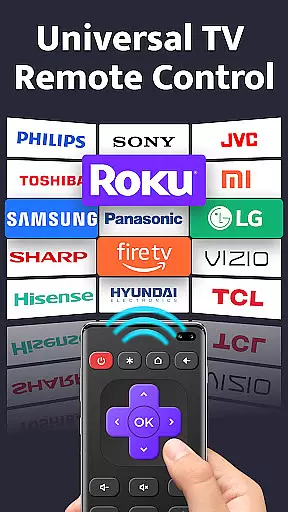
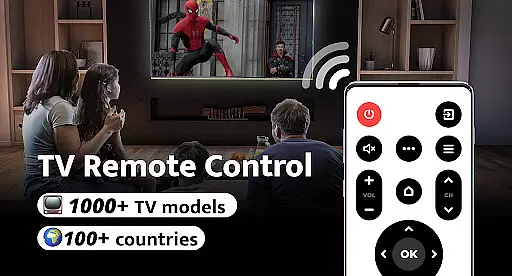
Remote Control for TV is a universal remote control application designed to replace traditional TV remotes through your smartphone's built-in IR blaster. Supporting over 1000 TV models across 100+ countries, this app offers an all-in-one solution for controlling various TV brands including Samsung, Sony, LG, and more.
The app provides essential functions such as power control, volume adjustment, channel switching, and navigation controls. Its user-friendly interface ensures easy setup and seamless connectivity with just one click. Whether you're tired of constantly searching for misplaced remotes or dealing with drained batteries, Remote Control for TV simplifies your life by turning your phone into a reliable universal remote.
Remote Control for TV stands out with its comprehensive feature set tailored for convenience and ease of use. The app includes power control, volume and channel adjustments, mute functionality, and dedicated digit buttons for direct channel access.
Additional features include menu navigation, AV/TV mode switching, and directional controls for on-screen menus. Designed for simplicity, the app supports all major TV brands and requires minimal setup. With its intuitive design and reliable performance, Remote Control for TV eliminates the frustration of lost or unresponsive remotes, offering a streamlined solution for managing your television experience.
For a universal TV remote control app, core function accuracy and effectiveness are paramount to ensure seamless interaction with various TV models. Remote Control for TV offers precise power control, volume adjustments, channel navigation, and menu access, all through your smartphone.
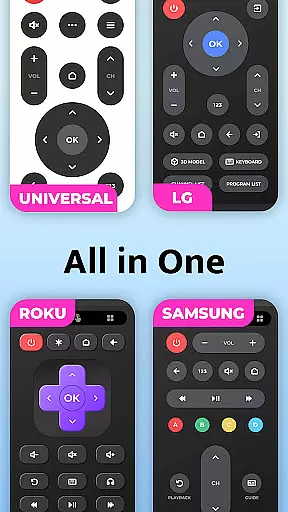
The application leverages the built-in IR blaster of your phone to send signals to over 1000 TV models across more than 100 countries. This extensive compatibility ensures that whether you own a Samsung, LG, or Sony TV, the app will effectively replace your traditional remote.
Users benefit from the intuitive layout and responsive interface, which allows for one-click setup and connection to their TVs. The simplicity of selecting your TV brand and instantly gaining control underlines the app's commitment to user-centric design.
By transforming your phone into a comprehensive remote control solution, this app not only declutters your living space but also provides a reliable tool that adapts to numerous situations, enhancing both convenience and efficiency in managing your home entertainment system.
A simple and intuitive interface is crucial for tools like Remote Control for TV, ensuring users can easily navigate and operate their devices without confusion. The app boasts an easy setup process where users select their TV brand and connect with a single click, streamlining the initial configuration.
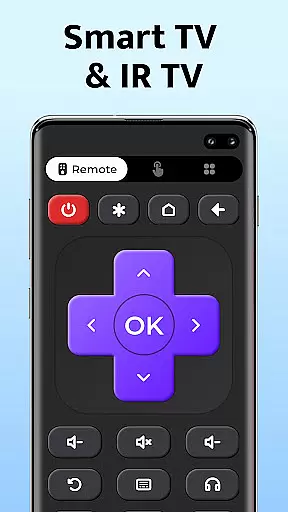
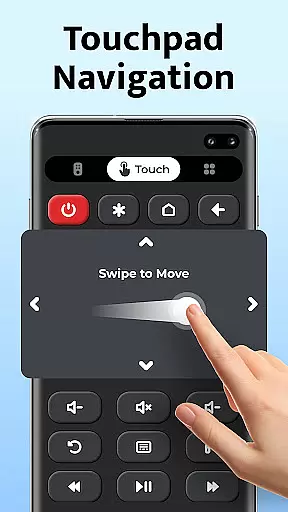
Once set up, the straightforward layout presents all necessary controls such as power, volume, mute, channel digits, and navigation buttons in a clear manner. This logical arrangement mimics traditional remotes while optimizing touch interactions on smartphones.
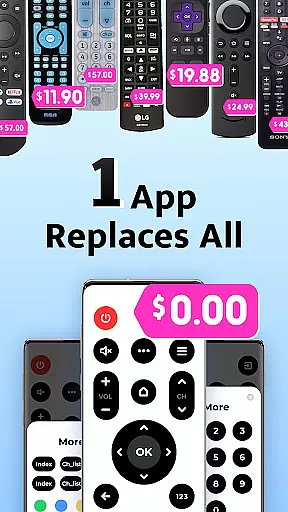
With its focus on user experience, the app eliminates common frustrations associated with lost remotes or drained batteries by providing consistent access through personal devices. Its minimalistic approach avoids unnecessary complexities, making it accessible even for those who may be less tech-savvy.
Ultimately, Remote Control for TV delivers an efficient tool that simplifies daily tasks related to television management, offering peace of mind knowing you have full control at your fingertips whenever needed.
User-friendly interface
Wide device compatibility
Quick one-click connection
Comprehensive remote functions
Reliable signal transmission
Requires built-in IR blaster
Limited to supported devices
No voice control feature
Occasional connectivity issues
Brand-specific limitations

Family Locator, Share location, StayConnect with your family in real time
 3.90
3.90
Enjoy smooth gameplay with Game Booster
4.90
Carry a FTP server in your pocket and avoid USB cables for file transfer
4.20
Forza Tuning Calculator App for Forza Horizon 5, Motorsport and Earlier Titles
4.40
Making emulation easy for everyone!
4.30
Undelete and recover your lost or deleted files with DiskDigger!
3.40
Connect wirelessly to your computer to watch movies, browse the web, play games
5.00
Mobile Security with Scam Protection | Malware & Virus Cleaner | Safe Browser
4.70
A clean app.
4.50
Powerful collection of electronics tools and reference.A must for any enthusiast
4.90
Unit and currency converter with easy and simple UI.
4.80
App to pay for FUTO Keyboard
4.60 4.50
4.50 4.50
4.50
eXtended Permission Manager - a small app to manage permissions and AppOps
4.50
Pro Emulator is an easy to use game console emulator for a range of consoles.
4.40 4.10
4.10
Introducing Smart Printer, your ultimate destination for printing solutions!
4.00
Create your own custom widget with endless possibilities
3.90


User Reviews