
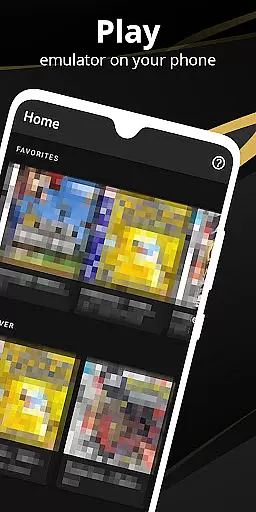

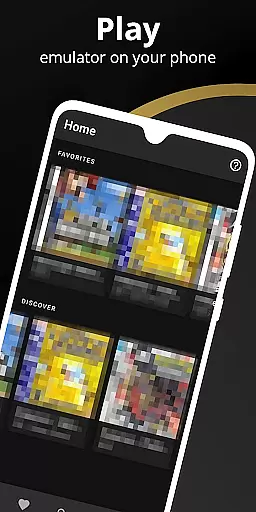
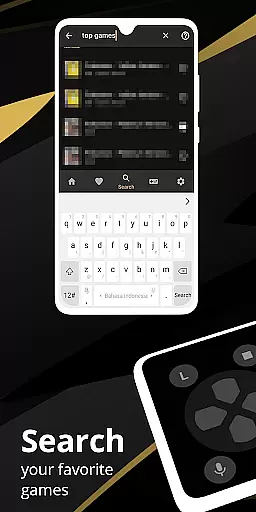
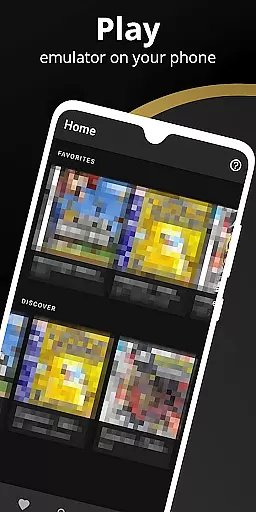
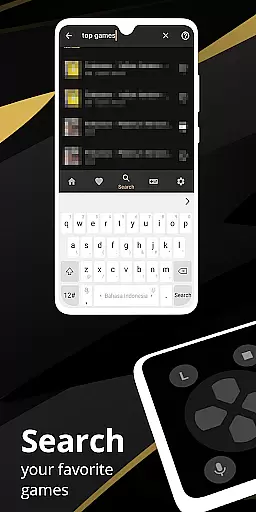
Pro Emulator for Game Consoles is a versatile emulator designed to bring classic gaming experiences to Android devices. This powerful tool supports emulation of various consoles, ensuring high compatibility and seamless performance across multiple platforms, from smartphones to TVs.
The emulator offers advanced features such as automatic save states, quick load/save slots, and optimized touch controls. It also includes support for external controllers, cloud save synchronization, and customizable on-screen key-mapping profiles. These capabilities make it an ideal choice for both casual gamers and dedicated retro gaming enthusiasts who want to relive the nostalgia of classic games.
With its user-friendly interface and robust functionality, Pro Emulator for Game Consoles provides an authentic and enjoyable gaming experience. Whether you own physical copies of retro games or legally obtained digital versions, this app ensures you can enjoy your favorite titles with excellent graphics and smooth gameplay.
Pro Emulator for Game Consoles stands out with its comprehensive feature set tailored for an optimal gaming experience. One of its notable capabilities is the high-level BIOS emulation, which eliminates the need for BIOS files, thus simplifying the setup process for users.
The emulator supports advanced functionalities like link cable emulation over Bluetooth or Wi-Fi, gyroscope/tilt/solar sensor emulation, and rumble feedback. Additionally, it offers fast-forward and slow-motion options, allowing players to control game speed according to their preferences. The inclusion of video filters through GLSL shaders enhances visual quality, providing a more immersive experience.
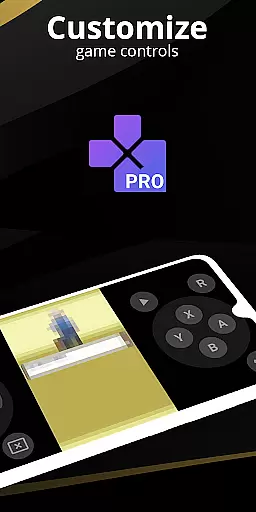
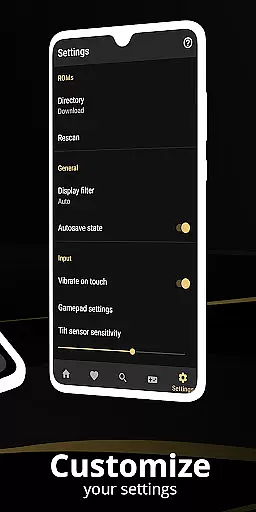
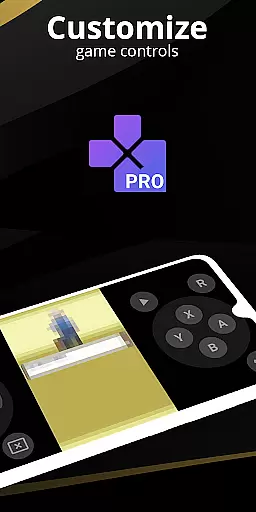
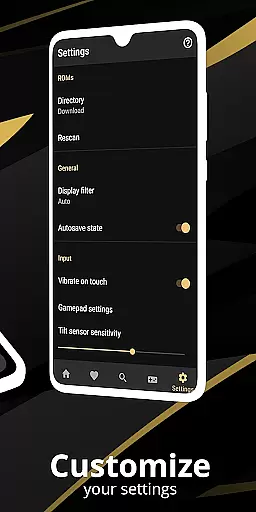
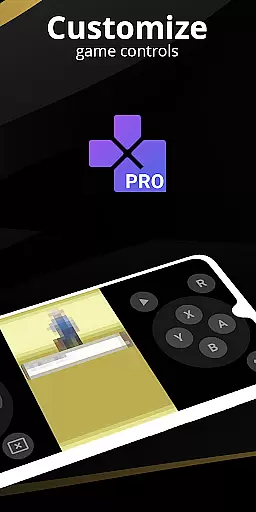
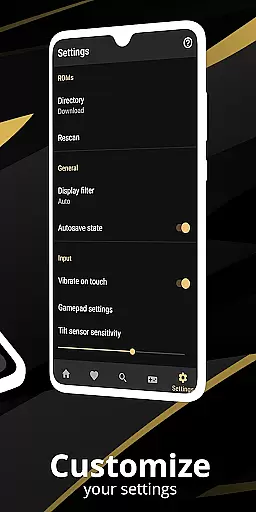
Customization is another strong suit of this emulator. Users can personalize touch controls, create shortcuts for easy access to favorite games, and utilize a powerful screen layout editor to adjust the positioning and size of on-screen controls. These features collectively ensure that each user can tailor the emulator to fit their unique gaming style and device capabilities.
At the heart of any emulator lies its ability to accurately replicate the original console's functionality. Pro Emulator for Game Consoles achieves this by offering high-level BIOS emulation, eliminating the need for BIOS files, and ensuring very high game compatibility. This means users can run nearly all games without encountering issues, providing an authentic retro gaming experience on modern Android devices.
The emulator goes beyond basic functionality by incorporating advanced features such as lightning-fast emulation that saves battery life, link cable emulation across devices via Bluetooth or Wi-Fi, and support for gyroscope, tilt, solar sensor, and rumble emulation. These elements work together to deliver precise control and immersive gameplay that closely mirrors the original console experience.
For users, this level of accuracy translates into seamless gameplay sessions where they can enjoy their favorite classic games without worrying about technical glitches or inconsistencies. The emulator's optimization ensures that even older devices can run most games smoothly, making it accessible to a wide range of users who want to relive the nostalgia of retro gaming.
A user-friendly interface is crucial for ensuring that both newcomers and experienced users can easily navigate and utilize an emulator. Pro Emulator for Game Consoles excels in this area by providing a clean and simple yet well-designed user interface that integrates seamlessly with the latest Android versions. This intuitive design allows users to quickly access essential features without a steep learning curve.
The emulator includes a powerful screen layout editor, enabling users to customize the position and size of on-screen controls as well as the game video display. With optimized touch controls customization, players can adjust the size and position of virtual buttons to suit their preferences, enhancing the overall gaming experience. Additionally, support for external controllers like MOGA devices caters to those who prefer physical input methods.
These interface features collectively contribute to an enjoyable and frustration-free user experience. Gamers can focus on what truly matters u2013 playing their favorite retro titles u2013 without being hindered by complicated settings or unintuitive controls. This thoughtful design approach makes Pro Emulator not just functional but also a pleasure to use.
High game compatibility
Optimized touch controls
Cloud save sync
External controller support
User-friendly interface
Powerful device required
No legal ROMs included
Complex setup for beginners
Limited customer support
Ads in free version

A convenient photo, video, and file recovery tool.
 4.00
4.00
Unlock your Essential Key. Create custom shortcuts to your favorite apps!
4.1
An easy-to-use calculator designed to save time calculating and bending conduit
4.30
Unleash gamepad precision for ultimate mobile gaming dominance.
3.90
Planner and Tracker for Stardew Valley
4.60
Mirror your screen to Fire TV - Super fast and simple
4.40
Play your X-Box games remotely in 1080p with any controller and zero latency
4.60
The ultimate tool for network analysis, wifi scanning and problem detection.
4.90
Clean up your phone, find files, play media, and share files offline
4.50
Small and simple app to Verify Root Access and BusyBox Install!
4.70
HD Video player and downloader for all formats, fast & smooth 4K video playback.
4.60
With videos, electrical calculators, and built-in ebook, Ugly’s has your answer.
4.50
The Ultimate Bluetooth Keyboard & Mouse. Securely control your PC, Mac, and more
4.50
Just one-tap to easy translate in any language after calls within seconds.
4.20 4.10
4.10
View detailed information about your Nissan Leaf the dealer never shows you.
4.10
Detect hidden spy camera with advanced scanning {{ Premium version }}
4.00
Family Locator, Share location, StayConnect with your family in real time
3.90
card-reader app
2.20


User Reviews