
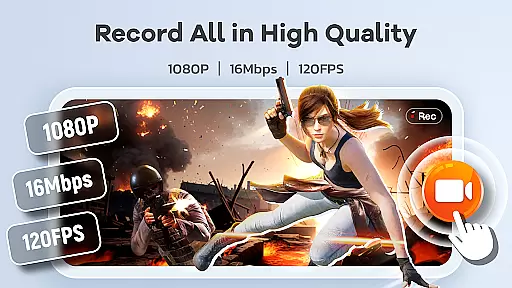
Screen Recorder Video Recorder is a versatile screen recording and video editing tool designed for both casual users and content creators. This all-in-one application allows you to capture your screen in stunning HD quality, up to 1080P resolution, with smooth frame rates of up to 120FPS. Whether you're creating engaging tutorials, recording epic gameplay moments, or preserving important video calls, this app provides the tools necessary to produce professional-quality videos.
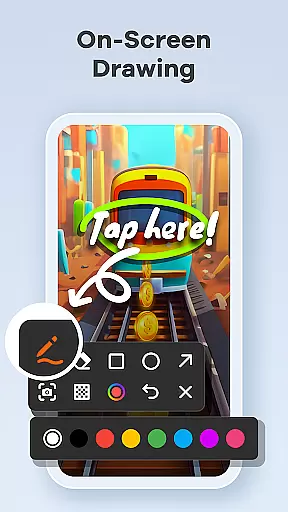
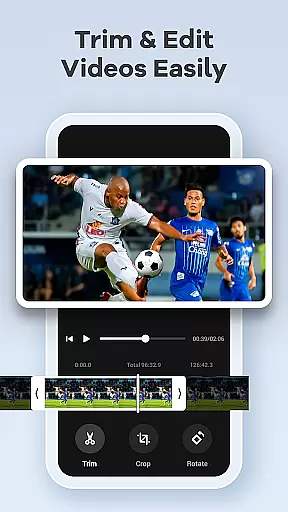
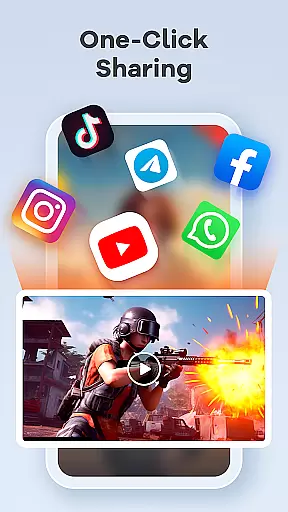
In addition to its powerful recording capabilities, Screen Recorder Video Recorder includes an intuitive built-in editor that lets you trim, crop, and rotate footage effortlessly. You can also add personal touches like facecam reactions and live annotations, making it easy to engage with your audience. With seamless sharing options to platforms like YouTube and social media, distributing your creations has never been easier.
This app is perfect for anyone looking to transform their mobile device into a portable studio. From educators crafting instructional content to gamers showcasing their skills, Screen Recorder Video Recorder offers a complete solution for capturing and sharing your digital experiences.
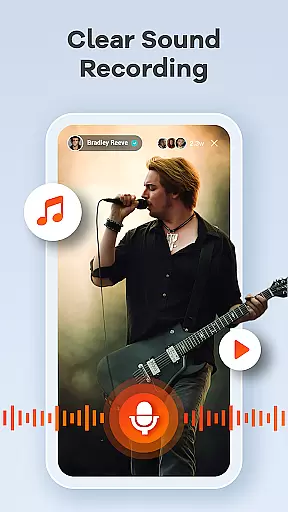
Screen Recorder Video Recorder stands out with its comprehensive feature set tailored for various use cases. One of its key strengths is the ability to record high-definition videos at resolutions up to 1080P, ensuring every detail is captured crisply. The app supports both internal and external audio sources, allowing you to include clear sound from your device or microphone. This makes it ideal for creating tutorials, podcasts, or any content where audio clarity is essential.
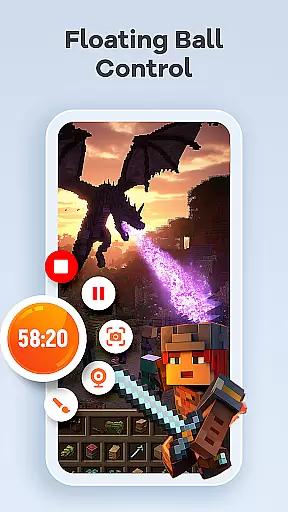
Beyond recording, the app provides a robust suite of editing tools. Users can trim unwanted sections, crop videos for better framing, and even convert clips into GIFs for quick sharing. The live drawing and annotation features enable real-time explanations, which are especially useful for educational content or presentations. Additionally, the one-tap floating ball interface ensures that controlling recordings is simple and non-intrusive, while customizable settings let you tailor the experience to your preferences.
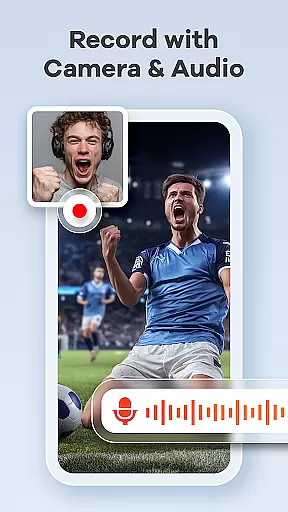
Another standout feature is the facecam functionality, which adds a personal touch to your videos by allowing you to include your reactions or commentary. Combined with gesture controls and no time limits or watermarks on recordings, Screen Recorder Video Recorder empowers users to create polished, professional-looking videos without restrictions.
Screen Recorder Video Recorder excels in delivering precise and effective core functionalities that cater to various user needs. The app supports HD recording at 1080P, 16Mbps, and up to 120FPS, ensuring every detail is captured with stunning clarity.
In addition to video recording, the app offers robust audio capture capabilities, allowing users to record crisp, clear audio from both internal and external sources. This dual audio functionality ensures that content creators can produce professional-quality videos with equally impressive sound.
The built-in video editor provides essential tools for trimming, cropping, and rotating videos, enabling users to create polished, share-worthy content directly within the app. Furthermore, the innovative video-to-GIF feature allows users to instantly convert video highlights into smooth, shareable GIFs, adding versatility to their content creation toolkit.
These comprehensive features demonstrate the app's commitment to accuracy and effectiveness, empowering users to produce high-quality screen recordings and engaging video content with professional-grade precision.
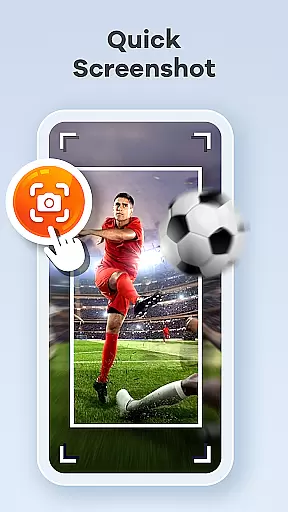
Screen Recorder Video Recorder stands out for its intuitive interface design that makes video creation accessible to users of all skill levels. The one-tap floating ball functionality enables seamless control over recording sessions, allowing users to start, pause, resume, and capture screenshots without interrupting their workflow.
The app incorporates customizable gesture controls that streamline the video creation process, letting users define their own quick-action commands. This level of personalization enhances the overall user experience while maintaining an uncluttered interface.
Additional thoughtful features include adjustable recording parameters and operation methods, demonstrating the app's dedication to providing a simple yet powerful user interface. These customization options ensure that both novice and experienced users can optimize their recording setup according to their specific needs.
The combination of these intuitive controls and customizable settings creates a seamless workflow that minimizes learning curve while maximizing productivity, making professional-quality screen recording accessible to everyone.
User-friendly interface
High-quality recording
Built-in editing tools
Facecam support
No watermark
Advanced features may require learning
Some settings could be overwhelming
Privacy concerns with screen recording
Limited functionality in certain apps
Requires necessary permissions

Complete kernel toolbox with features to manage and tweak your rooted device
 4.30
4.30
This app unlocks the Pro features of the Central for DayZ app
3.60
Use your phone as a webcam on your computer over WiFi or USB.
4.40
Canon PRINT is a companion app for your Canon printer.
4.60
App that Recover your pictures, videos or files after you delete them.
4.20
Powerful collection of electronics tools and reference.A must for any enthusiast
4.90
The ultimate tool for network analysis, wifi scanning and problem detection.
4.90
Connect wirelessly to your computer to watch movies, browse the web, play games
5.00
Protect your device with antivirus, storage cleanup, and system monitoring
4.70
Excellent scientific calculator with symbolic algebra, integrals, derivatives
4.80
NFC Tools can read and write NFC tags.
4.70
Mirror your screen to Chromecast and Android TV - Super fast and simple
4.60
Quickly switch to an encrypted DNS server on Android TV
4.50
Carry a FTP server in your pocket and avoid USB cables for file transfer
4.20
1-Click close all background apps on Android TV
3.90
Smart and comfortable browsing experience.
3.80
Clean the junk files on your device
3.40
Transfer Files, APK from Phone to Watch & Install.
4.4
Download any file easily and quickly with Downloader
4.3


User Reviews