
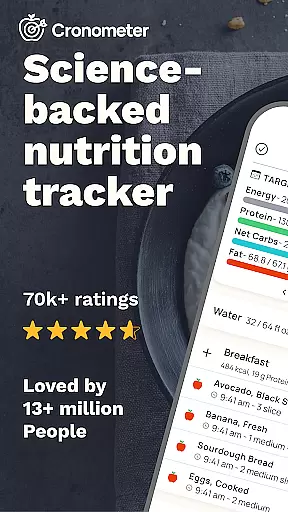
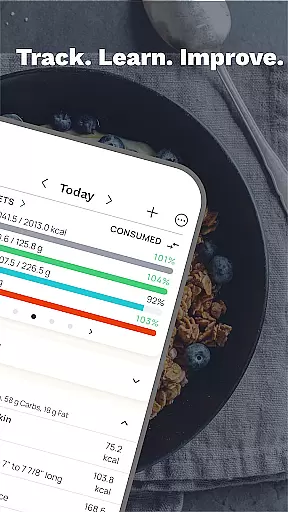
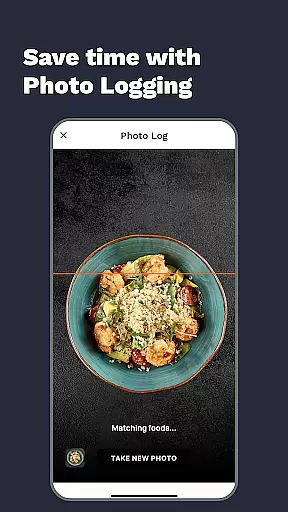
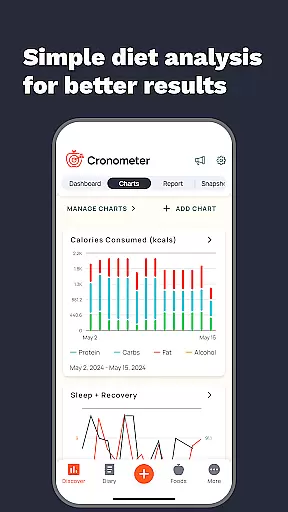
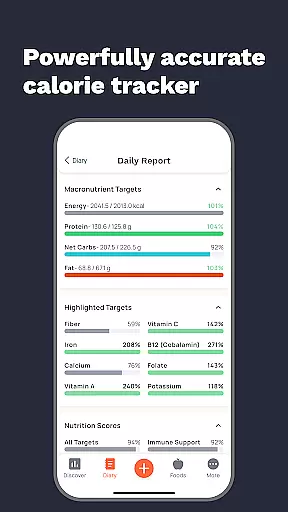
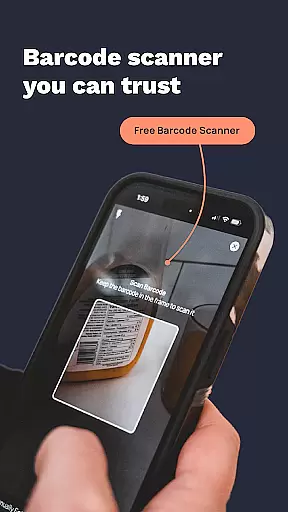
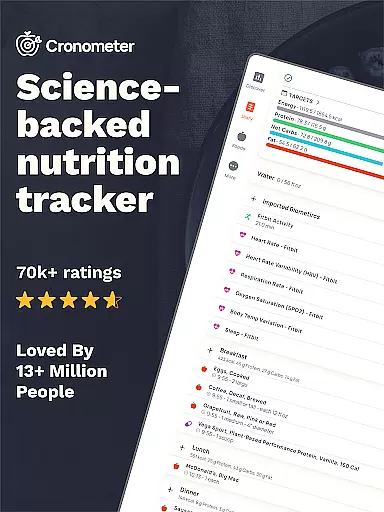
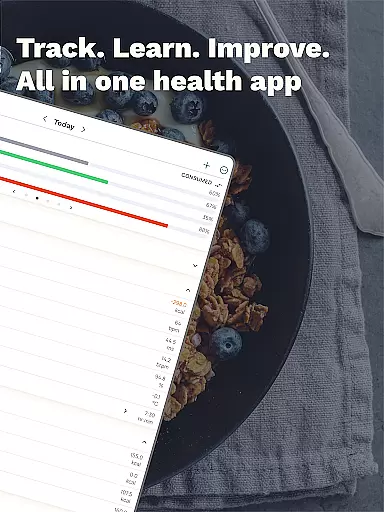
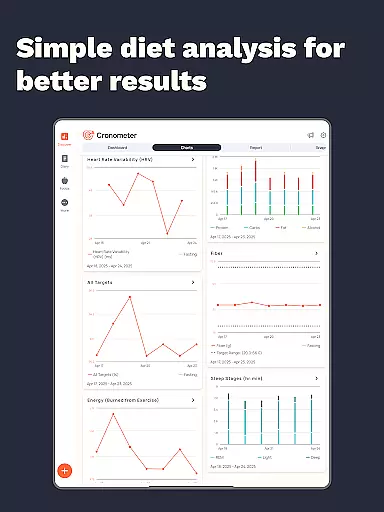
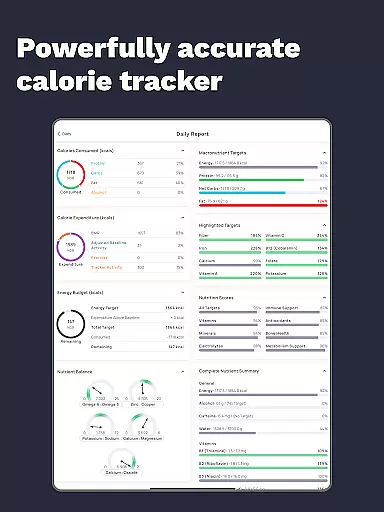
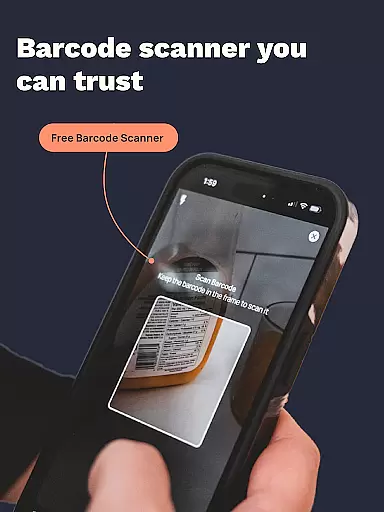
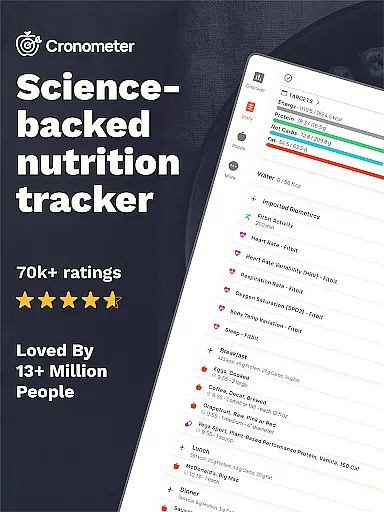
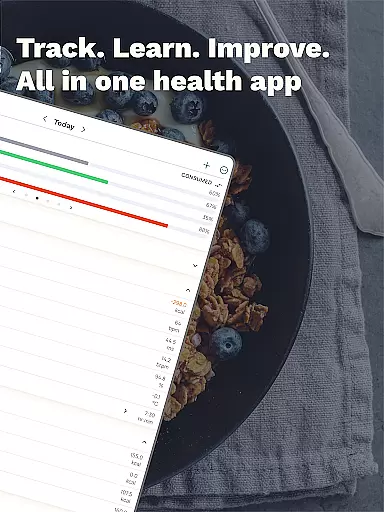
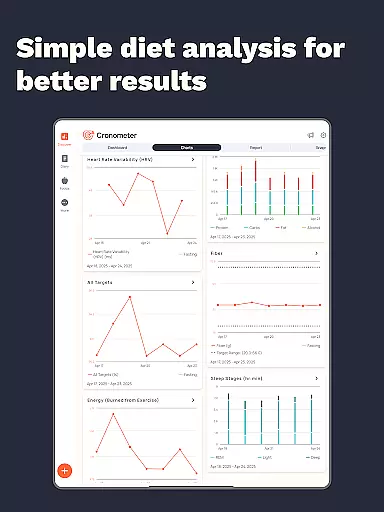
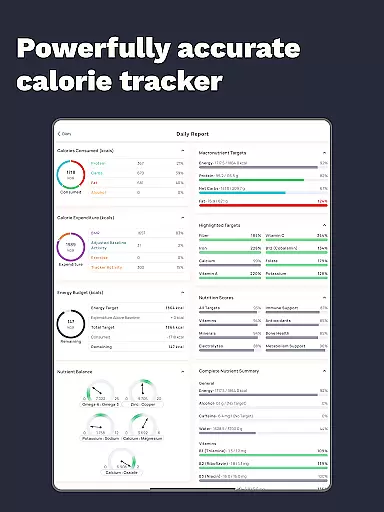
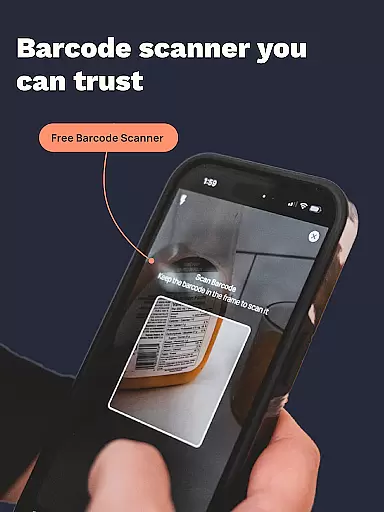
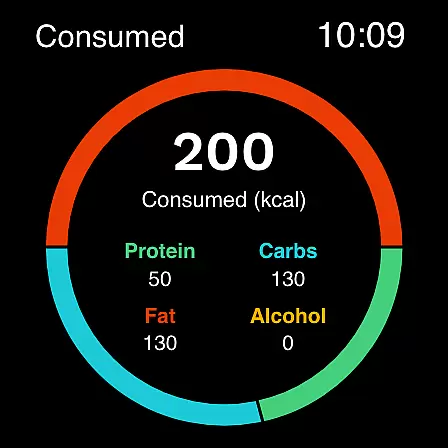
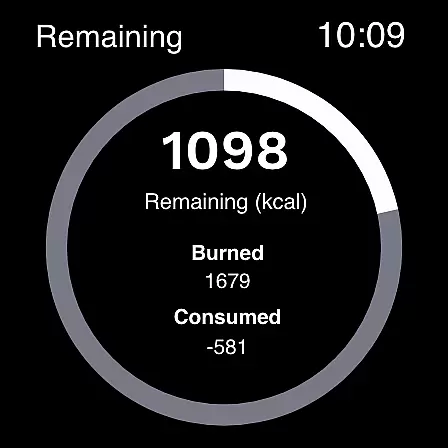
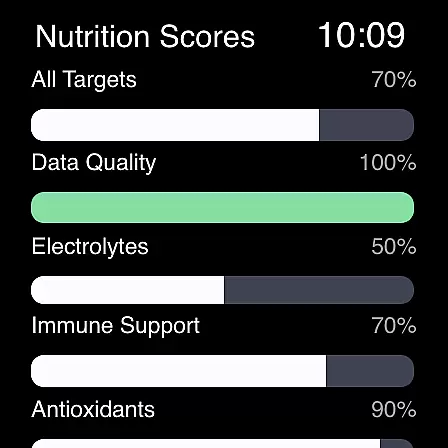
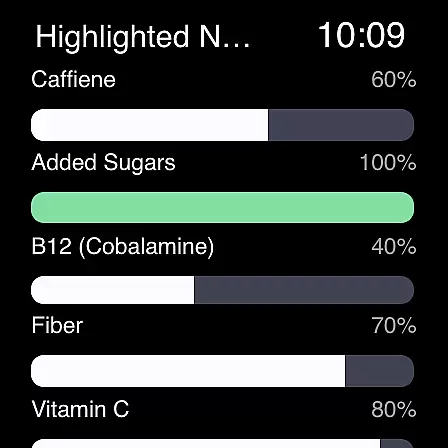
Cronometer is a comprehensive health and nutrition tracking app designed for Android Wear devices. This calorie counter goes beyond basic tracking by providing detailed insights into macronutrients, micronutrients, and overall dietary balance. Users can accurately log their food intake through various methods including manual entry, barcode scanning, and innovative AI-powered photo logging.
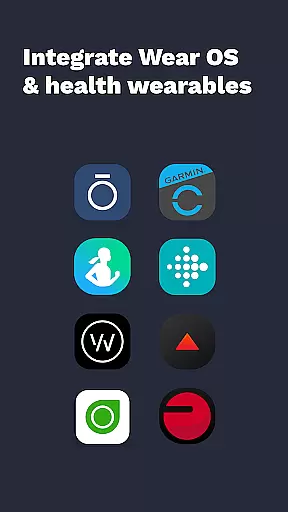
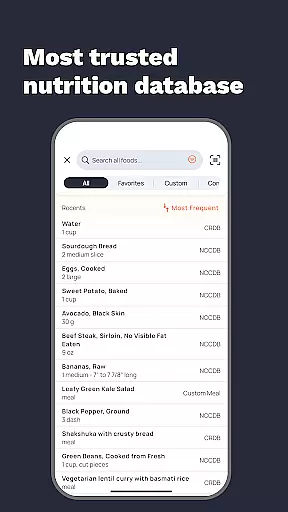
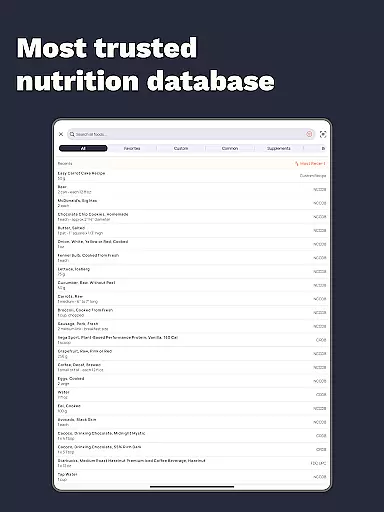
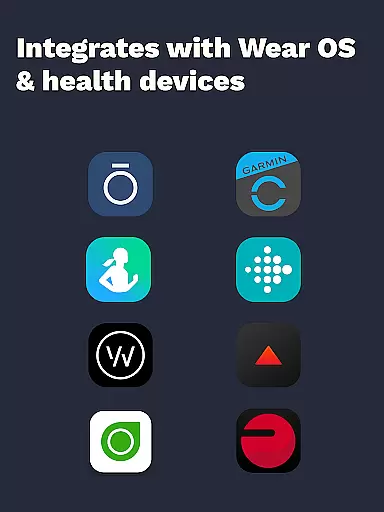
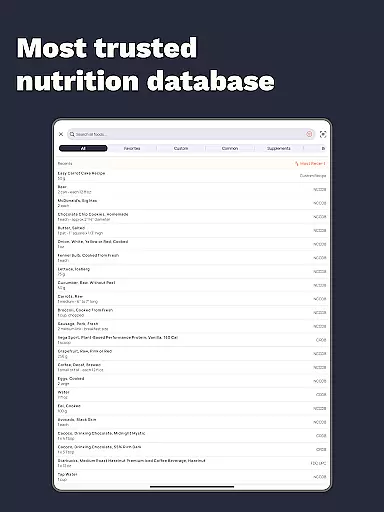
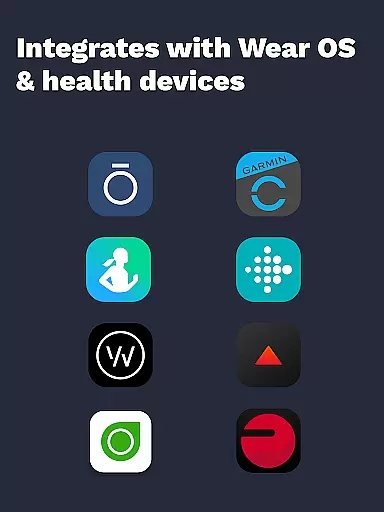
The app stands out with its extensive database of over 1.1 million verified foods, ensuring unparalleled accuracy in nutrient tracking. It integrates seamlessly with popular wearable devices like Fitbit, Garmin, and Oura Ring, creating a unified health monitoring system. Whether your goal is weight loss, muscle gain, or maintaining balanced nutrition, Cronometer provides the tools necessary to achieve and maintain optimal health directly from your wrist.
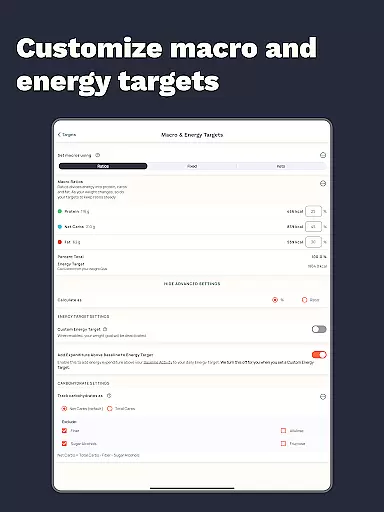
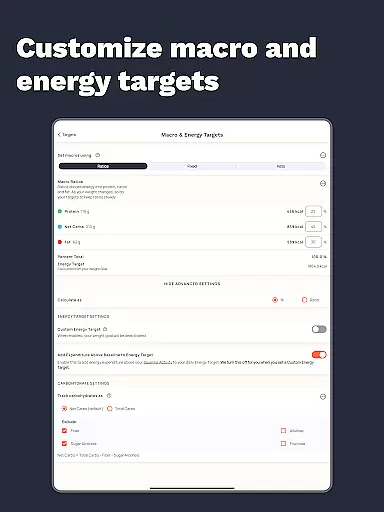
Cronometer offers an impressive array of features that make it the preferred choice for both casual users and health professionals. The app's core functionality includes precise calorie counting, macro tracking, and detailed micronutrient analysis across 84 different nutrients. Its unique AI Photo Logging feature allows users to quickly capture meals and automatically receive accurate nutritional information.
Advanced users can benefit from Cronometer Gold's premium features, including automated meal logging, custom biometric tracking, and professional-grade reporting tools. The app's integration capabilities extend to various wearable devices and health platforms, enabling seamless synchronization of fitness, sleep, and other health metrics. With its science-backed approach and verified nutrient data, Cronometer provides reliable tracking for medical professionals and health enthusiasts alike.
Additional notable features include a fasting timer, recipe importer, and macro scheduler, all working together to create a holistic view of your health. The Wear OS compatibility allows for convenient on-the-go tracking, while the detailed analytics and charting tools help users understand long-term trends in their nutritional habits.
Companion app integration is essential for users who rely on wearable devices to track their health and fitness data. Cronometer excels in this area by offering seamless connectivity with popular wearables such as Fitbit, Garmin, and Wear OS devices. This ensures that whether you're counting calories, tracking macros, or monitoring micronutrients, all your data is synchronized across platforms.
The app's ability to integrate with external devices like Dexcom and Oura enhances its functionality, allowing users to have a holistic view of their health metrics. By connecting these devices, Cronometer provides a centralized location for all health-related information, making it easier for users to analyze trends and make informed decisions about their diet and lifestyle.
For those invested in comprehensive health tracking, Cronometer's companion app integration means real-time updates and minimal manual input. This convenience not only saves time but also encourages consistent usage, which is crucial for achieving long-term health goals.
Compatibility with Wear OS and other devices is a standout feature of Cronometer, ensuring that users can access their nutrition and fitness data directly from their smartwatches. This compatibility allows for effortless calorie, macro, and nutrient tracking on the go, without needing to carry a phone everywhere.
Cronometer's Wear OS app is designed with user experience in mind, providing an intuitive interface that mirrors the functionality found on its mobile and web platforms. Users can log meals, track water intake, and monitor physical activity directly from their wrists, streamlining the process of maintaining a balanced diet and active lifestyle.
This level of integration demonstrates Cronometer's commitment to accessibility and convenience, empowering users to take control of their health regardless of their location or circumstances. With reliable device compatibility, Cronometer stands out as a versatile tool for anyone looking to optimize their wellness journey.
Accurate nutrient tracking
Extensive food database
Wearable integrations
AI-powered photo logging
Professional-grade tools
Premium features costly
Complex for beginners
Limited free version
Requires manual entry
Subscription required

Walking app for weight loss: walk & step tracker, pedometer, indoor treadmill
 4.60
4.60
A full-featured Amazon Alexa voice assistant that can show you things.
3.70
Digital watch face. For Wear OS devices.
4.40
Monitor health with the stress test and pulse checker in the heart rate app.
4.60
Gym & home workout plans with strength training, exercise tracking, HIIT & more.
4.60
To-Do List: daily schedule planner, task organizer, to do reminder app, calendar
4.60
Professional weather radar and more
3.90
A modern hybrid informative watch face for Wear OS designed by BALLOZI
4.80
Your local weather forecast, storm tracker, radar maps & live weather news
3.40
Christmas - Festive - Christmas Village - Winter - Christmas lights
5.00
Diet tracker for weight loss - track calories, food and macros. Simple and easy!
4.70
Hybrid watch face for Wear OS with customizable complications by Matteo Dini MD
4.70
A realistic hybrid watch face with many customization options.
4.60
Ideal for surviving in the wasteland left after nuclear fallout
4.50
Fast and smart typing with Emojis, GIFs, and more
4.50
Current temperature, weather hourly, weather radar by the weather forecast app
4.40
Hyper-Realistic Airplane Dashboard Watch Face With 10 Skins and Custom AOD
4.00
Stay in touch with your friends and family using LINE!
3.40
Hybrid Vibrant Health Watch Face for Wear OS
4.5


User Reviews