
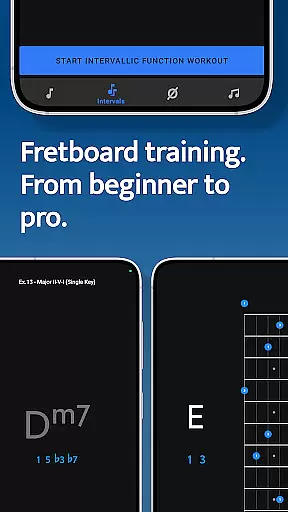
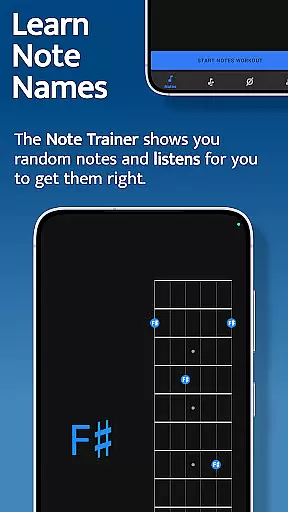
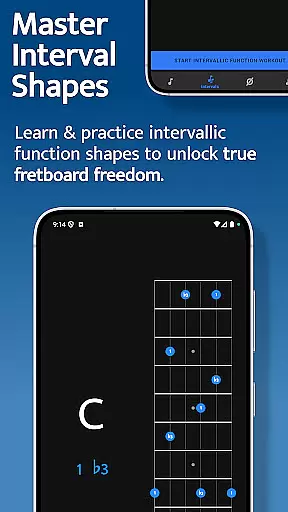



Solo is a comprehensive practice app designed to help guitarists and bassists master fretboard visualization. Developed by renowned guitarists Tom Quayle and David Beebee, this app provides four powerful training modules that target essential aspects of fretboard mastery.
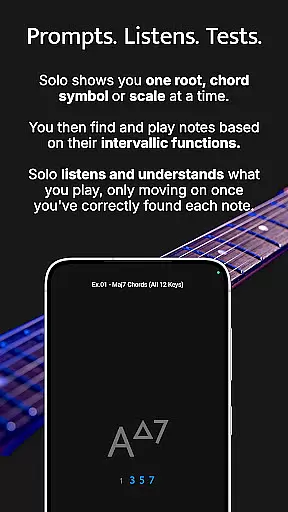
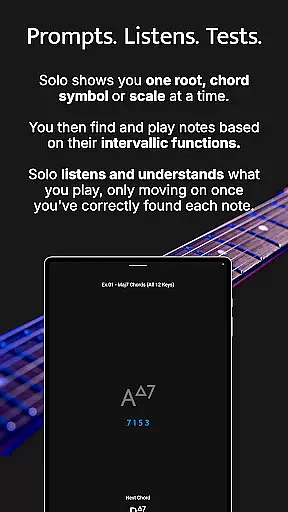
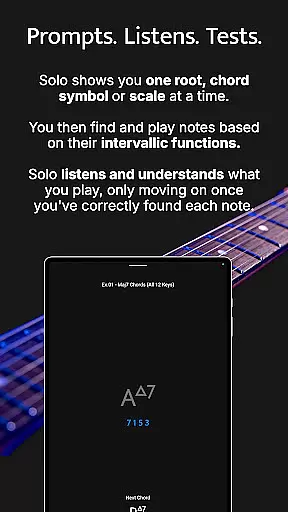
The app's core functionality revolves around interactive fretboard trainers that guide users through learning note names, memorizing interval shapes, outlining chord changes, and practicing scales. Solo listens to the notes you play and ensures you correctly identify each note by its intervallic function before progressing. This systematic approach helps musicians build confidence and transform their playing skills.
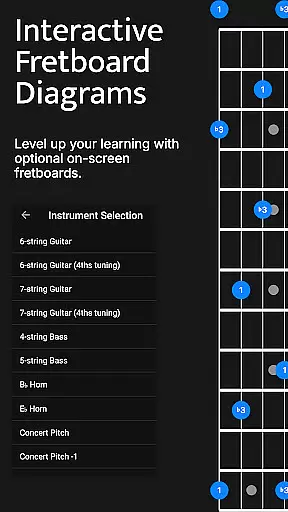
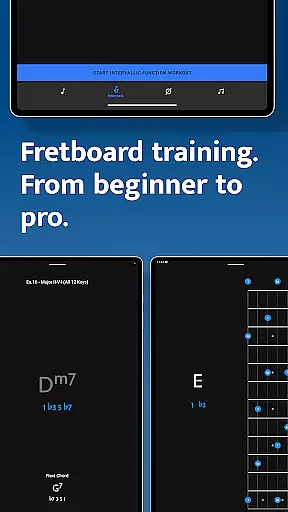
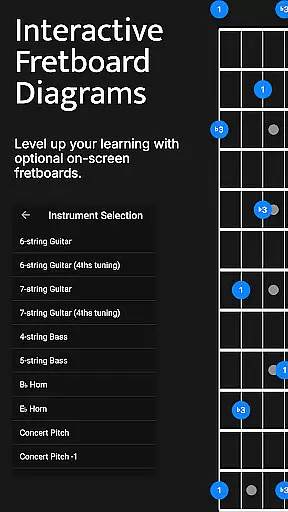
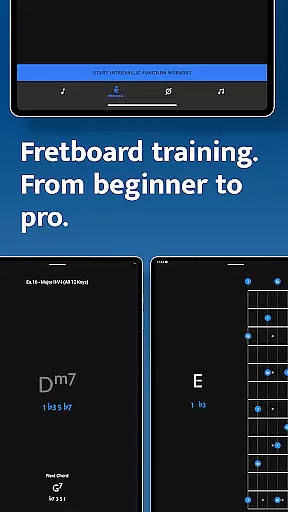
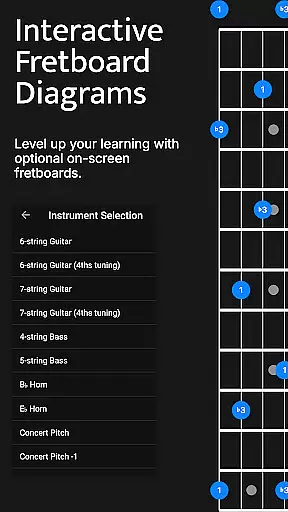
Whether you're a beginner or advanced player, Solo offers valuable tools for improving your fretboard knowledge. The app supports various string configurations including 6-string guitars (standard and 4ths tuning), 7-string guitars, 4-string basses, and 5-string basses, making it suitable for different playing styles and preferences.
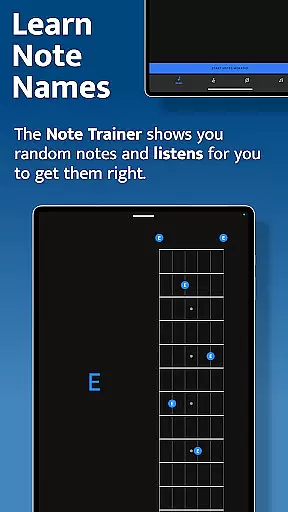
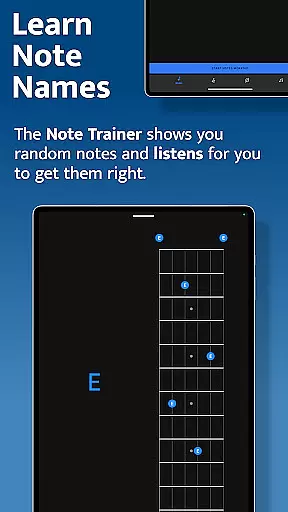
Solo stands out with its four specialized training modules, each designed to enhance specific aspects of fretboard visualization. The Note Trainer helps beginners and intermediate players learn note names across the neck, providing a solid foundation for fretboard knowledge.
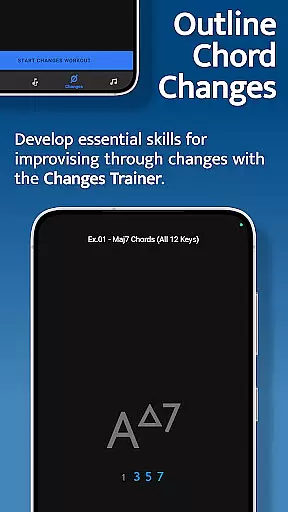
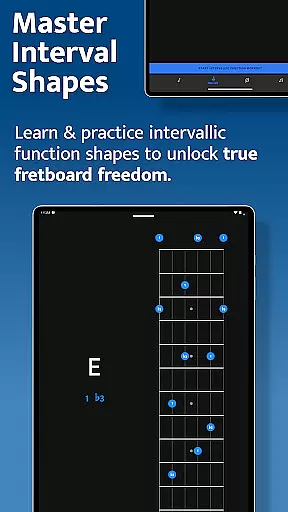
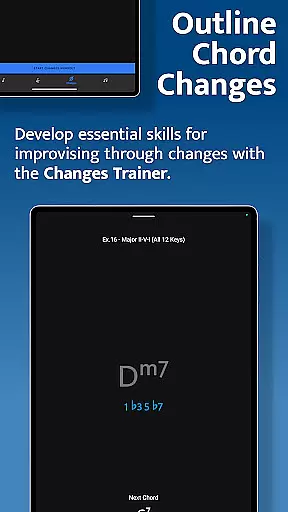
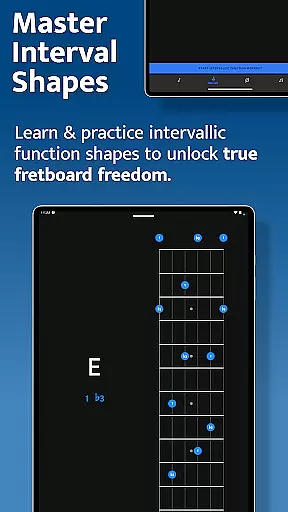
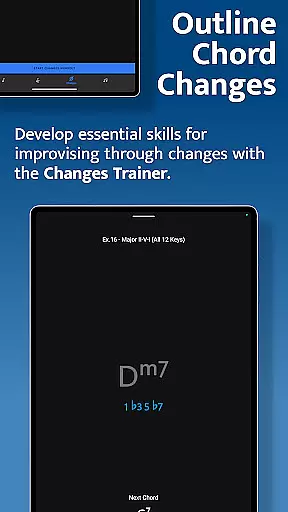
The Interval Trainer enables players to work on interval shapes using intervallic functions, unlocking greater freedom on the fretboard. Users can customize their practice by selecting specific intervals or choosing from various chord types and scales. The Changes Trainer focuses on outlining chord progressions through single-note improvisation, featuring over 100 common progressions and 50 intervallic function levels.
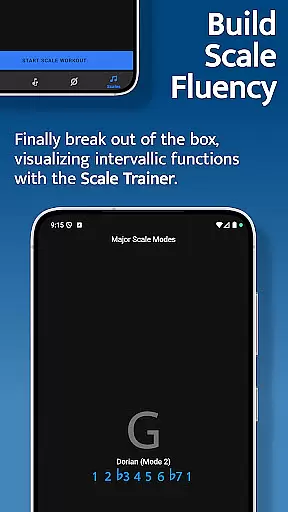
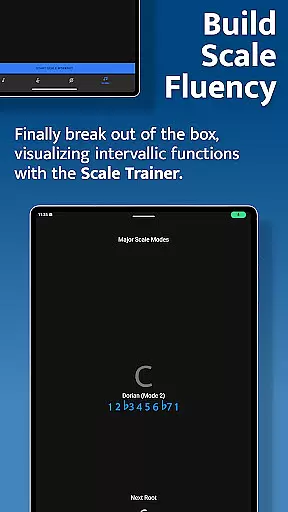
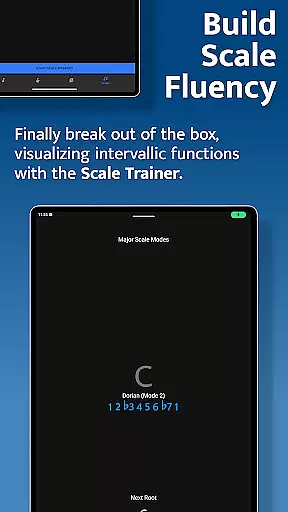
The Scale Trainer offers an extensive library of over 50 scales and modes, allowing musicians to break out of traditional scale boxes. With powerful workout options and melodic sequence features, users can create personalized practice sessions that suit their skill level and musical goals. The app's duration-based workouts and transposition capabilities provide additional flexibility for effective practice routines.
When it comes to music learning applications like Solo - Fretboard Visualization, the size and authenticity of the music library are crucial for an enriching learning experience. This app offers a vast array of scales and modes, with over 50 options available in the Scale Trainer alone.
The inclusion of such a comprehensive collection ensures that learners have access to a wide range of musical resources, which is essential for mastering fretboard visualization. The content is curated by world-renowned guitarists Tom Quayle and David Beebee, ensuring high-quality, authoritative material.
Solo doesn't just provide quantity but also guarantees quality through its copyright authenticity. Users can trust that the materials they are practicing with are legitimate and have been properly licensed, which is vital for educational purposes.
This extensive and authentic music library empowers users to break out of scale boxes and develop a deeper understanding of how scales are constructed on the fretboard, ultimately transforming their playing and confidence.
Audio quality is paramount when training with a music application, as it directly affects the user's ability to discern musical nuances. Solo - Fretboard Visualization takes this into account by offering various audio quality options that cater to different practice needs.
The app listens to the notes you play and provides feedback, which is essential for ensuring correct intervallic functions. High-quality audio allows for precise listening, which is critical when working on complex melodic structures and scales.
Moreover, the app supports multiple string instruments, including guitars and basses with different tunings, each requiring specific audio settings to accurately reflect the sound produced. This flexibility in audio options enhances the learning process.
By providing top-notch audio quality options, Solo ensures that users can craft the perfect practice session tailored to their individual preferences and requirements, thus facilitating an optimal learning environment.
Comprehensive fretboard training
Interactive listening feature
Multiple instrument support
Customizable practice options
Developed by expert guitarists
Steep learning curve
Requires dedicated practice time
Limited to fretboard visualization
No tablature support
Premium price point

Over 100 million tracks available for high quality streaming and download
 4.60
4.60
Offline and always ad-free - stream in the highest quality available.
4.10
Taal player that lets you sing any Indian & Western song with Tabla & Tanpura
4.60
Powerful beat maker & DJ mixer to remix tracks, make music, & perform DJ mix
3.70
Your song collections with lyrics and chords on Android smartphones and tablets.
4.80
Let your Android device with the sound effects you want
4.50
Ringtone Maker is free app create ringtone from music files or your recording.
4.40
Full featured mp3 and audio player with Chromecast and Android Auto support.
4.40
Customize Your Favorite Songs and Videos with booster.
4.70
Music, News & Sports Radio Tuner App. Tune in Live FM & AM Radio Stations.
4.80
JBL PartyBox APP works with 110/310/710/120/320/520/Encore/Encore 2/Encore Ess 2
4.80
SqueezePlayer turns your Android phone or tablet into a SqueezeBox on its own!
4.60
The best music and audio player, with beautiful UI, music search and equalizer.
4.60
Save hundreds of dollars for a physical strobe tuner and instead use this app.
4.50
Guzheng Master supports many playing techniques as an acoustic Guzheng
4.50
Manage your Sonos system directly from your home-screen!
4.40
Sheet music reader, piano & music note player. Play music score & learn to read.
3.90
The iconic iOS metronome app is now on Android.
3.70
Remove ads permanently from Music Visualizer
4.0


User Reviews