
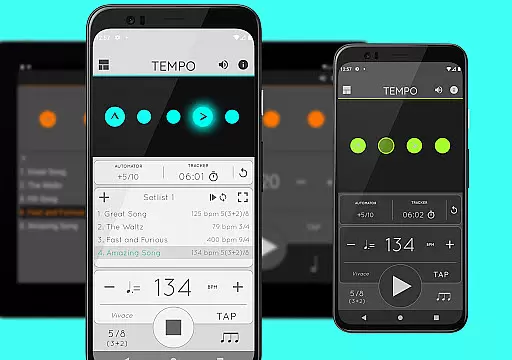
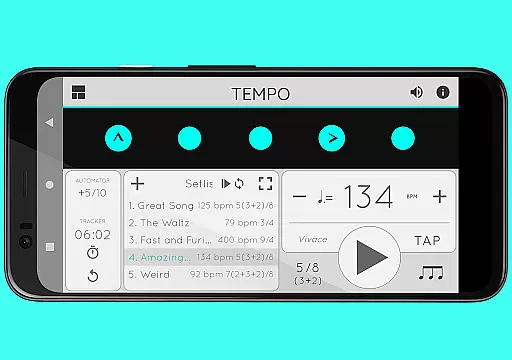
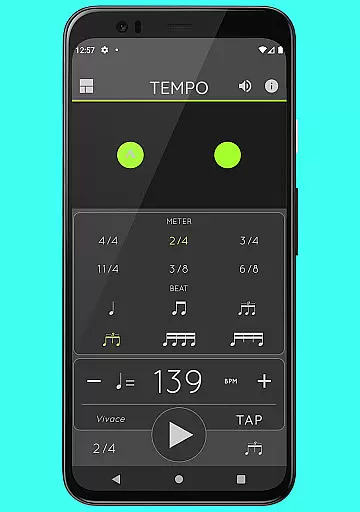
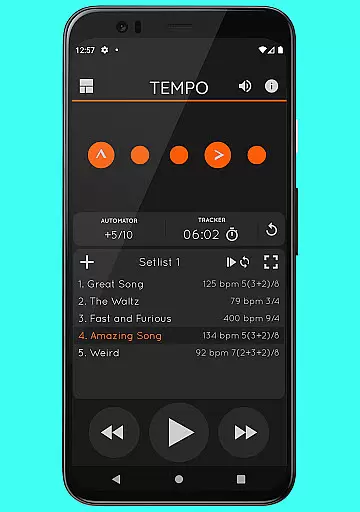
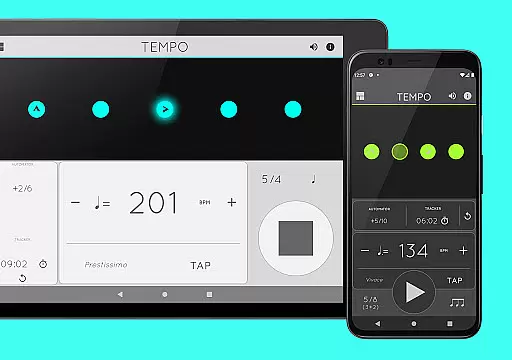
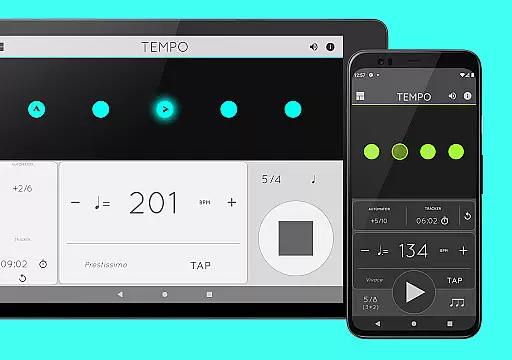
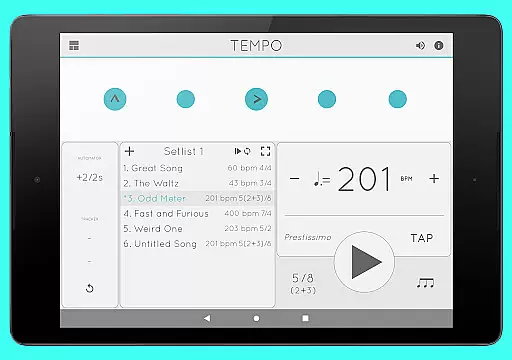
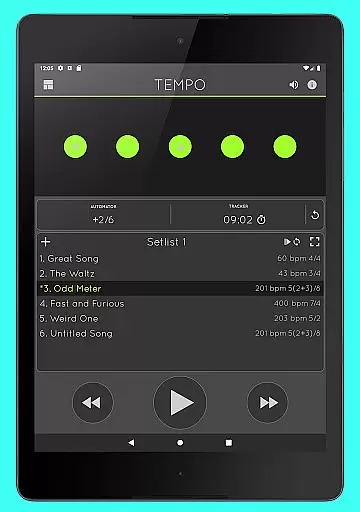
Tempo is a premier mobile metronome app designed for musicians, teachers, and students. It offers high accuracy and stability with an attractive single-screen interface. The app allows users to customize beats using flashing LEDs as buttons, creating complex rhythms. Tempo supports saving configurations as songs in setlists, which can be shared with others, including iOS users.
This app is ideal for various activities such as gigs, lessons, practice sessions, and even training routines for golfers and bodybuilders. Its innovative interface morphs between five modes optimized for different tasks: Basic, Preset, Setlist, Practice, and Gig. With features like tap tempo function, visual feedback through pulsating LEDs, and compatibility with AirTurn Bluetooth controllers, Tempo provides a comprehensive toolset for musical practice and performance.
Tempo boasts a range of features that cater to both amateur and professional musicians. It includes 30 different time signatures and multiple rhythm patterns for simple and compound meters, allowing users to create complex rhythms by customizing accents or turning beats off. The tap tempo function and tempo range from 10 to 400 ensure precise control over timing.
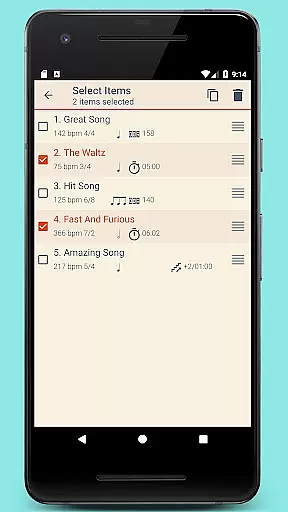
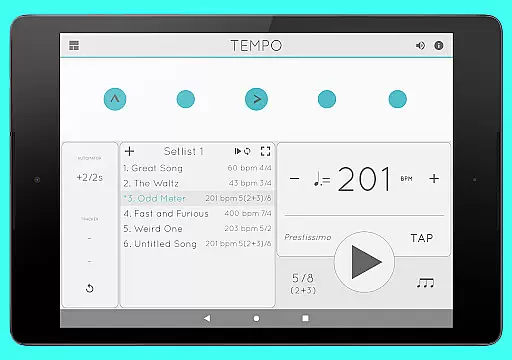
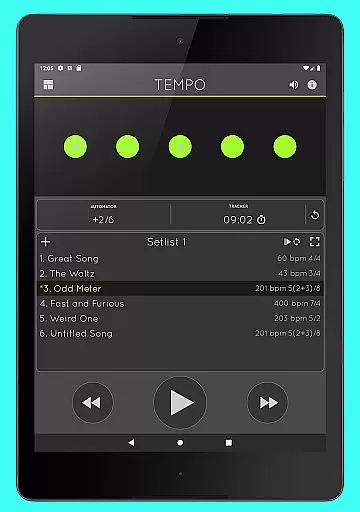
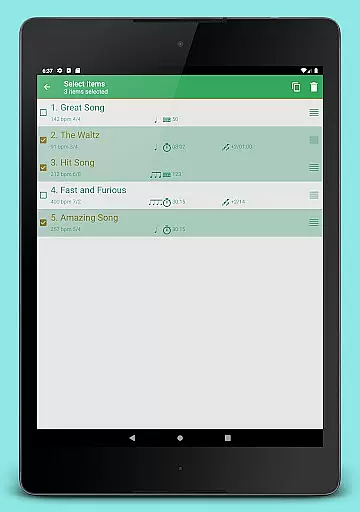
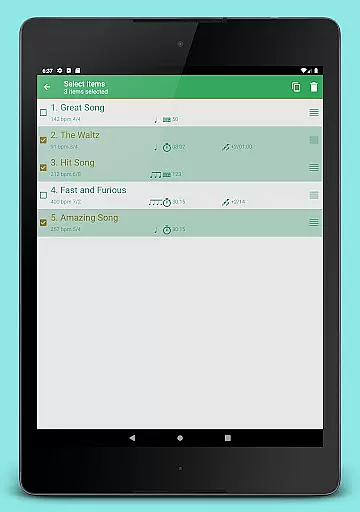
Setlist management is advanced yet user-friendly, enabling users to store presets in multiple setlists, search, overwrite, copy between setlists, and perform multi-deletion. Quick editing and sharing via email are also supported. Additionally, the app offers tracker and automator functionalities, sound options with 12 sound sets, volume control, and multitasking support, ensuring uninterrupted playback outside the app.
When it comes to music and audio applications, the size and authenticity of the music library are crucial factors. Tempo offers an extensive selection of sound sets, including twelve unique options tailored for various musical contexts. This ensures users have access to a rich variety of high-quality sounds that cater to their specific needs.
The app's dedication to copyright authenticity is evident in its meticulous curation process. Each sound set is carefully crafted and optimized, ensuring that users can rely on the legitimacy of the content they are utilizing. This attention to detail provides peace of mind for performing artists, teachers, and students who depend on accurate and legal resources for their practices and performances.
Furthermore, one sound set is specifically optimized for live drumming click tracks, showcasing the app's commitment to meeting the diverse requirements of musicians across different genres. This level of customization enhances the user experience by delivering sounds that align perfectly with professional standards and expectations.
Audio quality is paramount in music applications, and Tempo excels in providing users with superior sound options. The app features a volume control function, allowing users to adjust levels according to their preferences and environment. This flexibility ensures optimal audio output whether used in practice sessions, live performances, or training scenarios.
Tempo supports multi-tasking, meaning playback continues seamlessly even when the app is running in the background. This feature is particularly beneficial for users who require uninterrupted audio while engaging in other activities on their device. Such reliability underscores the app's focus on delivering a professional-grade audio experience.
In addition to volume control and multi-tasking support, Tempo offers compatibility with AirTurn Bluetooth controllers. This integration enables users to manage setlists, tempo, and playback effortlessly, further enhancing the overall audio quality and user experience. By combining these advanced features, Tempo solidifies its position as a premier choice for musicians seeking exceptional audio performance.
User-friendly interface
Highly customizable
Accurate tempo control
Versatile rhythm creation
Comprehensive setlist management
Limited free features
Occasional bugs
Complex for beginners
Subscription required
No MIDI support

Simply convert wav to mp3. Clear. Reliable. Safe.
 4.3
4.3
Over 100 million tracks available for high quality streaming and download
4.60
The Cubase remote control app
3.60
More downloads than any other metronome. Includes drum machine & tempo trainer.
4.80
Unleash your creativity! Turn simple prompts into full fledged songs.
4.70
No wifi music app. Mp3 offline. Tuner radio, young radio music. Music downloader
4.20
The official Sonos app
4.10
Turn Every Moment into Music
3.60
Customize Your Favorite Songs and Videos with booster.
4.70
Performance-Synthesizer & Multi-Track-Sequencer, polyphonic + multi timbral!
4.70
Ultimate Sonos Controller
4.70
Record, Mix & Master with all n-Track effects, 64-bit audio and Stem Separation.
4.70
AI Music Maker: Generate And Compose AI Tunes & AI Songs & AI Music & AI Melody!
4.60
Equalizer, Bass Booster and Volume Booster (Eq & Bass) improve sound quality
4.30
Advanced 10-Band Audio Graphic Equalizer Sound Booster Pro
4.30
The original SP-1200 experience on your iPad
4.20
Sheet music reader, piano & music note player. Play music score & learn to read.
3.90
Learn to play the piano using falling notes!
3.80
Simple mp3 and mp4 player with advanced features.
3.40


User Reviews