
Stop Motion Studio Pro is the ultimate app for stop motion enthusiasts, offering a complete suite of tools to create professional-quality animations. With its intuitive interface and robust feature set, this app makes it easy to produce stunning stop motion films.
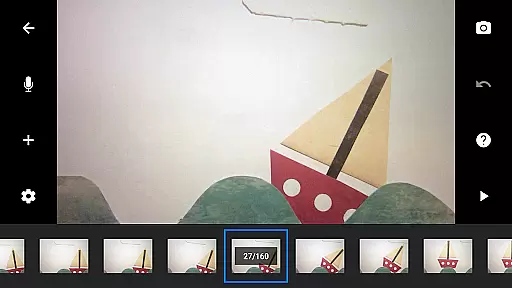
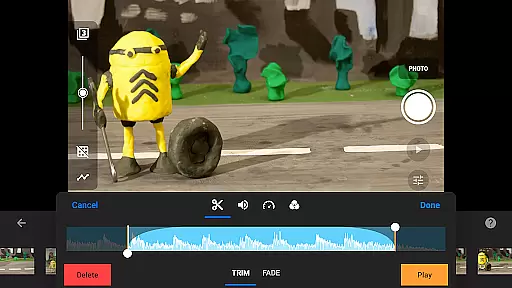
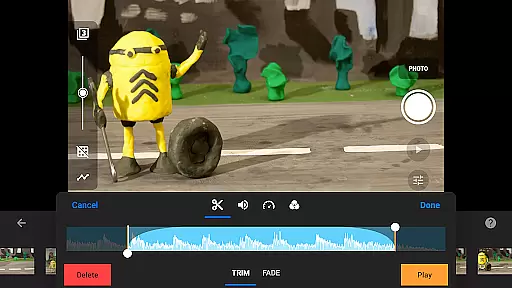
The app provides advanced features such as overlay mode, animation guides, and an interactive timeline, ensuring smooth workflow even with complex projects. Whether you're crafting unique titles or applying video filters, Stop Motion Studio Pro has everything needed to bring your creative vision to life.
Ideal for both beginners and professionals, this app allows users to capture high-quality images with adjustable time intervals and full camera controls. The built-in layer-based image editor enables detailed post-production work, while seamless sharing options make it simple to distribute your creations.
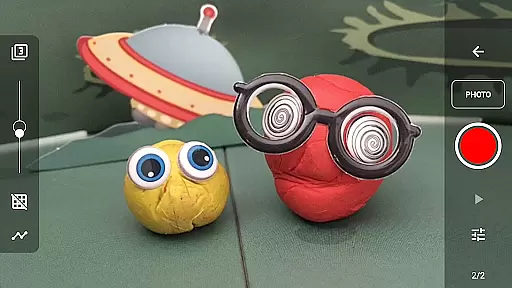
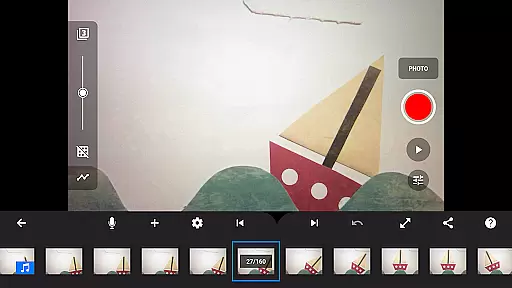
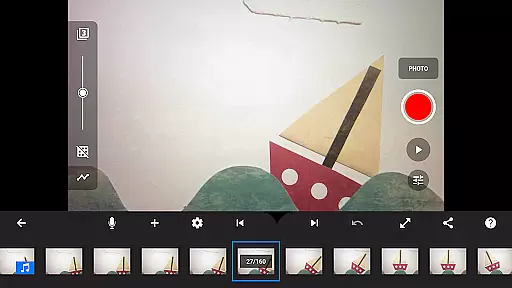
Stop Motion Studio Pro stands out with its comprehensive feature set tailored for stop motion animation. The app includes overlay mode, which highlights differences between frames, and animation guides that simplify object positioning. These tools ensure precise control over every aspect of your animation.
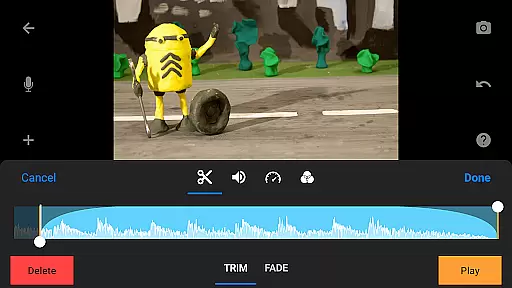
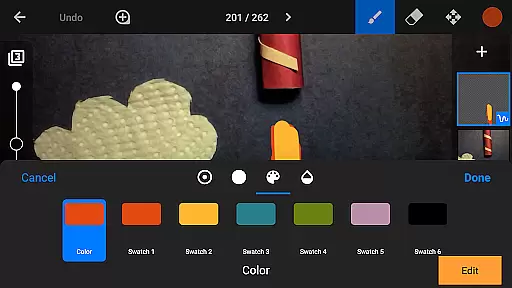
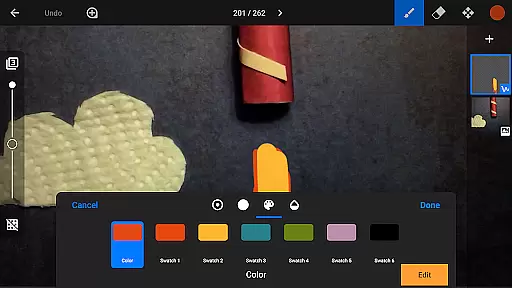
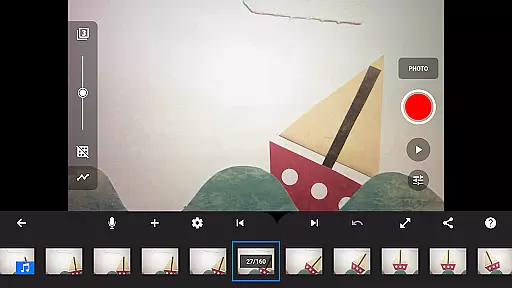
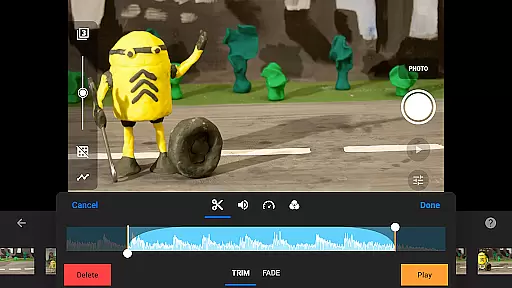
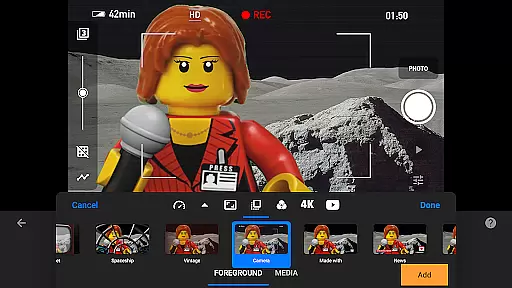
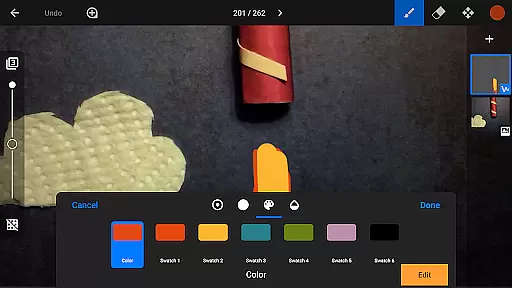
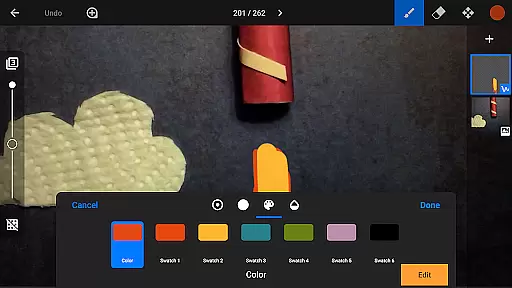
One of the standout features is the powerful timeline interface, which keeps you organized even with hundreds of frames. The app also offers a built-in image editor with layers, allowing you to add text, speech bubbles, and special effects. This level of control extends to audio, where you can create soundtracks using various sources.
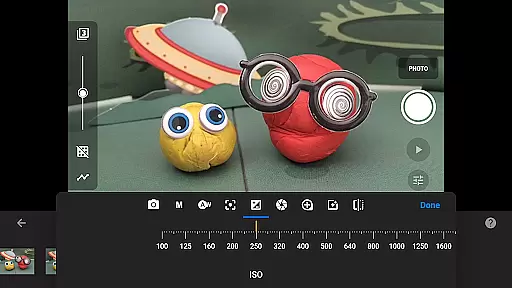
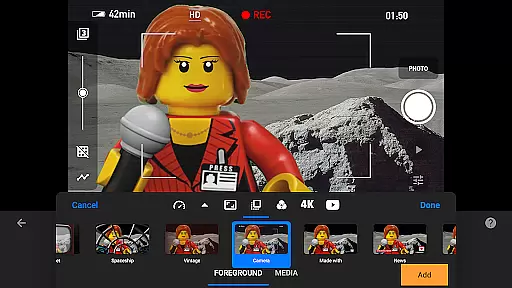
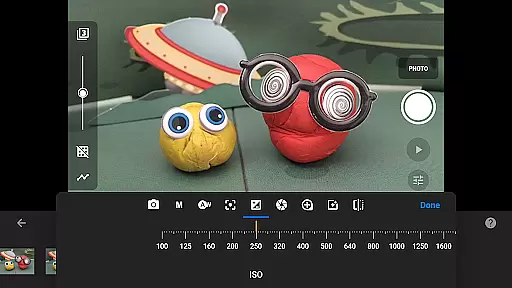
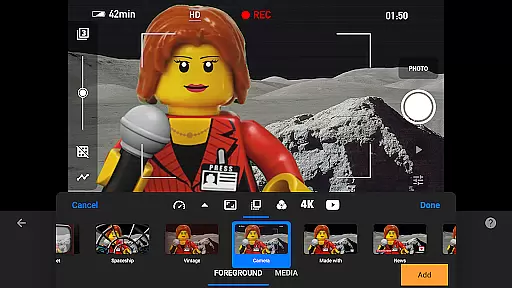
For capturing, the app provides professional-grade camera controls including manual white balance, focus, and exposure settings. Additional features like remote camera functionality and importing media from your library make this app versatile and convenient for all types of projects.
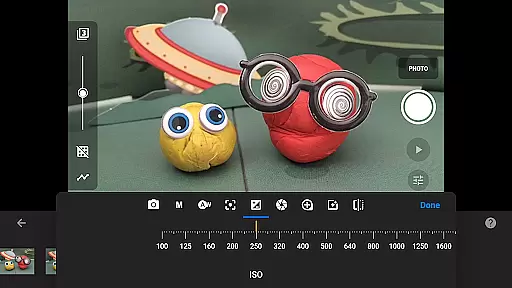
Stop Motion Studio Pro offers a powerful real-time capture feature that allows users to create stop-motion animations with precision and ease. The app provides full camera control, including adjustable time intervals, manual white balance, focus, exposure settings, ISO, and shutter speed.
The ability to use a second device as a remote camera enhances the capturing process, offering flexibility and convenience. This feature is particularly beneficial for animators who require exact framing and timing in their projects.
With its professional-grade tools, users can capture high-quality images while previewing their work instantly. This ensures that each frame meets the desired visual standards before finalizing the animation sequence.
The real-time preview functionality helps streamline the animation process, making it easier for creators to produce smooth and visually appealing stop-motion videos without the need for additional editing software.
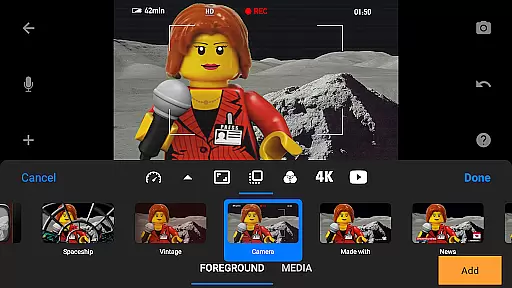
While Stop Motion Studio Pro does not specifically market itself as an AI beauty enhancement tool, it excels in providing natural-looking enhancements to animations. The app includes a robust set of features such as video filters, foregrounds, backgrounds, aspect ratios, and fade effects that give movies a polished appearance.
Users can enhance their movies with unique titles, credits, and text cards created using the built-in editor. These elements add a professional touch to animations without appearing artificial or over-processed.
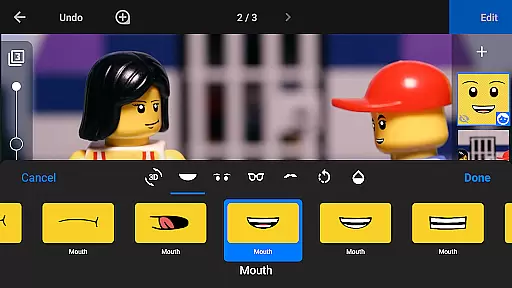
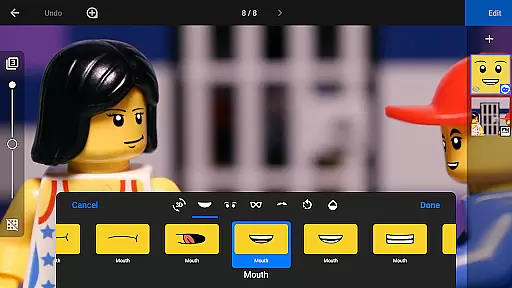
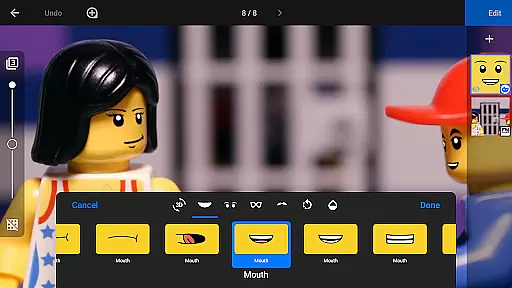
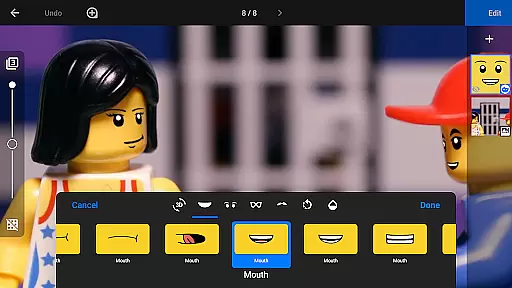
The layer-based image editor allows for detailed touch-ups, enabling creators to add text, speech bubbles, facial expressions, and more. This ensures that every element within the frame looks intentional and seamless, maintaining the authenticity of the stop-motion art form.
By focusing on delivering genuine enhancements rather than relying on heavy-handed digital manipulation, Stop Motion Studio Pro empowers animators to bring their creative visions to life naturally and convincingly.
User-friendly interface
Advanced editing tools
Professional camera controls
Versatile sharing options
Comprehensive learning resources
Steep learning curve
High storage requirements
Limited free version
Occasional performance issues
Subscription fees apply

Edit like a pro with Hypic. Apply filters, AI effects, & magic touch.
 4.40
4.40
A reflected light meter with spot metering and incident light metering.
4.40
Professional photography on your mobile phone
4.20
Luminar: Photo Editor - easy picture editing with AI
4.20
AI Photo Editor with 100+ Filters, Effects! Remove BG, Retouch & Photo Enhancer.
4.80
AI-powered video creator by MiniMax - Where ideas meet cinema
4.20
Hair color changer, AI haircut app, fun hair editor and buzz cut filter for all!
3.80
Snap photos remotely using your Garmin watch as the camera trigger
4.1
Remote control the phone camera shutter from your smartwatch and take a picture
1.60
Gallery show photo, video, slideshow, is perfect 3D effect private photo albums.
4.80
Automatically backup your photos and videos to computer, NAS and Cloud services
4.60
Trendy TikTok time warp scan funny filter app brings you unique photos & videos.
4.40
Shooting photos and records video easily and efficient with professional Camera
4.30
Turn your phone into a professional camera - full DSLR manual photography
4.30
Create & Edit with AI: AI Remove, Enhance, Retouch, Filter
4.10
The #1 app for B&W film developing featuring an advanced darkroom timer.
4.10
Photo editor: face & body editor, beauty cam, filters and quality enhancer.
4.00
How old age camera Gender Swap App Face Shape Hairstyle App Hair Styler App fun!
4.00
Create amazing frames with up to five photos. Rounded corners, effects and more!
3.60


User Reviews