
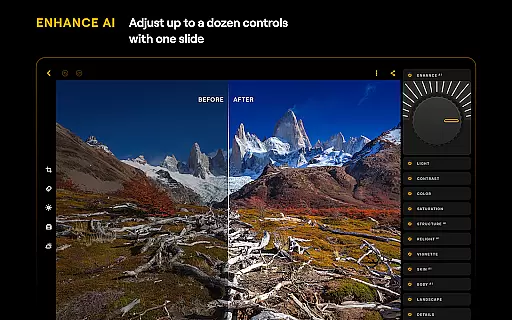


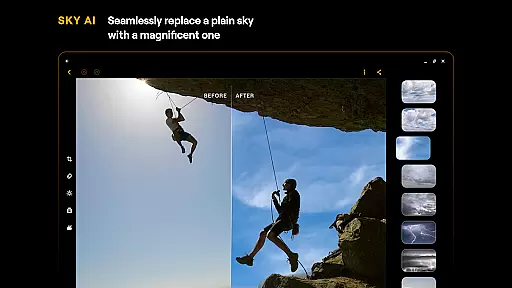
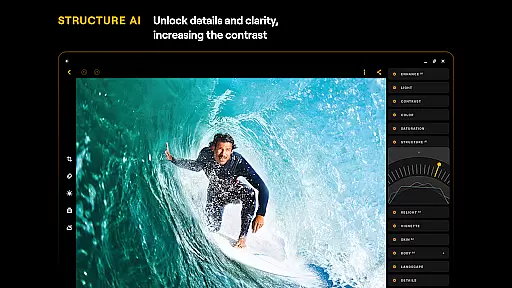
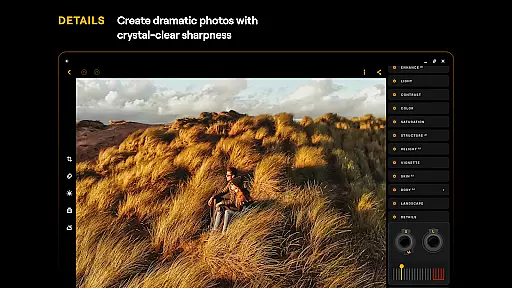
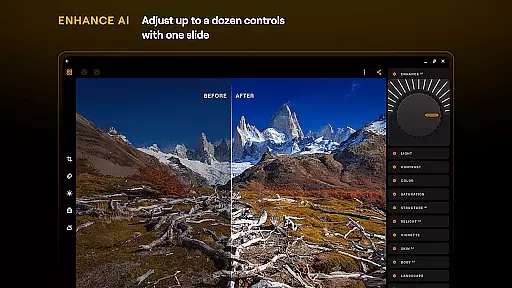
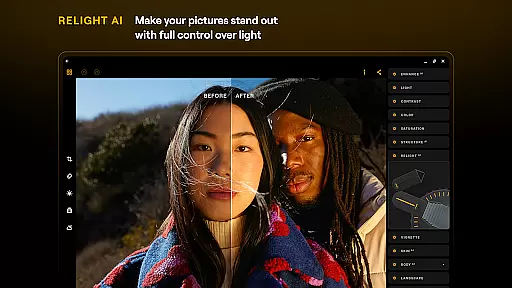
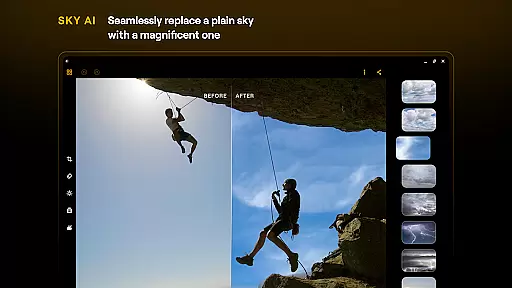
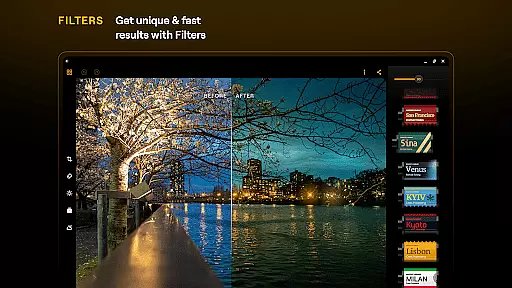
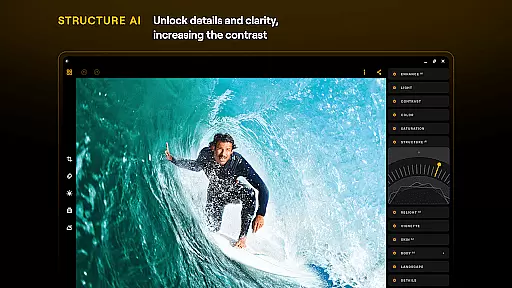
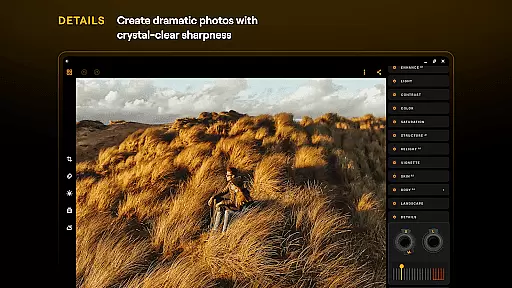
Luminar: Photo Editor is a comprehensive mobile photo editing application designed for both Android and ChromeOS users. This app combines powerful AI-driven tools with an intuitive, interactive interface that responds to touch gestures, making photo editing accessible and engaging. With features like SkyAI, EnhanceAI, and StructureAI, users can effortlessly improve their photos by adjusting skies, colors, tones, and details.
The app offers professional-grade tools such as Curves, Details, and Crop, allowing precise adjustments for perfect compositions. It supports RAW file editing, ensuring maximum quality and flexibility. Whether you're enhancing landscapes, creating monochrome masterpieces, or retouching portraits, Luminar provides all necessary tools in one place. Its compatibility with Android 11+ and ChromeOS devices ensures a seamless experience across platforms.
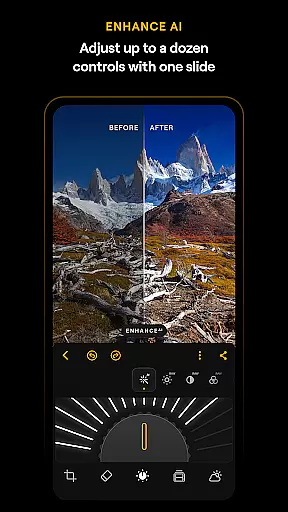
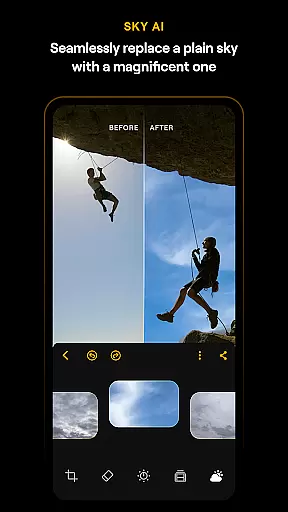
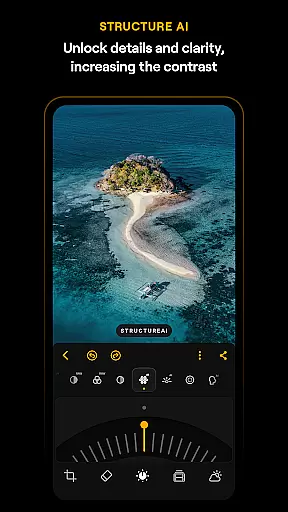
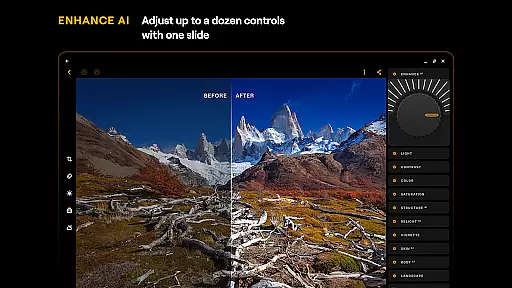
Luminar: Photo Editor stands out with its innovative AI-powered features that simplify complex editing tasks. The SkyAI tool allows users to replace dull skies with vibrant ones, creating stunning backdrops instantly. EnhanceAI enables quick quality improvements by adjusting color, tone, and clarity through a single slider. StructureAI brings out hidden details, enhancing contrast and texture for visually striking images.
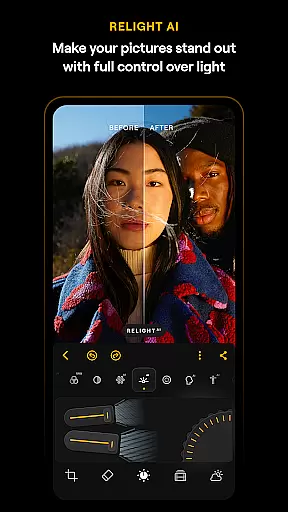
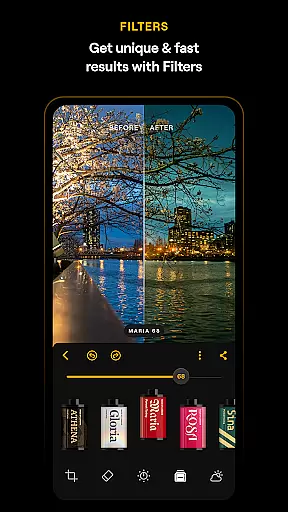
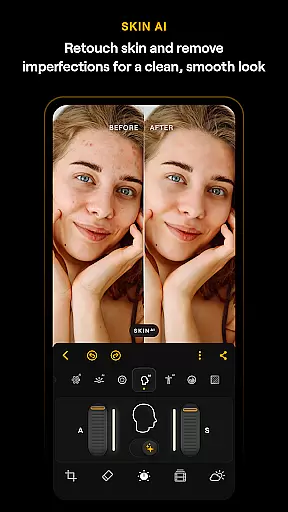
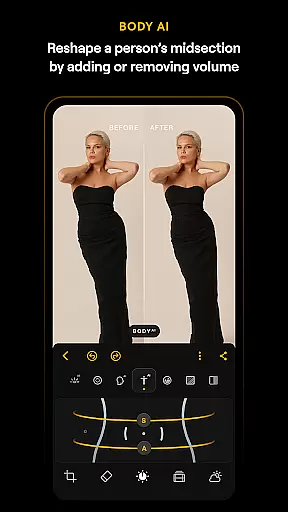
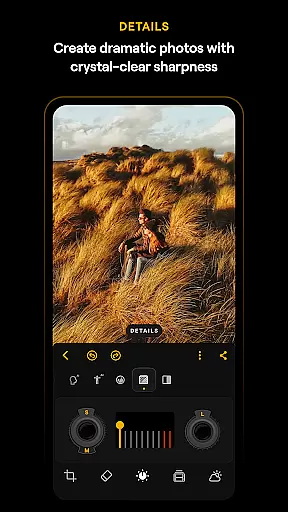
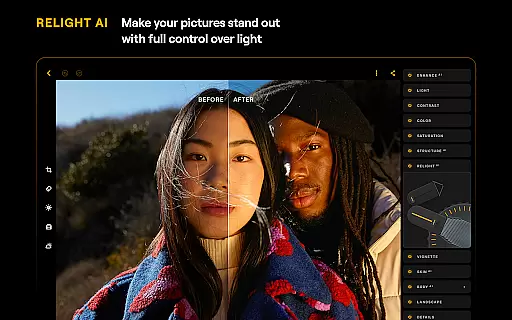
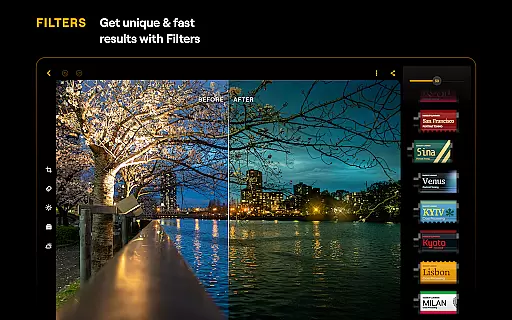
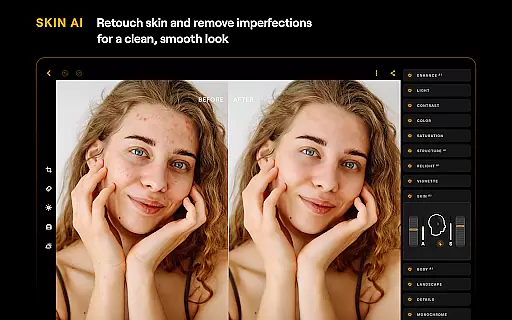
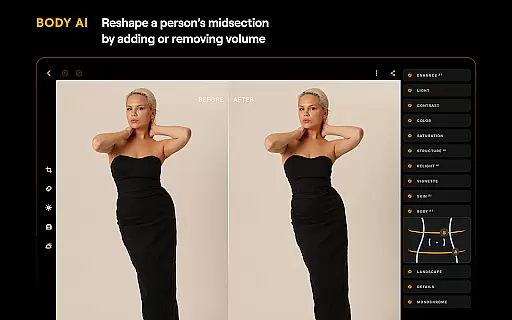
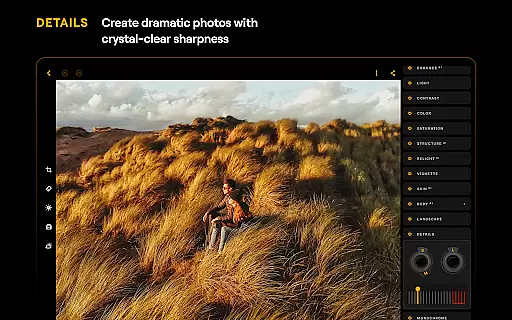
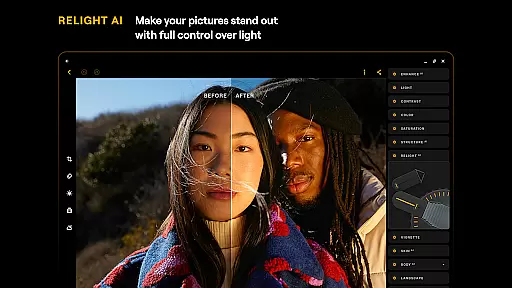
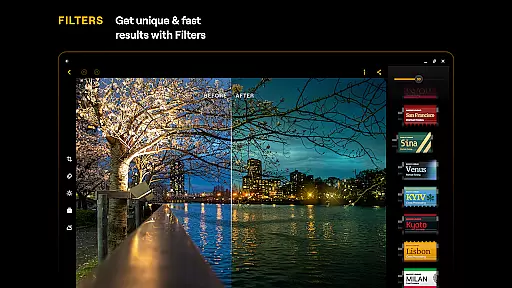
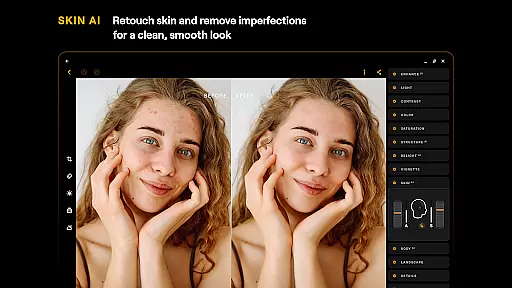
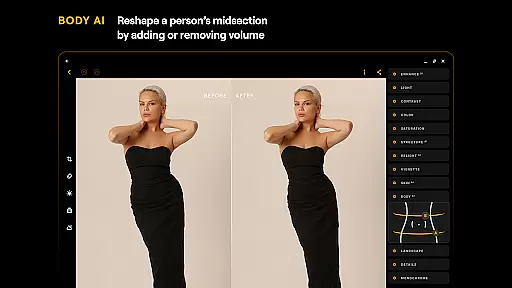
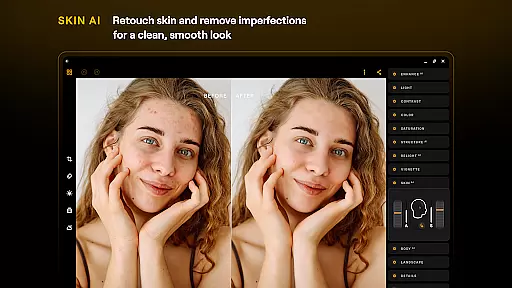
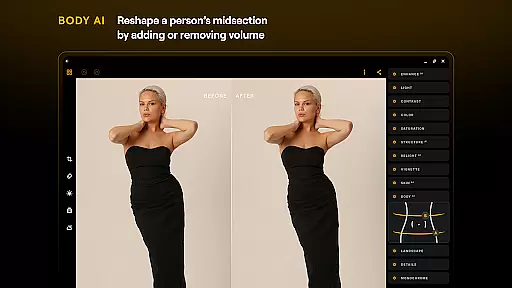
Additional features include RelightAI for dynamic lighting control, SkinAI for automatic skin retouching, and BodyAI for realistic body shaping. The app also offers traditional editing tools like Curves for color adjustments, Details for clarity enhancement, and Monochrome for black-and-white conversions. With support for RAW files and various photo filters, Luminar caters to both beginners and professionals seeking creative freedom and high-quality results.
Real-time capture and preview functionality is essential for ensuring that photographers can accurately frame and adjust their shots before taking a picture. With Luminar's advanced technology, users are provided with an instantaneous view of what the camera sees, allowing them to make necessary adjustments on-the-fly.
Luminar: Photo Editor takes this a step further by integrating AI-driven tools directly into the capture process. This means that as you compose your shot, you can see AI suggestions and enhancements in real time, such as exposure adjustments or sky replacements, giving you a glimpse of the final result even before you capture the image.
The benefit to users is immense; they can experiment with different settings and instantly see how these changes affect the photo. This not only saves time during post-processing but also enhances the creative process, enabling photographers to focus on their artistic vision without worrying about complex adjustments later.
Ultimately, Luminar's real-time capture and preview feature empowers users to take better photos with greater confidence. By providing a seamless and interactive experience, it bridges the gap between capturing a moment and creating a masterpiece, making professional-quality photography accessible to everyone.
AI beauty and enhancement features have become a staple in modern photo editing, allowing users to refine and perfect their images with minimal effort. In Luminar: Photo Editor, the emphasis is placed on maintaining naturalness while still achieving stunning results. This balance is crucial for preserving the authenticity of the original photo while enhancing its best features.
The application employs sophisticated algorithms like SkinAI and BodyAI to automatically retouch skin imperfections and adjust body proportions realistically. These tools work harmoniously to ensure that edits look genuine and not overly processed, which is often a concern with AI-driven enhancements.
Users benefit from this approach by being able to enhance their photos in a way that looks organic and true to life. Whether smoothing skin for a portrait or adjusting the midsection of a subject in a landscape, the edits blend seamlessly with the rest of the image, offering a polished yet natural appearance.
By prioritizing natural-looking enhancements, Luminar ensures that users can achieve professional-grade edits without sacrificing the essence of the original photograph. This commitment to authenticity sets Luminar apart, making it a go-to choice for those who value both quality and truthfulness in their photo editing experience.
User-friendly interface
Advanced AI tools
Wide feature range
RAW file support
Cross-platform compatibility
Paid subscription model
Resource-intensive
Steep learning curve
Limited free features
Occasional performance issues

Photo Album Watch Face shows your favorite pictures as a Watchface.
 1.90
1.90
Android Native system HD camera app. Never been so simple and faster.
4.70
Perfect body tune & face app - photo retouch, makeup, slim body & beautify face.
4.80
AI photo editor with hair editor, retouch tools, hair color changer & filters!
4.50
Take videos and pictures with the popular TikTok TIME WARP SCAN filter.
4.60
Turn your phone into a professional camera - full DSLR manual photography
4.30
HD Camera Pro with HD Video shooting, Panorama, Photo editor , Beauty Camera.
4.50
Amazing Photo Effects - The most fun you can have with your photos!
4.70
The original Rarevision VHS look seen everywhere!
4.70
Discover & download millions of art for The Frame TV or Hisense CanvasTV
4.60
Cut and paste photo editor & eraser to customize photos easy and swap faces fun
4.50
Photo Exif Editor allows to view, add and modify EXIF data of multiple photos
4.50
AI photo enhancer with Sora 2! Enhance, descratch, and colorize your old photos.
4.50
Fit multiple photos on one post. Create carousels & scroll layouts for Instagram
4.50
[3DSteroid Pro] is a stereoscopic application for Android.
4.30
A light meter for true photographers.
4.20
live datamoshing
4.00
Remote control of the phone camera from your Wear OS smartwatch
3.70
Pet Camera
3.70


User Reviews