
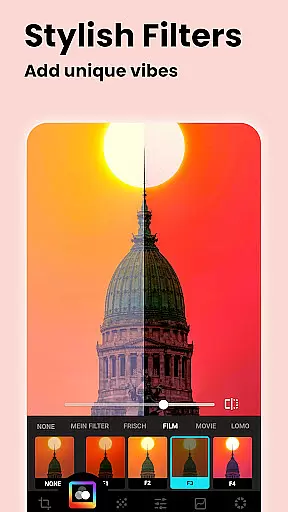
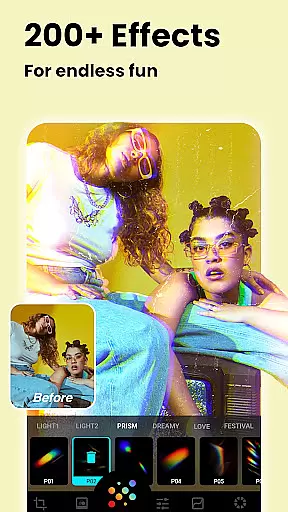
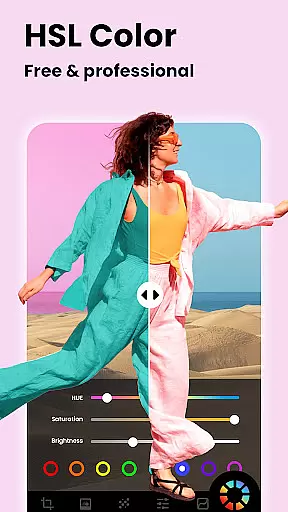
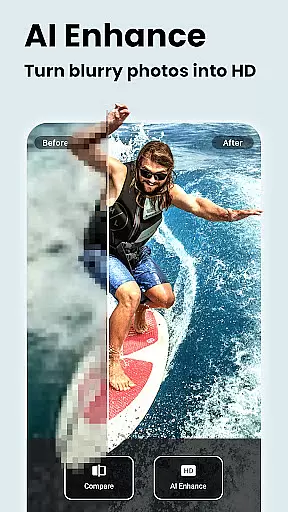
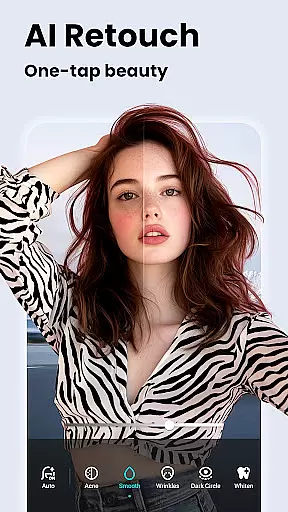


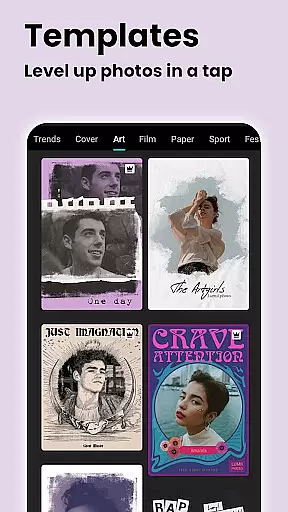


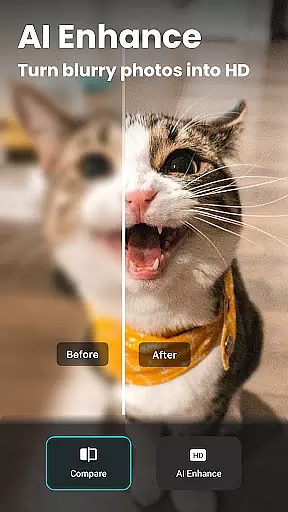
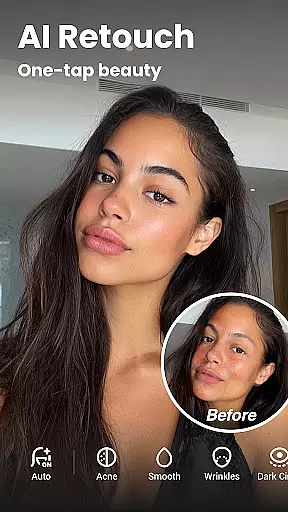

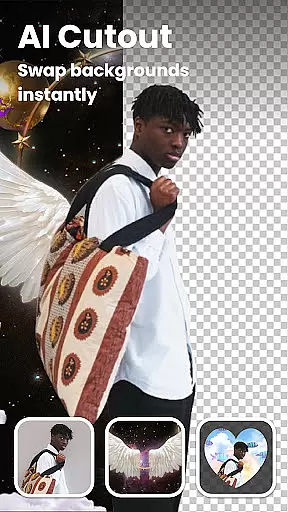


Lumii is an advanced AI-powered photo editor that combines professional-grade tools with intelligent editing features, making high-quality photo enhancement accessible to everyone. The app offers over 100 trendy filters and effects, background removal, AI-based photo enhancements, and artistic tools like double exposure and bokeh effects.
Designed for both casual users and photography enthusiasts, Lumii eliminates the need for professional skills while delivering polished, visually stunning results. Its standout features include AI retouching, HSL color adjustments, and creative text overlays, all available without ads during the editing process.
Whether you're enhancing portraits, creating social media-ready images, or experimenting with artistic edits, Lumii provides a seamless, intuitive experience across Android devices.
Lumii stands out with its comprehensive suite of photo editing tools, including AI-driven features like one-tap skin retouching, object removal, and HD image enhancement. The app also includes professional tools such as HSL adjustments, curves, and selective editing options, enabling precise control over brightness, contrast, and color tones.
For creative expression, Lumii offers unique effects like glitch filters, light leaks, and double exposure templates. Users can add stylized text, apply mosaic privacy filters, and experiment with bokeh lighting for portrait focus. With support for unlimited customization through presets and manual adjustments, Lumii caters to diverse editing styles.
The app's user-friendly interface ensures smooth navigation, while features like editing history and draft saving allow for efficient workflow management. Whether you're refining selfies or crafting intricate designs, Lumii delivers both simplicity and depth in photo editing.
Real-time capture and preview functionality is essential for any photography app as it allows users to see exactly what their photo will look like before taking the shot. This feature ensures that users can make necessary adjustments on the fly, thus improving the overall quality of the captured image.
Lumii's real-time capture and preview capabilities are designed to provide a seamless experience. The app offers live filters and effects that can be previewed instantly through the camera interface. This means that users can apply and see over 100 trendy photo filters and effects in real time, ensuring that they capture the perfect moment with their desired aesthetic.
The benefit of Lumii's real-time capture and preview is not only limited to seeing filters before capturing. It also includes AI-powered features such as background erasure and object removal, which can be previewed live. Users can effortlessly erase unwanted parts of the photo or change the background entirely, all while viewing the changes in real time.
By providing these advanced real-time functionalities, Lumii empowers users to take professional-quality photos without needing extensive photography skills. The instant feedback loop created by real-time previews enhances user engagement and satisfaction, making photo editing simple, fast, and enjoyable.
AI beauty and enhancement features have become a staple in modern photo editing applications, allowing users to enhance their images naturally without compromising the authenticity of the original photo. These tools are crucial for achieving polished yet realistic results.
Lumii incorporates sophisticated AI algorithms to offer a suite of beauty and enhancement features that focus on natural outcomes. The AI Photo Enhancer tool works to unblur and enhance image quality, turning even portrait or group photos into high-definition masterpieces. This ensures that every detail is crisp and clear while maintaining the photo's genuine essence.
In addition to photo enhancement, Lumii provides auto retouching options that include skin smoothing, teeth whitening, and blemish removalu2014all achievable with just one tap. These AI-driven enhancements are carefully calibrated to deliver subtle improvements that look authentic rather than overly processed.
By prioritizing natural-looking edits, Lumii stands out among photo editing apps. Users can achieve magazine-quality results that still retain the unique characteristics of their original photos, offering both power and ease-of-use in creating stunning visuals.
AI-powered photo enhancement
100+ customizable filters
Intuitive user interface
Advanced HSL and curves tools
No ads during editing
Limited advanced tools for free
Occasional slow processing
High system resource usage
Learning curve for beginners
Fewer templates than competitors

Effortlessly organize, view and share your photos & videos with Gallery app!
 4.40
4.40
Long exposure camera with computational photography
2.60
[3DSteroid Pro] is a stereoscopic application for Android.
4.30
How old age camera Gender Swap App Face Shape Hairstyle App Hair Styler App fun!
4.00
Create AI Photos, Improve and restore quality of blurry, old or damaged pics.
4.20
Light-weight Media Gallery app for Android made with Jetpack Compose
4.60
Automatically backup your photos and videos to computer, NAS and Cloud services
4.60
Fit multiple photos on one post. Create carousels & scroll layouts for Instagram
4.50
RAW video capture with advanced controls
4.40
Collage your moments in one tap: 1000+ layouts, filters, stickers, and texts.
4.90
A collection of tools and reference tables for DPs, ACs, DITs and Operators.
4.70
Enhance, retouch & create your story - Share the moment with Photoshop Express.
4.60
Unblur, enhance & restore photos with powerful AI photo enhancer tools.
4.60
Edit like a pro with Hypic. Apply filters, AI effects, & magic touch.
4.40
Remote control of the phone camera from your Wear OS smartwatch
3.70
Pet Camera
3.70
Superimpose one photo on top of another using the original Superimpose app!
3.20
Professional video recording application with manual controls for filmmakers!
2.80
Photo Album Watch Face shows your favorite pictures as a Watchface.
1.90


User Reviews