
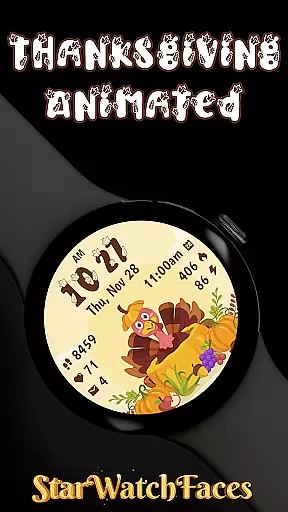
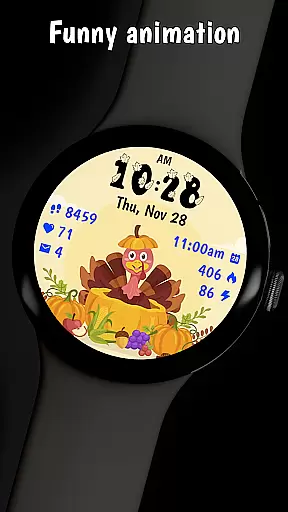

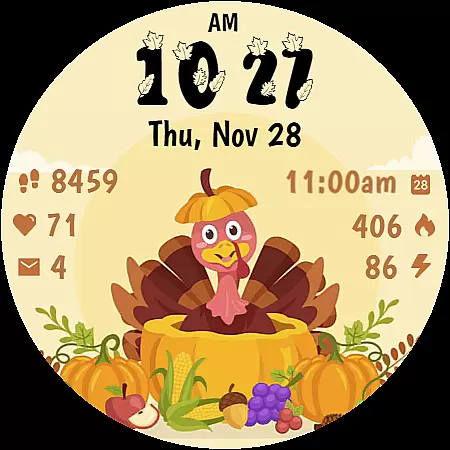
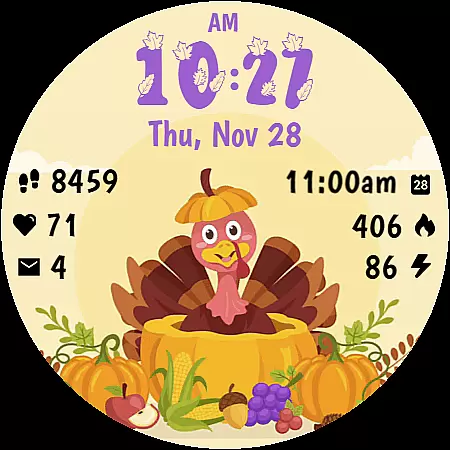
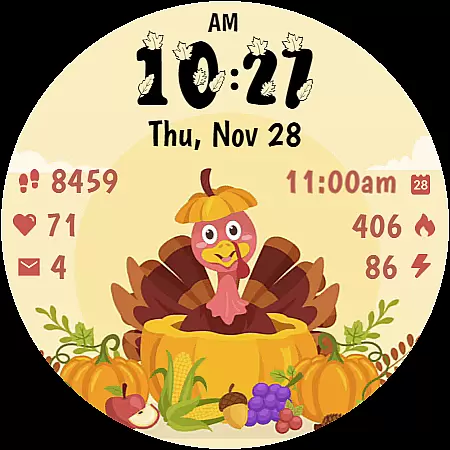
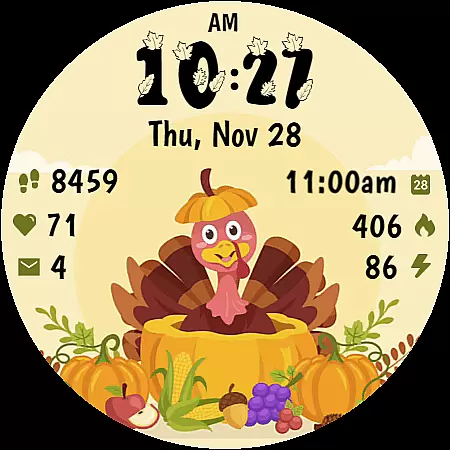
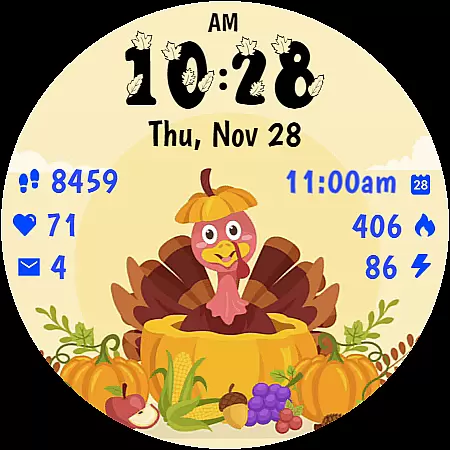
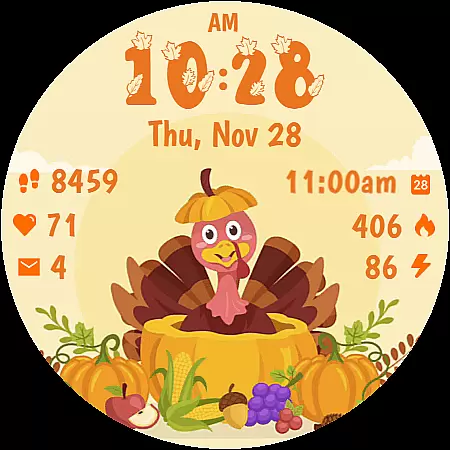
Thanksgiving Animated is a festive watch face designed specifically for Wear OS devices, bringing the charm of Thanksgiving and autumn to your smartwatch. Featuring an adorable animated turkey and seasonal decorations, this app transforms your device into a delightful celebration accessory while maintaining essential functionality.
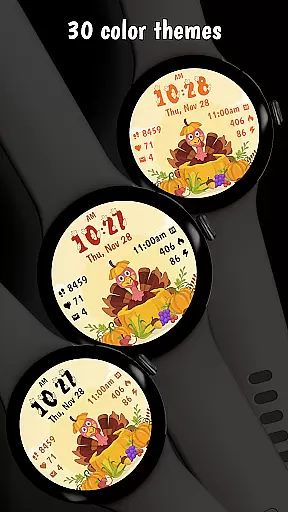
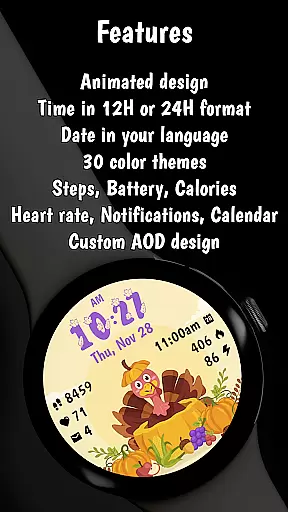
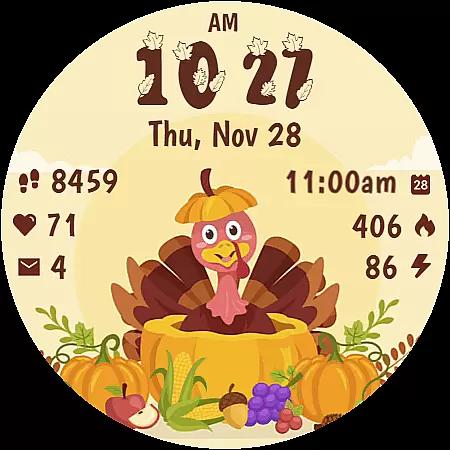
The watch face includes practical features like digital time display with custom fonts, date display in your device's language, and fitness tracking capabilities including step counter, heart rate monitor, and calorie tracker. With 30 color themes and optimized battery-efficient performance, it offers both style and usability.
Thanksgiving Animated stands out with its cheerful animated turkey and beautifully designed harvest scene featuring pumpkins, corn, and autumn fruits. The clear digital time display uses a stylized font, making it both functional and visually appealing.
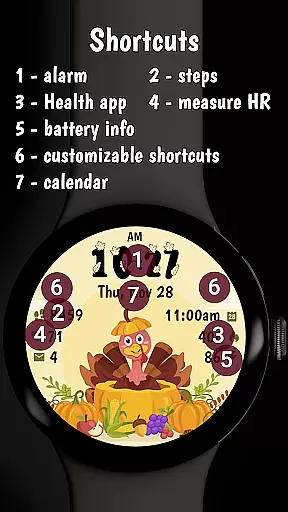
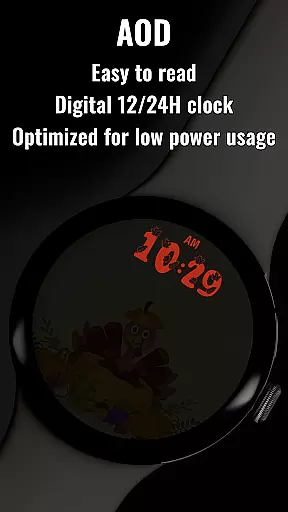
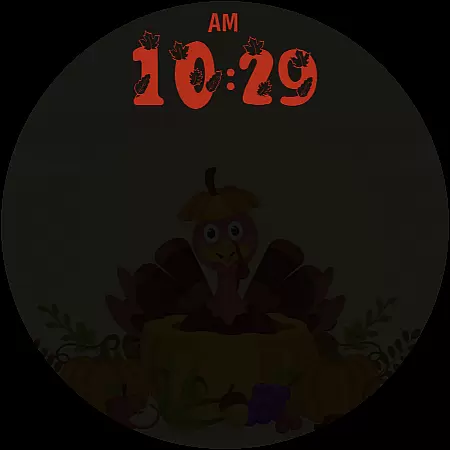
Beyond aesthetics, the app provides essential tools such as step counting, heart rate monitoring, calorie tracking, notifications, battery level indicator, and calendar integration. Its Always On Display (AOD) mode is thoughtfully designed to preserve battery life while maintaining visibility and style.
The app is optimized for performance with minimal battery impact, ensuring that users can enjoy the animations and features without compromising their device's longevity.
Companion app integration is essential for a seamless smartwatch experience. Thanksgiving Animated offers a robust companion app that enhances the watch face's functionality.
The companion app allows users to customize color themes and complications easily. By pressing and holding on the display, then tapping the Customize button, users can personalize their watch face to match their style and mood.
This integration extends beyond customization. The companion app serves as a portal to discover other amazing watch faces crafted by the developers. It enriches the user experience by providing access to a broader collection of designs.
With compatibility across Wear OS 4 and Wear OS 5 devices, this feature ensures that users have a consistent and reliable way to manage their watch face settings directly from their phone.
Device compatibility is crucial for ensuring that a watch face works optimally across different platforms. Thanksgiving Animated is designed to be fully compatible with both Wear OS 4 and Wear OS 5 devices.
This compatibility ensures that users can enjoy the delightful animations and functional features regardless of their specific device model. The watch face supports essential fitness tracking features like step counting, heart rate monitoring, and calorie tracking.
In addition to fitness features, it also provides practical functionalities such as notifications, battery level indicators, and calendar integration. These are all optimized to work smoothly on Wear OS devices.
By adhering to the latest WFF format, Thanksgiving Animated guarantees an efficient and visually appealing experience, maintaining performance standards expected by users of advanced wearable technology.
Eye-catching design
Fitness tracking included
Customizable themes
Optimized battery use
Seasonal appeal
Limited year-round use
Premium cost
Wear OS only
Notifications basic
No advanced features

Wear Os Watch Face - Animated Snow Effect & Christmas Lights
 4.2
4.2
Rose gold watch face with festive lights & customizable features.
4.60
A watch face that fuses motorsport precision with contemporary smartwatch design
4.3
Gym & home workout plans with strength training, exercise tracking, HIIT & more.
4.60
Get helpful reminders, take progress photos and find answers to your questions.
3.90
Hybrid Vibrant Health Watch Face for Wear OS
4.1
Want to take charge of your health? Let Google Fit help you reach your goals.
3.50
Start and succeed with PAP
4.10
Toyota app currently supports 2010 or newer vehicles (2018 or newer for Hawaii).
4.50
Christmas Theme Watch Face for Wear Os
5.00
The Chevron App allows you to pay for fuel from the comfort of your car!
4.80
Diet tracker for weight loss - track calories, food and macros. Simple and easy!
4.70
Kia Access makes getting your vehicle information easier than ever
4.60
Wear Os Watch Face - Animated Snow Effect & Magic Spark - 6 Scenes
4.10
sleep, alarm, snoring, stress, healing, focus, sound therapy, circadian rhythm
4.10
A Wintery Snow Globe on Your Wrist; now celebrating Christmas!
4.1
Artistic Digital Watchface
4.3
Simple Analog-Digital Watchface For Wear OS 3.0 and Up Smartwatches
4.0
Minimalistic design modern digital watch face.
4.5


User Reviews