
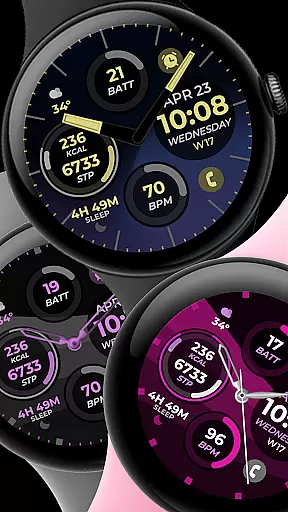
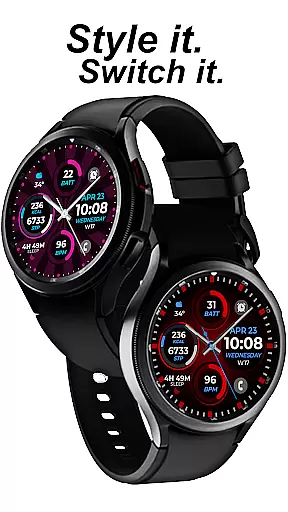
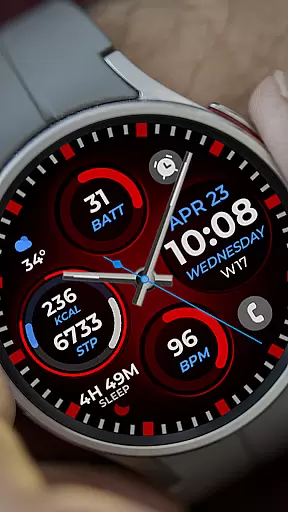
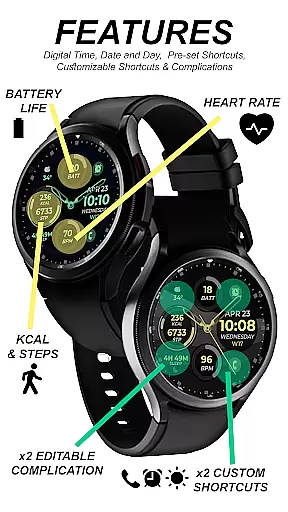
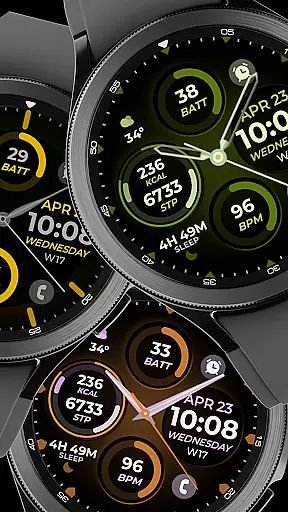
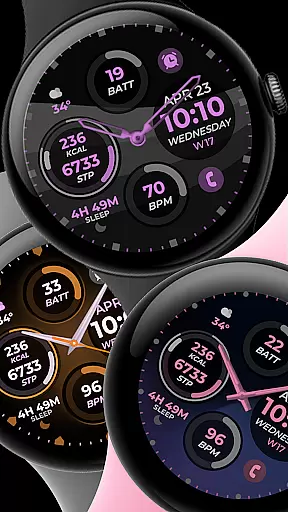
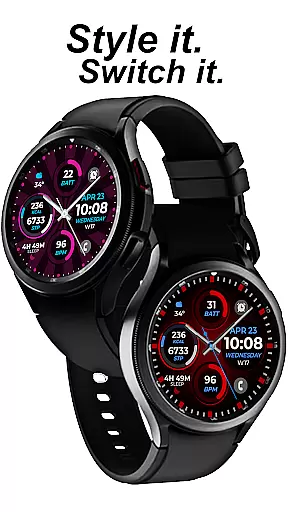
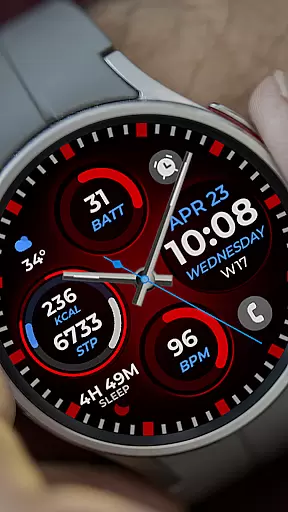
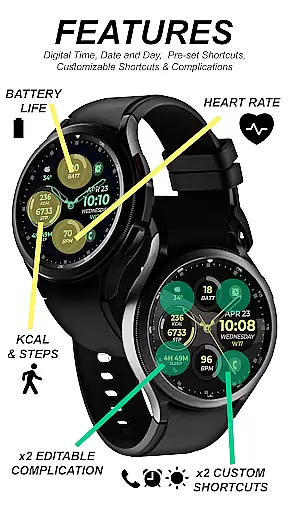
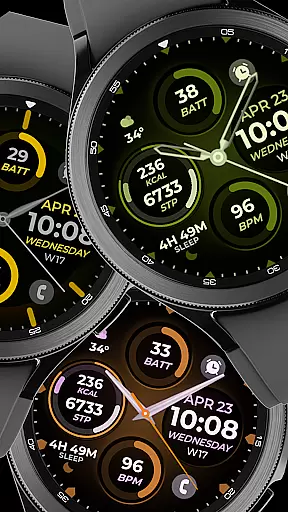
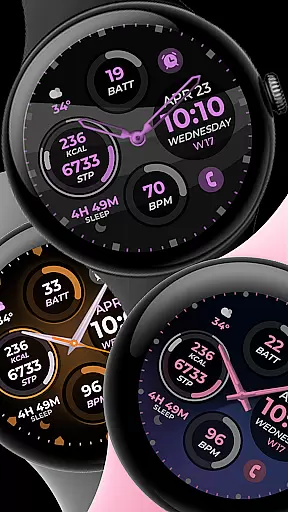
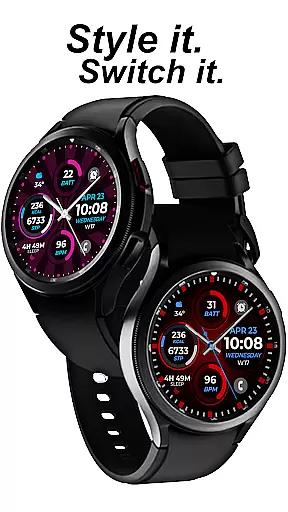
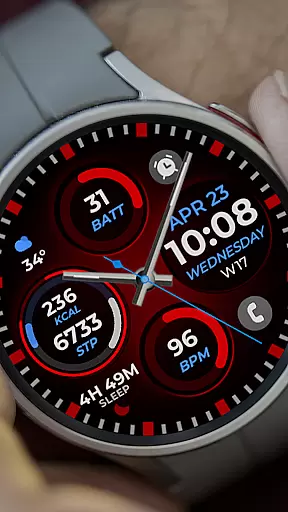
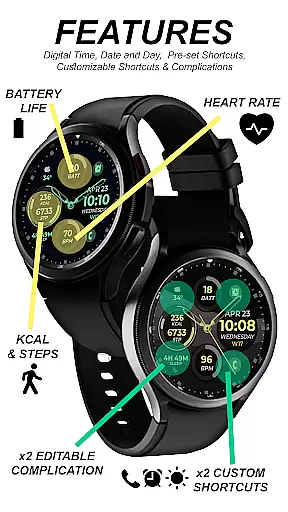
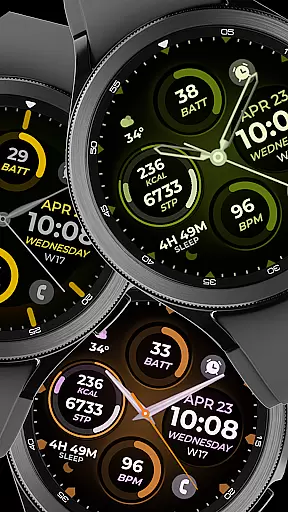
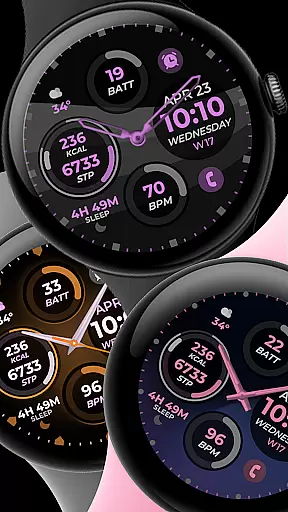
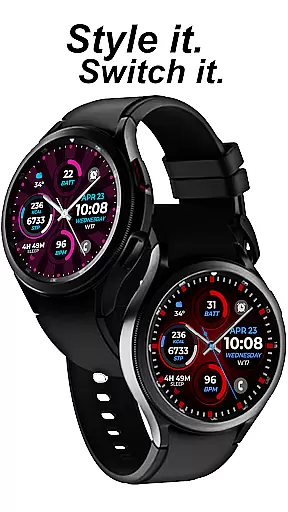
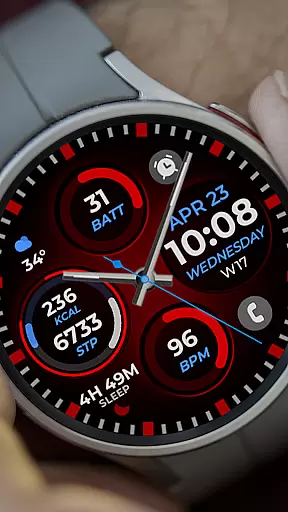
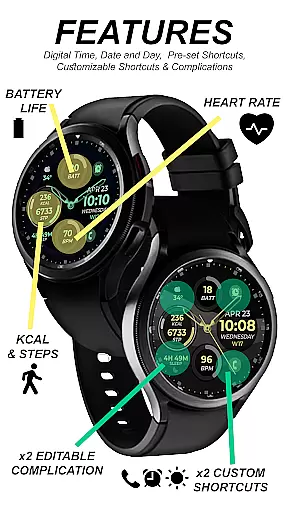
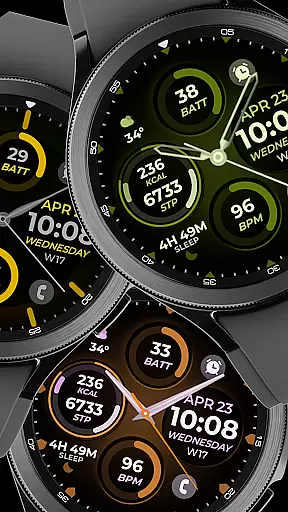
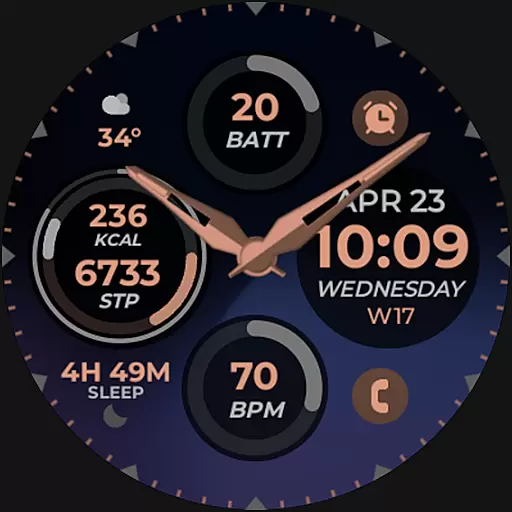
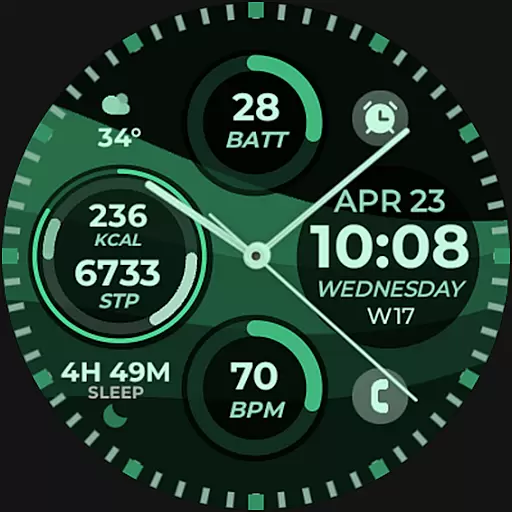
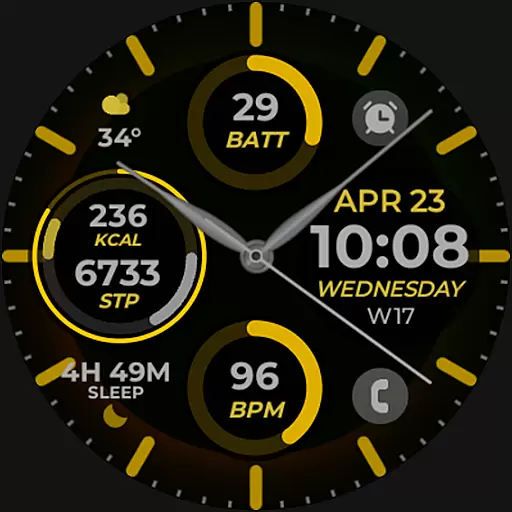
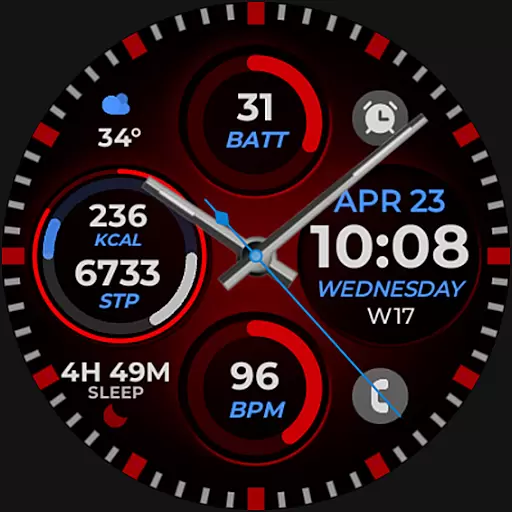
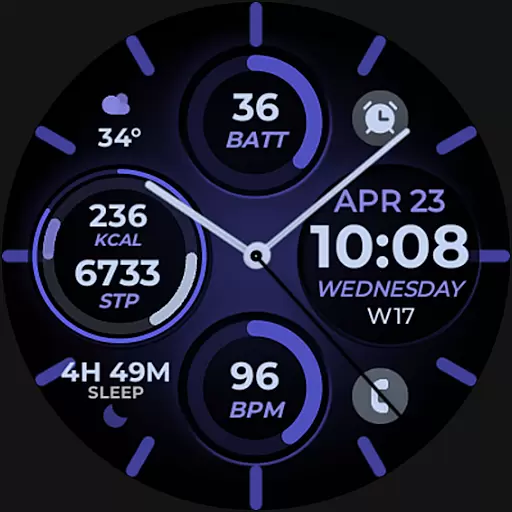
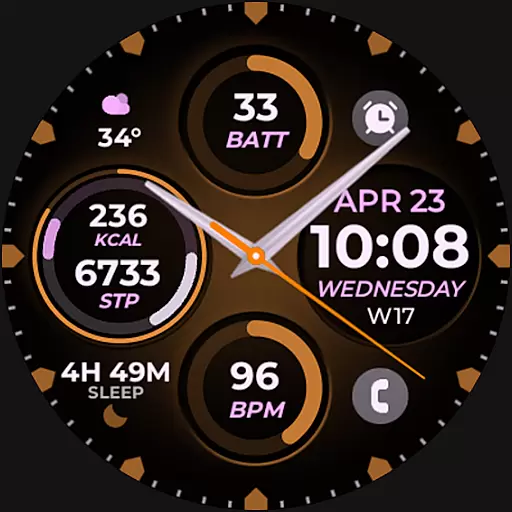
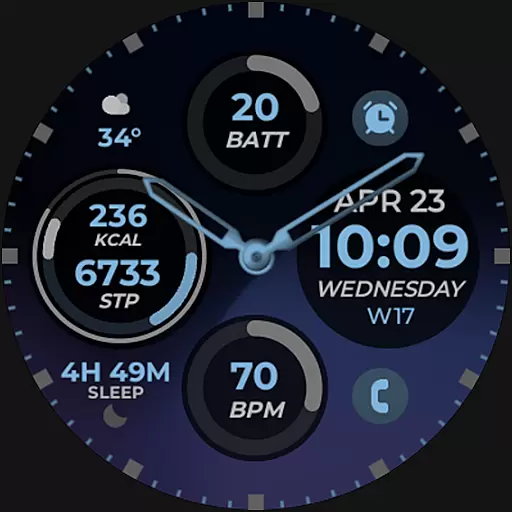
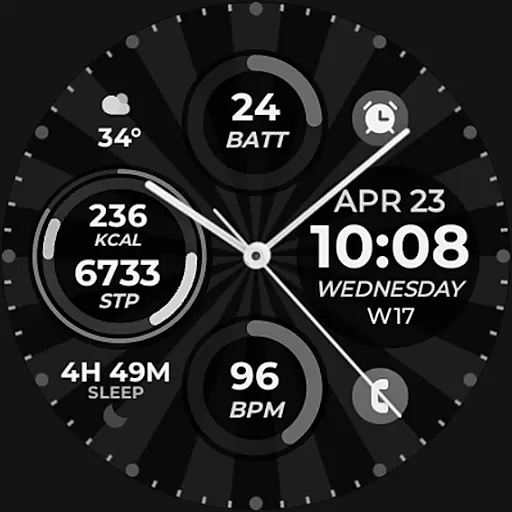
Vibrant Fit Hybrid is a feature-rich watch face app designed specifically for Wear OS devices, including the Samsung Galaxy Watch 4. This application offers users an enhanced timekeeping experience with its combination of digital and analog clock displays, date functionality, and Always-On Display (AOD) mode.
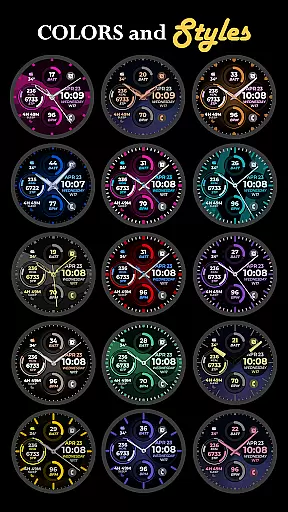
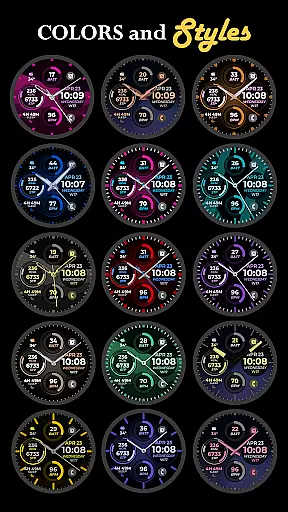
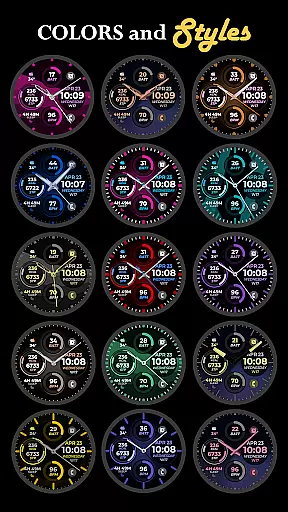
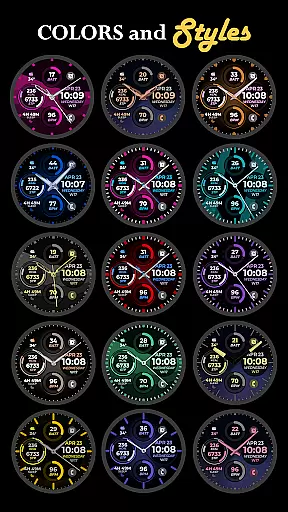
One of the standout features of Vibrant Fit Hybrid is its customizable options. Users can personalize their watch faces with preset or custom app shortcuts, complications, and choose from a variety of color palettes, watch hands, and index styles to match their personal preferences. The app ensures seamless installation by guiding users through connecting their watch and phone via the same Wi-Fi network and logging into their Google account on the watch.
This app is ideal for individuals who want both style and functionality on their smartwatch. Whether you're looking to quickly view notifications or simply enjoy a personalized aesthetic on your device, Vibrant Fit Hybrid provides a versatile solution that caters to various user needs.
Vibrant Fit Hybrid stands out due to its comprehensive set of features tailored for Wear OS devices. The app includes both digital and analog clock options, allowing users to choose their preferred display style. Additionally, it provides essential information such as the current date directly on the watch face, ensuring users are always informed at a glance.
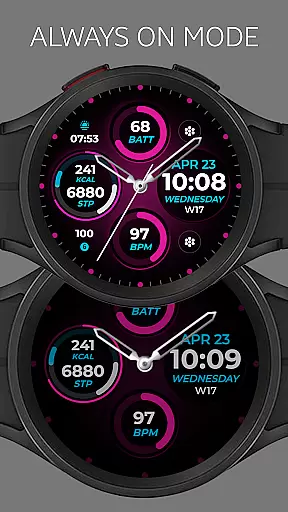
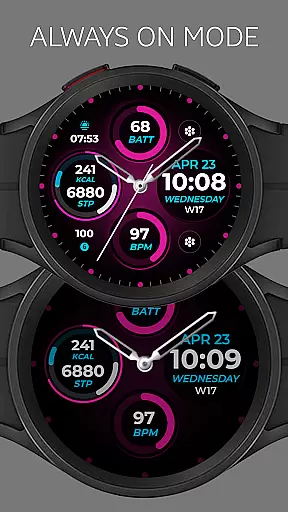
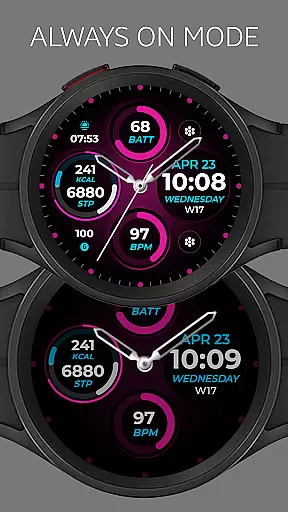
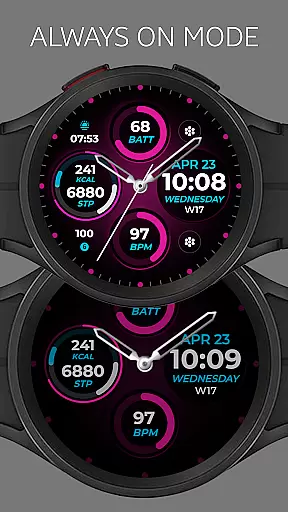
The Always-On Display (AOD) feature is another highlight, enabling users to check the time without needing to wake their device. Customization is key with this app, offering preset app shortcuts and complications that can be tailored to individual preferences. Users can also select from a range of custom color palettes, watch hands, and index styles, providing a personalized touch to their wearable device.
While some features may not be available on all watches, Vibrant Fit Hybrid strives to deliver a consistent experience across supported devices. By following the detailed installation guide and ensuring proper permissions are enabled, users can enjoy a smooth setup process and make the most of the app's capabilities.
Companion app integration is essential for ensuring that your wearable device functions seamlessly with your smartphone. Vibrant Fit Hybrid has been meticulously designed to offer a smooth connection between your Galaxy Watch 4 and your mobile device. This integration allows users to receive notifications, control music, and even use the watch as a remote camera trigger.
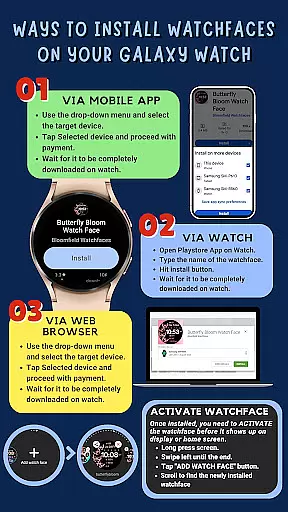
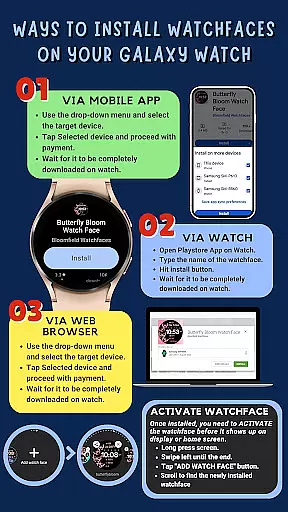
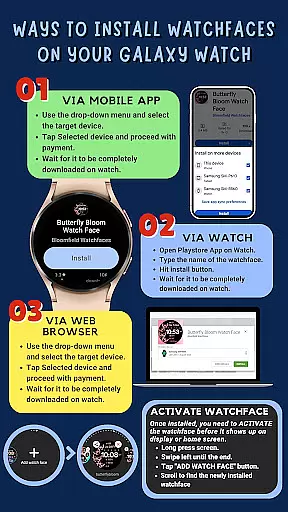
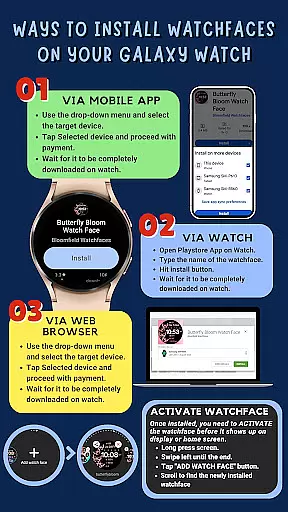
The installation process involves making sure that both devices are connected to the same Wi-Fi network and logged into the same Google account. This ensures that the watch face and its features are correctly synced across devices. Once installed, users can customize their watch faces directly from their phones, providing a personalized experience tailored to individual preferences.
By enabling all permissions through the settings, users can maximize the potential of this companion app. Permissions allow for features such as preset app shortcuts and custom complications to function correctly, enhancing the overall utility of the smartwatch. With proper setup, Vibrant Fit Hybrid offers an intuitive and efficient way to manage daily tasks right from your wrist.
Compatibility with Wear OS and various devices is crucial for a versatile smartwatch experience. Vibrant Fit Hybrid is developed using Samsung's 'Watch Face Studio' tool, ensuring it works perfectly with devices based on the new Wear OS Google/One UI Samsung operating system. This includes popular models like the Samsung Galaxy Watch 4, offering users a wide range of compatible devices.
This compatibility extends beyond just the operating system. Users can enjoy features such as digital and analog clocks, date display, always-on functionality (AOD), and customizable app shortcuts. These features enhance the usability of the smartwatch, making it more than just a timepiece but a comprehensive personal assistant on your wrist.
While some advanced features may not be available on all watches, the core functionalities remain consistent across supported devices. This ensures that regardless of the specific model, users will have access to essential tools and aesthetics that make Vibrant Fit Hybrid stand out. For those looking to explore further customization options, full collections and additional resources are readily accessible online.
User-friendly interface
Highly customizable options
Seamless installation process
Comprehensive feature set
Compatible with Wear OS devices
Limited availability of certain features
Requires strong Wi-Fi connection
Google account login necessary
Refund policy limited to 48 hours
Potential compatibility issues

Watch the sharpness of the sky on your wrist..
 3.70
3.70
A Wintery Snow Globe on Your Wrist; now celebrating Christmas!
4.2
Current temperature, weather hourly, weather radar by the weather forecast app
4.40
Digital watch face. For Wear OS devices.
4.40
Ideal for surviving in the wasteland left after nuclear fallout
4.50
Kia Access makes getting your vehicle information easier than ever
4.60
Connect, create, and collaborate with Gmail, part of Google Workspace.
4.10
Spam call blocker and caller ID for automatic call protection!
4.40
From periods to pregnancy & perimenopause, Flo helps you track it all. Try now.
4.70
The most customizable hybrid watch face. For Wear OS 5.0, API 34+ and later
4.70
Highly customizable hybrid watch face for Wear OS, perfect for everyday use.
4.60
Embrace the holiday spirit with this magical animated watch face!
4.40
Reliable phone calls with spam protection, caller ID and more helpful features
4.40
Bold, Modern Hybrid Watch Face for Wear OS. 10 Colors, Rich Info Display.
4.30
The ultimate destination for kids ages 3-8 to explore the Marvel Universe!
4.30
Your music, your playlists, and more—offline and unlimited.
4.20
"PER27 Galaxy Digital" is a digital Wear OS watch face designed by PERSONA
4.10
Daily Weather forecast with 15 weather images for Day & Night plus Big Bold time
4.10
Viewer for Wyze/Yi/Eufy/Arlo/ONVIF/RTSP/P2P IP cams w/ adv. features & DIY DVR
4.00


User Reviews