
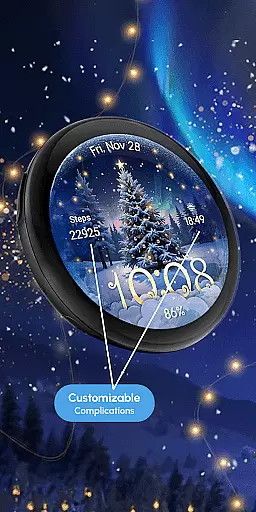
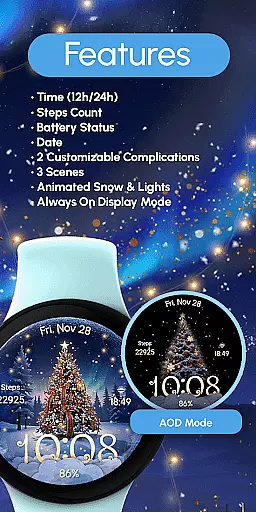
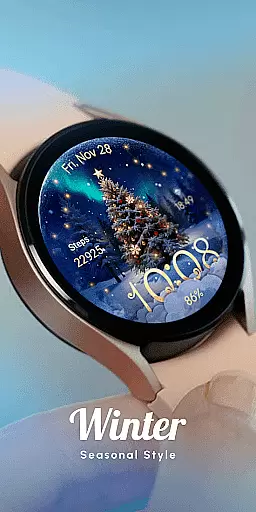
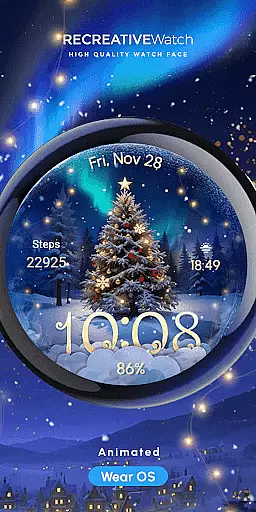
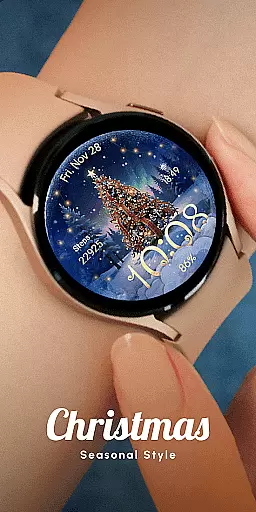
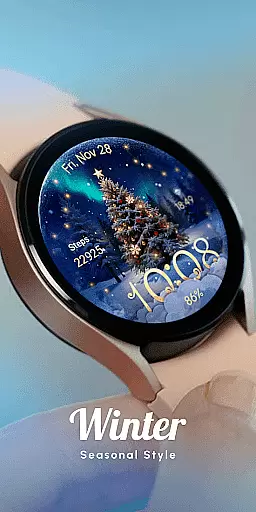
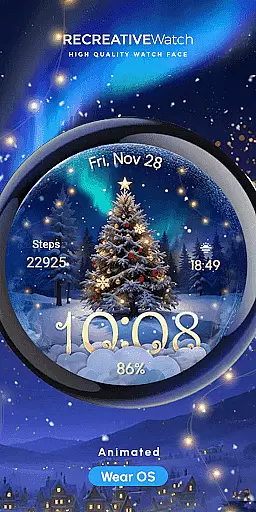
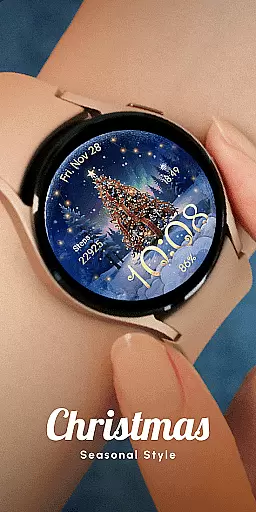
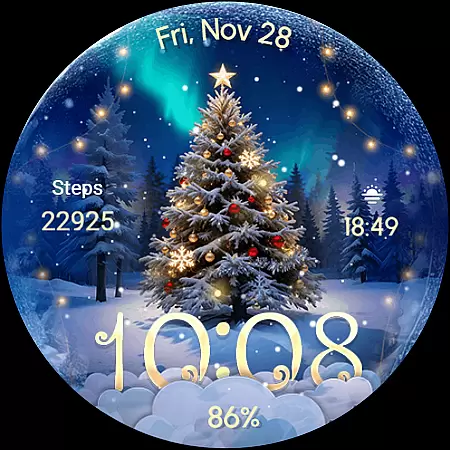
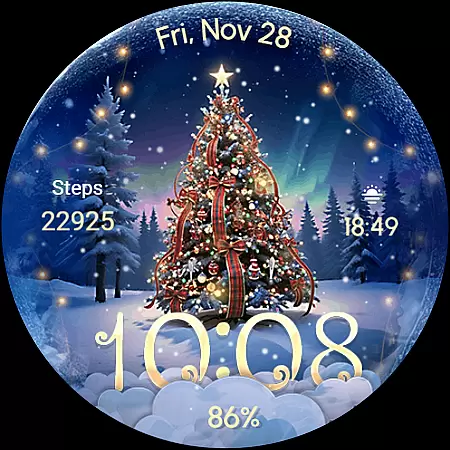
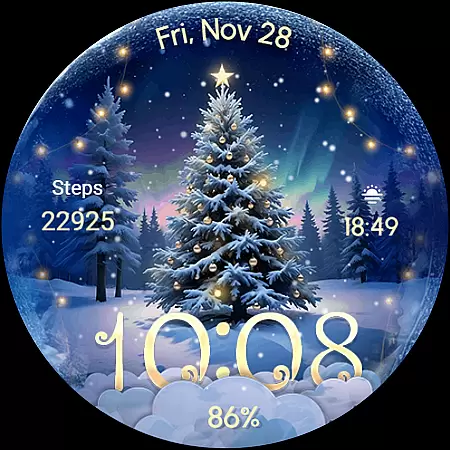
ReS71 - Northern Christmas is a captivating Wear OS watch face that brings the magic of the holiday season to your smartwatch. Featuring an enchanting Christmas tree at the North Pole, this app creates a festive atmosphere with animated holiday lights and a serene snow effect. Designed for users who appreciate thematic customization, it offers not only aesthetic appeal but also practical functionalities.
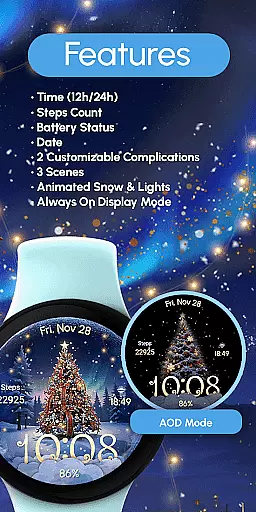
The watch face includes essential features such as 12/24hr digital time display, date, battery status, and two customizable complications. With compatibility across API level 33+ devices including Google Pixel and Galaxy Watch series, ReS71 ensures a broad device support. Whether you want to embrace the holiday spirit or simply enjoy a visually pleasing watch face, this app delivers both form and function.
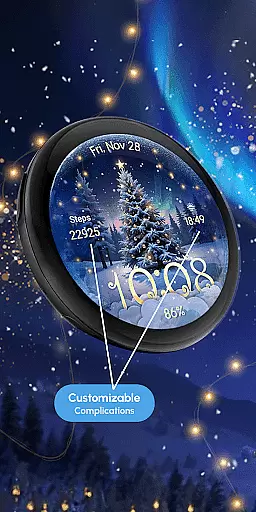
ReS71 - Northern Christmas stands out with its unique combination of festive aesthetics and functional utility. The app provides three distinct scenes, each capturing the essence of Christmas through animated snow and glowing lights. Users can customize their experience by personalizing two available complications, allowing integration of preferred data fields directly on the watch face.
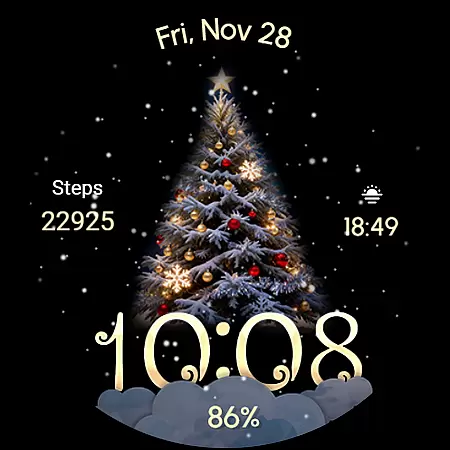
One notable feature is the Always ON Display, which ensures that the beautiful graphics remain visible even when the watch is idle. However, for optimal battery performance, users are advised to disable this mode. The touch-and-hold customization option makes it easy to adjust settings according to individual preferences. This blend of visual charm and user-centric design ensures that ReS71 - Northern Christmas enhances both style and usability on your Wear OS device.
Companion app integration is essential for Wear OS applications as it enhances the overall user experience by enabling seamless interaction between the smartwatch and a paired smartphone. For ReS71 - Northern Christmas, this means users can easily customize watch face features such as complications directly from their phone.
This application allows users to touch and hold the display to open customization mode, where they can modify fields with desired data. The synchronization with a companion app ensures that these customizations are effortlessly applied and updated in real-time on the wearable device.
By integrating with a companion app, ReS71 - Northern Christmas offers an intuitive way for users to personalize their watch faces, including setting up animated snow and lights or adjusting the always-on display feature. This connectivity not only simplifies personalization but also maintains battery efficiency by recommending disabling certain features when not needed.
Ensuring broad device compatibility is crucial for any Wear OS application. ReS71 - Northern Christmas boasts support for API level 33+ devices, including popular models like Google Pixel and Samsung Galaxy Watch series (4, 5, 6, 7), making it accessible to a wide audience of smartwatch users.
The compatibility extends beyond mere installation; it guarantees optimal performance across different hardware specifications. Users can expect consistent functionality whether they're using a high-end model or an older version within the supported range.
Moreover, comprehensive guidance on installation methods and troubleshooting is available through Recreative's help resources. If issues arise, users have access to dedicated support via email, ensuring that regardless of their device type, they receive assistance necessary to enjoy this festive-themed watch face without interruptions.
Holiday-themed design
Animated effects
Customizable complications
Broad device compatibility
User-friendly interface
Battery-intensive features
Limited to Wear OS
Few customization options
No automatic application
Requires manual setup

Calming & relaxing sounds for sleeping and stress relief. Stay focused all day!
 4.20
4.20
Christmas watch face. For Wear OS devices.
4.30
Christmas Theme Watch Face for Wear Os
5.00
Christmas - Festive - Christmas Village - Winter - Christmas lights
5.00
Elegant animated Christmas tree with multiple customization options
4.20
Stunning modern digital watch face with 7 complications and strong contrast
4.0
Your second brain for organizing your life: to-do, calendar, reminder.
4.70
Real-time weather radar with temperatures, warnings, hurricanes, and widgets
4.80
The most customizable hybrid watch face. For Wear OS 5.0, API 34+ and later
4.70
Diet tracker for weight loss - track calories, food and macros. Simple and easy!
4.70
The most customizable minimal watch face. For Wear OS 5.0, API 34+ and later
4.70
Walking app for weight loss: walk & step tracker, pedometer, indoor treadmill
4.60
Retro digital watch face with customizable colors and a unique lighting effect
4.60
Connect to your Bluelink equipped Hyundai vehicle from your smartphone.
4.50
Snowflake Rose Gold Watch Face - Digital, modern, & sleek with GYRO effect.
4.10
The #1 source of faces for your smartwatch!
4.00
Viewer for Wyze/Yi/Eufy/Arlo/ONVIF/RTSP/P2P IP cams w/ adv. features & DIY DVR
4.00
Contemporary digital watch face with five complications
4.2
Funny animated watch face for Thanksgiving
4.1


User Reviews