
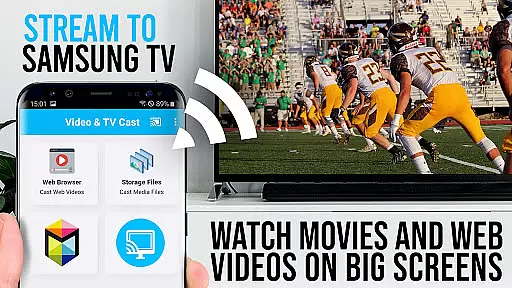
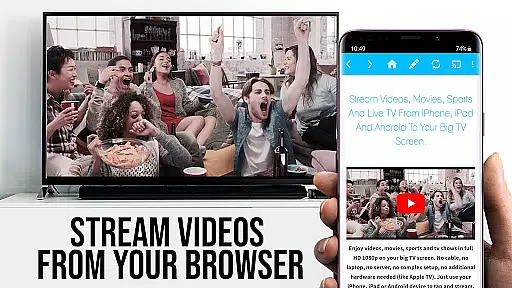
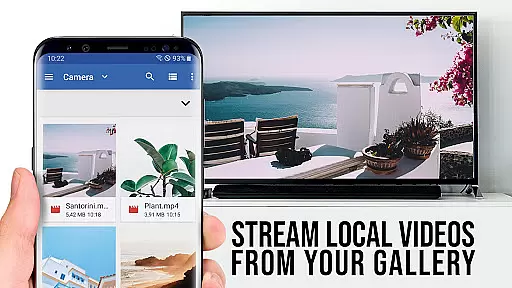
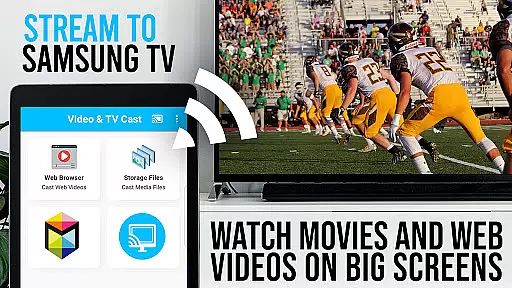
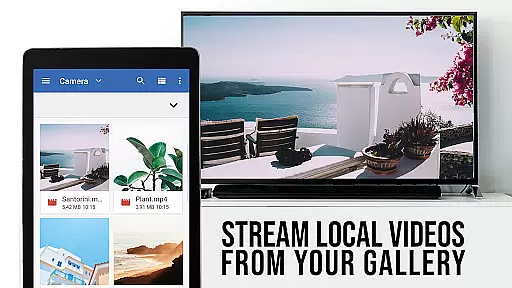
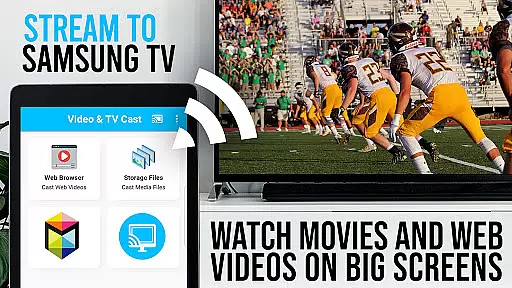
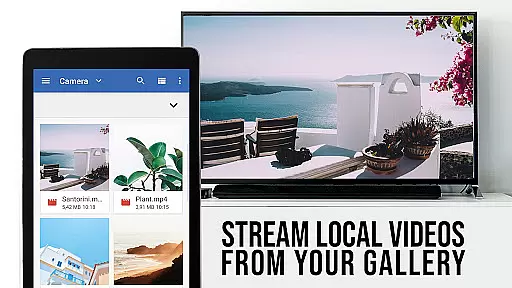
TV Cast Pro for Samsung TV is a premier application designed to enhance your home entertainment experience by streaming web videos, online movies, livestreams, and live-TV shows directly to your Samsung Smart TV or Blu-ray Player. This app eliminates the need for additional streaming hardware, supporting formats like mp4, m3u8, hls livestreams, and video over https, with Full HD quality.
The PRO edition offers all premium features unlocked, catering to Samsung TV models from 2010 (C series) to 2017 (new M/MU/Q series) and select Blu-ray Players. With Video & TV Cast, users can browse the web and cast any desired video to their TV with ease, provided the free 'TV Cast' companion app is installed via the Samsung App Store.
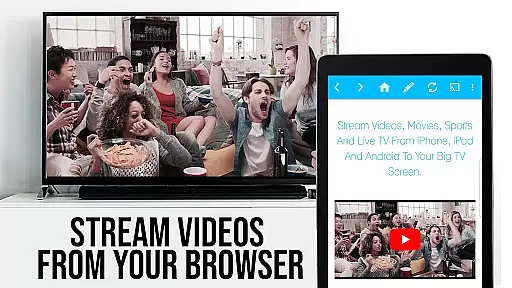
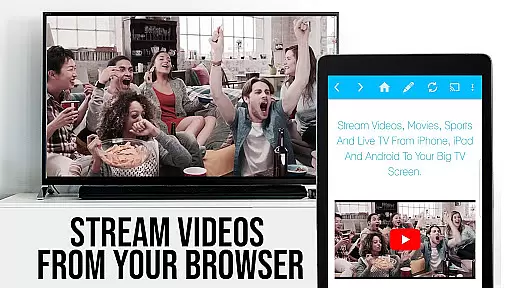
TV Cast Pro stands out with its comprehensive feature set tailored for seamless media streaming. The app allows users to browse websites and cast embedded videos to their Samsung TV or Blu-ray Player effortlessly. A unique aspect is the discovered video display below the browser, enabling immediate casting with a single tap.
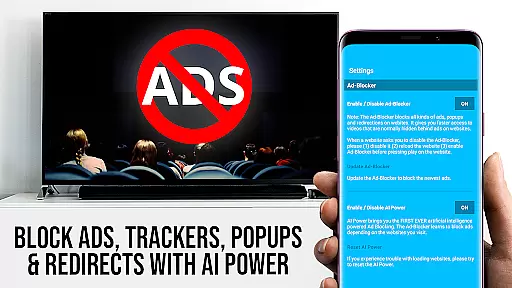
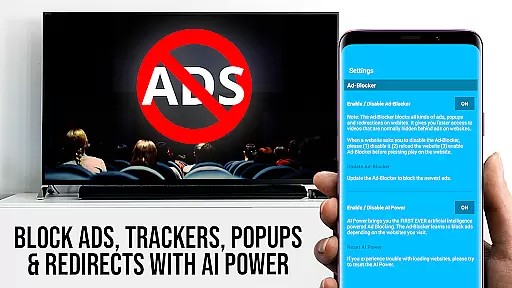
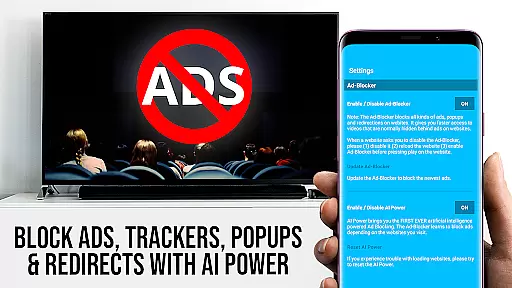
Premium features include the Remote Playbar for advanced video control such as scrubbing, forward, rewind, play, pause, and stop. An integrated Ad-Blocker enhances viewing pleasure by blocking ads and popups on most websites. Users also benefit from functionalities like Bookmarks management, Desktop Mode for accessing desktop versions of websites, and personalized Homepage settings, ensuring a customized and enriched streaming experience.
TV Cast Pro for Samsung TV stands out with its extensive video format compatibility, ensuring users can stream a wide variety of content without technical hindrances. The app supports popular formats such as Mp4, m3u8, and HLS livestreams, making it versatile for different types of web videos, online movies, and live TV shows.
The ability to handle video over https further enhances its utility, allowing secure streaming from websites that employ this protocol. This feature is crucial in today's digital environment where security is paramount, and many content providers are moving towards encrypted connections to protect their streams.
Moreover, the app's support for Full HD ensures that users can enjoy high-quality visuals on their Samsung Smart TVs and Blu-ray Players. This focus on quality means that whether you're watching a movie or a live sports event, the experience is crisp and immersive, taking full advantage of your big screen.
By covering these essential formats and resolutions, TV Cast Pro makes it easy for users to cast their favorite content directly from the web to their TV without worrying about format incompatibility or quality loss. This seamless integration elevates the user experience, providing a straightforward solution for enjoying web content on the biggest screen in the house.
While TV Cast Pro for Samsung TV focuses primarily on streaming and casting capabilities, it incorporates AI-powered features that enhance the overall user experience. Although not a traditional video editor, the app leverages intelligent algorithms to optimize video playback and ensure smooth streaming sessions.
One notable AI-driven feature is the automatic video detection within websites. As users browse the web, the app intelligently identifies embedded videos and prepares them for casting to the TV. This process eliminates manual searching and streamlines the viewing experience, saving users time and effort.
The Remote Playbar, available in the PRO version, demonstrates another aspect of smart functionality. It allows users to control video playback with advanced options like scrubbing, forward, rewind, play, pause, and stop. These controls work seamlessly across all supported Samsung Smart TVs, offering an intuitive way to manage content directly from the mobile device.
Additionally, the built-in Ad-Blocker showcases how AI can improve user satisfaction by filtering out unwanted ads and popups from most websites. This feature not only enhances viewing pleasure but also speeds up page loading times by preventing unnecessary content from being displayed. Together, these intelligent features create a more refined and enjoyable streaming experience, positioning TV Cast Pro as a smart choice for Samsung TV owners seeking convenient web video solutions.
Seamless casting
No extra hardware
Full HD support
Ad-free experience
User-friendly interface
Limited device compatibility
DRM content restrictions
Requires companion app
Occasional connectivity issues
Not a full device mirror

Online Videos Player
 3.90
3.90
IPTV-Smarters Player Pro M3U - Watch Live Stream TV Channels with Chromecast
4.00
Powerful HD video player with support for all formats & subtitles.
4.0
This app was created to edit the metadata of music files.
4.20
Movie maker & video editing app with AI effects and green screen
4.30
Mix with Virtual DJ directly from your phone or tablet !
3.10
Manage your IPTV live channels and VOD playlists (no playlist included)
3.80
Web Browser for LG TV to stream webvideos, online movies and livestreams in HD
4.20
Viddo: Generate Action Figure, AI Anime, AI kiss, AI hug Video from image & text
4.40
Flud is a simple and beautiful BitTorrent client for Android.
4.80
High-Quality USB Camera Viewer & HDMI Display
4.70
GENRAL PRO - General Pro is the best video player that fully supports all formats.
4.70
All in one HD video downloader & player for multiple formats with full privacy
4.70
Video Player - Unlimited features, 30 days money back guarantee.
4.60
Browser for Fire TV to stream webvideos, online movies, livestreams in HD
4.40
Powerful Video Editor & Photo Editing App —— Quick Edits & Stunning Effects!
4.30
Turn your phone into a wireless camera!
4.20
Your media, on your terms.
4.10
Stream Web Videos to Chromecast, Samsung, LG, Sony, Roku, Fire TV, DLNA + more
4.00


User Reviews