
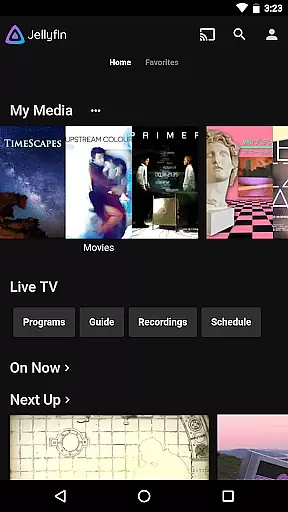
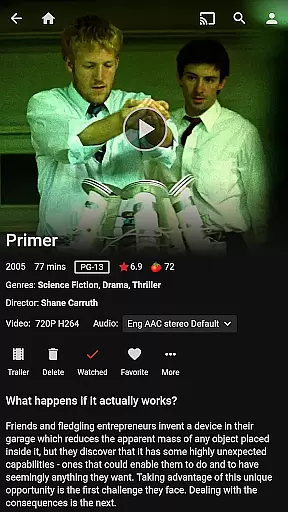
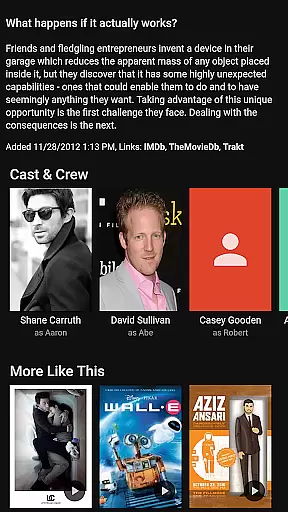
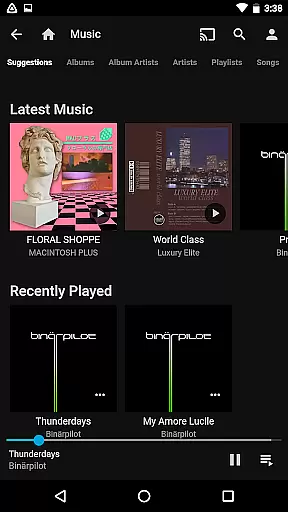
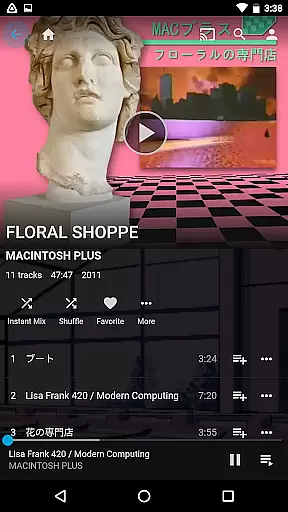
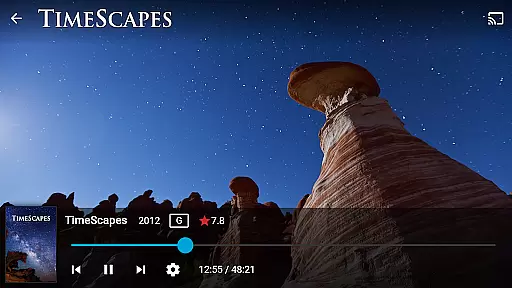
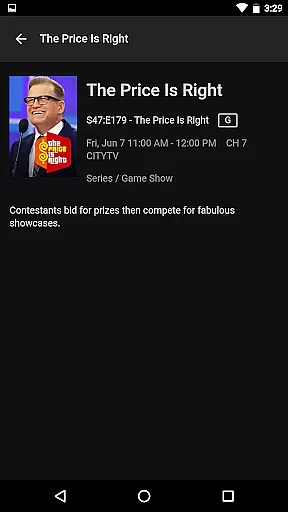
Jellyfin is an open-source media server and player that allows you to manage and stream your personal media collection. This Android app serves as the official companion, enabling users to access their media library from anywhere. With no fees or hidden agendas, Jellyfin offers a transparent solution for organizing all your audio, video, and photos in one place.
The app supports features like Live TV, Chromecast streaming, and an intuitive interface for easy navigation. Whether you're at home or on the go, Jellyfin ensures your media is accessible through a secure connection to your personal server. Perfect for those who value privacy and control over their digital content.
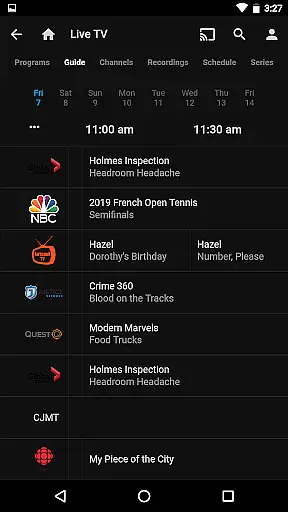
Jellyfin stands out with its robust feature set tailored for media enthusiasts. The app supports Live TV and DVR functionality, allowing users to watch live broadcasts and recorded shows directly from their server. Integration with Chromecast devices enables seamless streaming to your television without additional apps or services.
For music lovers, Jellyfin offers Android Auto compatibility, though currently limited to online playback. The app's user-friendly interface makes it easy to browse extensive media collections, while support for various file formats ensures broad compatibility. These features combine to create a comprehensive media experience that respects user privacy and freedom.
Video format compatibility is a crucial feature for any video player, ensuring that users can enjoy their media without worrying about file type restrictions. Jellyfin excels in this area by supporting a wide range of video formats, from common ones like MP4 and AVI to more specialized codecs such as MKV and OGG.
The app achieves this through its integration with robust media libraries and codecs, allowing seamless playback without the need for additional software or conversions. This means you can stream your media directly from your Jellyfin server to your Android device without compatibility issues.
For users, this translates into a hassle-free experience where they can focus on enjoying their content rather than troubleshooting playback problems. Whether you're watching live TV, recorded shows, or personal media collections, Jellyfin's broad format support ensures everything plays smoothly.
Moreover, Jellyfin's commitment to open standards and continuous development means that new formats and codecs are regularly added, keeping the platform future-proof and adaptable to emerging technologies in the media landscape.
While Jellyfin positions itself primarily as a media server and player, it also incorporates AI-powered editing features that enhance user interaction with their media library. These features are designed to automate tedious tasks and provide intelligent suggestions, making media management more efficient and enjoyable.
One notable implementation is the automatic tagging and metadata generation for your media files. Using advanced algorithms, Jellyfin can analyze video content and generate relevant tags, artwork, and descriptions, significantly reducing the time needed to organize large collections manually.
Additionally, Jellyfin's AI capabilities extend to personalized recommendations based on viewing habits. By learning your preferences over time, the app suggests content that aligns with your interests, creating a tailored viewing experience that feels intuitive and engaging.
These smart features not only save time but also enrich the overall user experience, demonstrating Jellyfin's dedication to combining powerful technology with user-centric design principles in the realm of video players and editors.
User-friendly interface
Free and open-source
Live TV support
Chromecast integration
Privacy-focused
Requires separate server setup
Limited offline capabilities
No built-in media library
Hardware-dependent features
Complex initial configuration

Full HD Video mp3 Player, MP4 player play 1080p, File manager, Video Downloader
 4.40
4.40
Play and download HD videos from all sources — fast, simple, and all-in-one.
4.1
Powerful Video Editor & Photo Editing App —— Quick Edits & Stunning Effects!
4.30
Download videos and play them offline
4.70
Connect EasyCap or UVC devices for recording and broadcast video/audio stream
3.60
Watch IPTV on your Android device
4.60
Screen recorder with audio to take live videos & Screenshot in high quality!
4.70
Fast private browser with secure, seamless access & supported video downloads!
4.00
Video player with 4K & 1080P support, popup play, background play and subtitle.
4.20
Video Trimmer, Video to MP3 Converter. Extract music from video, Easy & Fast.
4.80
High-Quality USB Camera Viewer & HDMI Display
4.70
GENRAL PRO - General Pro is the best video player that fully supports all formats.
4.70
Create photo video with music & template. AI video maker for stunning slideshow.
4.60
IPTV Loader, loads your own Playlist. DOES NOT CONTAIN ANY LIST OR CHANNELS
4.60
Fast, private downloading, video saving, social media
4.50
AirMirror is Receiver for Screen Mirroring and Casting from Apple Devices.
3.60
A full editing room to accompany your Insta360 cameras and handheld gimbals.
3.30
Client application for NextPVR software
3.00
You can play SWF format file!
2.50


User Reviews