
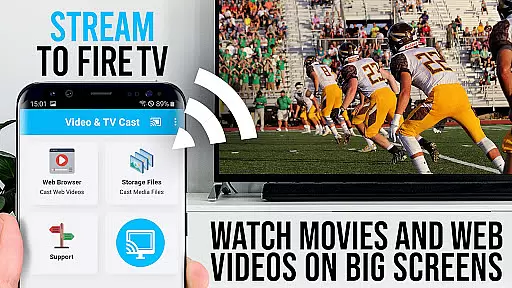
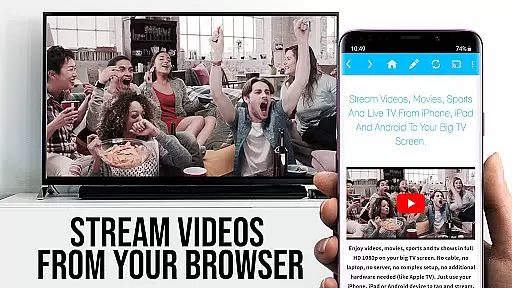
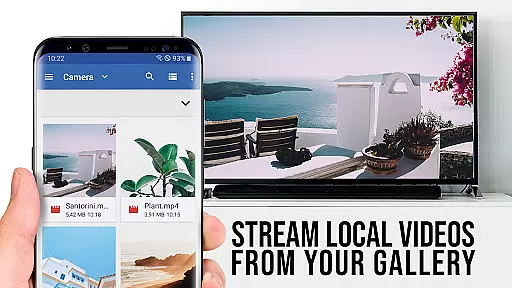
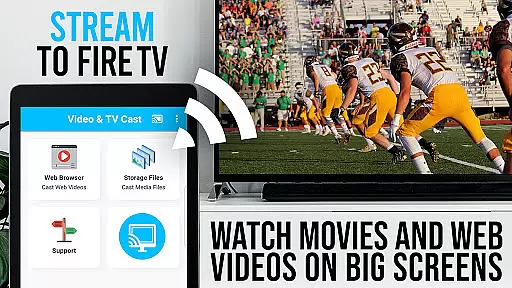
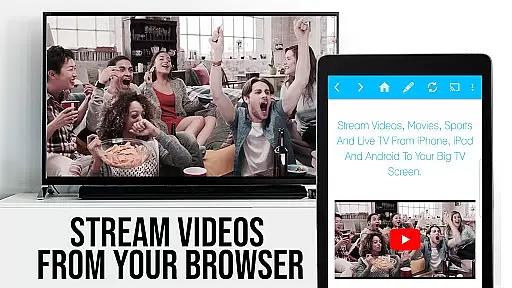
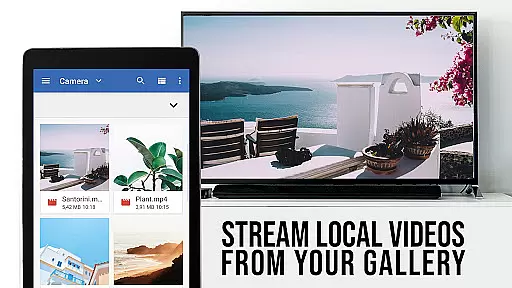
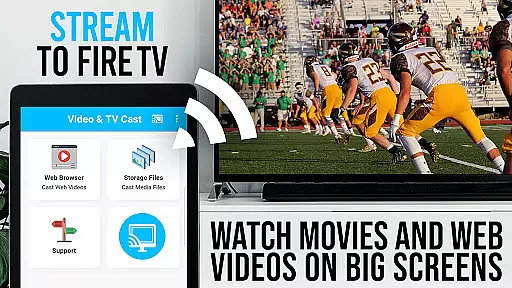
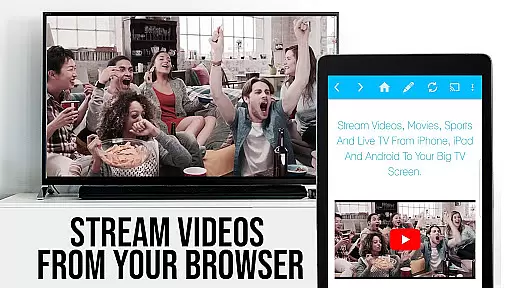
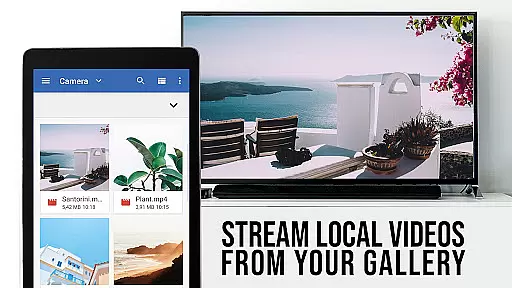
TV Cast Pro for Fire TV is the ultimate solution for streaming web videos, online movies, livestreams, and live TV shows directly to your Amazon Fire TV or Fire TV Stick. This premium application supports a wide range of video formats including mp4, m3u8, HLS livestreams, and Full HD content delivered over HTTPS.
The app allows users to browse the web and cast any discovered video with a single tap, displaying it on the largest screen available. It includes advanced features such as the Remote Playbar for enhanced video control, an Ad-Blocker to eliminate ads and popups, and Desktop Mode to access desktop versions of websites. With all these capabilities, TV Cast Pro transforms your Fire TV into a versatile media hub.
TV Cast Pro stands out with its comprehensive feature set tailored for seamless media streaming. The Remote Playbar offers users complete control over their viewing experience, allowing them to scrub, forward, rewind, play, pause, and stop videos effortlessly. This functionality is synchronized across all Android and iOS devices running the Video & TV Cast app, ensuring a consistent user experience.
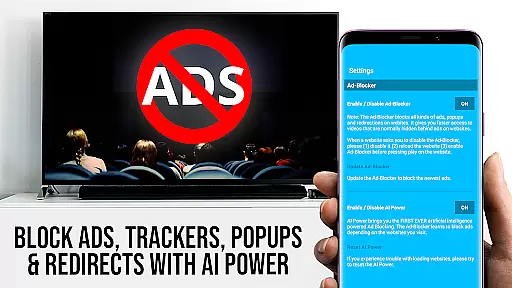
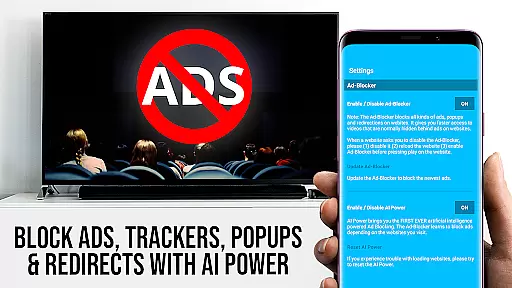
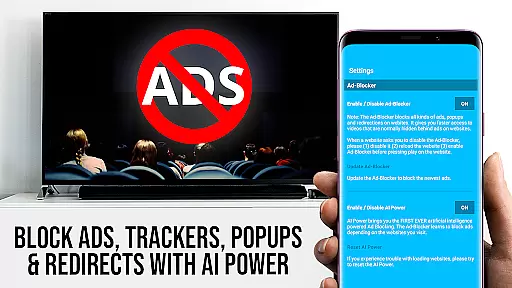
In addition to its powerful casting abilities, the app includes an Ad-Blocker that removes ads and popups from most websites, creating a distraction-free environment. Users can also manage bookmarks directly within the browser, switch to Desktop Mode for accessing full desktop sites, and customize their homepage. These features collectively enhance usability and provide a superior streaming experience compared to other apps in the Video Players & Editors category.
TV Cast Pro for Fire TV offers extensive video format compatibility, ensuring users can enjoy a wide range of content without technical hindrances. The app supports popular formats like Mp4, m3u8, and HLS livestreams, making it versatile for different types of videos.
With the capability to handle video over https and Full HD support, users are guaranteed high-quality streaming experiences. This ensures that whether you're watching web videos or online movies, the visual quality remains top-notch on your biggest screen.
The app simplifies streaming by allowing users to directly enter or paste video URLs into the browser address bar, immediately pushing the content to Fire TV. This seamless integration enhances user convenience and expands the ways in which content can be accessed and enjoyed.
By focusing on broad format support, TV Cast Pro removes barriers between users and their desired content, offering an accessible solution for enjoying media on Amazon Fire TV devices.
Although TV Cast Pro for Fire TV doesn't offer traditional AI-powered editing features found in video editing software, it provides advanced functionalities that enhance the viewing experience. One standout feature is the Remote Playbar, which allows for sophisticated video control while browsing.
The Remote Playbar enables actions such as video scrubbing, forward, rewind, play, pause, and stop, all synced across Android and iOS devices running Video & TV Cast. This creates a dynamic and interactive way to manage video playback, akin to how AI might intuitively understand and anticipate user needs.
In addition to playback controls, the app includes an Ad-Blocker that removes ads and popups from most websites, streamlining the viewing process. This feature mimics intelligent systems that prioritize user preferences by eliminating unwanted content interruptions.
While not AI-driven in the conventional sense, these smart features collectively contribute to a more personalized and hassle-free video consumption experience, aligning with modern expectations for intuitive digital interfaces.
User-friendly interface
Wide format compatibility
Advanced video controls
Effective ad-blocking
Customizable homepage
No support for DRM-protected content
Limited to Fire TV devices
Occasional connectivity issues
Requires video playback on Android first
No full device mirroring

Snaptubè Video Downloader app allows to download videos and music in Snaptube. .
 4.60
4.60
HD video maker with no watermark, no ads & vlog maker with music, PIP, text
4.50
Video player with powerful streaming playback and various convenient features.
2.10
High-Quality USB Camera Viewer & HDMI Display
4.70
Pro video editor app for Instagram, edit video with song, AI, effect & slowmo.
4.80
Download videos easily & play them all in one smart, powerful video manager.
3.40
All in one HD video downloader & player for multiple formats with full privacy
4.70
Connect EasyCap or UVC devices for recording and broadcast video/audio stream
3.60
Browser + Remote for Roku to stream webvideos, online movies and livestreams
4.60
Video Downloader, Multiple Resolution Options, Video Player
4.50
Viddo: Generate Action Figure, AI Anime, AI kiss, AI hug Video from image & text
4.40
Create & edit videos with AI
4.30
Video player with 4K & 1080P support, popup play, background play and subtitle.
4.20
Your media, on your terms.
4.10
LumaFusion: The Ultimate Storytelling Experience for Video Editing
4.10
Powerful, professional, versatile teleprompter. Developed by an active film crew
4.00
Online Videos Player
3.90
Live TV, anywhere in your home
3.80
Mix with Virtual DJ directly from your phone or tablet !
3.10


User Reviews