
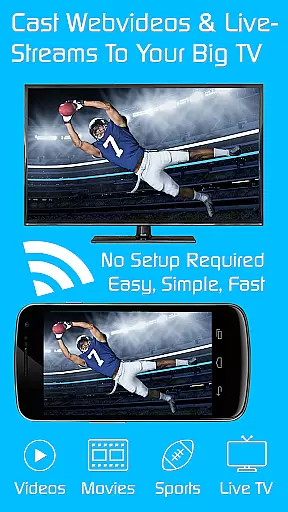
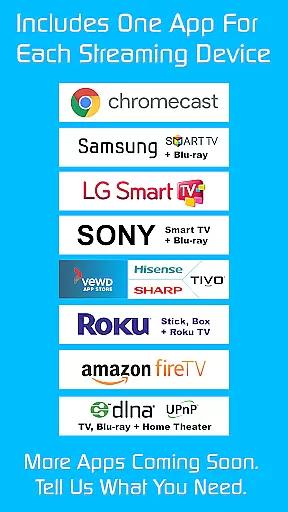
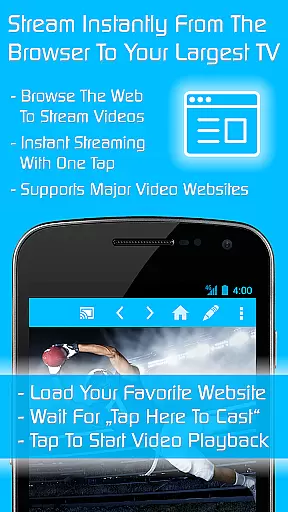
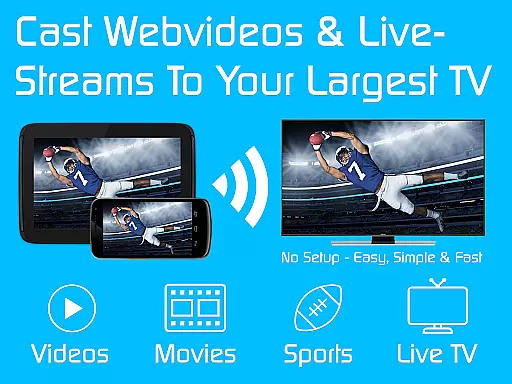
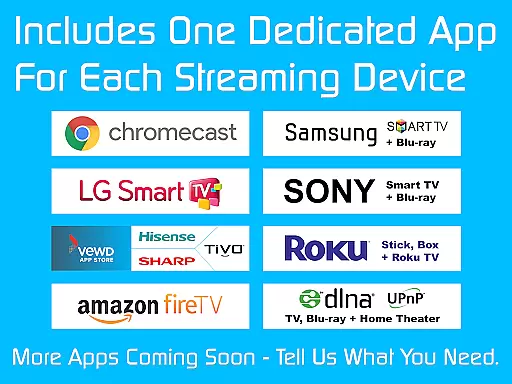
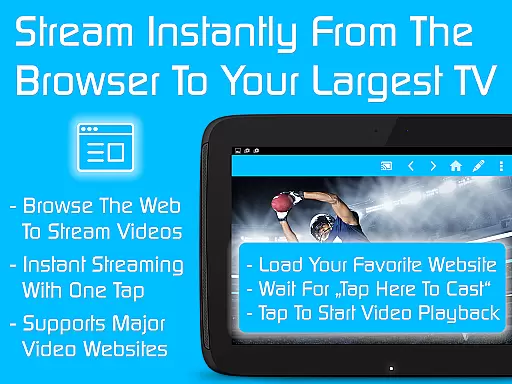
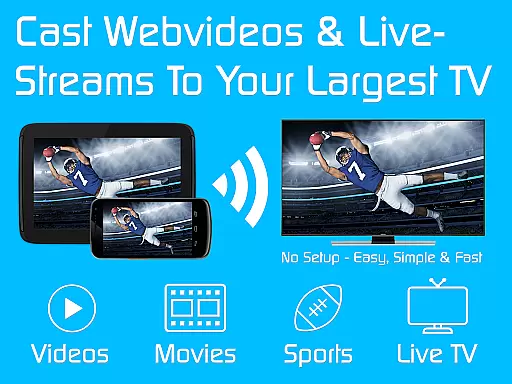
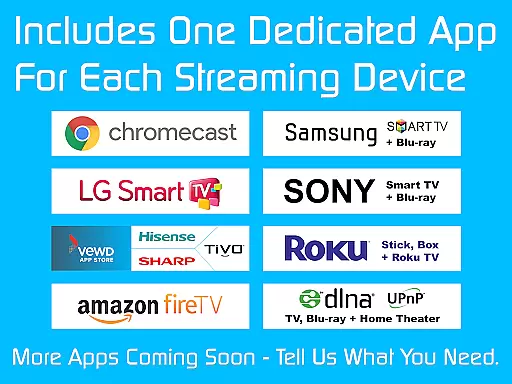
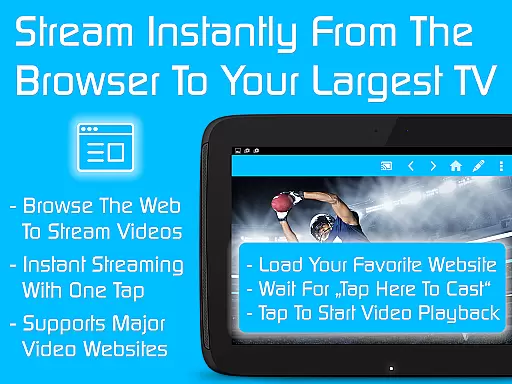
TV Cast is a versatile streaming browser app that allows users to stream and watch web videos, online movies, livestreams, and live TV shows on a wide range of devices. Compatible with Chromecast, Samsung TV, LG TV, Sony TV, Hisense TV, Sharp TV, TiVo, Roku, Fire TV, DLNA, and Google Cast or Android TV-powered devices, it offers an all-in-one solution for media streaming needs.
This Ultimate app serves as a LICENSE KEY, unlocking premium features in all FREE Video & TV Cast app editions on your Android device. With more than 70% discount, users can access nine apps for the price of two, enhancing their streaming experience across multiple platforms.
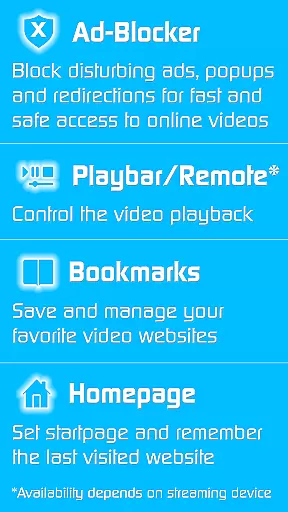
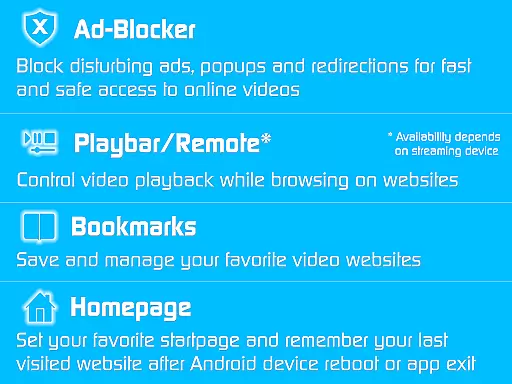
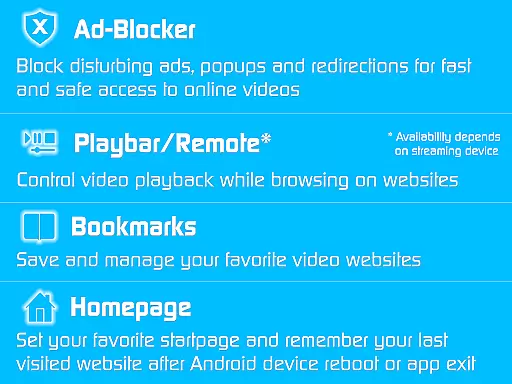
TV Cast stands out with its comprehensive set of premium features designed to enhance the streaming experience. The app includes an Ad-Blocker for websites, effectively blocking all advertisements, popups, and redirections caused by visited sites. This ensures uninterrupted viewing pleasure.
Additional features include a Playbar/Remote for fast forward, rewind, and video scrubbing capabilities while browsing, depending on the streaming device's capability. Users can also change the homepage, enabling them to set a personal homepage and remember their last visited website. The Desktop Mode cloaks the device as a desktop PC, aiding in detecting video links on some websites.
With unlimited bookmarks, users can save and manage an endless number of website and video bookmarks. Moreover, there are no sponsoring advertisements, providing a clean and ad-free interface. These features collectively offer a superior streaming experience tailored to user preferences.
Video format compatibility is a crucial feature for any video player or editor, ensuring that users can access and stream content across various devices without technical limitations. TV Cast excels in this area by supporting an extensive range of formats, making it versatile for streaming web videos, online movies, livestreams, and live TV shows to multiple devices.
The app supports Chromecast, Samsung TV, LG TV, Sony TV, Hisense TV, Sharp TV, TiVo, Roku, Fire TV, DLNA, and Google Cast/Android TV-powered devices. This wide compatibility ensures that no matter what device you own, you can enjoy your favorite content seamlessly. The app acts as a license key, unlocking premium features in all free Video & TV Cast editions on your Android device.
By downloading the Ultimate app and the app editions of your choice, premium features are unlocked automatically. These include an ad-blocker for websites, a playbar/remote for fast forward, rewind, and video scrubbing, and the ability to change the homepage. Such comprehensive format support empowers users to cast videos from different sources effortlessly.
Ultimately, TV Cast's broad video format compatibility enhances user experience by providing flexibility and convenience. Whether you're streaming to a gaming console or a smart TV, you can be confident that the app will deliver smooth playback and high-quality visuals, making it an indispensable tool for anyone looking to maximize their entertainment options.
AI-powered editing features represent the cutting-edge advancement in video players and editors, offering users smarter and more efficient ways to manage and enhance their video content. TV Cast incorporates these innovative features to provide an unparalleled streaming experience, leveraging AI to optimize video playback and improve user interaction with multimedia content.
One notable AI feature is the ad-blocker for websites, which intelligently blocks all advertisements, popups, and redirections caused by the sites you visit. This ensures a seamless viewing experience without interruptions. Additionally, the playbar/remote function uses AI to enable fast forward, rewind, and video scrubbing while browsing, depending on the capability of the streaming device.
TV Cast also includes AI-driven customization options such as setting a personal homepage, enabling desktop mode to cloak your device as a PC, and managing unlimited bookmarks. These features collectively enhance usability and streamline navigation, allowing users to tailor the app to their preferences effortlessly.
By integrating advanced AI-powered editing features, TV Cast not only simplifies the process of streaming and managing video content but also significantly boosts the overall user experience. Users benefit from intelligent tools that anticipate their needs and offer solutions that make video consumption more enjoyable and efficient, solidifying TV Cast's position as a leader in the video player and editor category.
User-friendly interface
Wide device compatibility
Ad-free streaming
Premium feature unlocking
Cost-effective bundle
Requires constant installation
Limited troubleshooting support
Device-specific limitations
No refunds after 24 hours
Premium reverts upon uninstall

Auto video maker with music & exclusive filters. Video editing made simple.
 4.50
4.50
Client application for NextPVR software
3.00
Create photo video with music & template. AI video maker for stunning slideshow.
4.60
Web Browser for LG TV to stream webvideos, online movies and livestreams in HD
4.20
Cast movies, tv shows and live streams to Chromecast, Roku, DLNA, Fire TV & more
4.60
Powerful video player with advanced hardware acceleration and subtitle supports
4.20
AI Video Editor with Music, Filter, Slideshow, Effect, Merge & Trim Video.
4.80
Video&Drama Player All Format is a HD video player, music player
3.00
convenient, safe and fast at Video Downloader & Player
4.60
IPTV Loader, loads your own Playlist. DOES NOT CONTAIN ANY LIST OR CHANNELS
4.60
KineMaster, Your Ultimate Video Editor!
4.40
AirMirror Receiver - Screen mirroring/cast web videos to Android TV by AirPlay.
4.40
Video player, file manager for all formats, 4K/HD media player supports subtitle
4.30
Movie maker & video editing app with AI effects and green screen
4.30
Video Downloader is an utility that can save videos and music from web sites
4.20
AI Video Editor:AI Music, Text to Video,Text to Speech,Auto Caption,Video Effect
4.00
Cast to Smart TV, Fire TV. Cast video, photo - Fast & Stable!
3.90
The smartest M3U IPTV Player your playlists have ever seen.
4.4
Stream high quality video from your camera over NDI protocol
4.2


User Reviews