
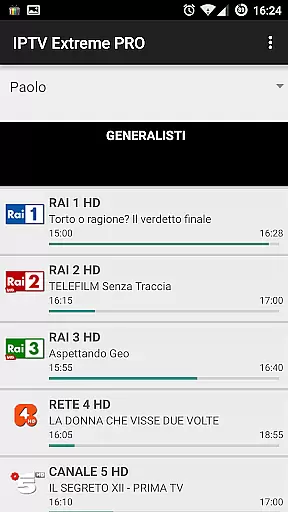
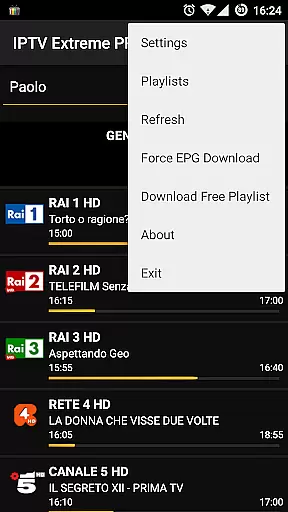
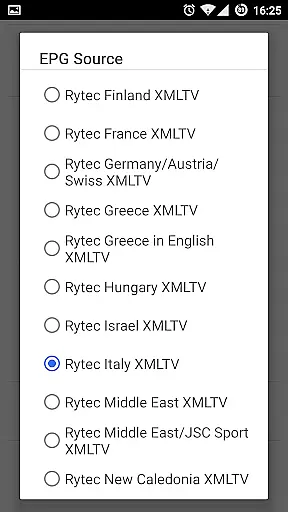

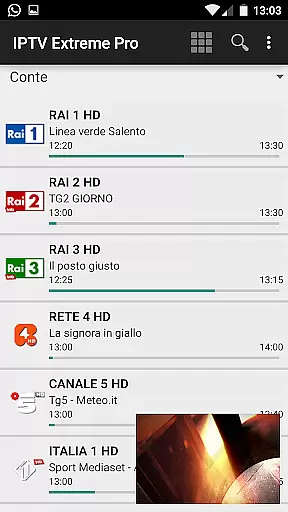


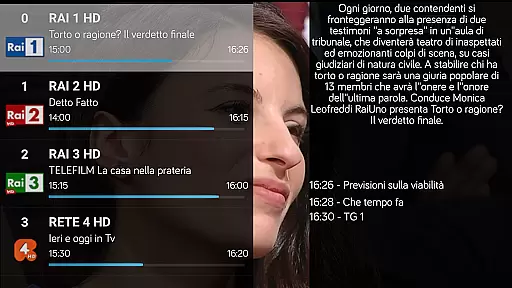
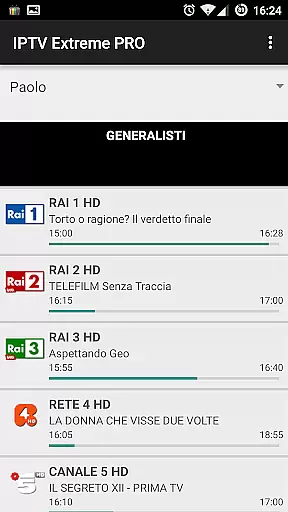
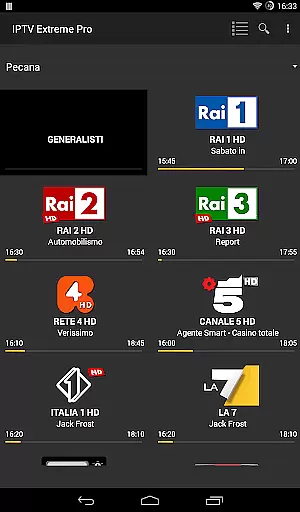
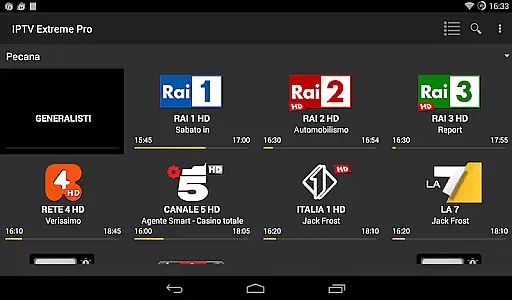


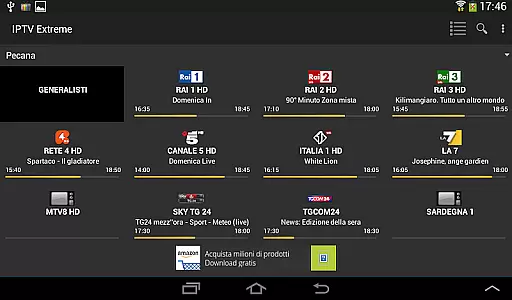

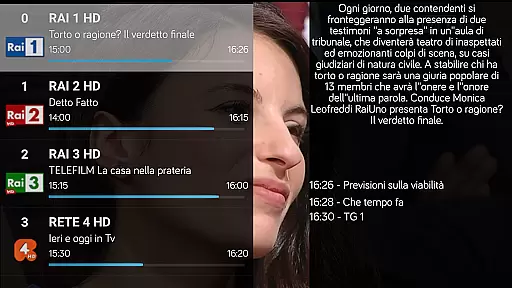
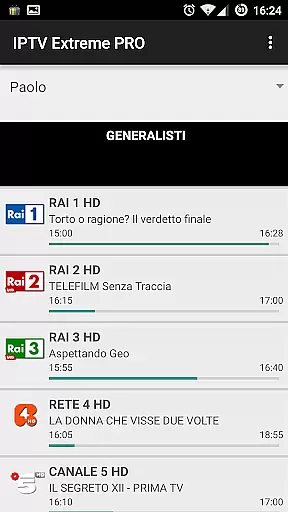
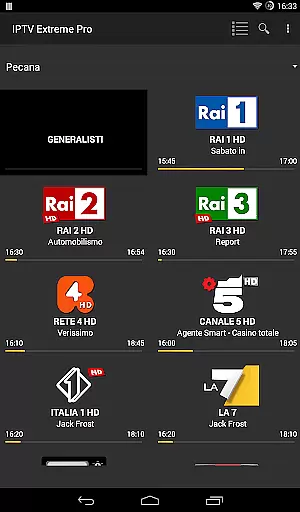
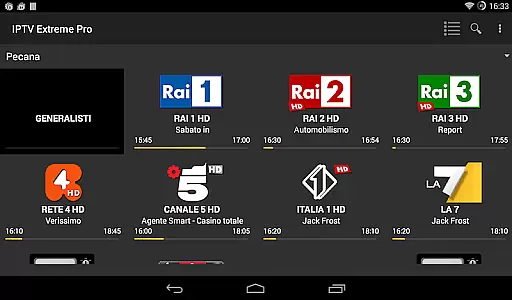

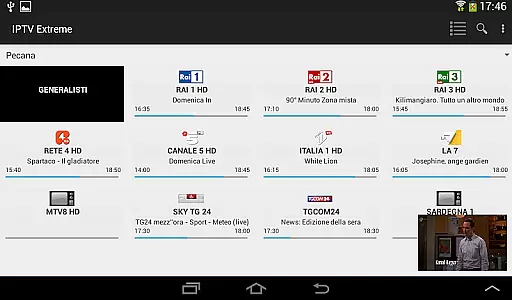


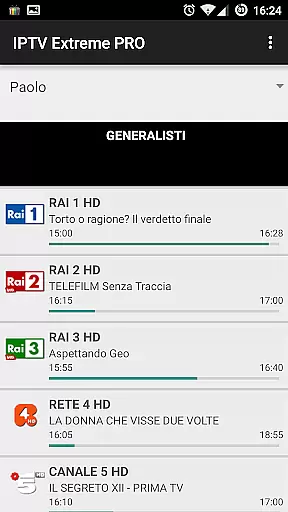
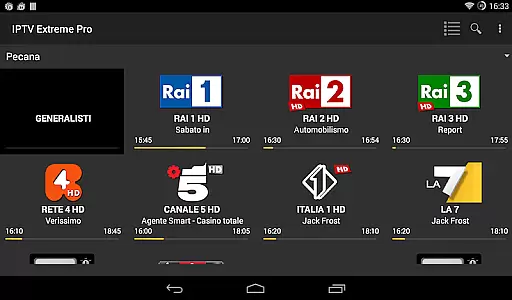

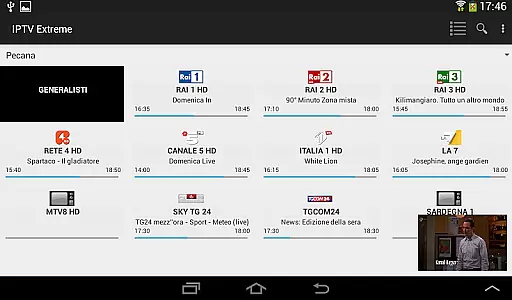


IPTV Extreme Pro is a sophisticated playlist manager tailored for users who wish to organize and enjoy their IPTV content seamlessly. This application does not come with preloaded channels; instead, it offers an advanced platform for managing your personal M3U playlists.
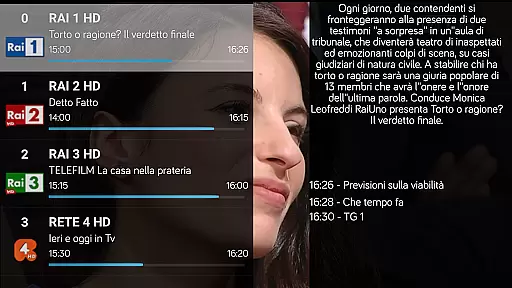
With features such as Chromecast support, parental controls, and remote controller compatibility, IPTV Extreme Pro ensures that you have a personalized and secure viewing experience. The app also supports MAG devices and provides multi EPG (TV Guide) functionalities, enhancing the way you interact with live TV schedules.
Whether you're looking to record live streams, set event reminders, or explore a variety of themes, this app caters to all your IPTV management needs while maintaining a user-friendly interface.
IPTV Extreme Pro stands out with its comprehensive feature set designed to elevate your IPTV experience. It includes an integrated player available in both advanced and light versions, catering to different user preferences and device capabilities.
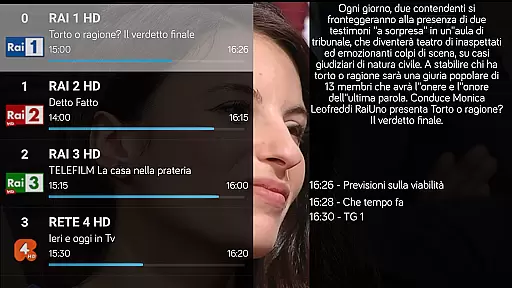
The app's support for M3U playlists, auto EPG updates, and EPG alias management allows for effortless organization and access to electronic program guides. With picons support in various sizes and the ability to download on-demand programs, users can customize their interface and content according to their liking.
For those seeking uninterrupted entertainment, the pro version offers an ad-free environment and additional conveniences like time recording and timer management. These tools empower users to automate their viewing schedules and enjoy a streamlined, legal IPTV experience.
Video format compatibility is a crucial feature for any video player application, ensuring that users can enjoy content in various formats without technical hindrances. IPTV Extreme Pro supports M3U playlists and provides an integrated player capable of handling multiple video formats, making it versatile for different user needs.
The application's ability to support MAG devices and Multi EPG enhances its compatibility with numerous video sources. This ensures that users have a seamless experience when streaming live channels or on-demand programs, regardless of the original format of the content.
With features like Picons support in different sizes and the ability to record live streaming, IPTV Extreme Pro offers a comprehensive solution for managing and enjoying video content. The app's wide range of supported formats allows users to customize their viewing experience according to their preferences.
Ultimately, the extensive video format compatibility of IPTV Extreme Pro empowers users to make the most out of their playlists and enjoy high-quality streaming without worrying about format restrictions. This makes the application a reliable choice for those seeking flexibility and convenience in video playback.
AI-powered editing features are transforming the way users interact with video content by providing intelligent tools that enhance the editing process. IPTV Extreme Pro incorporates advanced functionalities such as auto EPG update and EPG alias management, which streamline the organization and accessibility of TV guides.
The application goes beyond basic playback by offering innovative features like setting memo functions for events on the TV guide and searching for similar events. These capabilities leverage AI to improve user engagement and provide personalized recommendations based on viewing habits.
In addition to these smart editing tools, IPTV Extreme Pro includes practical features such as time recording and timers management. These functions allow users to automate their viewing schedules and never miss important broadcasts, enhancing both convenience and efficiency.
By integrating AI-powered editing features with traditional video management tools, IPTV Extreme Pro delivers a sophisticated platform for users to optimize their media consumption. This blend of technology not only simplifies complex tasks but also enriches the overall entertainment experience.
User-friendly interface
Advanced EPG features
Parental control options
Chromecast integration
Customizable themes
No preloaded channels
Requires manual setup
Premium version costs
Complex for beginners
Limited customer support

Connect 2 UVC devices for recording and broadcast video/audio stream
 3.90
3.90
?100% FREE! Download & save videos? safely in this app. All formats supported.
4.60
Download videos easily & play them all in one smart, powerful video manager.
3.40
Fast & easy HD video downloader for all formats, support 4K playback & download.
4.60
Play and download HD videos from all sources — fast, simple, and all-in-one.
4.5
Fast & Private Video Downloader App. Save all videos easily from the Internet.
4.40
Download videos and play them offline
4.70
Livestream, news, & gaming content. Watch, chat, and upload. Join Rumble today!
3.80
Capture the moment and Cut
3.40
#1 Torrent App on Android ** No Ads Ever + Battery Saver **
4.80
Cast Videos from Web Browser, IPTV to Roku, Chromecast, DLNA, Smart TV +more
4.60
Snaptubè Video Downloader app allows to download videos and music in Snaptube. .
4.60
Watch IPTV on your Android device
4.60
HD video maker with no watermark, no ads & vlog maker with music, PIP, text
4.50
Download website videos fast&privacy
4.40
Browser for Fire TV to stream webvideos, online movies, livestreams in HD
4.40
Video Downloader is an utility that can save videos and music from web sites
4.20
HD video & music player - All format support with floating & PIP mode!
3.80
You can play SWF format file!
2.50


User Reviews