

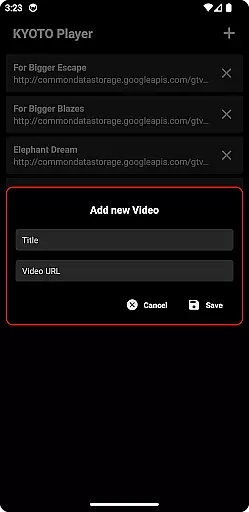


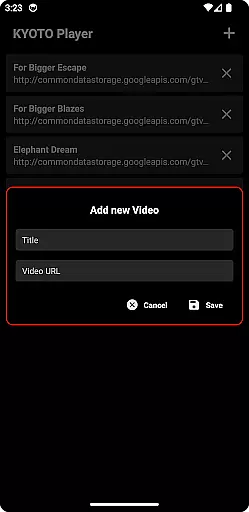


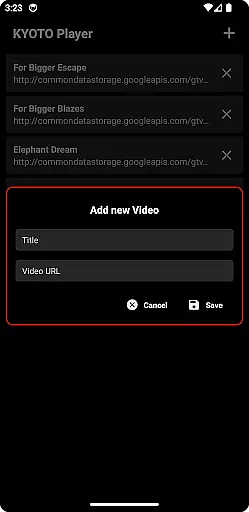

KYOTO Player is a versatile video player app designed for seamless playback of various online video formats. Supporting an extensive range of file types including MP4 HLS DASH WebM MKV and more this app ensures smooth streaming and playback on your device.
With its user-friendly interface KYOTO Player caters to users who need reliable video playback capabilities. Whether you're watching videos at home or on the go this app provides a stable and high-quality viewing experience making it an essential tool for media enthusiasts.
The standout feature of KYOTO Player is its broad format compatibility which includes popular video and audio files such as MP4 HLS DASH MP3 WebM MKV OGG WAV MPEG-TS MPEG-PS and FLV. This ensures that users can play almost any media file without conversion.
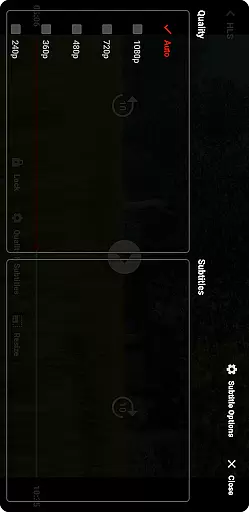
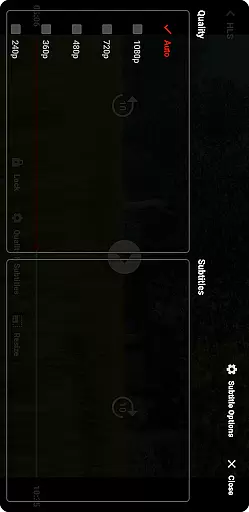
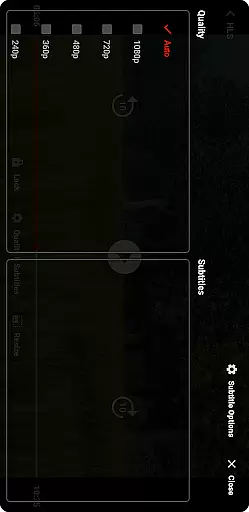
In addition to its format support the app offers smooth playback functionality with adjustable settings for quality control. Users can customize their experience by tweaking playback speed enabling subtitles and organizing playlists for uninterrupted viewing sessions.
Video format compatibility is a crucial feature for any video player application. KYOTO Player excels in this area by supporting an extensive range of video formats including MP4, HLS, DASH, MP3, WebM, MKV, OGG, WAV, MPEG-TS, MPEG-PS, FLV, and more.
The ability to play such a wide variety of formats ensures that users can enjoy their media content without worrying about format restrictions. This flexibility makes KYOTO Player suitable for diverse user needs, whether they are streaming online videos or playing locally stored files.
By incorporating advanced decoding technologies, KYOTO Player delivers smooth playback across different devices and operating systems. The app's comprehensive format support eliminates the need for additional conversion software, saving users time and storage space.
While primarily a video player, KYOTO Player also offers AI-powered editing features that enhance the user experience. These intelligent tools allow users to perform basic editing tasks such as trimming, cropping, and adjusting video parameters with minimal effort.
The AI algorithms behind these features analyze video content to suggest optimal editing settings. This smart assistance helps both novice and experienced users achieve professional-looking results without requiring extensive technical knowledge.
Furthermore, KYOTO Player's editing capabilities extend to audio processing, enabling users to adjust sound levels and apply filters. These features, combined with the app's robust playback functionality, make it a versatile tool for managing and enjoying multimedia content.
User-friendly interface
Wide format support
Smooth playback
Customizable settings
High-quality streaming
Limited advanced features
No built-in downloader
Occasional bugs
Ads in free version
Heavy on battery

A Quick and Pro Video Editor
 4.70
4.70
Watch full episodes of your favorite Cartoon Network and Cartoonito shows!
3.50
Cast to Chromecast, Xbox, Fire Stick, Roku, DLNA, Smart TV & No Feature Limited!
4.50
Play ALL formats in 4K & HD. Video downloader, MP3 player, Chromecast & more.
4.80
High-Quality USB Camera Viewer & HDMI Display
4.70
Pro video editor app for Instagram, edit video with song, AI, effect & slowmo.
4.80
Download website videos fast&privacy
4.40
Browser for Sony TV to stream web videos, online movies and live tv
3.20
Browser for Fire TV to stream webvideos, online movies, livestreams in HD
4.40
#1 Torrent App on Android ** No Ads Ever + Battery Saver **
4.80
Fast & easy HD video downloader for all formats, support 4K playback & download.
4.60
Browser + Remote for Roku to stream webvideos, online movies and livestreams
4.60
HD video maker with no watermark, no ads & vlog maker with music, PIP, text
4.50
Fast & Private HD Video Downloader with Built-in Proxy Browser and Video Player.
4.50
KineMaster, Your Ultimate Video Editor!
4.40
Fast video downloader & private browser. Save HD clips to watch offline.
4.40
Video Downloader is an utility that can save videos and music from web sites
4.20
Manage your IPTV live channels and VOD playlists (no playlist included)
3.80
AirMirror is Receiver for Screen Mirroring and Casting from Apple Devices.
3.60


User Reviews