
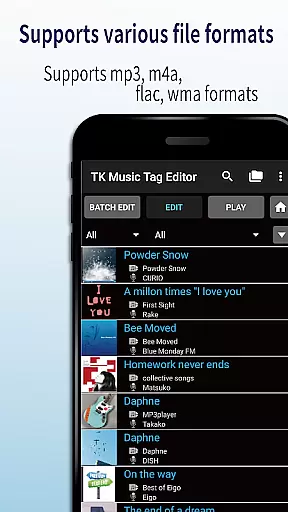
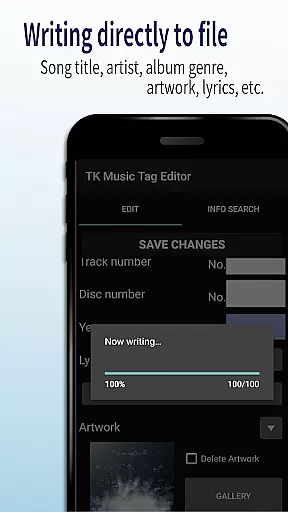
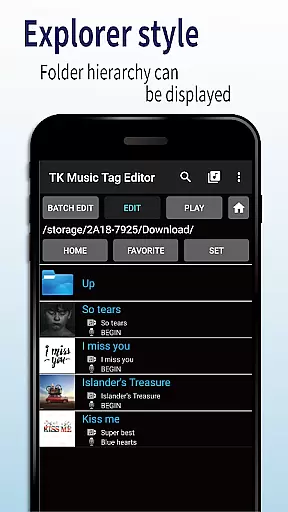
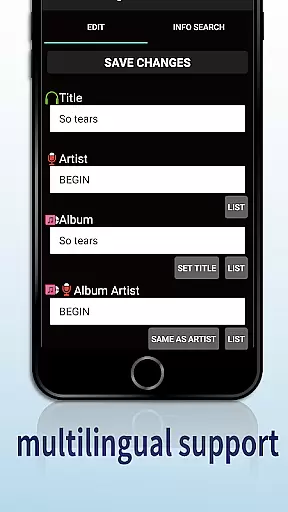
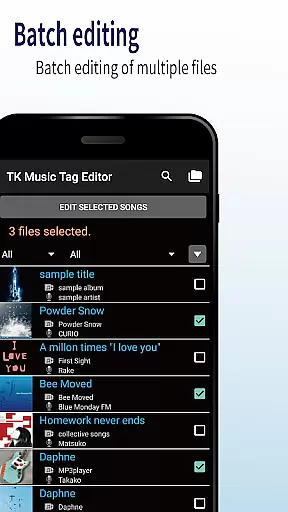
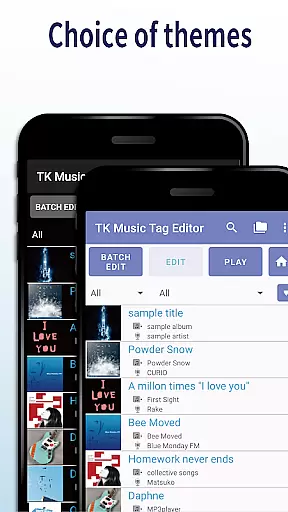
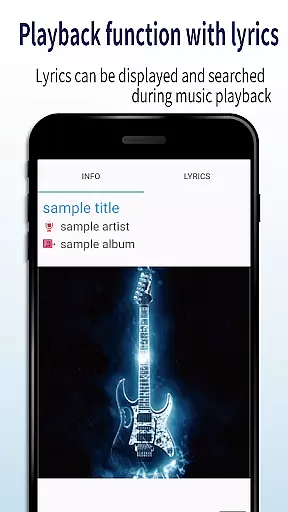
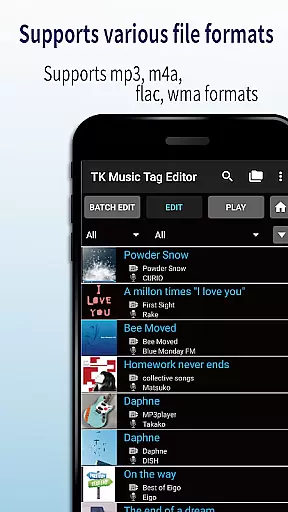
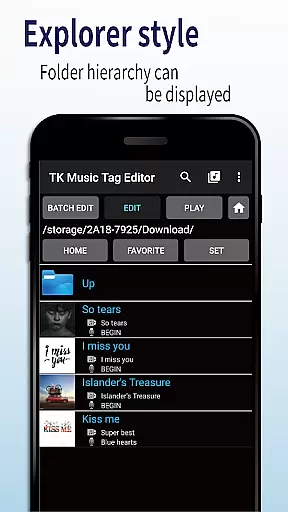
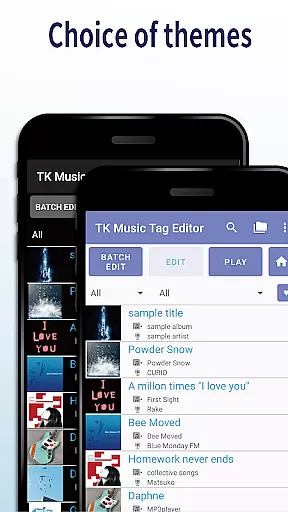
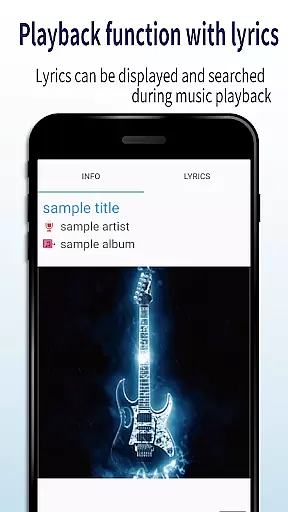
TK Music Tag Editor -Complete- is a comprehensive metadata editing tool designed specifically for music enthusiasts who need precise control over their audio files. This application supports multiple file formats including mp3, m4a, flac, and wma, allowing users to edit essential metadata such as artist information, album details, cover art, and lyrics directly within the files themselves. The app ensures that all changes are permanently saved, making the metadata accessible across different devices and platforms.
In addition to basic tag editing, TK Music Tag Editor offers advanced features like simultaneous filename editing, which allows users to standardize their music library filenames easily. The app also includes playlist creation functionality, enabling users to organize their favorite tracks into custom playlists. With its robust feature set and reliable performance, this app is an indispensable tool for anyone looking to maintain a well-organized digital music collection.
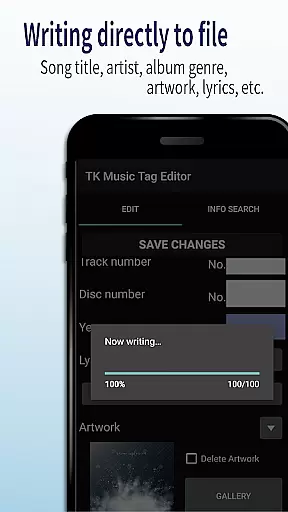
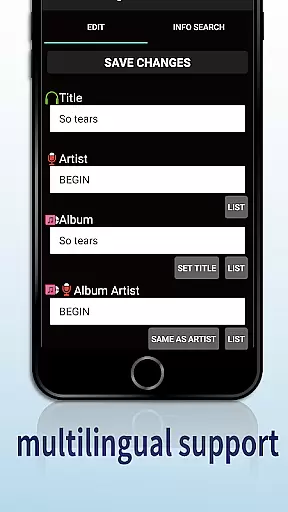
One of the standout features of TK Music Tag Editor -Complete- is its ability to write tags directly into music files. This ensures that metadata remains intact regardless of where the files are accessed from, whether it's a PC or another device. Users can edit a wide range of tags, including title, artist, album, cover art, and lyrics, providing comprehensive control over their music library's organization.
The app also excels in offering simultaneous editing of music filenames, allowing users to rename files based on specific patterns like 'Song Title (Artist).' Additionally, it provides powerful playlist creation tools, making it easy to compile and manage lists of preferred songs. Support for various file formats, including m4a, flac, and wma, further enhances its versatility. With plans for future updates and additional editable metadata, TK Music Tag Editor continues to evolve, meeting the needs of discerning users.
Video Players & Editors like TK Music Tag Editor -Complete- offer extensive video format compatibility, ensuring users can work with a wide range of file types. This app supports mp3, m4a, flac, and wma formats, making it versatile for various audio editing needs.
The ability to detect mp3 files with m4a formats and convert them to the correct .m4a extension showcases its robust compatibility features. Such functionality ensures that files are not only editable on the app but also remain accessible across different devices and platforms.
By providing comprehensive support for multiple formats, this app allows users to manage their music libraries more effectively. Whether you're updating metadata or creating playlists, the assurance that your files will be compatible with any PC or device adds significant value to the user experience.
TK Music Tag Editor -Complete- incorporates AI-powered editing features that enhance the user's ability to manage and edit audio files efficiently. The app allows for direct writing of tags into music files, preserving metadata such as artist, album, cover art, and lyrics across devices.
One standout feature is the simultaneous editing of music filenames, enabling users to customize filenames easily (e.g., 'Song Title (Artist)'). This simplifies file management and enhances organization within large music libraries.
Additionally, the app facilitates playlist creation and editing, empowering users to curate personalized music experiences. With plans to add more editable metadata in the future, TK Music Tag Editor -Complete- continues to leverage AI capabilities to streamline audio file management and deliver an intuitive user experience.
User-friendly interface
Comprehensive tag editing
Supports multiple formats
Direct file writing
Playlist creation
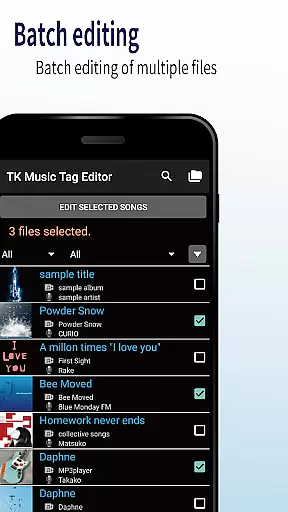
No batch editing
Limited advanced options
Occasional bugs
Basic UI design
Few customization settings

Cast Videos from Web Browser, IPTV to Roku, Chromecast, DLNA, Smart TV +more
 4.60
4.60
GENRAL PRO - General Pro is the best video player that fully supports all formats.
4.70
All in one HD video downloader & player for multiple formats with full privacy
4.70
Powerful Video Editor & Photo Editing App —— Quick Edits & Stunning Effects!
4.30
Make your own Animations, Video and Photo Edits, Visual Effects, and more!
4.00
Find, download, and play torrents with the official BitTorrent® Pro app
4.70
This app is an emulator of some specific IPTV boxes
3.50
Viddo: Generate Action Figure, AI Anime, AI kiss, AI hug Video from image & text
4.40
VLC for Android is the best open source video and music player, fast and easy!
4.10
Play ALL formats in 4K & HD. Video downloader, MP3 player, Chromecast & more.
4.80
Download Hub, easy and private way to download and enjoy your videos offline
4.80
High-Quality USB Camera Viewer & HDMI Display
4.70
Auto video maker with music & exclusive filters. Video editing made simple.
4.50
Browser for Fire TV to stream webvideos, online movies, livestreams in HD
4.40
1)AirPlay/DLNA Mirroring/Streaming, up to 4 connections; 2)Samba/NAS/DMS Player.
4.00
Online Videos Player
3.90
Cast to Smart TV, Fire TV. Cast video, photo - Fast & Stable!
3.90
HD video & music player - All format support with floating & PIP mode!
3.80
IPTV Player - Watch live TV from m3m & m3u8 playlist, stream IPTV on mobile
3.30


User Reviews