
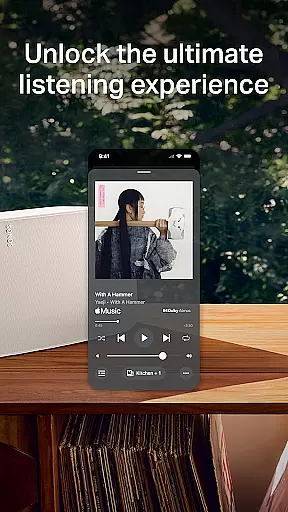
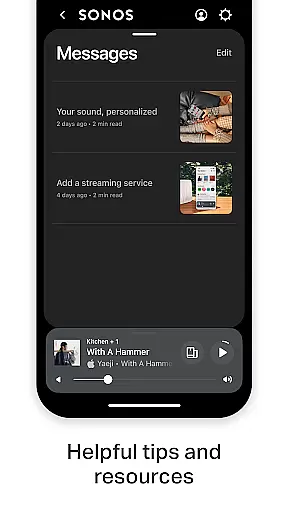
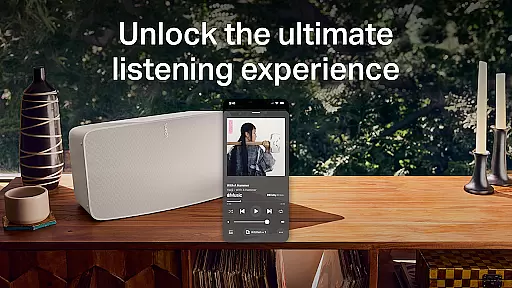
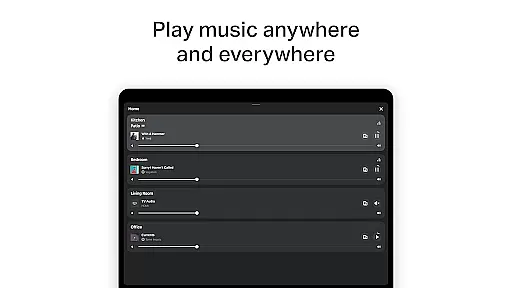
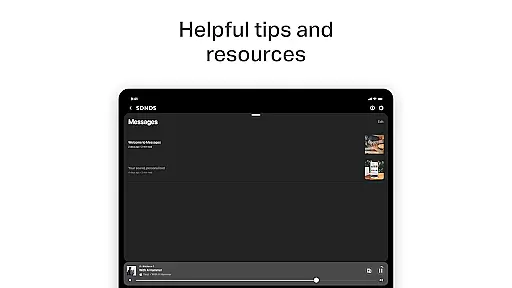
Sonos is a premier music and audio control application designed to seamlessly integrate with Sonos hardware products. It serves as the central hub for managing all your audio content and settings, providing effortless control over your listening experience. The app allows users to access multiple streaming services, control audio output across different rooms, and personalize their sound environment.
Key features include whole-home audio management, enabling users to play different audio in each room or synchronize the same track throughout the house. With support for major streaming platforms like Spotify, Apple Music, and Amazon Music, Sonos ensures that all your favorite sounds are just a tap away. Additionally, advanced setup options allow for easy configuration of stereo pairs and surround sound systems, making it simple to optimize your home audio setup.
The app's intuitive interface and powerful customization options make it ideal for both casual listeners and audiophiles who demand precise control over their audio environment. Whether you're looking to create personalized playlists or fine-tune speaker settings using Trueplay™ technology, Sonos delivers a comprehensive solution for managing your home audio ecosystem.
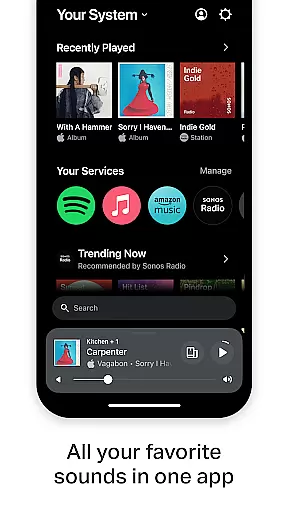
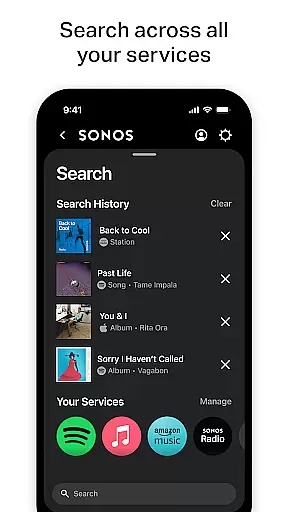
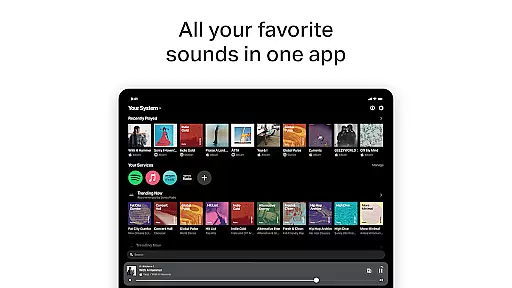
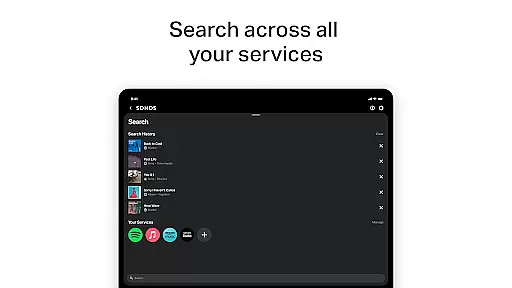
The Sonos app distinguishes itself through its comprehensive feature set that caters to diverse audio needs. One standout feature is its unified streaming platform, which consolidates multiple music services into a single interface. Users can browse, search, and play content from popular services including Spotify, Apple Music, Amazon Music, and more, without switching between different apps.
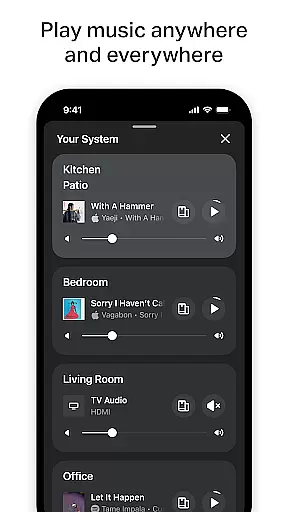
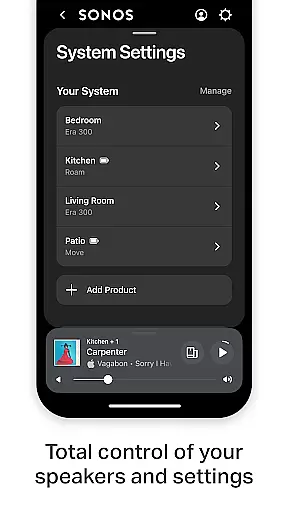
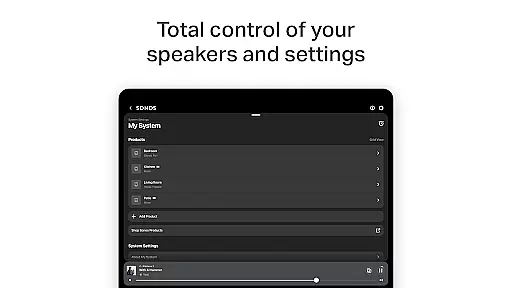
Advanced home audio control capabilities enable users to manage sound output throughout their entire home. The app supports independent playback in different rooms while maintaining synchronized audio where desired. This flexibility extends to product configuration, allowing users to easily set up stereo pairs, create cinematic surround sound systems, and expand their audio network to additional rooms.
Personalization features include Sonos Favorites for building custom music libraries, and Trueplay™ tuning for optimizing speaker performance based on room acoustics. Additional conveniences such as Sonos Voice Control (where available) and automated product detection demonstrate the app's commitment to enhancing user experience through technological innovation.
The Sonos app offers an extensive music library that integrates multiple streaming services, including Spotify, Apple Music, Amazon Music, and more. This vast collection ensures users have access to millions of tracks, albums, and playlists from around the world.
Each integrated service within the Sonos app is fully licensed, guaranteeing that all music content is authentic and legally available for streaming. This commitment to copyright compliance provides peace of mind for users who want to enjoy their favorite music without concerns about legal issues or content removal.
The app's comprehensive library not only includes popular music but also supports audiobooks and podcasts through services like Audible and iHeartRadio. This diverse content portfolio caters to various listening preferences and ensures there's something for every user in the household.
By maintaining strong partnerships with major music providers and continuously expanding its service offerings, Sonos ensures its music library remains current and relevant. Users can trust that new releases and popular content will be readily available through the app's unified interface.
Sonos is renowned for delivering exceptional audio quality across its product range, and the app plays a crucial role in maintaining this standard. The application allows users to fine-tune audio settings for optimal sound performance in any room or environment.
Through the Sonos app, users can access advanced features like Trueplayu2122 tuning, which automatically adjusts speaker settings based on the room's acoustics. This ensures that listeners experience studio-quality sound regardless of their speaker placement or room configuration.
The app supports various audio formats and quality settings, allowing users to customize their listening experience according to their preferences and network capabilities. From standard streaming quality to high-fidelity audio options, users can choose the perfect balance between sound quality and bandwidth usage.
Additionally, the Sonos app enables users to create customized audio zones throughout their home, each with independent volume control and equalizer settings. This flexibility ensures that every listener can enjoy their preferred audio quality, whether they're streaming music in the living room or podcasts in the bedroom.
Unified streaming platform
Whole-home audio control
Intuitive user interface
Advanced customization options
Easy setup process
Voice control limited by region
Requires compatible hardware
Premium feature costs
Occasional connectivity issues
Steep learning curve

SqueezePlayer turns your Android phone or tablet into a SqueezeBox on its own!
 4.60
4.60
Formerly known as Spotistats! View your top tracks, artists, albums and more!
4.40
10-Band Audio Equalizer, Sound / Bass Booster for Spotify Users & Music Players
4.40
A complete sound package for the sound engineer or enthusiast
4.60
Slow music down without changing pitch.
3.70
PowerAudio is a powerful offline music player.
4.20
Master Salsa Rhythm quickly and with a lot of fun!
4.30
The iconic iOS metronome app is now on Android.
3.70
Responsive piano with great sounds, graphics, and songs
4.80
More downloads than any other metronome. Includes drum machine & tempo trainer.
4.80
Play your hearts out on TouchTunes jukeboxes & connect with fellow music lovers.
4.80
Unleash your creativity! Turn simple prompts into full fledged songs.
4.70
A synth that really lets you shape your sounds!
4.50
Enhance the sound quality of your devices, listen to what you want
4.50
Guzheng Master supports many playing techniques as an acoustic Guzheng
4.50
Equalizer, Bass Booster and Volume Booster (Eq & Bass) improve sound quality
4.30
The Cubase remote control app
3.60
The Skullcandy App Experience
3.20
Simply convert wav to mp3. Clear. Reliable. Safe.
4.1


User Reviews