
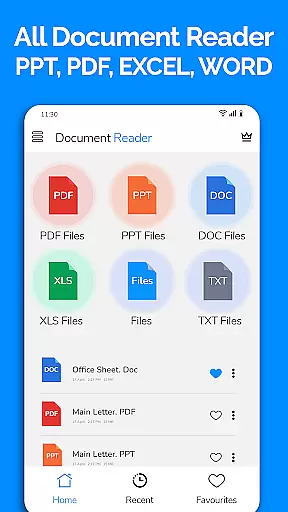
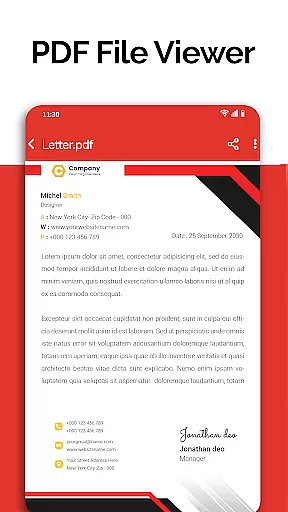
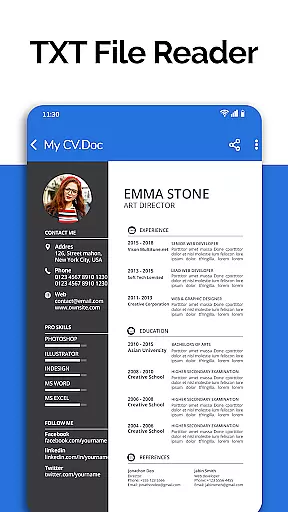
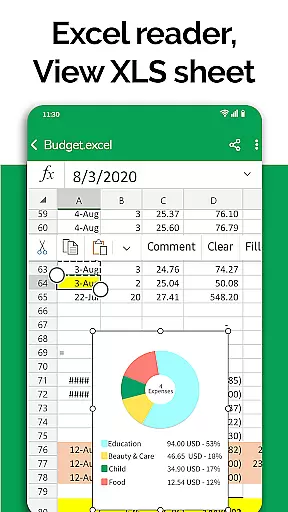
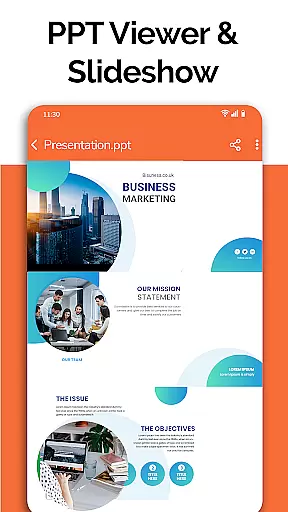
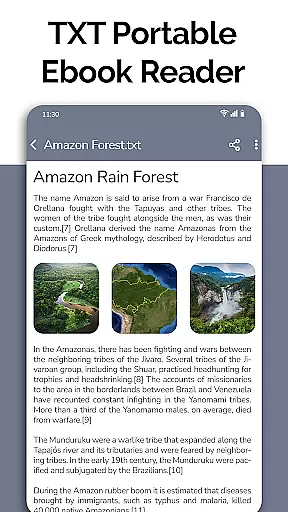
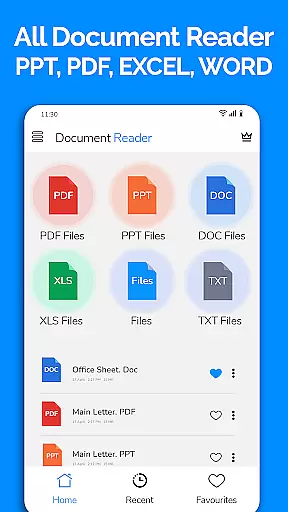
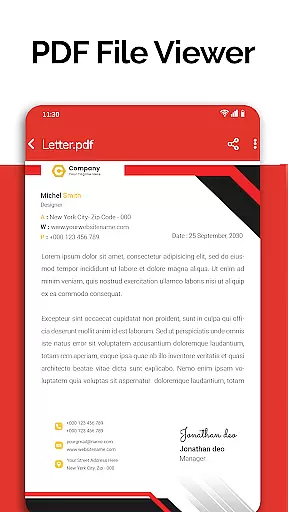
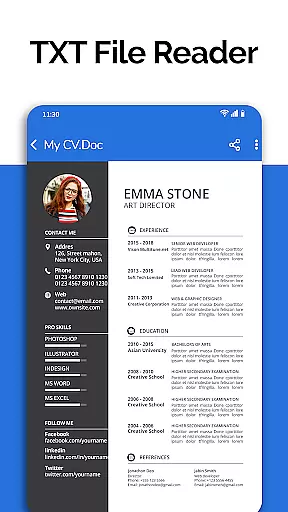
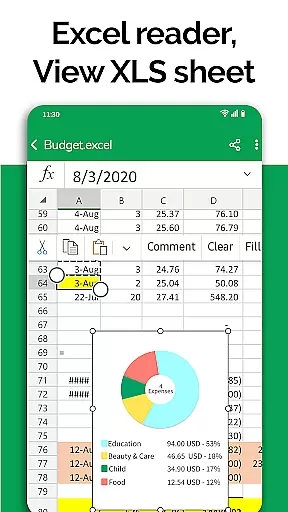
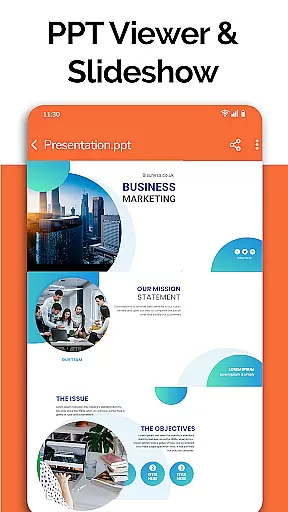
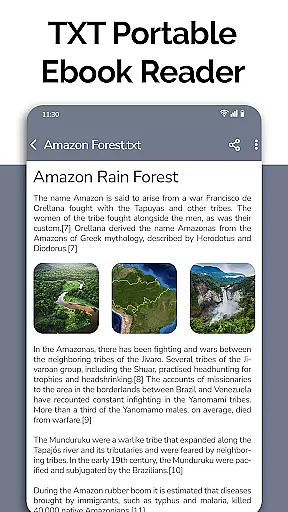
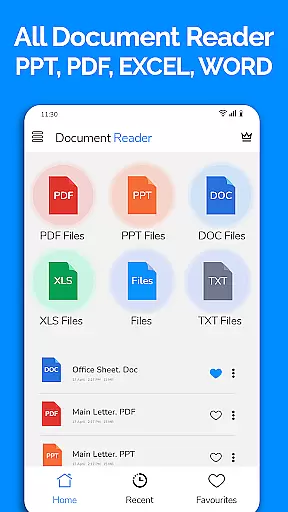
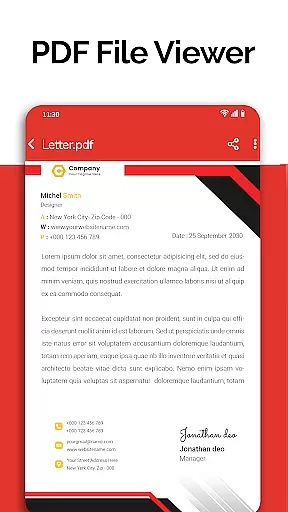
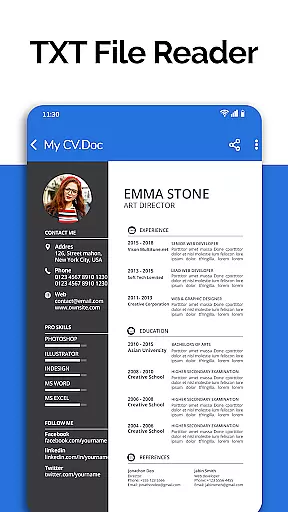
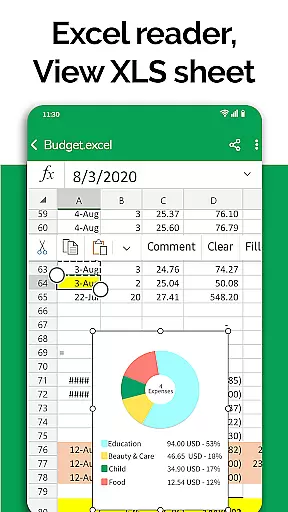
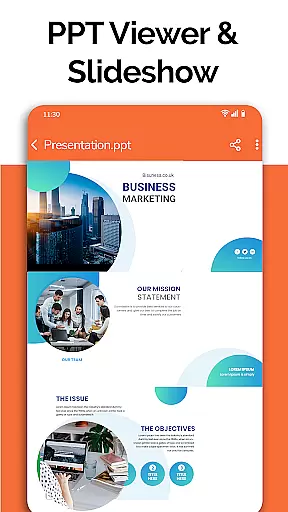
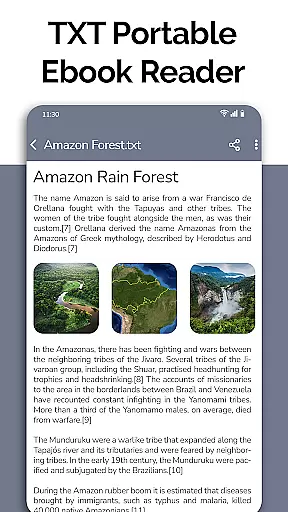
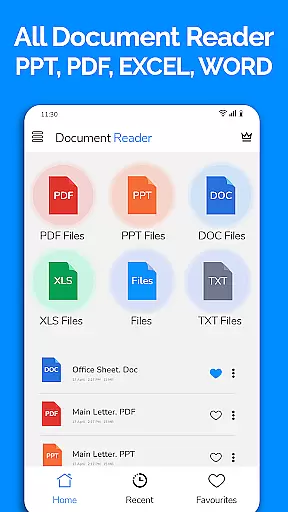
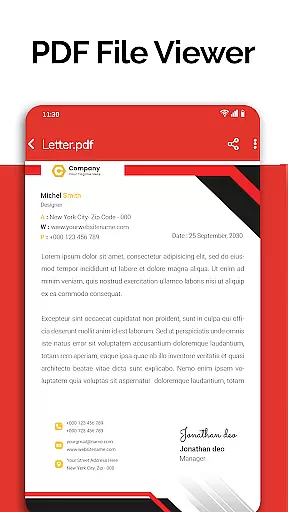
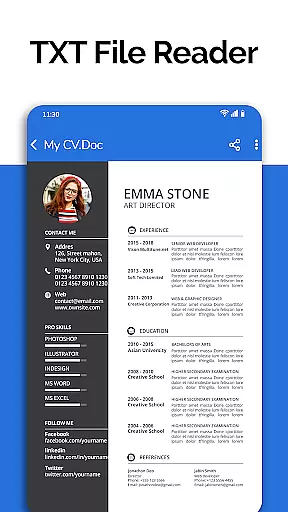
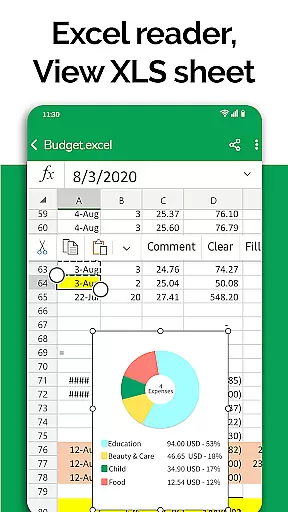
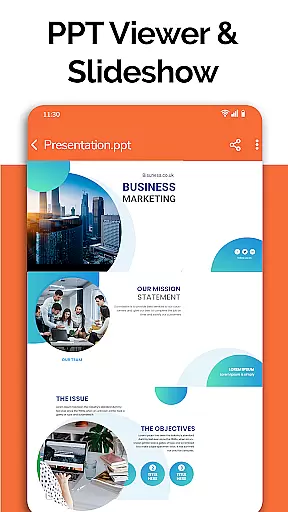
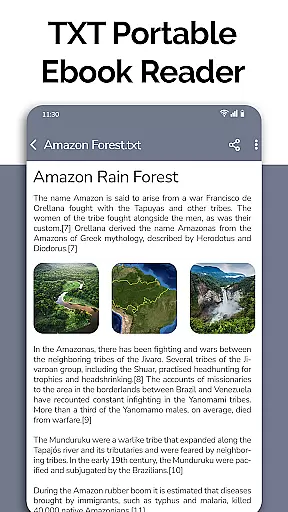
All Document Reader is a comprehensive document management solution that allows users to view, edit, and share various file formats directly from their mobile devices. This app supports multiple document types including PDF, Word, Excel, PowerPoint, and TXT files, making it an all-in-one tool for business professionals, students, and everyday users.
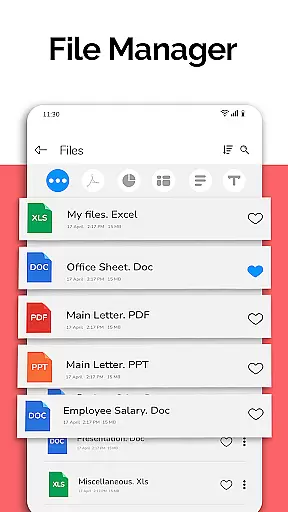
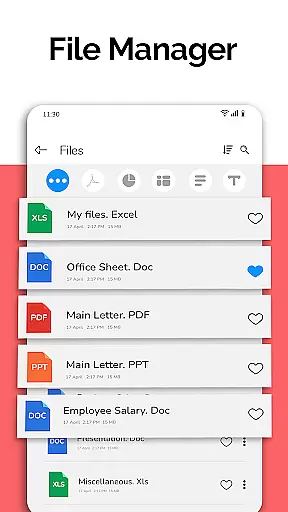
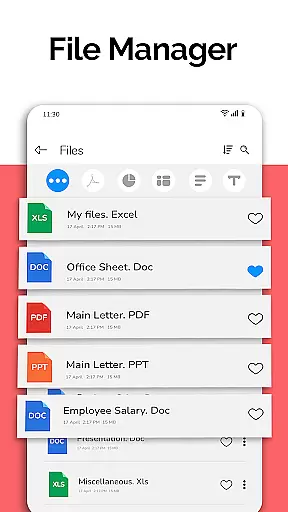
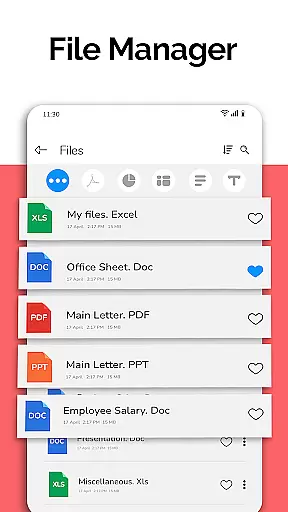
The application features an intuitive file manager that organizes documents automatically, simplifying navigation and access. With capabilities such as document scanning, text editing, and PPT preparation, All Document Reader ensures users can manage their files efficiently without the need for a computer.
Whether you're reviewing business invoices, preparing for presentations, or studying classroom notes, this app provides a seamless experience across different platforms. Its user-friendly interface and powerful functionality make it an essential tool for anyone needing reliable document access on the go.
All Document Reader stands out with its extensive feature set tailored for productivity. The app's PDF reader allows users to handle everything from newspapers to business documents with ease. It also includes specialized viewers for DOC, XLSX, and PPT files, ensuring compatibility with most document formats used in professional environments.
One of the key highlights is the built-in file manager, which not only displays all your documents but also provides detailed file information such as size and modification dates. The sorting and organization features help maintain a clutter-free workspace, while the document editor enables basic editing functions for greater flexibility.
Looking ahead, the developers plan to introduce exciting new features like dark mode, voice search, and image-to-PDF conversion. These upcoming enhancements demonstrate the app's commitment to continuous improvement and user satisfaction, making it a future-proof choice for document management needs.
In today's fast-paced business environment, collaborative work features are essential for effective teamwork. All Document Reader: PDF Viewer facilitates seamless collaboration by allowing users to view, edit, and share various document formats including Word, Excel, PowerPoint, PDF, and TXT files directly from their mobile devices.
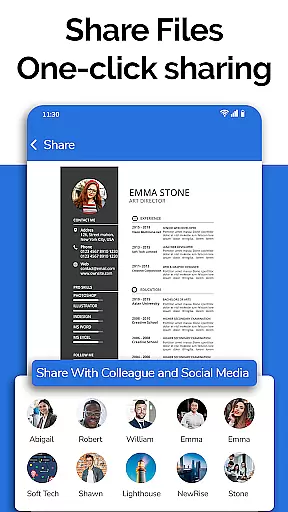
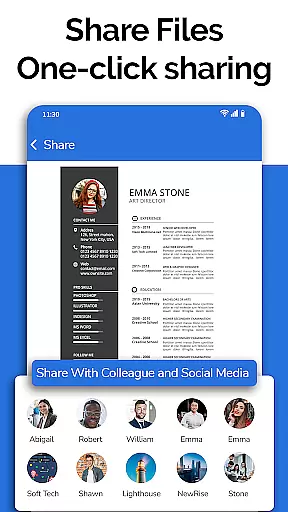
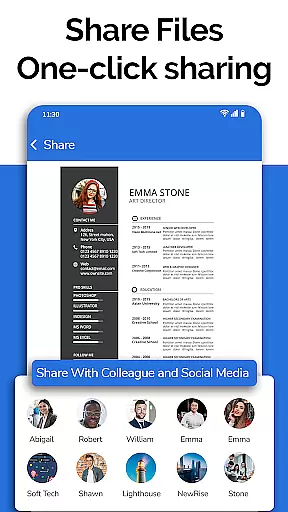
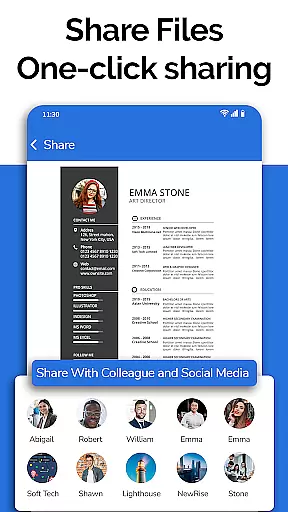
The app simplifies the task of managing team documents by automatically sorting and organizing files, making it easy for teams to access the information they need. With options to delete, rename, and share documents, project workflows become more efficient and streamlined.
One of the key benefits of using All Document Reader for collaborative work is its ability to provide complete file information such as file path, size, and last modification date. This ensures that all team members are working on the most recent version of a document, reducing errors and miscommunication.
Moreover, the app's user-friendly interface supports quick navigation and easy access to files, which enhances productivity. Whether preparing presentations or collaborating on reports, teams can rely on this app to keep their work organized and accessible, no matter where they are.
Effective task management is crucial for maintaining productivity and meeting deadlines in a business setting. All Document Reader: PDF Viewer offers features that contribute significantly to task management by enabling users to handle multiple document types within a single platform.
With capabilities to read and manage Word, Excel, PowerPoint, PDF, and TXT files, users can easily track their tasks and responsibilities. The app's file manager function allows for efficient organization and retrieval of documents, ensuring that important information is always at hand.
All Document Reader goes beyond basic document viewing by providing tools to edit and share files. This functionality is particularly useful for task management as it allows for real-time updates and communication among team members, keeping everyone aligned with the project goals.
Additionally, the upcoming features like dark mode and voice search for files promise to further enhance the task management experience. These enhancements will not only improve usability but also cater to individual preferences, making daily tasks more manageable and less time-consuming.
User-friendly interface
Multi-format support
Efficient file management
Regular updates
Comprehensive editing tools
Limited advanced editing
Occasional performance lag
No cloud integration
Ads in free version
Large app size

All Your Gig Work. One App.
 4.30
4.30
The revolutionary flexible staffing platform
4.40
Measure distances, surfaces and draw plans in seconds with CamToPlan!
4.40
The Penny Puss app with DG penny finder
4.10
Find work, shifts and gigs near you. Jobs lasting a few hours to a few months.
4.30
Access All PDF Files
3.40
All-in-one Mobile solutions for employees & managers to succeed at work
4.30
Work happy with AI Companion
4.10
Make money as a delivery driver with DoorDash and work when you want as a Dasher
4.30
TurboScan turns your phone into a full-featured PDF document scanner.
4.80
All your team communication in one place
4.70
Ship, Track, Find a Location or Get a Quote with UPS. Anytime. Anywhere.
4.60
ANDROID'S TOP MOBILE OFFICE - Word, Excel, PowerPoint and PDF at your fingertips
4.50
ADP Mobile Solutions is an employee self service app
4.50
Shop, deliver, and earn with the Spark Driver™ App
4.10
On the go? Take FedEx with you.
4.00
Zoom built for Chrome OS
3.90
Take the stress out of storage with the all-in-one app to manage your space.
3.70
Convert Your Lovable.dev Website into a Mobile App Instantly!
4.2


User Reviews