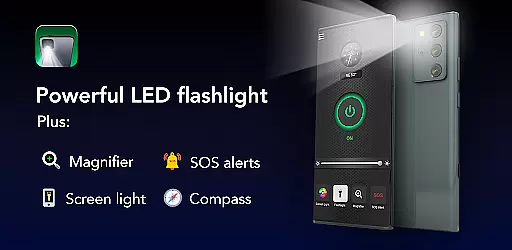
Brightest Flashlight Launcher is a versatile utility app that transforms your smartphone into a multifunctional tool, featuring a powerful flashlight, magnifying glass, and personal safety tools. Designed for both everyday convenience and emergency situations, this app provides instant access to essential functions through its intuitive launcher interface.
The app's standout features include a built-in compass for navigation, SOS alerts for emergencies, and a screen light function for low-light visibility. Whether you're searching for lost items, reading small print, or exploring the outdoors, Brightest Flashlight Launcher offers practical solutions with easy one-swipe access from your home screen.
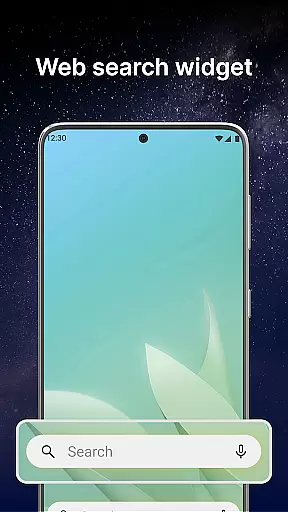
With added benefits like customizable wallpapers, time and weather widgets, and multi-touchpoint search capabilities, this app not only enhances functionality but also personalizes your device experience. Its reliability makes it an indispensable tool for users who need quick access to essential utilities in various scenarios.
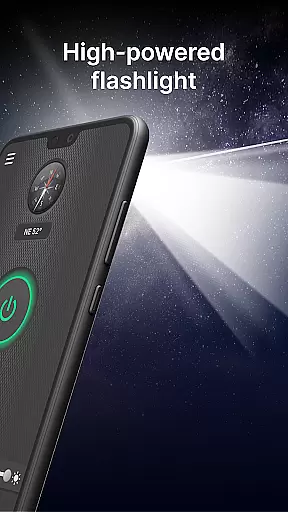
Brightest Flashlight Launcher stands out with its comprehensive set of features designed to maximize convenience and safety. The app's primary feature is its brightest flashlight functionality, which allows users to illuminate their surroundings with just one tap, making it ideal for nighttime navigation or finding lost objects.
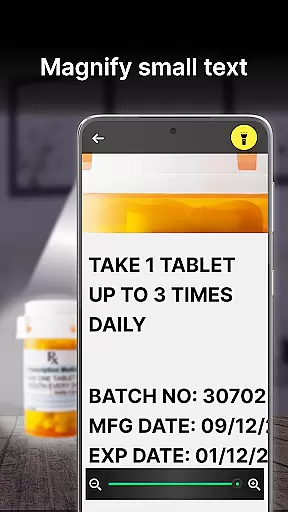
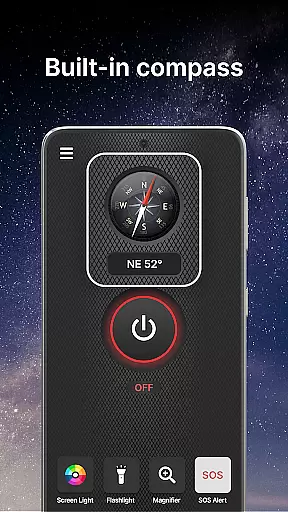
In addition to the flashlight, the app includes a magnifier tool that turns your phone into a magnifying glass with adjustable zoom levels and optional illumination. This feature is particularly useful for reading fine print or examining objects closely. The built-in compass ensures you'll never lose direction during outdoor activities, while the SOS alerts provide a crucial lifeline in emergencies by flashing signals visible from afar.
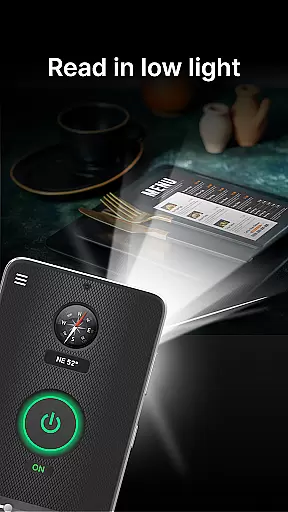
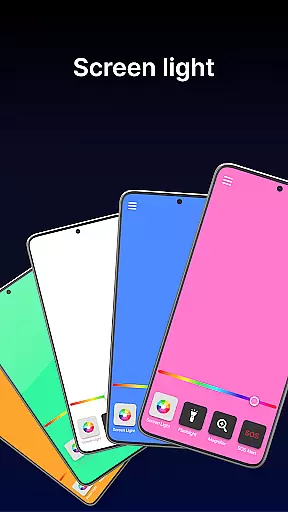
Another notable feature is the screen light function, which uses your smartphone's display as a secondary light source. Combined with customizable home screen widgets showing time and weather, and multi-touchpoint search capabilities for apps and web content, Brightest Flashlight Launcher delivers a complete package of practical tools that enhance both usability and accessibility.
Flashlight Launcher stands out for its core functionality, which is designed to provide users with quick and reliable access to essential tools. The app transforms a smartphone into a versatile device, functioning as a flashlight, magnifier, compass, and more. Each feature is crafted to ensure maximum efficiency and ease of use.
The flashlight feature delivers the brightest possible illumination, making it ideal for various scenarios such as navigating in the dark or searching for misplaced items. With just one tap, users can activate this powerful tool, ensuring they are never left in the dark. The magnifier function further enhances usability by allowing users to zoom in on small text or objects, even in low-light conditions, thanks to the integrated flashlight.
In addition to these primary functions, Flashlight Launcher includes an SOS alert system and a built-in compass. These features not only add to the app's versatility but also serve as crucial safety tools. Whether you're outdoors or facing an emergency, the app ensures that help is just a swipe away.
By focusing on accuracy and effectiveness, Flashlight Launcher guarantees that each tool performs optimally, providing users with peace of mind and reliable assistance whenever needed.
A key aspect of Flashlight Launcher is its user-friendly interface, which prioritizes simplicity and intuitiveness. Upon installation, users will notice a revamped home screen layout that places essential tools within easy reach. This design choice ensures that critical features like the flashlight, magnifier, and safety tools are accessible with minimal effort.
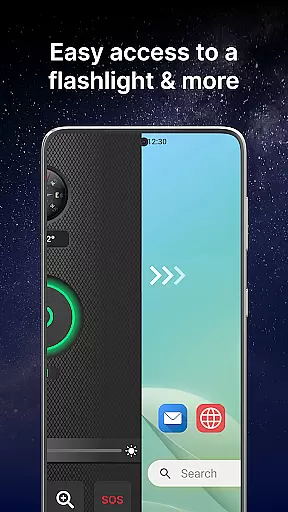
The app offers one-swipe access to its main functionalities, allowing users to quickly activate the flashlight or magnifier by simply swiping right from the home screen. Additionally, a customized widget displays useful information such as time and weather directly on the home screen, enhancing convenience without cluttering the interface.
Personalization options further contribute to the intuitive experience. Users can choose from a wide selection of themed wallpapers to customize their home or lock screen, reflecting personal style while maintaining ease of navigation. Home screen shortcuts provide another layer of accessibility, enabling fast access to frequently used features.
Overall, Flashlight Launcher's interface design emphasizes user-centric principles, ensuring that even those unfamiliar with advanced smartphone functions can easily navigate and utilize its powerful tools.
User-friendly interface
Multi-functional utility
Instant access shortcuts
Customizable home screen
Reliable performance
Home screen layout changes
Requires permissions
May drain battery faster
Limited design options
Not compatible with all devices

Family Locator, Share location, StayConnect with your family in real time
 3.90
3.90
Enjoy smooth gameplay with Game Booster
4.90
ADB support Android 4.X-Android 13(Support wireless pair mode).No root required!
4.70
Forza Tuning Calculator App for Forza Horizon 5, Motorsport and Earlier Titles
4.40
Effortlessly run ADB commands directly on your device without a PC.
4.20
Making emulation easy for everyone!
4.30
Quickly check the frequency of the Earth
4.30
Game Booster, GFX Tool is now compatible with newer game update
4.50
Pro Emulator is an easy to use game console emulator for a range of consoles.
4.40
Powerful collection of electronics tools and reference.A must for any enthusiast
4.90
The one-and-only remote control for PC, Mac, and Linux
4.70
Head tracking for PC sim games such as MSFS 2024 or Elite:Dangerous. No headset!
4.50
PC precision for mobile gaming: dominate with keyboard and mouse!
4.30
Carry a FTP server in your pocket and avoid USB cables for file transfer
4.20
1-Click close all background apps on Android TV
3.90
Unleash gamepad precision for ultimate mobile gaming dominance.
3.90
Safely recover deleted photos, videos, and files with a single easy tap.
3.70
This app unlocks the Pro features of the Central for DayZ app
3.60
PDF Reader - Document Viewer: Read, Manage & Organize Your Documents
3.10


User Reviews