
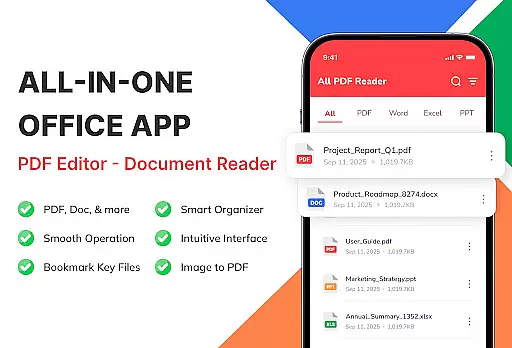
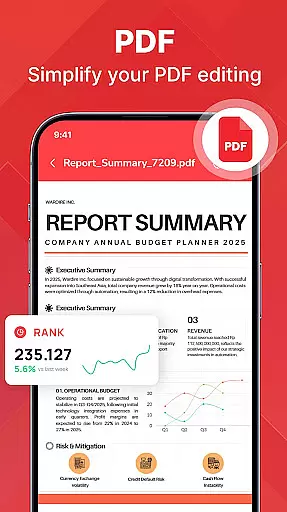
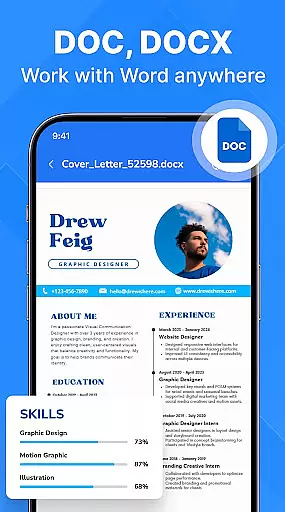
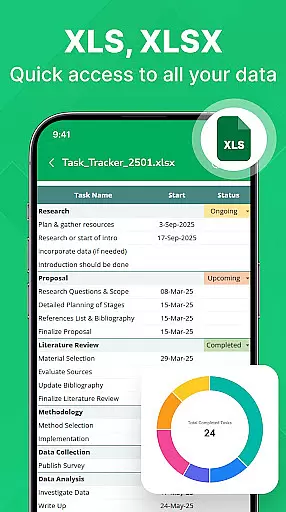
PDF Reader - Document Viewer is a versatile tool designed to streamline document management on Android devices. This app consolidates PDF, Word, Excel, and PowerPoint files in one location, allowing users to access their essential documents anytime, anywhere.
The app's core functionality lies in its ability to open and display multiple document formats with remarkable speed and reliability. Whether you're reading eBooks, reviewing reports, or analyzing spreadsheets, the viewer maintains perfect formatting and provides smooth navigation. Its intelligent file management system automatically detects documents on your device, enabling easy sorting, searching, and categorization.
Designed for various user groups, from students to professionals, this document viewer transforms your Android device into a powerful productivity tool. The app works offline, ensuring privacy and security while providing an intuitive interface that makes document handling effortless and efficient.
PDF Reader - Document Viewer stands out through its comprehensive feature set tailored for document management. The unified file viewer supports all major formats including PDF, Word, Excel, and PowerPoint, maintaining original formatting and visual details across devices.
Performance optimization is another key aspect of this app. Its lightweight architecture ensures fast loading times and smooth page navigation, even with large files. The smart file management system goes beyond basic viewing by offering advanced organization tools. Users can sort documents by various parameters, create favorites, and access recent files with ease.
Additional features include automatic file detection, category-based browsing, and offline functionality. These capabilities, combined with its clean user interface and security-focused design, make the app particularly valuable for remote workers, students, and professionals who need reliable document access without compromising privacy.
PDF Reader - Document Viewer is designed to ensure the highest level of core function accuracy and effectiveness. This app supports multiple document formats including PDF, Word, Excel, and PowerPoint, allowing users to open and view files with perfect formatting and clarity.
The application's advanced rendering engine ensures that documents are displayed exactly as intended, preserving all visual elements and layout structures. Whether you're reading eBooks, reviewing reports, or analyzing charts, every detail is presented accurately on both small and large screens.
Users benefit from fast file loading times and smooth navigation between pages. The lightweight design guarantees stable performance across various Android devices without compromising speed or reliability. These features make it an ideal tool for students, professionals, and everyday users who need quick access to their essential files anytime.
By focusing on precision and efficiency, PDF Reader - Document Viewer enhances productivity by providing a seamless experience in managing digital documents while maintaining data integrity throughout each session.
The interface of PDF Reader - Document Viewer exemplifies simplicity and intuitiveness, making it accessible even for first-time users. With a clean layout and straightforward navigation paths, this app eliminates unnecessary complexity often found in other document management tools.
Key functionalities such as opening files, searching within documents, sorting by name or date, and accessing recent items are easily reachable through clearly labeled icons and menus. Users can effortlessly switch between different sections like Favorites or Categories without feeling overwhelmed by too many options at once.
This thoughtful design extends beyond just aesthetics; it enhances user engagement by reducing learning curves typically associated with new software adoption. Everyday tasks become quicker thanks to intuitive controls placed where theyu2019re most neededu2014right at your fingertips.
Overall, the combination of minimalistic visuals paired with logical operational flow creates an environment where efficiency meets ease-of-useu2014a hallmark trait expected from top-tier productivity applications today.
User-friendly interface
Multi-format support
Offline functionality
Fast performance
Smart organization
Limited editing tools
No cloud integration
Premium features locked
Basic annotation
Ads in free version

A powerful, easy-to-use flight computer on your phone or tablet!
 3.80
3.80
Transfer Files, APK from Phone to Watch & Install.
4.1
A convenient photo, video, and file recovery tool.
4.00
Learn the vast amount of system information about device and monitor it's state
4.70
Safely recover deleted photos, videos, and files with a single easy tap.
3.70
Signal Strength, Mobile, Wifi, Speed Test, Bad Signals, Cellular, 5G, LTE, 4G
4.20
Making emulation easy for everyone!
4.30
The Ultimate Flex Drivers Utility App - Convenient Tapping & Block Filters
4.70
Screen Mirroring with sound for Samsung TV, LG TV, Sony TV, Smart TV and Browser
4.20
Change your GPS location instantly. Simulate routes anywhere in the world.
4.90
Mirror your screen to Chromecast and Android TV - Super fast and simple
4.60
Planner and Tracker for Stardew Valley
4.60
Play your X-Box games remotely in 1080p with any controller and zero latency
4.60 4.50
4.50
Forza Tuning Calculator App for Forza Horizon 5, Motorsport and Earlier Titles
4.40
Fluid navigation gestures for all of us!
4.30
App that Recover your pictures, videos or files after you delete them.
4.20
VESC Tool can monitor and configure VESC-compatible devices over BLE and Wifi
4.20
View detailed information about your Nissan Leaf the dealer never shows you.
4.10


User Reviews