
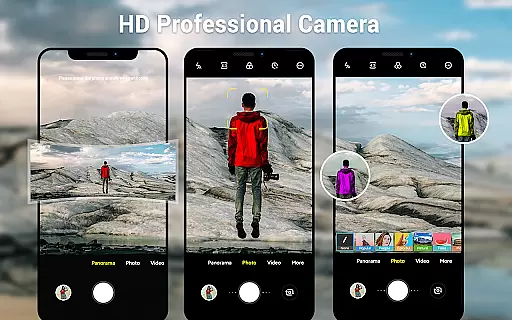
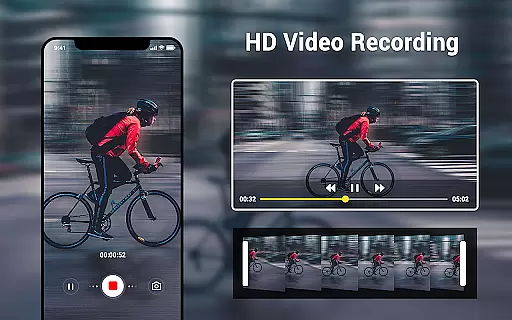
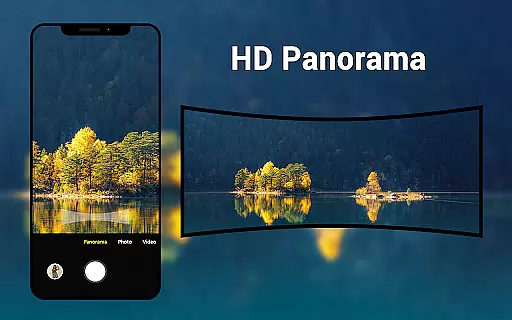
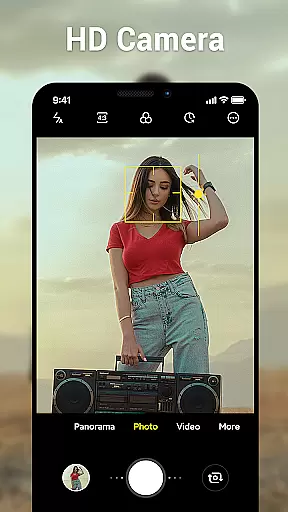
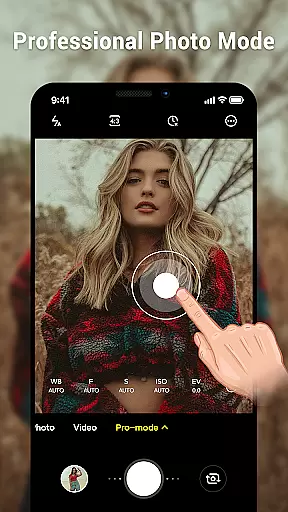
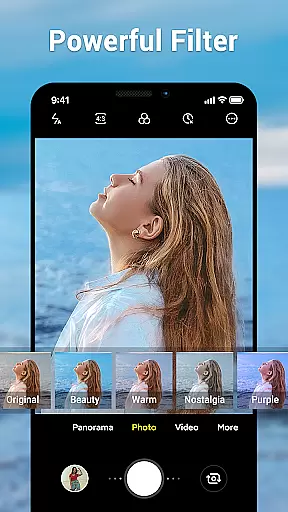
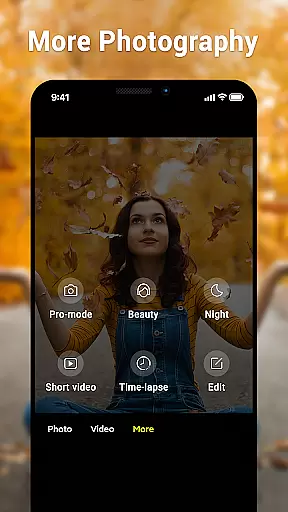
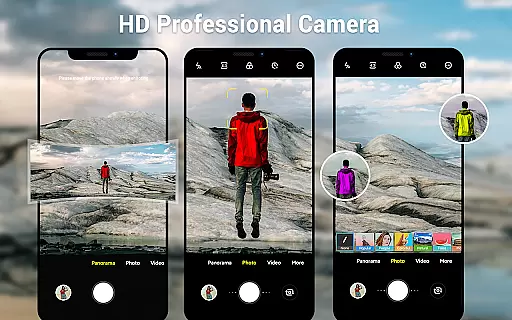
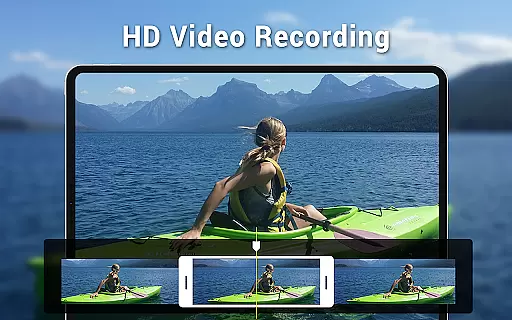
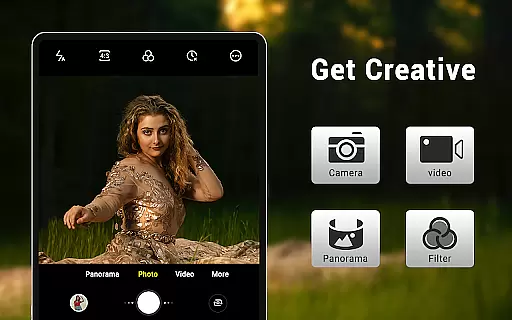
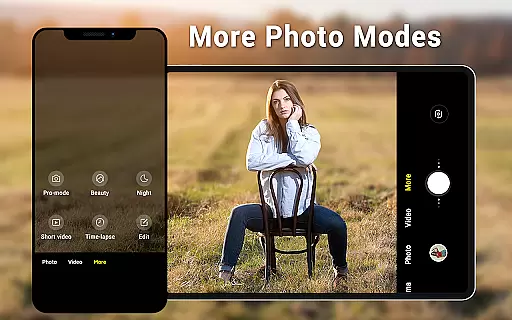
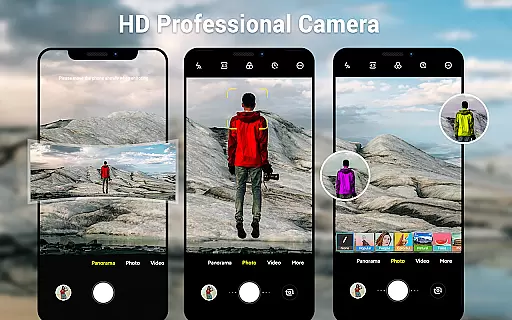
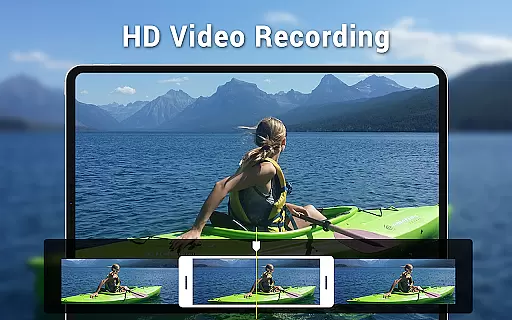
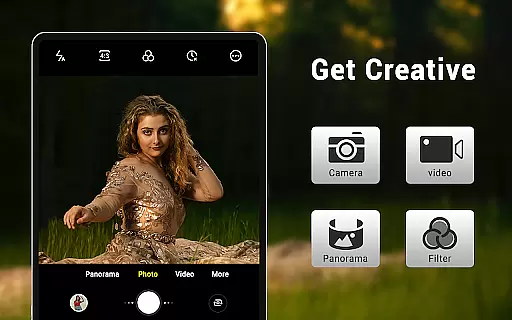
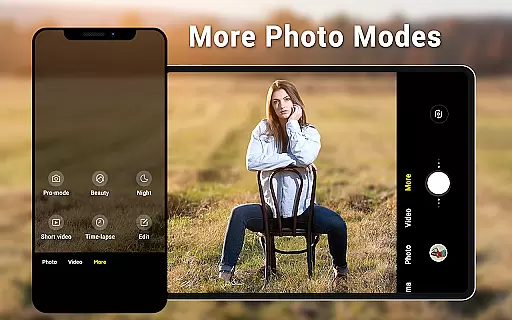
Camera for Android is a native system HD camera application designed to provide users with a simple and efficient way to capture high-quality photos and videos. The app supports multiple shooting modes including standard photography, video recording, and smart panorama features, making it versatile for various photography needs.
One of the standout functionalities of this app is its ability to utilize all the advantages of your Android device, ensuring excellent image quality through features like pinch-to-zoom, exposure settings, countdown timer, and white balance adjustments. Whether you're using a phone or tablet, the dynamic user interface adapts seamlessly to your device, offering wide-screen picture capabilities and customizable settings that cater to both novice and advanced photographers.
This app is particularly useful for users who need a reliable camera app that can deliver professional-grade results without requiring extensive technical knowledge. Its intuitive design and robust feature set make it an ideal choice for capturing life's moments in stunning detail.
Camera for Android boasts an impressive array of features that enhance the photography experience. With three primary modes—standard camera, video recorder, and panorama—the app covers a broad spectrum of photographic needs. Users can enjoy high-definition photo and video capture, ensuring every shot is crisp and vibrant.
The app includes advanced functionalities such as pinch-to-zoom, which allows for detailed close-ups, and smart panorama shooting for expansive landscape shots. Additional features like countdown timers, exposure settings, and white balance adjustments (including options for incandescent, fluorescent, daylight, and cloudy conditions) give users extensive control over their photography environment. Screen mode settings further refine the experience by adapting to different lighting scenarios such as action, night, and sunset modes.
Usability is enhanced through a dynamic interface that works seamlessly on both phones and tablets, providing a consistent experience across devices. Picture quality settings, location targeting, and configurable volume keys add layers of customization, allowing users to tailor the app to their specific preferences and needs. These comprehensive features ensure that Camera for Android stands out as a powerful tool for capturing memories.
Real-time capture and preview functionality is essential for ensuring that users can accurately frame and capture their desired shots without delay. The Camera for Android app excels in this area by providing a seamless experience that leverages the native capabilities of your device.
This application offers an intuitive interface that dynamically adjusts to your device's screen size, whether you're using a phone or tablet. With features like pinch-to-zoom and exposure settings, users can fine-tune their shots in real time, ensuring that every photo meets their expectations before they even press the shutter button.
Additionally, the countdown timer and various shooting modes, including HD camera, video recorder, and smart panorama, enhance the real-time capture experience. These features allow users to explore creative photography techniques while maintaining complete control over their shooting environment.
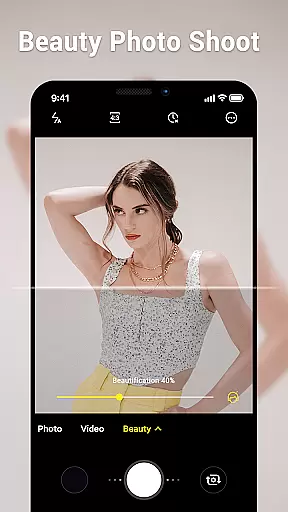
AI beauty and enhancement features are increasingly popular in modern photography apps, offering users the ability to improve their photos with natural-looking effects. Camera for Android incorporates these advancements subtly, focusing on enhancing images without compromising their authenticity.
The app provides a variety of settings such as white balance, picture quality, and screen mode adjustments, which contribute to more natural photo enhancements. Whether shooting in daylight or under artificial lighting, users can select from different white balance settings like Incandescent, Fluorescent, and Cloudy to ensure colors appear true to life.
Moreover, the wide screen picture capability and exposure settings enable users to capture more detailed and vibrant images. By utilizing these sophisticated tools, Camera for Android ensures that all enhancements look genuine, preserving the original essence of each photograph while still delivering polished results.
User-friendly interface
High-definition photo capture
Versatile shooting modes
Customizable settings
Wide device compatibility
Limited unique features
No advanced editing tools
Basic UI design
Occasional performance lags
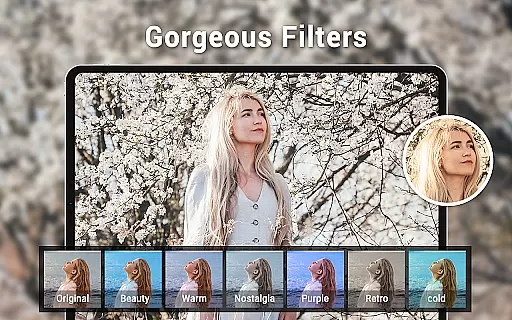
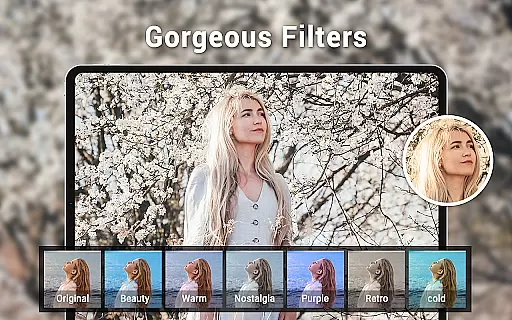
Few filter options

Add Watermark - Sign your pictures with a text or logo. Effective, quick, easy!
 4.50
4.50
Safe & smart flight with Go Fly drone controller for 40+ drone camera, zone map
4.50
Professional video recording application with manual controls for filmmakers!
2.80
Automatically backup your photos and videos to computer, NAS and Cloud services
4.60
Photo editor & gallery. Crop pictures & edit photos offline, no wifi!
4.50
GCamera allows all GCam features on all phone models! Better photos with GCamera
3.30
Transform Photos: Edit, Beautify and Craft Memories & Make Collages!
4.10
live datamoshing
4.00
Unlock the full potential of your DJI drone with Litchi
4.50
Photo prints, cards, & gifts at Walgreens. Easy ordering & fast local pickup !
4.80
Your personal guide to the sun and moon. Plan ahead, visualize and predict!
4.70
Discover & download millions of art for The Frame TV or Hisense CanvasTV
4.60
Cut and paste photo editor & eraser to customize photos easy and swap faces fun
4.50
Create AI photos & videos with Enhancer; restore, fix, beautify, enhance photos
4.50
Trendy TikTok time warp scan funny filter app brings you unique photos & videos.
4.40
Edit like a pro with Hypic. Apply filters, AI effects, & magic touch.
4.40
Professional camera app that brings DSLR manual photography controls to Android.
4.20
How old age camera Gender Swap App Face Shape Hairstyle App Hair Styler App fun!
4.00
Raw Image Viewer. Gallery with support of raw images (.cr3, .cr2, .nef, .raf).
2.00


User Reviews