
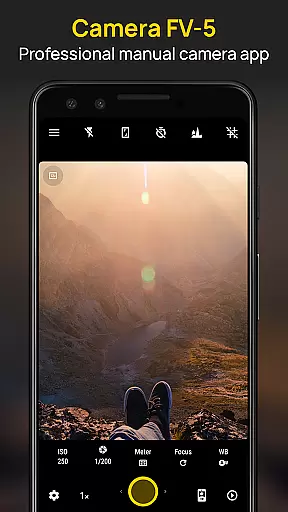
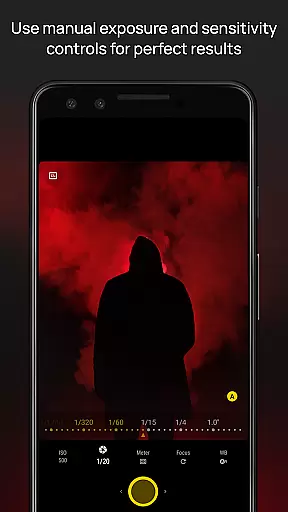
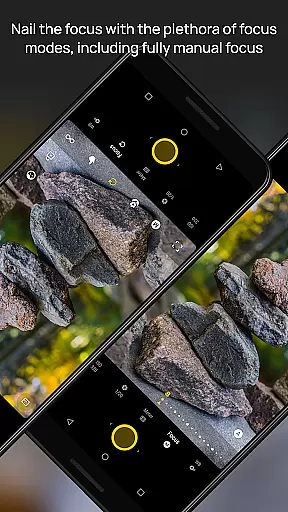
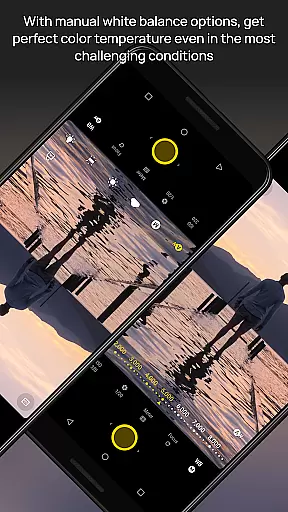
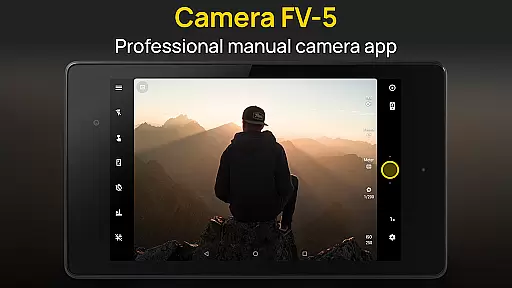
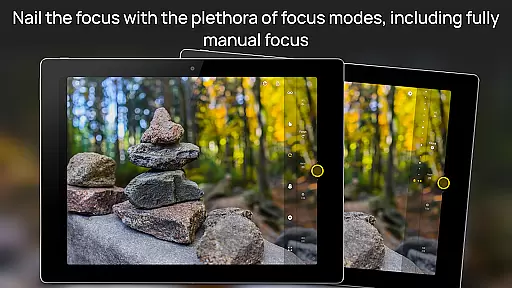
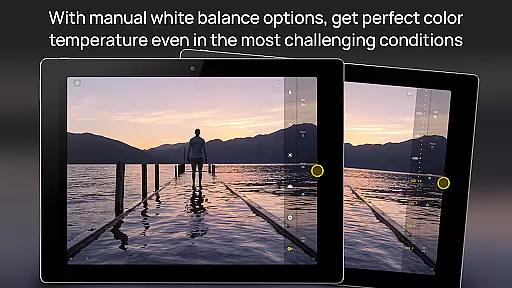
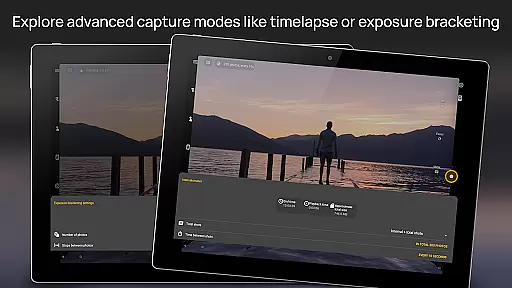
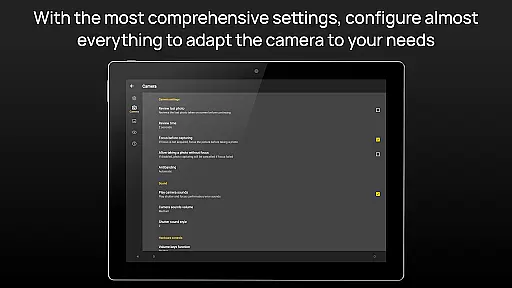
Camera FV-5 is a professional-grade camera application designed for mobile devices, offering DSLR-like manual controls. It caters to enthusiast and professional photographers by providing the capability to capture high-quality raw photographs for post-processing. With features like exposure compensation, ISO adjustment, and various focus modes, it ensures users can achieve stunning results limited only by their creativity.
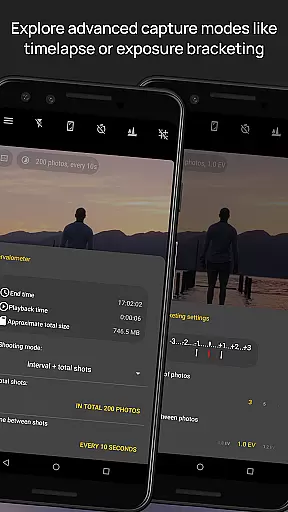
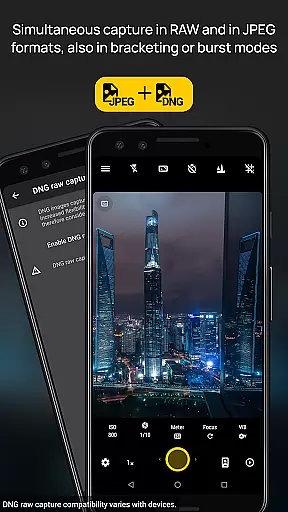
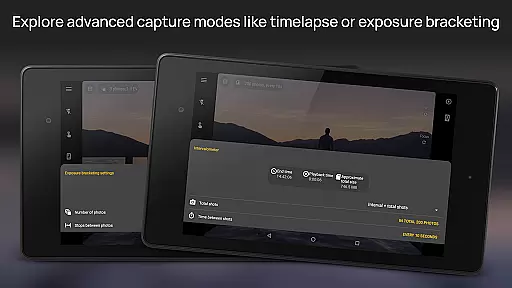
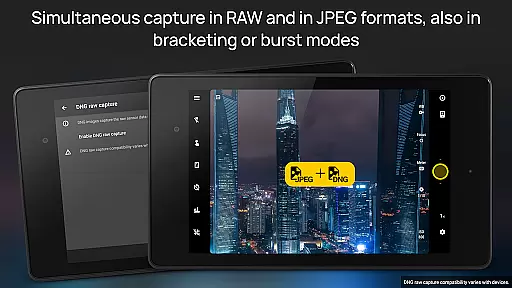
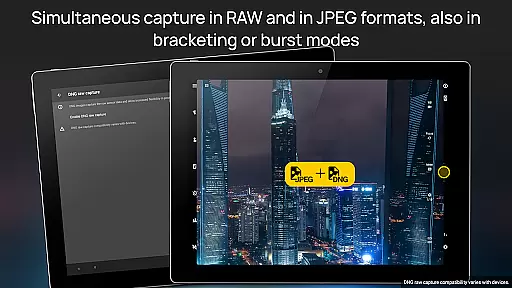
The app supports advanced functionalities such as exposure bracketing, intervalometer for timelapses, and multiple photo capturing formats including JPEG, true 16-bit RAW in DNG format, and lossless PNG. Its comprehensive manual control over photographic parameters makes it stand out, allowing users to adjust every aspect of their photos just like with a reflex camera. This ensures no photo opportunity is missed, delivering a DSLR-like experience on mobile.
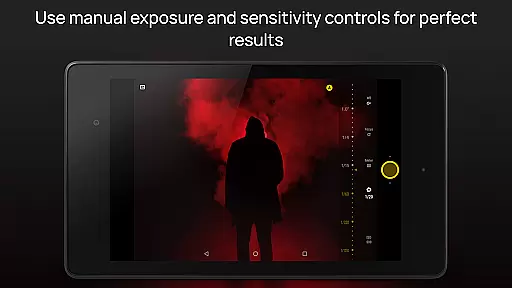
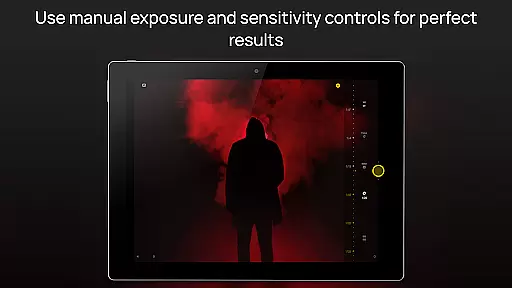
Camera FV-5 boasts an array of sophisticated features tailored for photography enthusiasts. The app provides DSLR-like viewfinder displays showing exposure time, aperture, and stops with EV settings in real-time. It includes full-fledged exposure bracketing, program and speed-priority modes, and long exposure support up to 30 seconds, enabling breathtaking night photos and light trails.
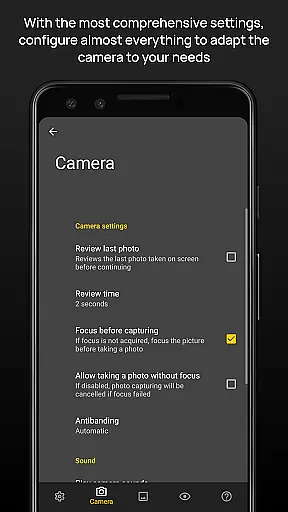
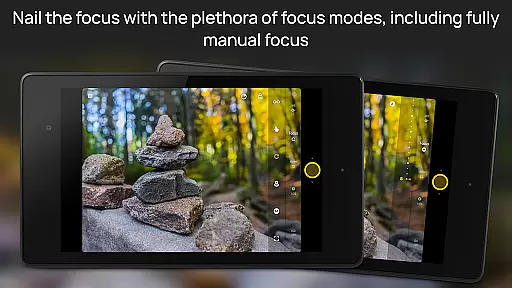
Additional features include manual shutter speed adjustments, assignable camera functions to volume keys, EXIF and XMP metadata support, and various focus modes. The electronic viewfinder offers live RGB histograms and composition aids. With powerful organization options and multi-language support, Camera FV-5 delivers extensive control over photographic parameters, ensuring users can capture images exactly as they envision.
Real-time capture and preview functionality is essential for photographers who need precise control over their shots. Camera FV-5 excels in this area by offering a DSLR-like viewfinder display that provides real-time feedback on exposure settings. This feature ensures that users can make informed decisions before capturing an image.
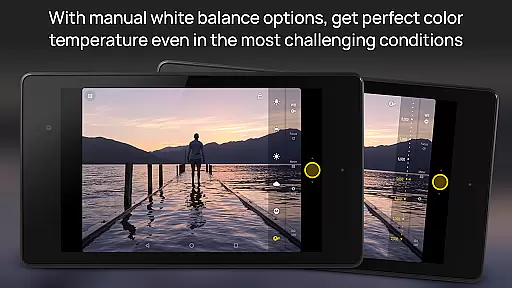
The application supports live adjustments of various photographic parameters, including exposure compensation, ISO, and white balance. These controls are easily accessible, allowing photographers to fine-tune their settings without taking their eyes off the viewfinder. The ability to see these changes reflected instantly enhances the overall shooting experience.
One of the standout aspects of Camera FV-5 is its advanced electronic viewfinder. It includes live RGB histograms, composition grid overlays, and crop guides, which help in achieving perfectly framed and exposed shots. This level of detail empowers photographers to capture images exactly as they envision, making it an invaluable tool for both enthusiasts and professionals.
Ultimately, the real-time capture and preview capabilities of Camera FV-5 provide users with the confidence that their photos will meet high standards. By delivering immediate visual feedback, the app minimizes guesswork and maximizes creative control, resulting in stunning photographs every time.
While Camera FV-5 focuses primarily on manual controls and professional-grade features, it also offers options for enhancing image quality through built-in tools. Although not marketed specifically as an AI beauty enhancement app, its robust set of editing features allows for natural-looking improvements without compromising the authenticity of the original photo.
The application supports multiple photo formats, including JPEG, true 16-bit RAW in DNG format, and lossless PNG. These formats preserve the integrity of the image data, providing a solid foundation for any post-processing enhancements. Users can leverage these options to subtly enhance their photos while maintaining a natural appearance.
Camera FV-5's powerful organization options further contribute to the enhancement process. With customizable file names and storage locations, photographers can efficiently manage their workflow and ensure that each image receives the attention it deserves. This systematic approach helps maintain consistency across edited images, enhancing their overall quality.
In summary, while Camera FV-5 may not emphasize AI-driven beauty enhancements, its comprehensive suite of features enables photographers to achieve naturally enhanced results. By focusing on preserving the original essence of the photograph, the app ensures that any modifications remain true to the photographer's intent, delivering professional-quality outcomes.
DSLR-like controls
High-quality RAW capture
Advanced exposure features
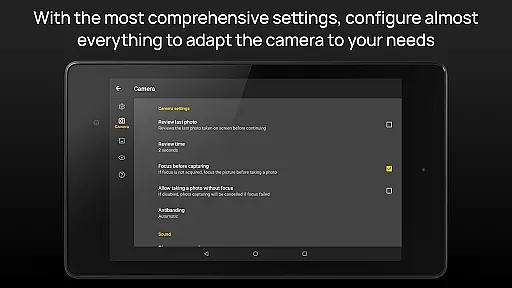
Comprehensive manual settings
Professional focus modes
Complex for beginners
Requires newer Android
Limited device compatibility
No automatic scene modes
Interface can be cluttered

A collection of tools and reference tables for DPs, ACs, DITs and Operators.
 4.70
4.70
[3DSteroid Pro] is a stereoscopic application for Android.
4.30
Find time and duration of different sunlight phases at any location
4.90
HD Photo gallery and photo manager to edit, hide private photos, videos & albums
4.5
Viewfinder, Light meter, Reciprocity failure time, DOF & Bellows Extension
4.60
Photo prints, cards, & gifts at Walgreens. Easy ordering & fast local pickup !
4.80
Automatically backup your photos and videos to computer, NAS and Cloud services
4.60
GCamera allows all GCam features on all phone models! Better photos with GCamera
3.30
RAW video capture with advanced controls
4.40
Your personal guide to the sun and moon. Plan ahead, visualize and predict!
4.70
Safe & smart flight with Go Fly drone controller for 40+ drone camera, zone map
4.50
Create collages easily! Nice pic collage maker & background eraser for Instagram
4.50
Photo editor & gallery. Crop pictures & edit photos offline, no wifi!
4.50
Effortlessly organize, view and share your photos & videos with Gallery app!
4.40
Create AI Photos, Improve and restore quality of blurry, old or damaged pics.
4.20
Professional quality photo edits with the new Snapseed.
4.00
USB Storage Access for Photos, Videos, Music and Documents
3.80
Create amazing frames with up to five photos. Rounded corners, effects and more!
3.60
Superimpose one photo on top of another using the original Superimpose app!
3.20


User Reviews