
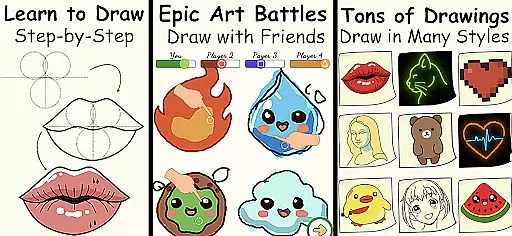
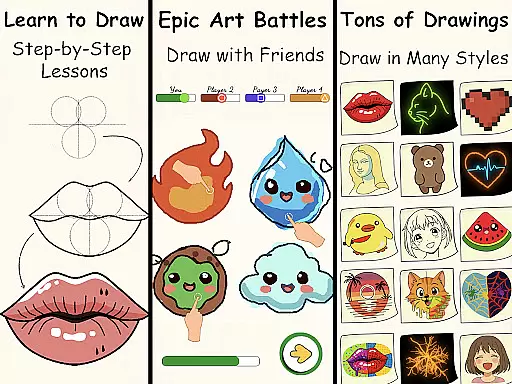
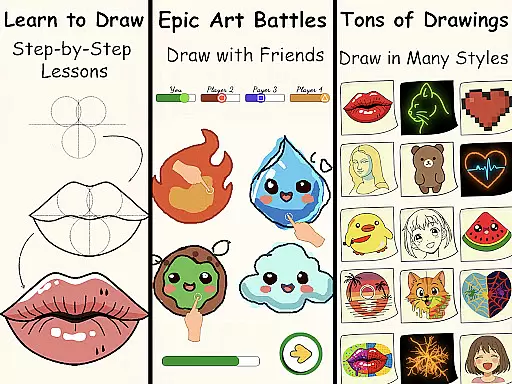
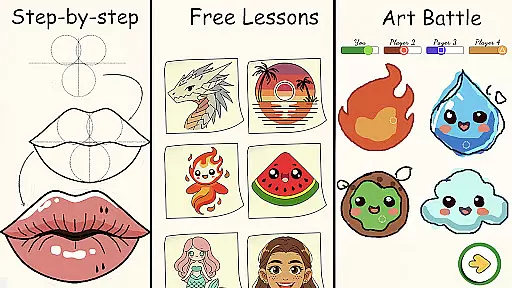
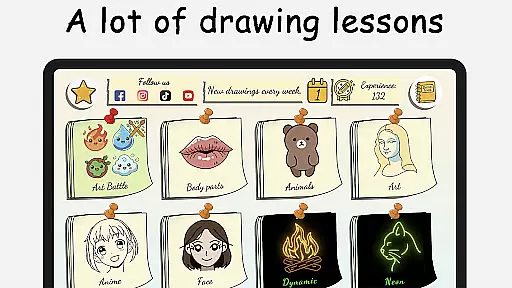
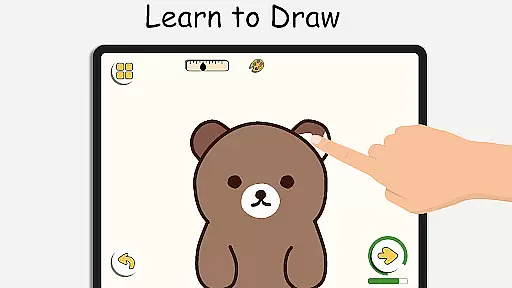
ArtLoop is a comprehensive drawing app designed to help users learn and improve their art skills through step-by-step tutorials, interactive challenges, and multiplayer drawing games. Whether you are a beginner or an experienced artist, this app offers structured lessons covering various topics like sketching, anime, cartoon drawing, and more.
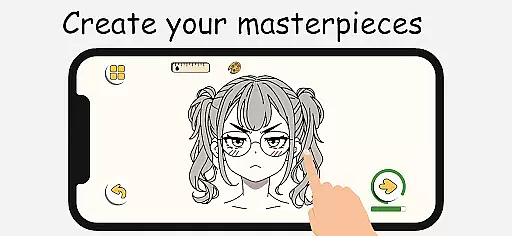
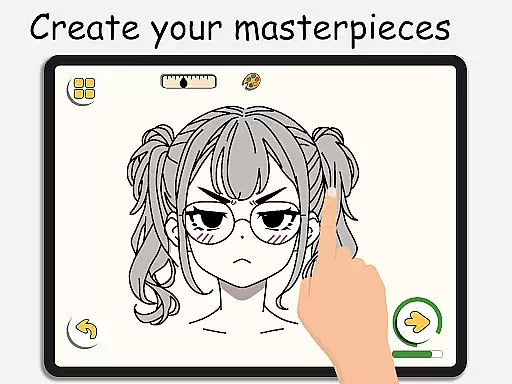
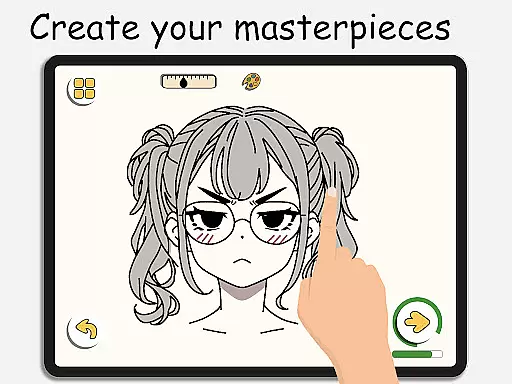
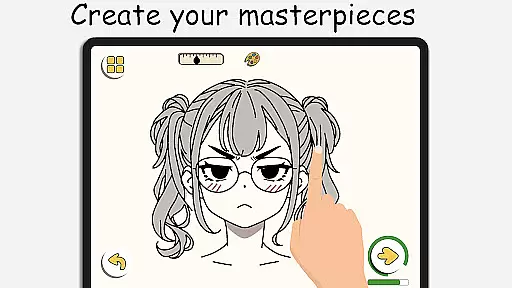
With intuitive drawing tools, ArtLoop provides a smooth and responsive experience for creating digital art. Users can practice their skills with daily exercises, track their progress over time, and even participate in exciting art battles with friends or random players. The app also supports offline drawing, making it convenient for users to sketch on the go without needing an internet connection.
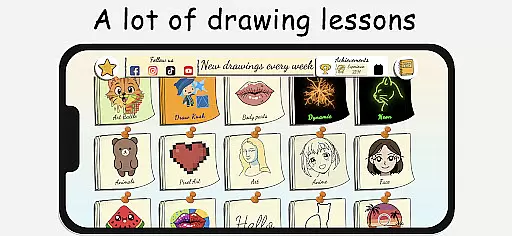
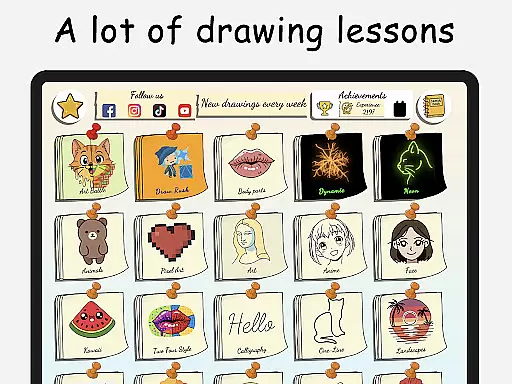
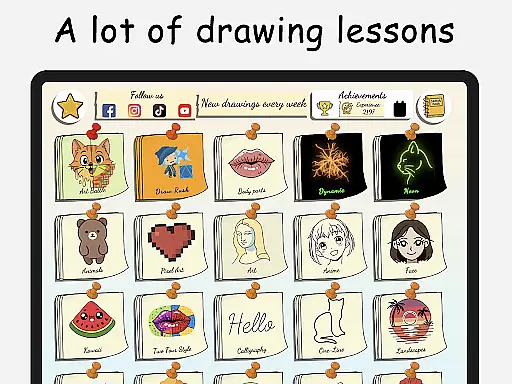
ArtLoop caters to all ages and skill levels, offering tailored learning paths in categories such as cute animals, food, flowers, and anime eyes. Its unique features include pixel art mode, neon drawing effects, quick draw challenges, and collaborative drawing rooms, ensuring artistic freedom and creativity for everyone.
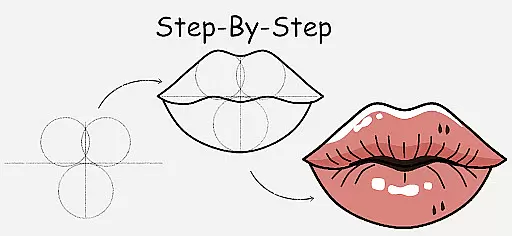
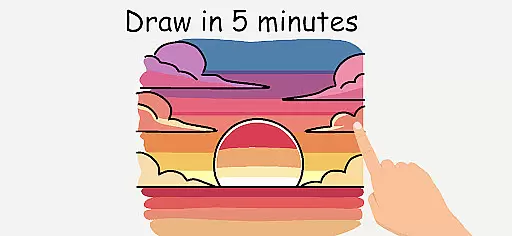
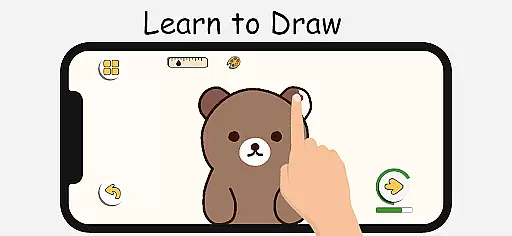
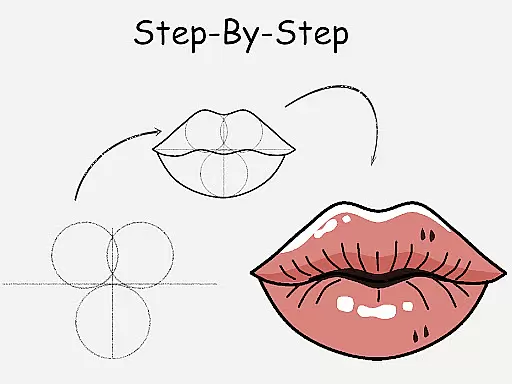
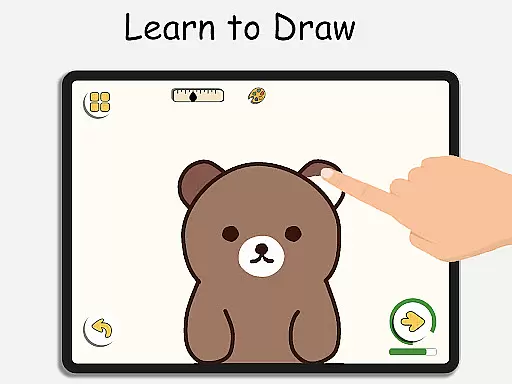
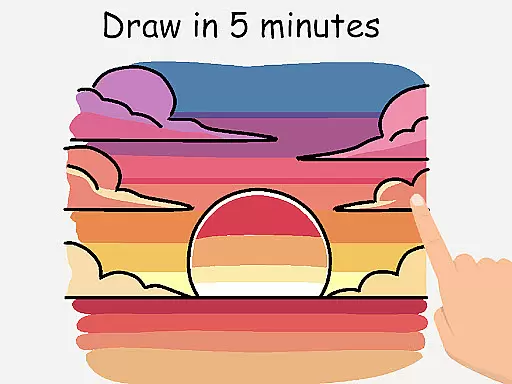
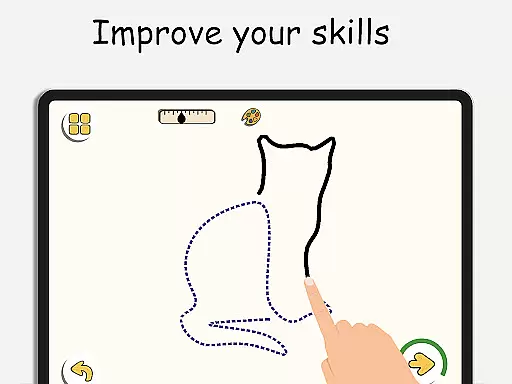
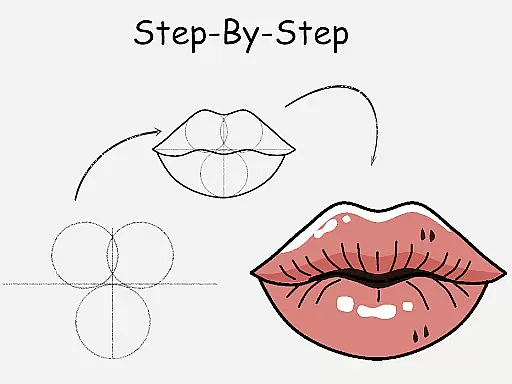
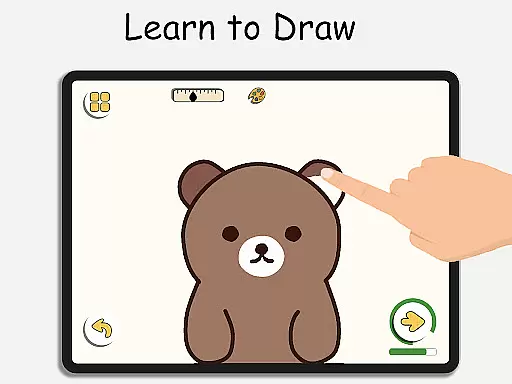
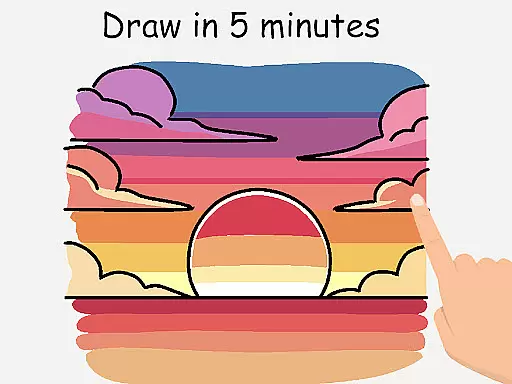
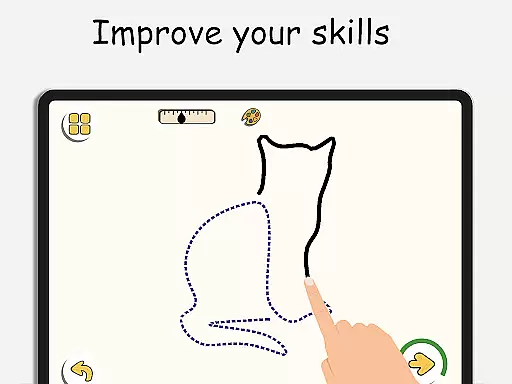
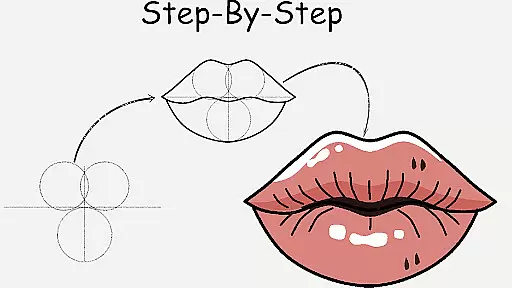
ArtLoop stands out with its rich set of features designed to enhance the drawing and learning experience. One of the key highlights is the step-by-step drawing lessons that cover a wide range of subjects, from simple shapes to complex artworks. These lessons are perfect for beginners and those looking to refine their techniques, providing clear instructions and guidance throughout the process.
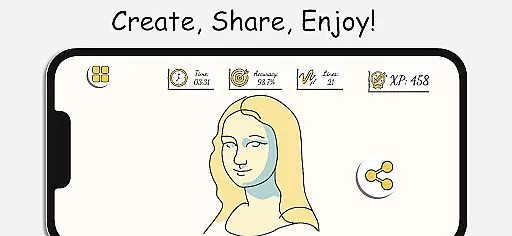
The app also includes fun and interactive features such as multiplayer drawing battles, where users can compete with others to improve their skills and stay motivated. Additionally, ArtLoop offers smart evaluation tools that analyze the accuracy and flow of drawings, helping users track their progress and see improvements over time.
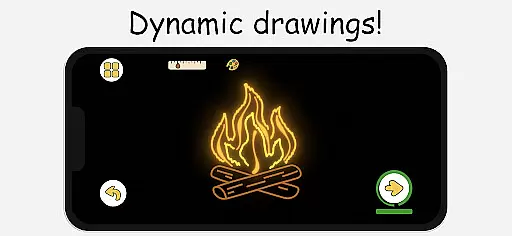
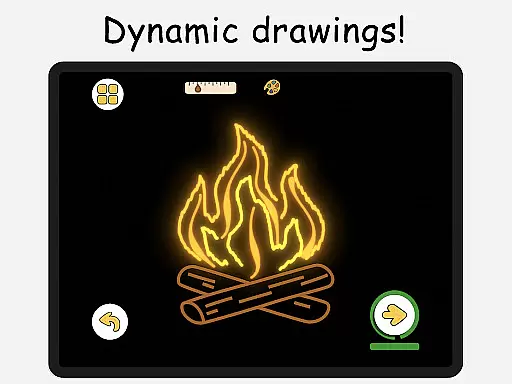
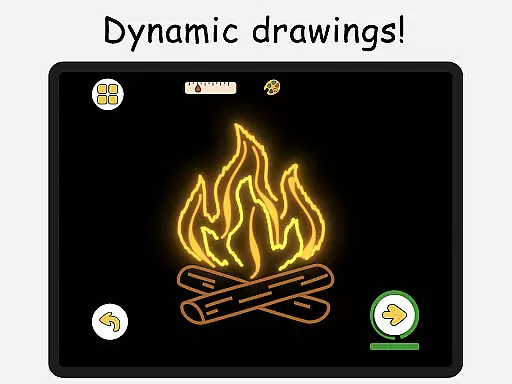
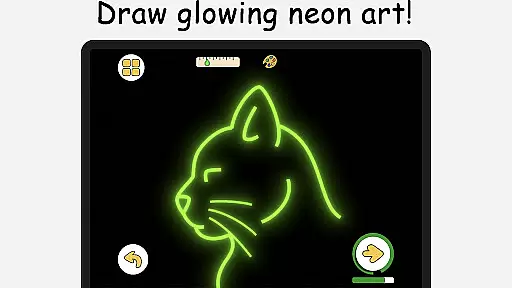
Unique modes like Pixel Art and Neon Drawing provide specialized tools for creating grid-perfect pixel art and luminous strokes with glow effects. Quick Draw & Speed Draw challenges push users to think fast and refine their accuracy, while the Draw With Friends feature allows real-time collaborative sketching in private rooms. These innovative features make ArtLoop a versatile and powerful tool for artists of all levels.
ArtLoop offers a comprehensive suite of creative tools that cater to both beginners and advanced artists. The app includes step-by-step drawing lessons, multiplayer drawing battles, and various art modes such as Pixel Art and Neon Drawing.
Users can explore different drawing tutorials that cover a wide range of topics from sketching basics to specific styles like anime and cartoon drawing. This ensures that whether you are just starting or looking to refine your technique, there is content tailored for your skill level.
The inclusion of features like smart evaluation tools and offline drawing capabilities adds to the versatility of the app. These tools help users track their progress and practice without needing an internet connection, making it convenient for learning anytime, anywhere.
One of ArtLoop's standout features is its canvas and format flexibility, which allows users to create art in multiple styles and formats. The app supports everything from simple sketches to complex digital artworks, providing an intuitive virtual sketchpad with smooth, responsive tools.
Artists can choose from various specialized modes such as Pixel Art Mode, which includes snap-to-grid tools and quick-fill coloring for creating retro sprites and game characters. Additionally, the Neon Drawing mode lets users create vibrant, glowing artwork with luminous brushes.
This flexibility extends to collaborative features as well, allowing users to draw with friends in real-time private rooms. Such features ensure that ArtLoop is not just a drawing app but a versatile platform for artistic expression and growth.
User-friendly interface
Comprehensive drawing lessons
Multiplayer drawing games
Offline drawing capability
Smart progress tracking
Limited advanced tools
Occasional bugs
In-app purchases
Ads in free version
Steep learning curve

AI generated images & photos, turn your words into drawing, painting & pictures.
 4.30
4.30
Art of Combination Wear OS Watch faces
4.5
Art of Combination Wear OS Watch Faces
4.5
Unleash Your Creativity with Draw Cartoon - AR Drawing App
4.10
Photo editor for art, avatars, filters & fun transformations.
4.60
Painting, drawing, & sketching
4.50
Just trace a projected picture on paper and color! Draw & Paint with AR drawing
4.40
Explore future self face age filter & remove background image for a unique look.
3.50
Unleash your inner artist! Sketchar: AR Drawing for Limitless Creativity
4.40
Convert image to JPG PNG HEIC PDF, support almost all kinds of image formats
4.70
Draw anime & manga drawing, art with templates to create stunning picture!
4.50
Digital illustration drawing & painting pad app to paint Anime and Manga art
4.50
Nano Banana AI Image Generator, Anime Filter, AI Portrait, AI Photo Generator
4.30
Sketch and paint on your device with the feel and freedom of drawing on paper
4.00
Sketch, trace and master AR drawing with awesome anime art!
3.30
Create stunning video, photo & magic from text with FlixAI GPT video generator.
3.10
Premium version of Shimeji-ee app with no ads & no limit active shimeji
4.0
Your Essential Color Theory Guide: Red, Yellow, Blue (RYB)
4.4
A luxurious gold watch face for an elegant and refined look.
4.2


User Reviews