
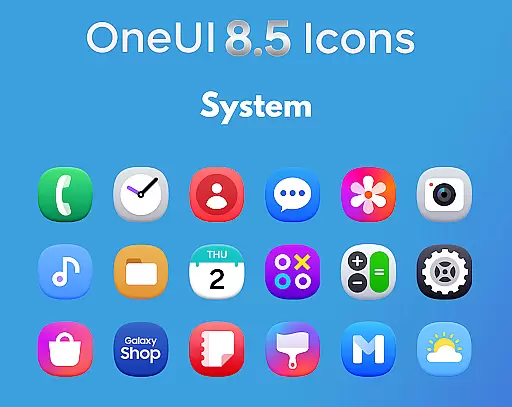
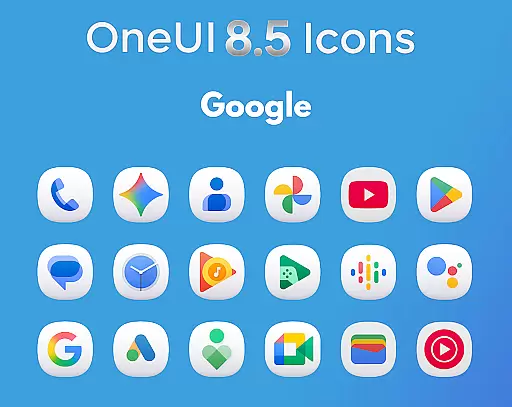
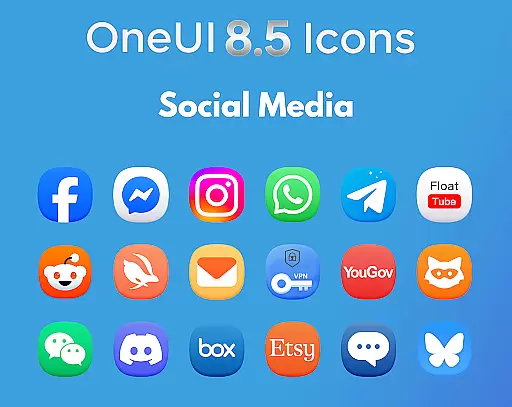
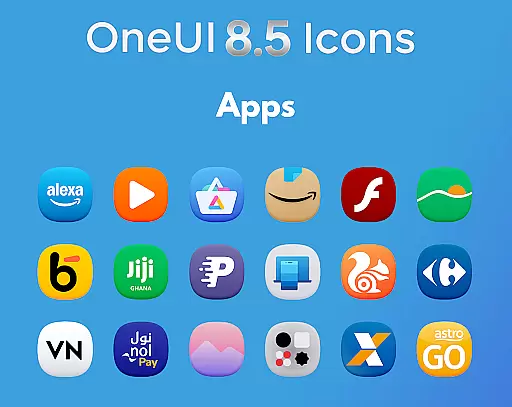
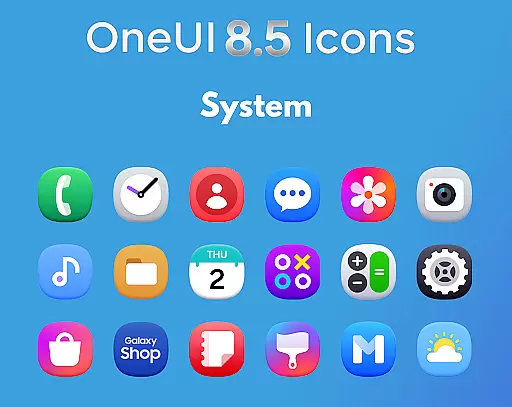
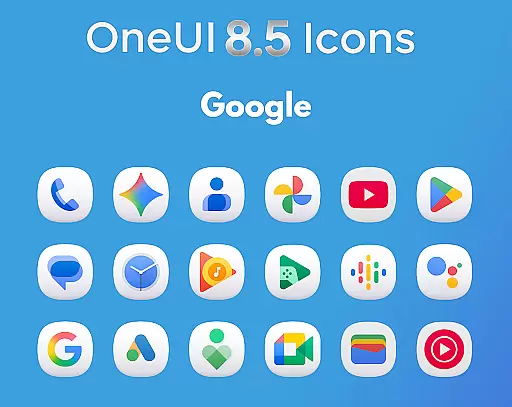
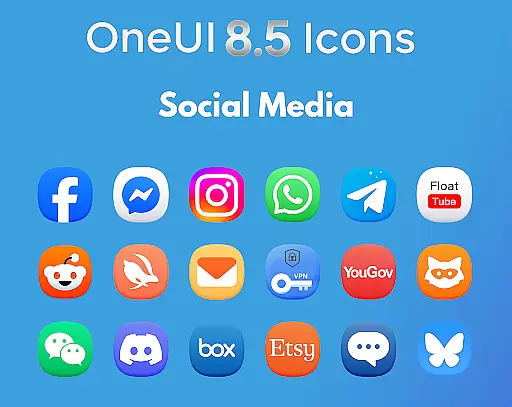
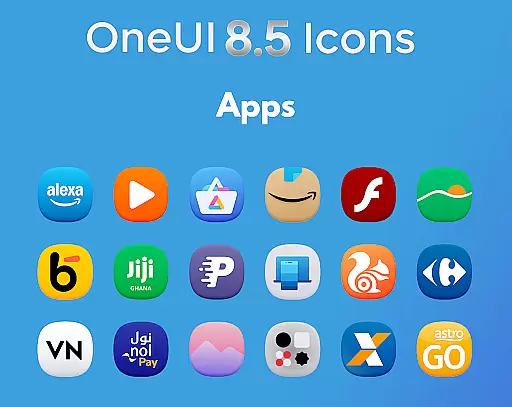
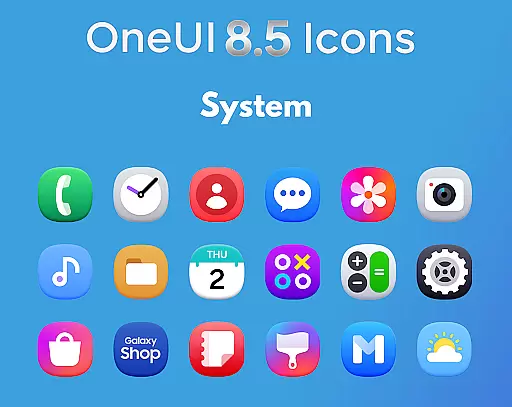
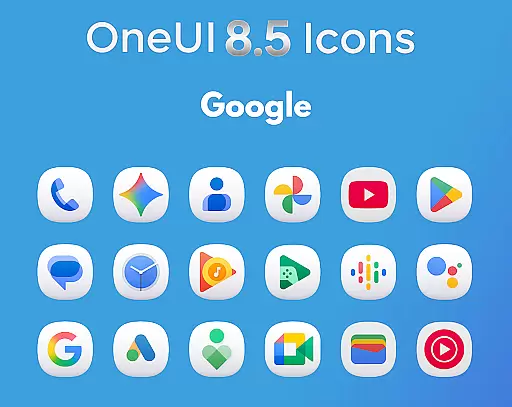
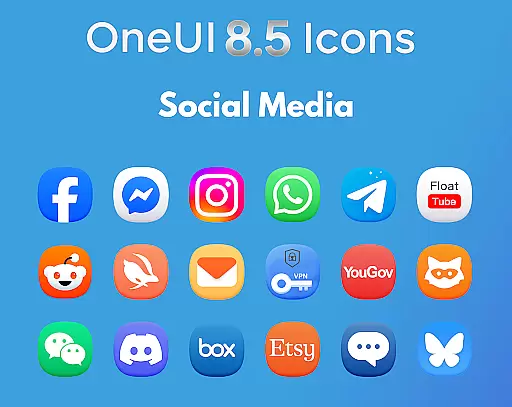
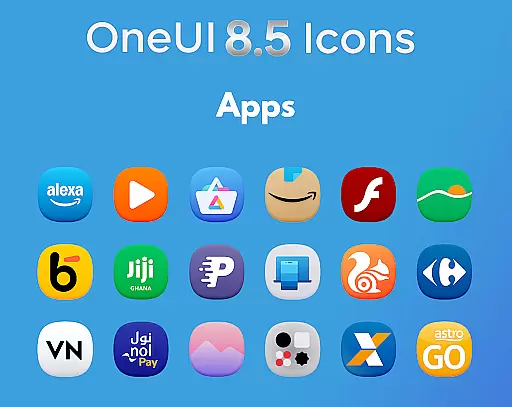
OneUI 8.5 Icons is a premium icon pack designed to elevate Android device customization with its modern design inspired by Samsung's OneUI 8.5 style. Featuring over 1425 meticulously crafted icons, the pack aligns with the latest Play Store updates, offering users a unique and futuristic aesthetic through subtle 3D-inspired curves.
This icon pack not only enhances visual appeal but also ensures consistency and quality across devices. Each icon is ultra HD ready, providing sharpness and clarity that transform any home screen into a next-gen OneUI experience. Regular updates and icon request support further enhance user engagement and satisfaction.
OneUI 8.5 Icons boasts an array of features that cater to both aesthetics and functionality. With more than 1425 high-quality icons, it offers extensive coverage for popular apps, ensuring users can fully customize their devices. The icons are crafted based on the new official Play Store design standards, guaranteeing a polished look.
In addition to its vast icon library, the pack includes regular updates, adding new icons and refining existing ones. Users can also request specific icons, making personalization seamless. The subtle 3D bottom shading and balanced shapes provide a cohesive and visually pleasing interface, setting this pack apart from others in the Art & Design category.
In the realm of digital customization, having a comprehensive suite of creative tools is essential for users seeking to personalize their device's aesthetic. The OneUI 8.5 Icon Pack offers an impressive arsenal of 1425+ high-quality icons, ensuring that every user finds exactly what they need to match their unique style.
Each icon within this pack has been meticulously redesigned, drawing inspiration from Samsungu2019s upcoming OneUI 8.5 style. This means not only quantity but quality is at the forefront, providing beautifully crafted images with a modern 3D-inspired bottom curve that adds depth and character to your home screen.
Moreover, regular updates are part of the package, meaning this collection will continue to grow over time, keeping pace with current design trends and user requests. By choosing the OneUI 8.5 Icon Pack, you're investing in an ever-evolving library that consistently enhances your Android customization experience.
The ability to seamlessly integrate with various formats and adapt to different canvas sizes is crucial for any icon pack aiming to deliver a premium user experience. The OneUI 8.5 Icon Pack excels in this area by offering icons that are ultra HD ready, ensuring crisp visuals on any screen resolution.
These icons have been crafted based on the latest Play Store design updates, which means they align perfectly with contemporary standards for app visibility and recognition. Their clean lines and sharp edges make them instantly recognizable, whether displayed as small shortcuts or larger tiles on your deviceu2019s home screen.
Furthermore, each icon boasts balanced shapes complemented by subtle 3D bottom shadingu2014a feature inspired by Samsungu2019s cutting-edge design philosophy. This attention to detail ensures compatibility across devices while maintaining visual consistency throughout your interface. With such thoughtful design considerations, users can enjoy unparalleled flexibility when customizing their digital environment.
Premium Design
Extensive Icon Library
Regular Updates
Icon Request Support
Ultra HD Quality
Limited Compatibility
No Dynamic Icons
Higher Price Point
Fewer Animations
Specific Aesthetic Only

Sketch, trace and master AR drawing with awesome anime art!
 3.30
3.30
Trace, draw, and create art with AR - from memes to masterpieces!
4.30
Art of Combination Wear OS Watch faces
4.1
Draw anime easily with AR guidance, sketch templates & trace tools!
3.10
AI Art Generator transforms your words into AI generated art & paintings.
3.70
Your AI soulmate — meaningful chats, and unique emotional moments
4.70
Turn your drawings into flipbook-style animations with simple creative tools
4.60
Experience next-gen icons with a modern liquid glass look.
3.60
Multiplayer Drawing game, Coloring, Painting・Sketch, Handwriting・Paint, draw
4.30
Convert image to JPG PNG HEIC PDF, support almost all kinds of image formats
4.70
Draw beautiful mandala's very easily
4.60
Image resizer to resize, crop, rotate, flip, change dpi photo or picture in bulk
4.60
Photo blender app to create overlay photos & double exposure.
4.40
Beauty Camera - Selfie Camera is the ultimate beauty camera and selfie app
4.30
Customizable Outlined Fonts. Watch Face Format. Battery friendly Digital Clock.
4.20
Design unique, funny and adorable cat stickers that reflect your own style!
3.80
Create sweet, cool and unique couple avatars easily, in just a few steps!
3.40
Create stunning video, photo & magic from text with FlixAI GPT video generator.
3.10
Inky runs Inkscape on Android devices and Chromebooks
2.90


User Reviews