


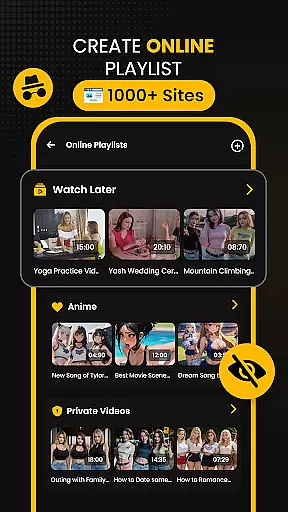





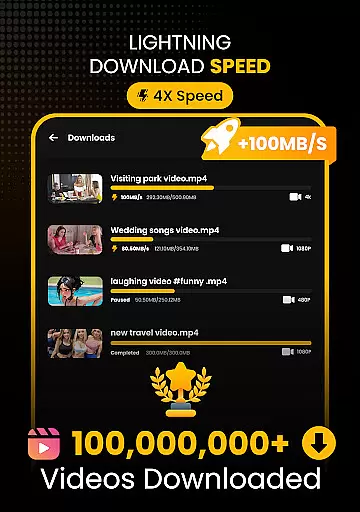
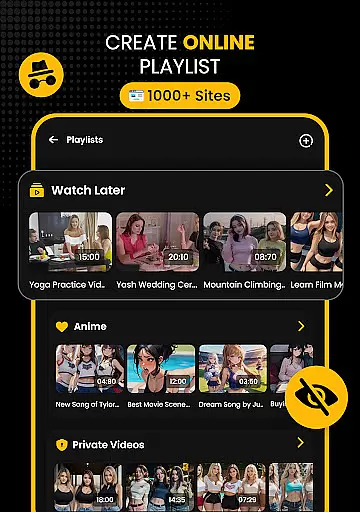








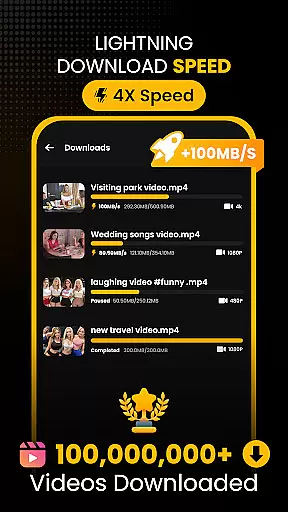
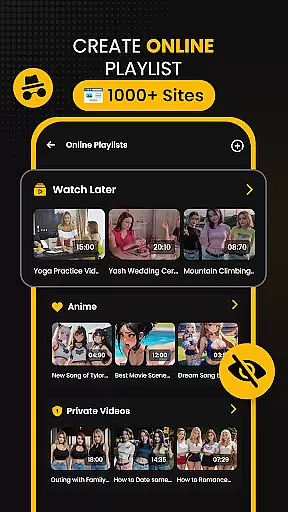



Download Hub is a versatile all-in-one application designed for efficient video downloading, private browsing, and secure file management. This app combines a powerful video downloader with an incognito browser and a robust file manager, making it the ultimate tool for managing digital content. Users can browse privately, detect downloadable media links, and save videos in various resolutions and formats.
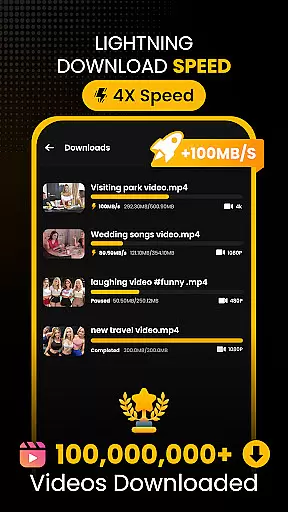
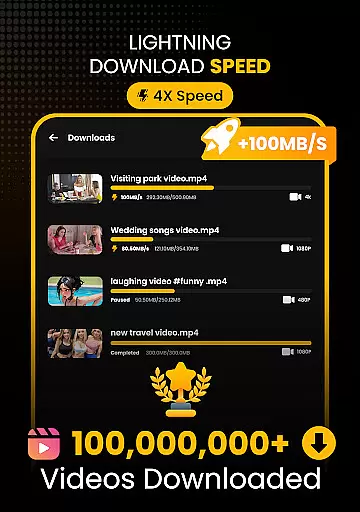
The app's standout feature is its Universal Downloader Engine that accelerates download speeds by up to 300% using advanced multi-threading technology. It supports multiple formats including MP4, M4V, MOV, AVI, and more. Additionally, Download Hub offers a Secure Private Browser with ad-blocking capabilities and multi-tab functionality, ensuring a seamless and secure browsing experience. Its Security Center & Private Gallery keeps sensitive downloads protected from unauthorized access.
Designed for commuters, students, privacy-conscious users, and media collectors, Download Hub allows users to download movies via Wi-Fi, save educational content, and browse social sites without being tracked. The app also features an Advanced File Manager with SD card support, background service, and resume support, providing total control over local storage. With its comprehensive set of tools, Download Hub delivers professional performance in a lightweight package.
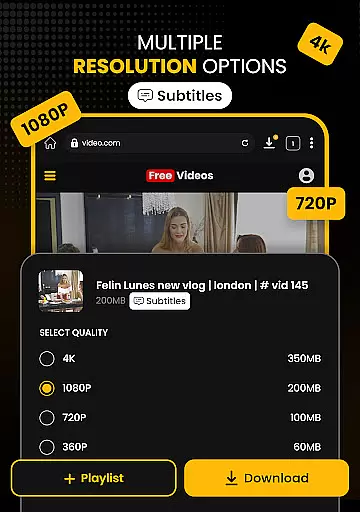
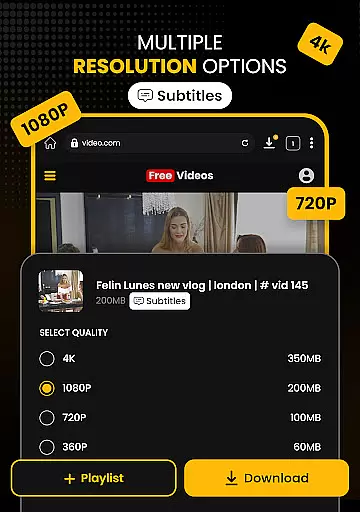
Download Hub stands out with its rich array of features tailored to enhance user experience. One of the key highlights is the Universal Downloader Engine, which uses advanced multi-threading technology to accelerate download speeds by up to 300%. This engine automatically detects downloadable media links on web pages and supports various resolutions from SD (480p) to crystal-clear HD (720p), 1080p, 2K, and 4K. The app also supports batch mode, allowing users to handle multiple files simultaneously in the background.
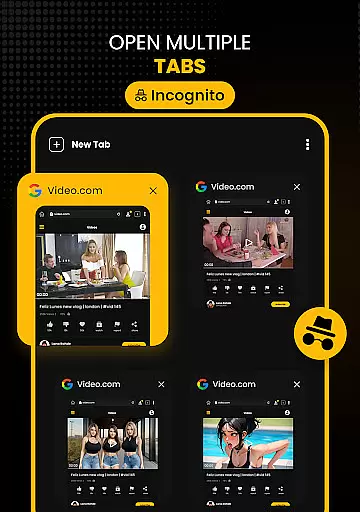
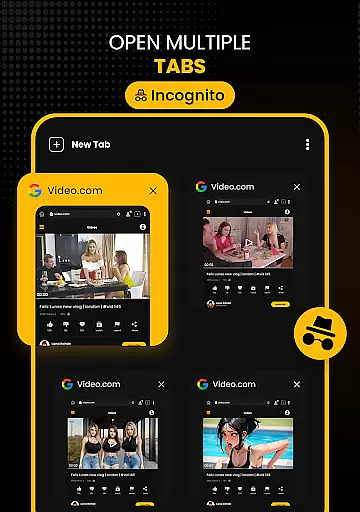
In addition to its downloading prowess, Download Hub includes a Secure Private Browser that ensures safe and fast browsing. This browser comes with an incognito mode that clears history, cookies, and cache, as well as an ad blocker that removes intrusive ads and pop-ups. The Desktop Mode allows users to access full desktop versions of mobile sites, while the Multi-Tab feature enables efficient multitasking by switching between tabs seamlessly.
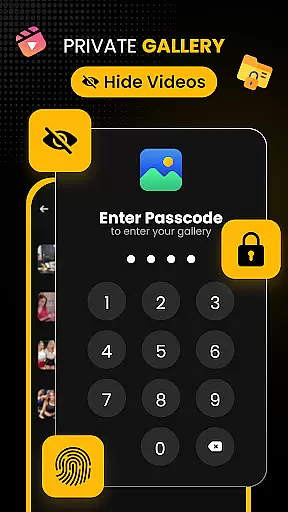
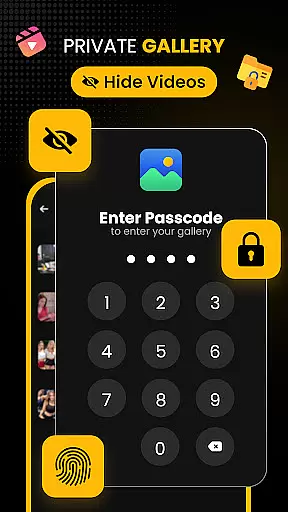
Another significant aspect is the Security Center & Private Gallery, which provides an App Lock feature to secure the app or gallery with a PIN, pattern, or password. Sensitive downloads can be moved to a secret vault invisible in the main gallery. Furthermore, the Advanced File Manager offers total control over local storage with SD card support, background service, and resume support. These features collectively ensure that Download Hub not only meets but exceeds user expectations in terms of functionality and security.
Video format compatibility is a crucial feature for any video player and editor, ensuring that users can enjoy content in various formats without technical barriers. Download Hub excels in this area by supporting an extensive range of video formats including MP4, M4V, MOV, AVI, WMV, MKV, FLV, and MPG. This wide compatibility empowers users to download and play videos from different sources without worrying about format issues.
The app's universal downloader engine enhances the video format support by allowing users to save videos in multiple resolutions, ranging from SD (480p) to crystal-clear HD (720p), 1080p, 2K, and even 4K. Whether you're downloading high-definition movies or standard-definition clips, Download Hub ensures that your media retains its original quality and plays seamlessly on your device.
For users who need more than just video playback, the app also functions as an efficient audio downloader. It allows extraction of audio tracks from video clips and saves them in compatible formats for offline listening. This versatility makes Download Hub not only a video player but also a comprehensive tool for managing multimedia content across various formats.
AI-powered editing features are revolutionizing how users interact with their video content, offering smarter and more intuitive ways to enhance media. Download Hub incorporates advanced AI technologies to streamline the video downloading and management process. The smart detection system automatically identifies downloadable media links on web pages, lighting up the download button instantly when a video is detected. This intelligent feature eliminates the need for manual link copying and simplifies the entire downloading process.
In addition to smart detection, the app provides resolution control options powered by AI algorithms. Users can choose between saving data with SD (480p) or enjoying high-quality HD (720p), 1080p, 2K, and 4K formats. The AI ensures that the selected resolution is optimized for both file size and visual clarity, delivering an optimal viewing experience. Furthermore, the bulk downloader handles multiple files simultaneously in the background, thanks to AI-driven multi-threading technology that accelerates download speeds by up to 300%.
Download Hub also includes an advanced file manager equipped with AI capabilities such as resume support for interrupted downloads and automatic organization of media files by name, size, or date. These features collectively create a seamless user experience, making it easier than ever to grab, organize, and protect digital content efficiently.
User-friendly interface
Fast download speeds
Comprehensive format support
Secure private browsing
Advanced file management
No YouTube support
Limited to legal content
Requires manual updates
Occasional bugs
Ads in free version

Kodi media center, a free and open source cross-platform entertainment hub
 3.60
3.60
Fast, private downloading, video saving, social media
4.50
HD Video player all format, HD Videos, Cast & Subtitle. No annoying ads.
4.60
Movie maker & video editing app with AI effects and green screen
4.30
Fast & Private Video Downloader App. Save all videos easily from the Internet.
4.40
Browser + Remote for Roku to stream webvideos, online movies and livestreams
4.60
Video player with 4K & 1080P support, popup play, background play and subtitle.
4.20
Photo editor & video maker with music and slideshows.
4.10
convenient, safe and fast at Video Downloader & Player
4.60
GENRAL PRO - General Pro is the best video player that fully supports all formats.
4.70
Support 1000+ Video Format, Subtitle Download, mp3 & Background Play, Cast On TV
4.60
Full HD Video mp3 Player, MP4 player play 1080p, File manager, Video Downloader
4.40
Video player, file manager for all formats, 4K/HD media player supports subtitle
4.30
This app was created to edit the metadata of music files.
4.20
Online Videos Player
3.90
Explore the largest library of free GIFs, Stickers & Memes - or create your own!
3.90
Cast to Smart TV, Fire TV. Cast video, photo - Fast & Stable!
3.90
Client application for NextPVR software
3.00
Powerful HD video player with support for all formats & subtitles.
4.1


User Reviews