
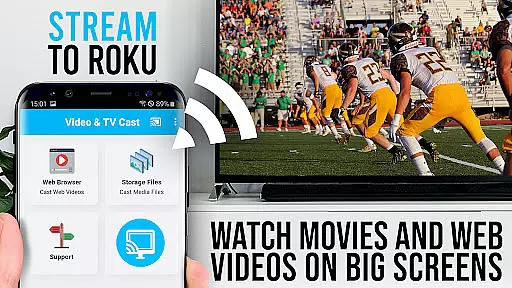
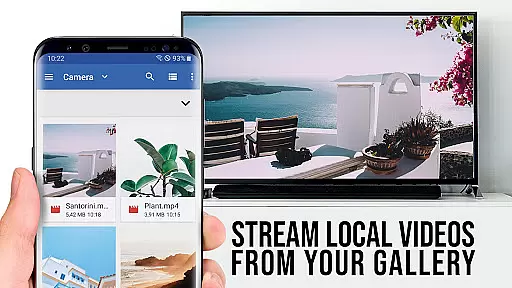
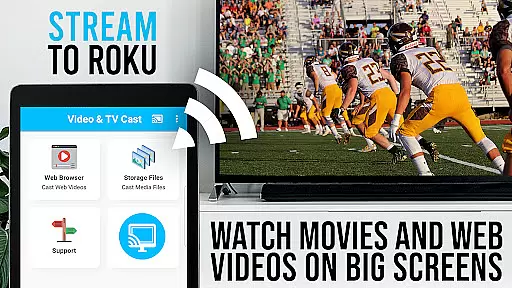
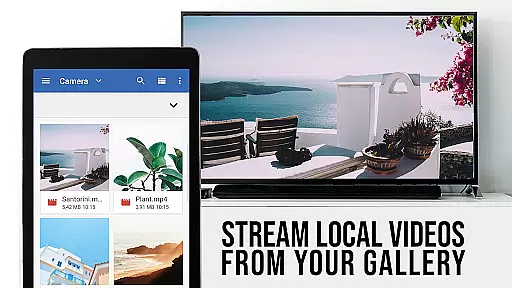
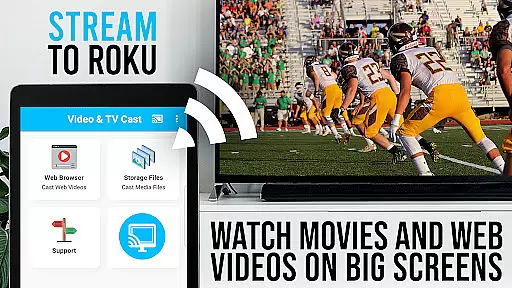
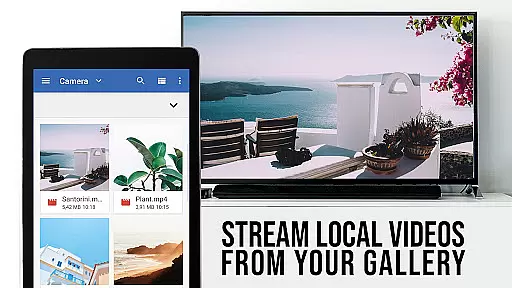
TV Cast Pro for Roku is the ultimate solution for streaming web videos, online movies, livestreams, and live TV shows directly to your Roku device. This application supports a wide range of video formats including mp4, m3u8, hls livestreams, and Full HD content delivered over https.
In addition to its primary casting capabilities, this app also features an integrated Roku Remote, allowing users to control their Roku devices seamlessly. The PRO edition offers all premium features unlocked, providing an ad-free experience with advanced functionalities such as desktop mode, bookmarks, and remote control options.
Designed exclusively for Roku streaming devices, TV Cast Pro enhances your viewing experience by enabling you to browse the web and cast any desired video content to your largest screen effortlessly.
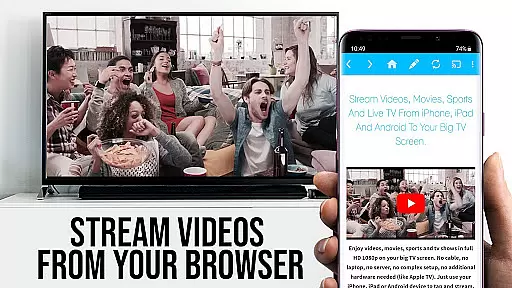
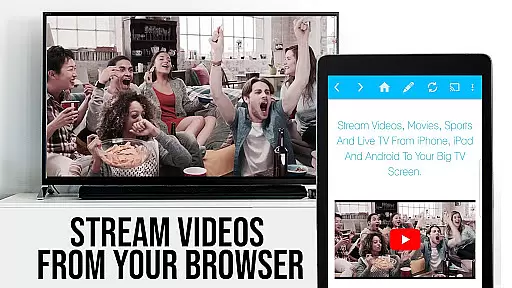
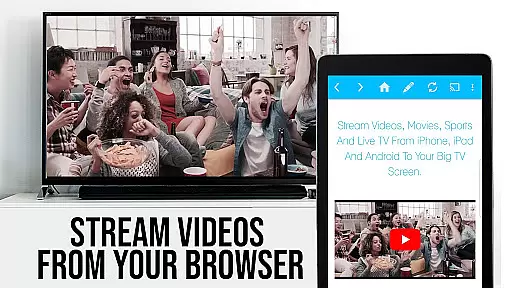
TV Cast Pro for Roku stands out with its comprehensive feature set tailored for seamless media streaming. One of its key features is the ability to browse the web and cast embedded videos from websites directly to your Roku with just a single tap. The discovered video appears below the browser, ready for immediate casting.
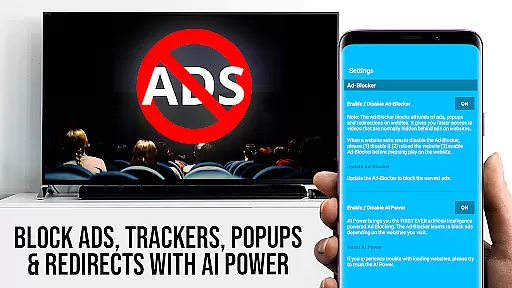
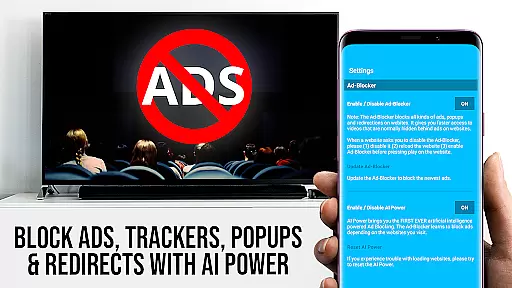
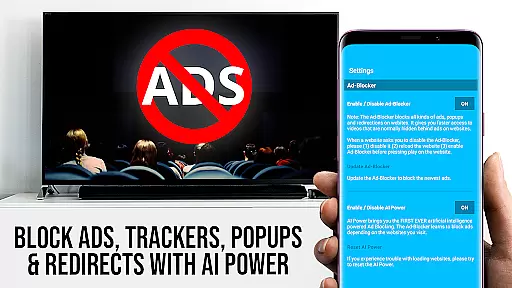
This app includes a built-in Roku Remote, which allows users to control video playback, switch between Roku channels, and manage other essential functions without needing a separate remote. Additionally, the PRO version offers advanced features like an Ad-Blocker that removes ads and popups on most websites, enhancing your browsing experience.
Other notable features include Desktop Mode, which cloaks your Android device as a desktop PC to load desktop versions of websites, and customizable settings such as personal homepage configuration and bookmark management. These features collectively ensure a versatile and user-friendly streaming experience.
TV Cast Pro for Roku stands out with its extensive video format compatibility, ensuring users can enjoy a wide range of content without limitations. The app supports popular formats such as Mp4, m3u8, and HLS livestreams, making it versatile for various streaming needs.
With the capability to handle videos over HTTPS and support for Full HD, users are guaranteed high-quality playback on their Roku devices. This ensures that whether you're streaming web videos, online movies, or live TV shows, the experience remains smooth and visually appealing.
The app simplifies the casting process by allowing users to directly enter or paste video URLs into the browser address bar, instantly initiating playback on Roku. This seamless integration enhances user convenience and expands the range of viewable content.
By prioritizing compatibility with widely-used formats, TV Cast Pro for Roku ensures that users can make the most of their home entertainment systems without worrying about format restrictions or quality loss.
While TV Cast Pro for Roku focuses primarily on streaming capabilities, it incorporates AI-powered features that enhance the overall user experience. Although not a traditional video editor, the app's intelligent algorithms assist in optimizing video playback and streamlining the casting process.
The integrated Roku Remote functionality demonstrates AI-driven control, enabling users to manage video playback effortlessly. With options to forward, rewind, pause/play videos, and switch between Roku channels, the app provides an intuitive interface that responds to user preferences.
Additionally, the Ad-Blocker feature showcases AI-based website analysis, effectively blocking ads and popups on most visited sites. This smart filtering creates a cleaner viewing environment, demonstrating how AI can improve content consumption beyond traditional editing functions.
These AI-powered enhancements, combined with desktop mode and customizable settings, create a comprehensive streaming solution that adapts to users' needs while maintaining optimal performance across different content types.
User-friendly interface
Wide format support
Integrated Roku Remote
Ad-free experience
Advanced customization options
Not compatible with older Roku models
DRM protected content not supported
Requires firmware 5.1 or later
Limited to video casting only
Premium features come at a cost

Watch full episodes of your favorite Cartoon Network and Cartoonito shows!
 3.50
3.50
Watch a large amount of high-definition short drama content
4.60
Capture images & record videos for USB Camera, Webcam, Microscopes, Endoscopes
3.80
Download videos easily & play them all in one smart, powerful video manager.
3.40
An easy-to-use and all-round screen recorder with audio
4.80
Browser for Sony TV to stream web videos, online movies and live tv
3.20
AI Video Editor with Music, Filter, Slideshow, Effect, Merge & Trim Video.
4.80
Video&Drama Player All Format is a HD video player, music player
3.00
Capture the moment and Cut
3.40
High-Quality USB Camera Viewer & HDMI Display
4.70
Cast to Chromecast, Xbox, Fire Stick, Roku, DLNA, Smart TV & No Feature Limited!
4.50
Full HD Video mp3 Player, MP4 player play 1080p, File manager, Video Downloader
4.40
Browser for Fire TV to stream webvideos, online movies, livestreams in HD
4.40
Video Downloader is an utility that can save videos and music from web sites
4.20
Web Browser for LG TV to stream webvideos, online movies and livestreams in HD
4.20
Make your own Animations, Video and Photo Edits, Visual Effects, and more!
4.00
Connect 2 UVC devices for recording and broadcast video/audio stream
3.90
Explore the largest library of free GIFs, Stickers & Memes - or create your own!
3.90
Mix with Virtual DJ directly from your phone or tablet !
3.10


User Reviews