
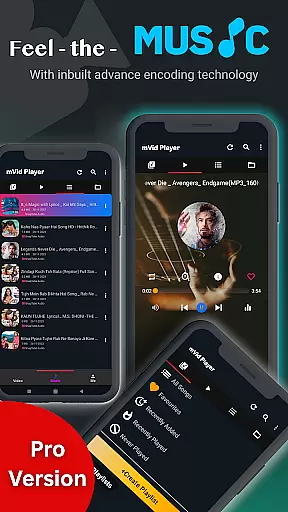
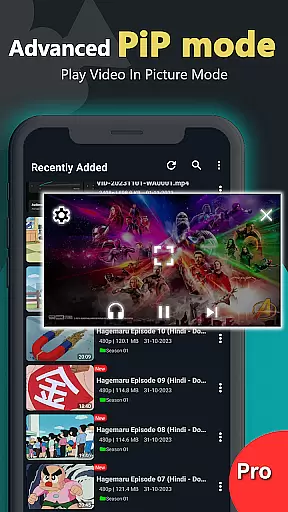
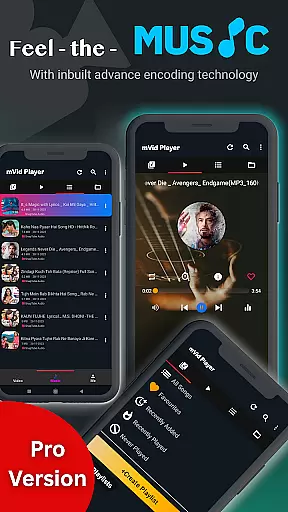
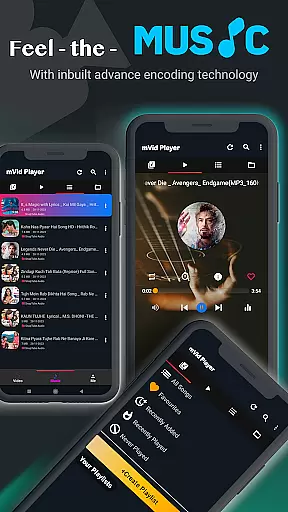
Zea Player Pro is a premium video player designed for Android devices, offering an ad-free experience with support for all major video and audio formats. It stands out with its ability to handle high-resolution files, including 4K and 8K videos, making it ideal for movie enthusiasts and content creators.
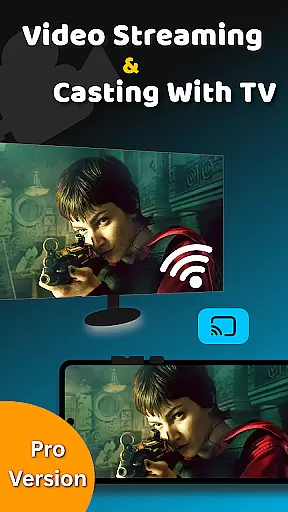
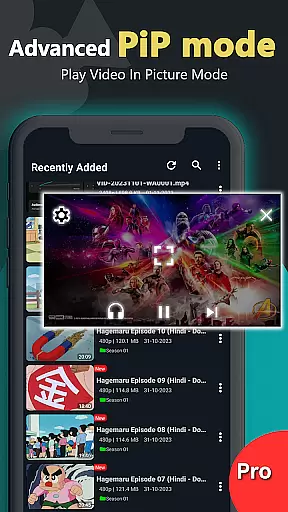
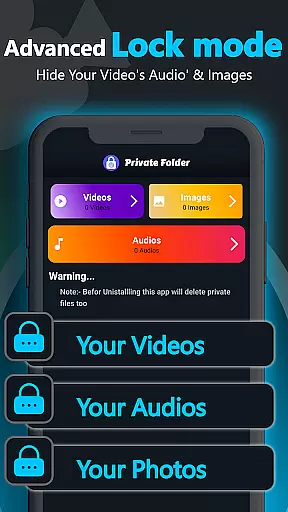
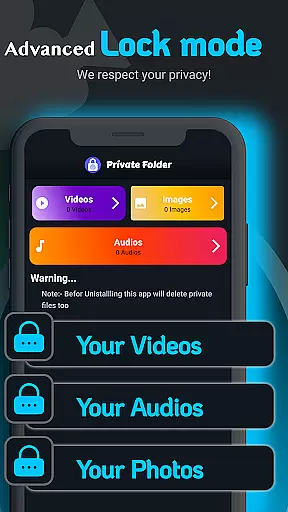
The application provides advanced features such as dual audio tracks, online subtitle downloads, and background playback. Its private folder functionality allows users to protect sensitive media, while the volume booster and casting support enhance the overall user experience.
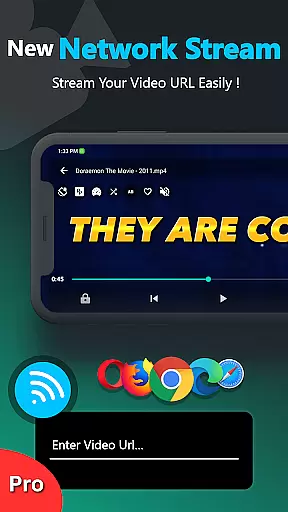
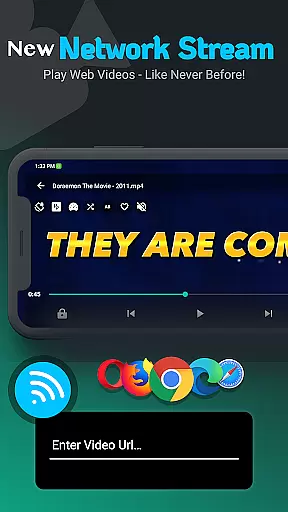
Whether you're streaming from local storage or a URL, Zea Player Pro ensures smooth, high-quality playback. Perfect for personal media collections, this app combines professional-grade tools with user-friendly controls, delivering exceptional value for Android users.
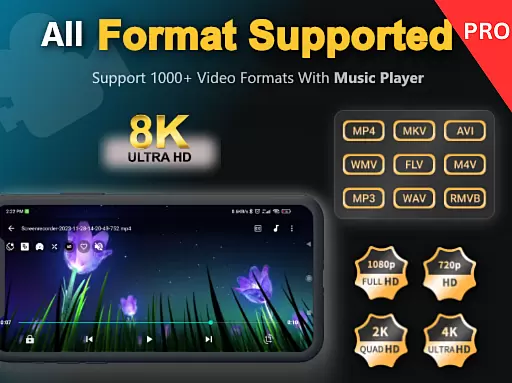
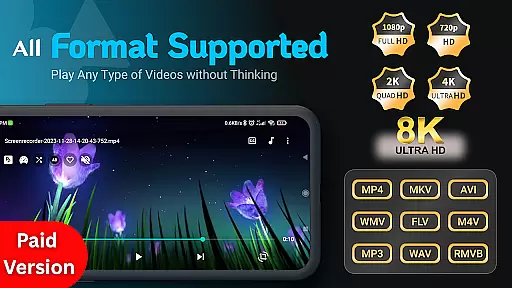
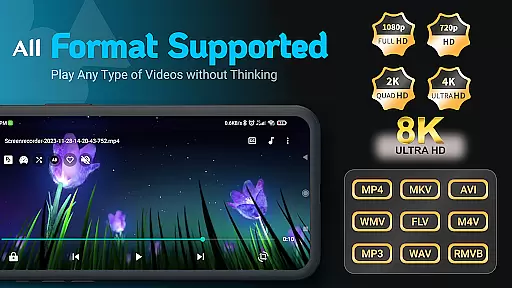
Zea Player Pro boasts an impressive range of features tailored for media enthusiasts. The app supports all popular video and audio formats, including MKV, MP4, AVI, and FLAC, ensuring compatibility with virtually any file type. With native support for ultra HD resolutions, users can enjoy crisp, detailed visuals in 4K and 8K quality.
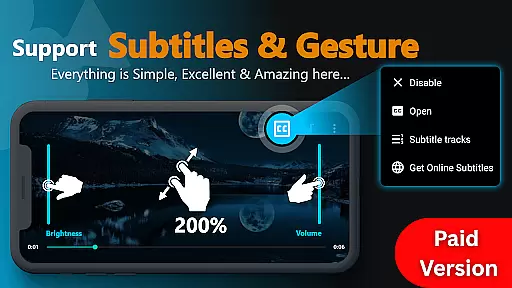
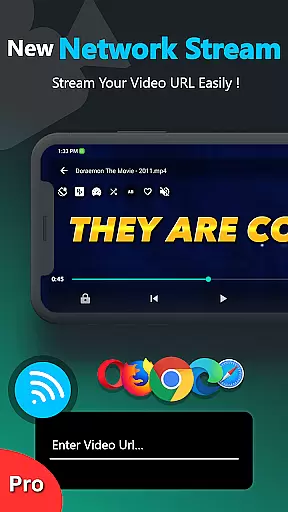
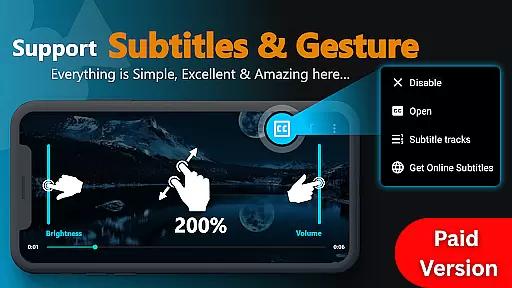
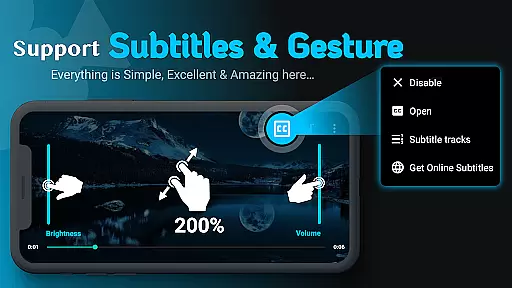
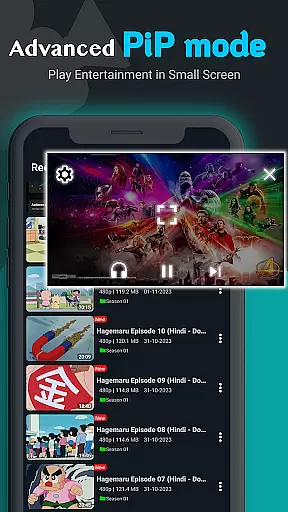
One of the standout functionalities is its advanced playback controls. Users can easily adjust volume, brightness, and zoom with intuitive gestures. The app also supports dual audio tracks and subtitles, allowing for a customizable viewing experience. Additionally, features like URL streaming and background playback make it versatile for various use cases.
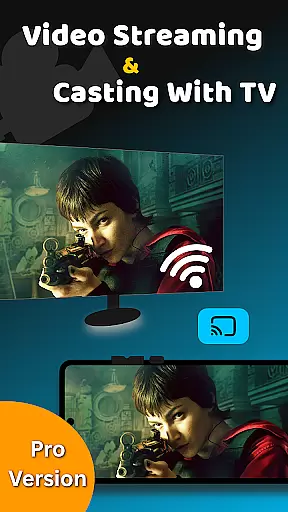
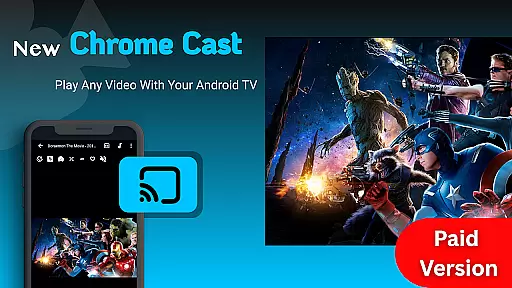
Zea Player Pro further enhances privacy and convenience with its private folder feature, enabling users to password-protect sensitive media. Combined with its seamless casting capability to Android TV and other devices, this app delivers both security and flexibility for all your media needs.
Video Player Pro Version stands out for its exceptional video format compatibility, ensuring users can enjoy a seamless playback experience across all major file types. The app supports an extensive range of formats including MKV, MP4, AVI, MOV, and even ultra-high-definition 4K and 8K videos.
This comprehensive support is made possible through advanced decoding technologies integrated into the player. Whether you're watching locally stored files or streaming content via URL, the app ensures smooth, high-quality playback without the need for additional codecs or conversions.
For users, this means unparalleled flexibility in managing their media libraries. You can easily play movies, music videos, or personal recordings regardless of their original format. This versatility makes Video Player Pro Version an ideal choice for both casual viewers and professional content creators who work with diverse video formats.
While primarily a video player, Video Player Pro Version incorporates AI-powered features that enhance the viewing experience beyond basic playback. The app utilizes intelligent algorithms to optimize video quality, automatically adjusting parameters such as brightness, contrast, and color saturation based on content analysis.
The AI capabilities extend to smart subtitle synchronization, where the system detects and corrects timing issues in subtitle tracks. Additionally, the app offers intelligent audio enhancement, boosting sound quality while maintaining clarity and balance across different devices.
These AI-driven features provide users with professional-grade playback quality without requiring manual adjustments. The system's adaptive nature ensures optimal viewing conditions regardless of the source material's original quality, making it particularly valuable for users who frequently work with varied or inconsistently formatted media content.
Ad-free playback
Supports 4K & 8K
Private folder feature
Dual audio tracks
Subtitle downloads
Paid application
No free version
Advanced settings
Requires learning
High system specs

Create photo video with music & template. AI video maker for stunning slideshow.
 4.60
4.60
Powerful HD video player with support for all formats & subtitles.
4.0
Stream Web Videos to Chromecast, Samsung, LG, Sony, Roku, Fire TV, DLNA + more
4.00
Fast & easy HD video downloader for all formats, support 4K playback & download.
4.60
IPTV Player - Watch live TV from m3m & m3u8 playlist, stream IPTV on mobile
3.30
Add date and time watermark to photos and videos
4.50
Browser for Samsung TV to stream webvideos, online movies and livestreams in HD
4.10
LumaFusion: The Ultimate Storytelling Experience for Video Editing
4.10
Enjoy your favorite videos and channels with the official YouTube app.
3.90
Tik & Story Saver-Download ALL social media videos, photos & reels no watermark.
4.80
High-Quality USB Camera Viewer & HDMI Display
4.70
A Simple app to download Video & Music from the Internet.
4.70
Seamlessly connect and control your smart devices, anytime, anywhere with ease.
4.60
Photo and Music Video Creator into Stunning Videos—Effortlessly
4.40
Web Browser for LG TV to stream webvideos, online movies and livestreams in HD
4.20
IPTV-Smarters Player Pro M3U - Watch Live Stream TV Channels with Chromecast
4.00
Fast private browser with secure, seamless access & supported video downloads!
4.00
Manage your IPTV live channels and VOD playlists (no playlist included)
3.80
A full editing room to accompany your Insta360 cameras and handheld gimbals.
3.30


User Reviews