
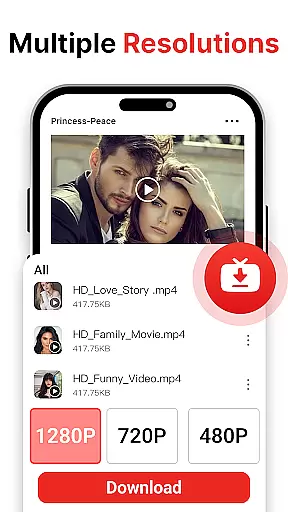
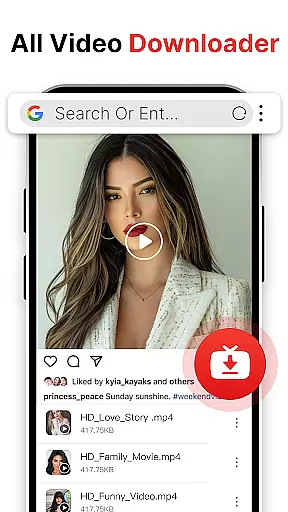
Easy Downloader - Video Hub is a versatile video downloading and management tool designed for users who want to save videos from websites and social media platforms effortlessly. The app supports multiple video formats, ensuring compatibility with various content sources while offering high-definition and standard resolution options for optimal playback quality.
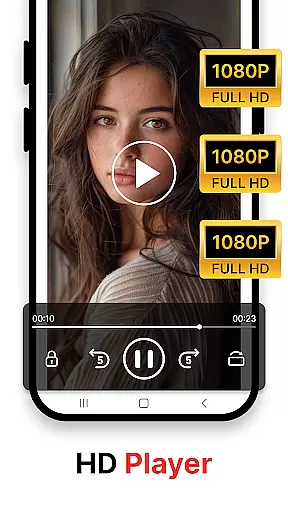
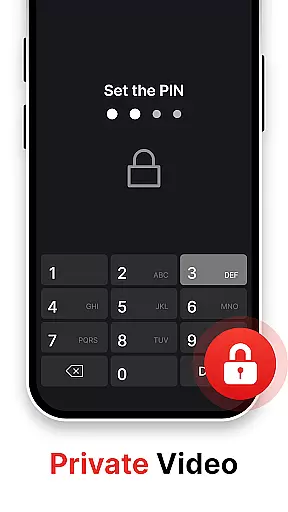
One of the standout features of Easy Downloader is its built-in video player, which allows users to play downloaded videos directly within the app. This eliminates the need for third-party players and ensures seamless viewing. Additionally, the app provides privacy protection through password-secured private storage, making it an ideal choice for users concerned about their download history and personal data.
Whether you're looking to download large files quickly or organize your video library efficiently, Easy Downloader - Video Hub offers tools that cater to both casual viewers and power users. Its user-friendly interface and reliable performance make it suitable for anyone wanting to manage and enjoy their favorite videos offline.
Easy Downloader - Video Hub stands out with its comprehensive feature set tailored for efficient video downloading and management. The app's video downloader supports major websites and social media platforms, enabling users to save content in various resolutions. With multi-format compatibility, users can download videos in HD or standard quality, depending on their preferences and device capabilities.
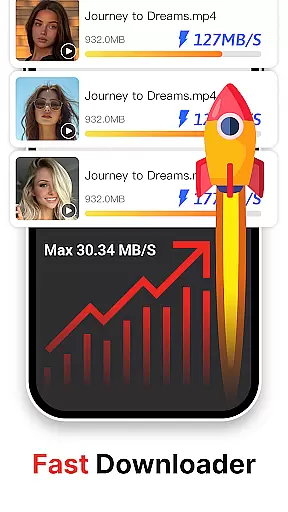
Privacy and security are prioritized through the app's private mode, which includes password encryption for stored videos. This ensures that sensitive content remains protected from unauthorized access. Furthermore, the high-speed download technology saves time and data, even when handling large video files, providing a smooth experience regardless of file size.
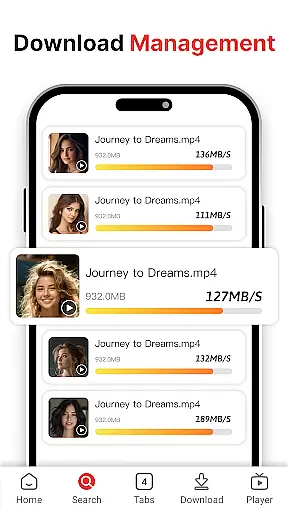
The built-in video player supports multiple formats, allowing instant playback without requiring additional software. Coupled with intuitive video management tools, users can categorize, view, and delete files easily. These features collectively enhance the overall usability of Easy Downloader - Video Hub, making it a complete solution for managing offline video content.
Video format compatibility is a crucial feature for any video player and editor, ensuring that users can enjoy content in various formats without technical limitations. Easy Downloader - Video Hub excels in this area by supporting multiple video formats, making it a versatile tool for downloading and managing videos from different sources.
The application's multi-format support allows users to handle videos downloaded from websites and social media platforms effortlessly. Whether you're dealing with MP4, AVI, or other popular formats, Easy Downloader ensures seamless playback and management. This flexibility empowers users to download and store videos from any source securely, serving as a one-stop media management solution.
By offering compatibility with a wide range of video formats, Easy Downloader enhances user convenience. You no longer need to worry about format incompatibility or the hassle of converting files. The app's ability to play videos in multiple formats directly contributes to a smooth viewing experience, allowing users to focus on enjoying their content rather than troubleshooting technical issues.
AI-powered editing features represent the cutting edge of video player and editor technology, providing users with intelligent tools to enhance their video content effortlessly. Easy Downloader - Video Hub incorporates advanced AI capabilities to offer a smarter and more efficient editing experience.
The built-in video player not only supports various formats but also leverages AI to optimize video playback and editing. With high-speed download technology and multi-resolution support, users can save time and ensure clear, smooth video playback on any device. The AI-driven enhancements enable seamless adjustments to video quality, ensuring an optimal viewing experience regardless of the original file specifications.
Easy Downloader's AI functionalities extend beyond playback to include smart categorization and organization of video files. These features allow users to manage their downloaded content easily, categorizing and retrieving videos with minimal effort. By integrating AI-powered editing features, Easy Downloader - Video Hub sets itself apart as a comprehensive tool for both downloading and enhancing video content, catering to users who demand efficiency and quality in their media management solutions.
User-friendly interface
Multi-format video support
High-speed downloads
Built-in video player
Private storage option
Limited to video content
No official platform partnerships
Potential copyright concerns
Requires stable internet
Privacy policy not detailed

Snaptubè Video Downloader app allows to download videos and music in Snaptube. .
 4.60
4.60
Search & download videos from net with all video downloader, auto-detect & safe.
4.60
Video player with powerful streaming playback and various convenient features.
2.10
Movie maker & video editing app with AI effects and green screen
4.30
IPTV Player - Watch live TV from m3m & m3u8 playlist, stream IPTV on mobile
3.30
Connect EasyCap or UVC devices for recording and broadcast video/audio stream
3.60
Browser for Samsung TV to stream webvideos, online movies and livestreams in HD
4.10
Web Browser for LG TV to stream webvideos, online movies and livestreams in HD
4.20
Manage your YouTube channel on the go
4.40
Video Trimmer, Video to MP3 Converter. Extract music from video, Easy & Fast.
4.80
Flud is a simple and beautiful BitTorrent client for Android.
4.80
Screen recorder with audio to take live videos & Screenshot in high quality!
4.70
Create photo video with music & template. AI video maker for stunning slideshow.
4.60
Support 1000+ Video Format, Subtitle Download, mp3 & Background Play, Cast On TV
4.60
Cast movies, tv shows and live streams to Chromecast, Roku, DLNA, Fire TV & more
4.60
Video Downloader, Multiple Resolution Options, Video Player
4.50
Stream Web Videos to Chromecast, Samsung, LG, Sony, Roku, Fire TV, DLNA + more
4.00
Live TV, anywhere in your home
3.80
Kodi media center, a free and open source cross-platform entertainment hub
3.60


User Reviews