
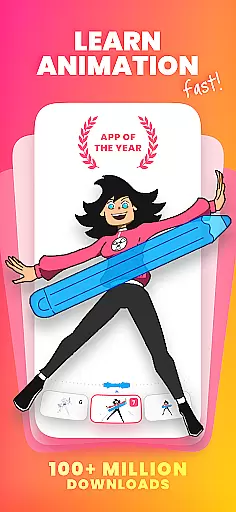
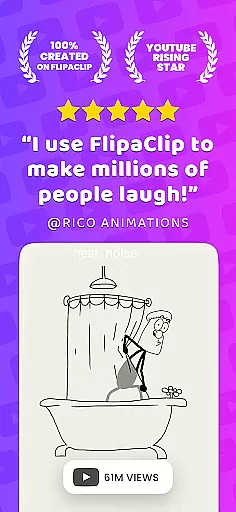
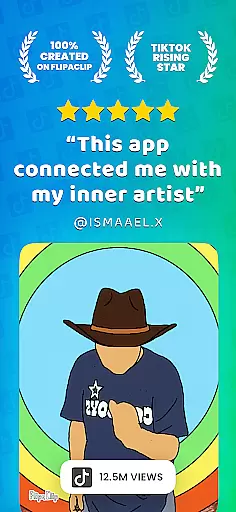
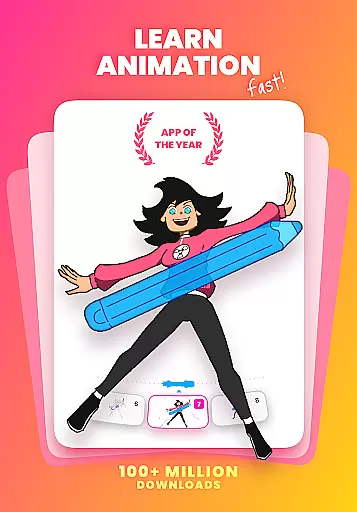
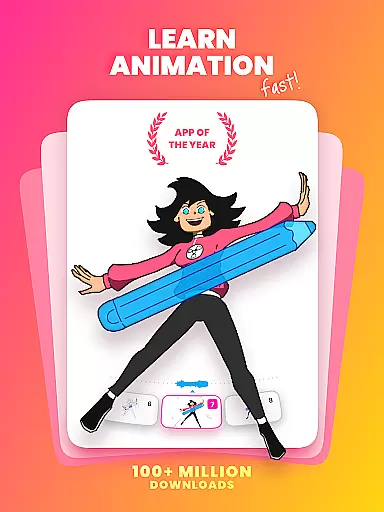
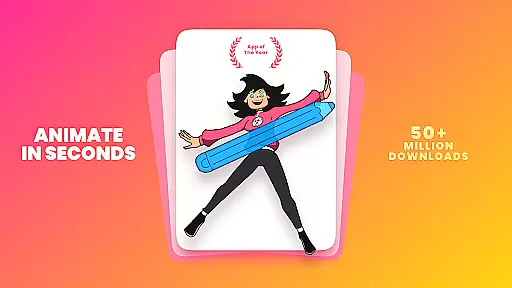
FlipaClip is a leading 2D animation app designed for both beginners and professionals in the Art & Design field. This powerful tool allows users to draw, animate, and create short animated movies and flipbooks with ease. With its intuitive interface and professional-grade features, it has become the go-to choice for millions of creators worldwide.
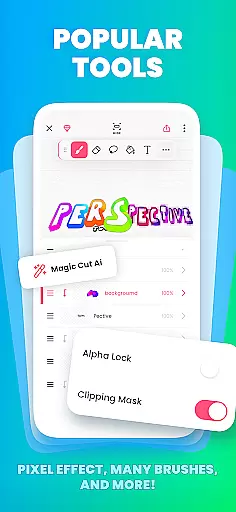
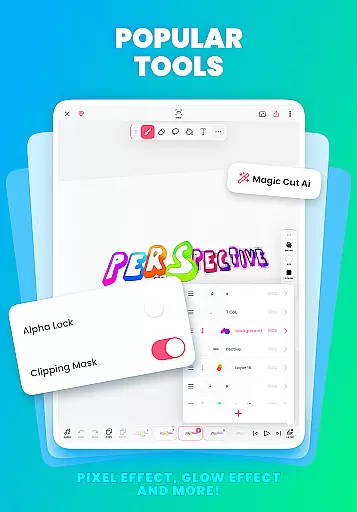
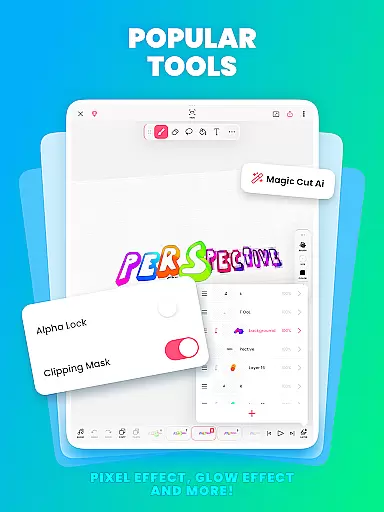
The app offers a complete suite of drawing tools including brushes, fill, lasso, eraser, ruler, text, and shape tools. It supports frame-by-frame animation, onion skinning, multiple layers, and even AI-powered tools like Magic Cut. Whether you're into cartoon making, anime drawing, or stop motion animation, FlipaClip provides everything needed to bring your ideas to life.
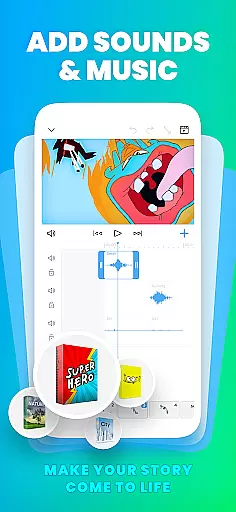
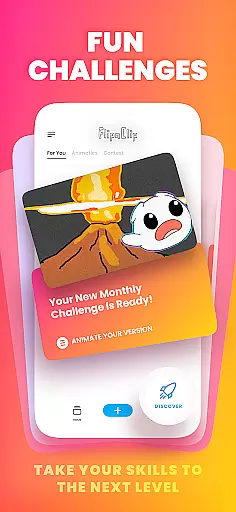
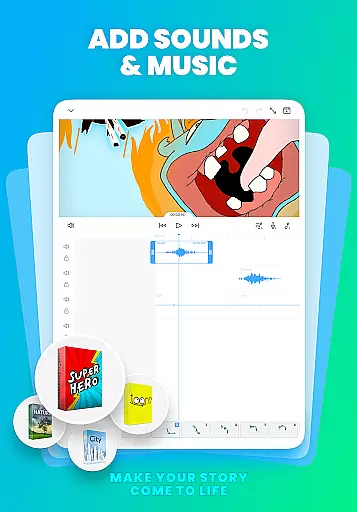
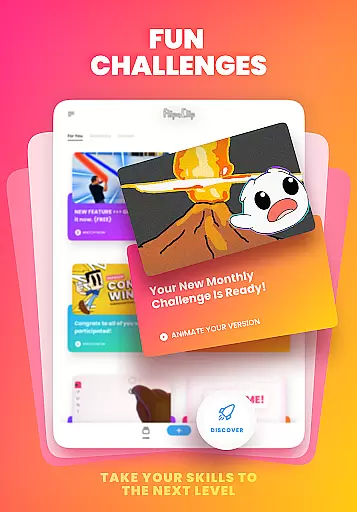
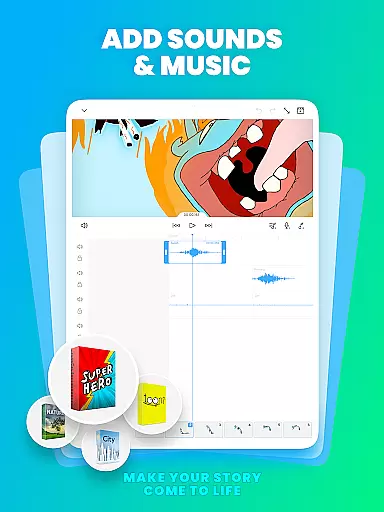
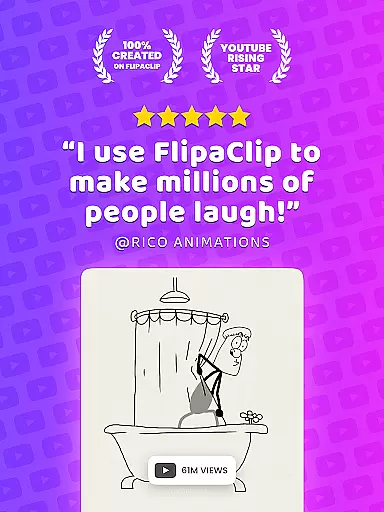
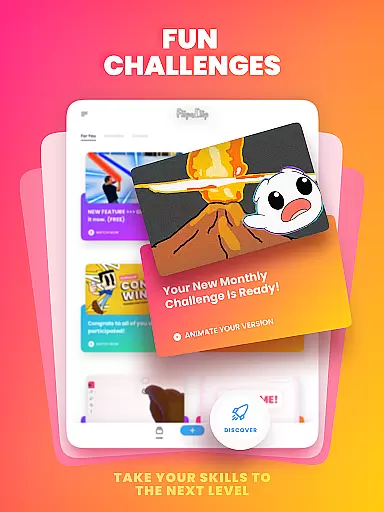
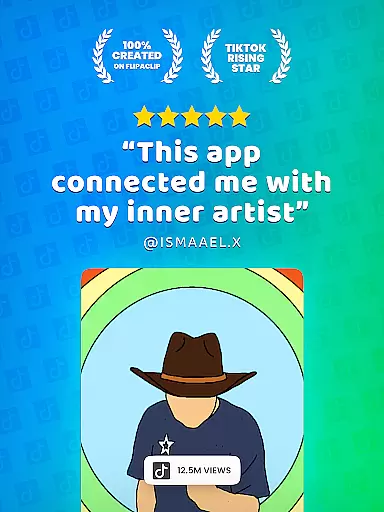
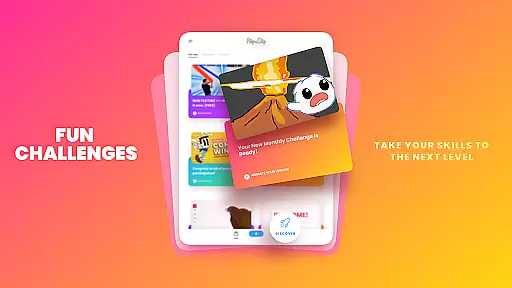
Perfect for influencers, YouTubers, and TikTok creators, FlipaClip enables users to add music, voiceovers, and sound effects to their animations. The app's export capabilities allow creations to be shared across various platforms in MP4, GIF, or PNG formats. Join a vibrant community of over 80 million monthly users and participate in weekly challenges and seasonal contests.
FlipaClip stands out with its comprehensive set of animation tools that cater to artists of all skill levels. The app features a frame-by-frame animation timeline for precise control, onion skinning for smooth transitions, and support for up to 10 layers (3 free) for complex drawings. Its innovative Magic Cut tool uses AI to instantly separate images and objects from frames, streamlining the animation process.
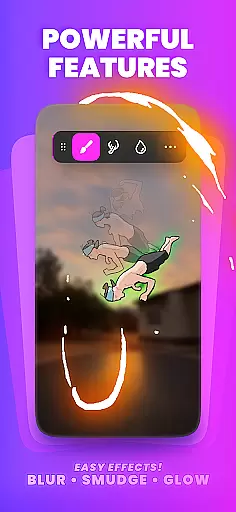
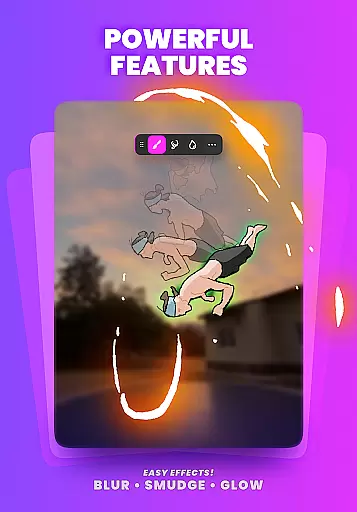
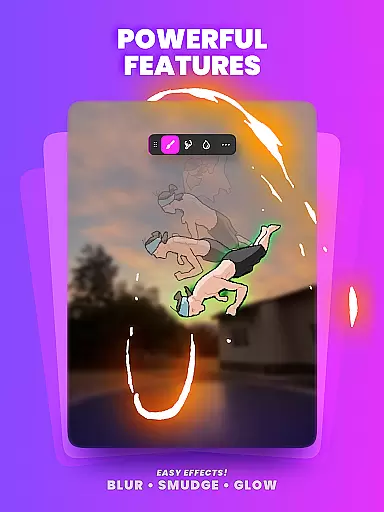
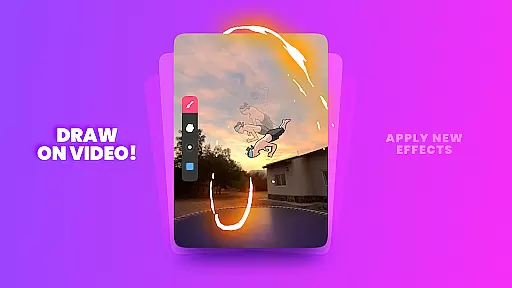
Users can take advantage of pressure-sensitive stylus support (compatible with Samsung S Pen and SonarPen) for natural drawing experiences. The app also includes blending modes, glow effects, and rotoscoping capabilities by importing photos or videos. These professional-grade features make FlipaClip suitable for both casual creators and industry professionals working on storyboards or detailed animation projects.
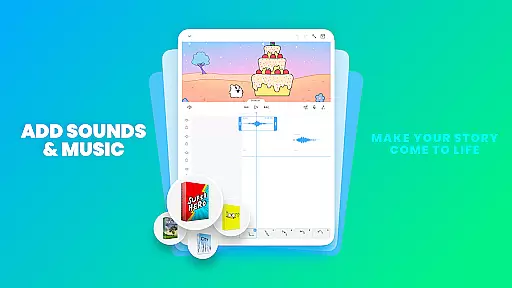
Audio integration is another key feature, allowing up to 6 audio tracks with custom sound effects or songs. The AI Voice Maker adds lifelike narration to animations, while precise timeline controls enable perfect synchronization of audio and visuals. These capabilities, combined with regular updates and new features, establish FlipaClip as an essential tool in the Art & Design category.
FlipaClip stands out as a comprehensive creative suite for both budding and professional animators. The app offers a full range of drawing tools, including brushes, fill options, lasso, eraser, ruler, text, and shape tools, enabling users to sketch their ideas with precision. With support for custom canvas sizes and frame-by-frame animation capabilities, it ensures that every detail of your artwork can be animated to life.
One of the key features is its compatibility with pressure-sensitive styluses like Samsung S Pen and SonarPen, which provides an authentic drawing experience. This makes FlipaClip not just an animation maker but also a powerful cartoon drawing app. Whether you're into anime, stick figure animations, or stop-motion projects, the app's diverse toolset allows you to create everything from simple doodles to complex scenes effortlessly.
Additionally, advanced features such as onion skinning, up to 10 layers (with 3 free), glow effects, blending modes, and rotoscoping expand the creative possibilities. These tools are built to help users learn animation quickly while offering professionals the control they need. FlipaClip truly combines the simplicity of flipbook animation with sophisticated editing tools, making it an all-in-one solution for artists across various genres.
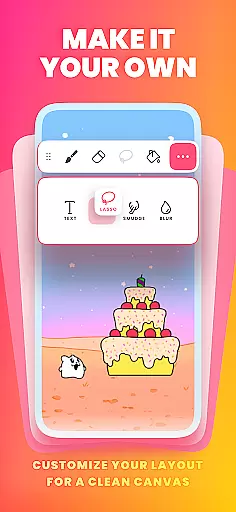
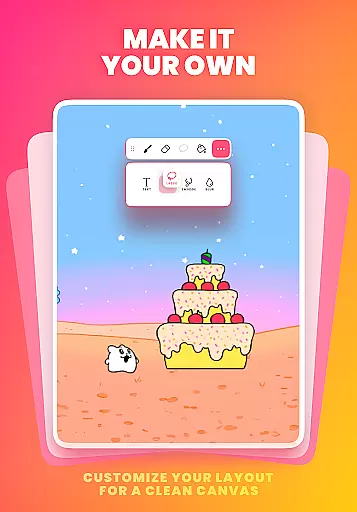
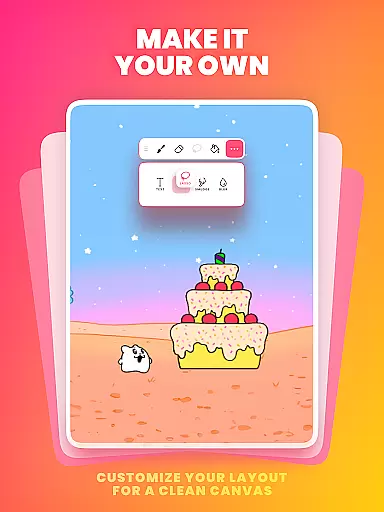
Flexibility in canvas and format options is crucial for any art and design application, and FlipaClip excels in this area. Users can work on custom canvas sizes, allowing them to tailor their workspace according to specific project requirements. This adaptability ensures that whether you're creating short animated films or detailed storyboards, the app accommodates various artistic needs seamlessly.
Moreover, FlipaClip supports exporting animations in multiple formats such as MP4, GIF, or PNG sequences with transparency. This versatility enables creators to share their work across different platforms like YouTube, TikTok, Instagram, and more without worrying about compatibility issues. The ability to export transparent PNGs is particularly beneficial for professionals who require high-quality assets for further editing or compositing.
The inclusion of AI-powered tools like Magic Cut adds another layer of convenience by allowing users to slice images and objects from frames instantly. Combined with robust import functionalities for photos and videos, these features enhance the overall flexibility of the app. By providing extensive canvas customization and diverse export options, FlipaClip empowers artists to bring their visions to life without constraints.
User-friendly interface
Powerful animation tools
Active creative community
Regular feature updates
Cross-platform sharing
Limited free layers
Premium features locked
Advanced tools overwhelming
Occasional performance lag
Internet required for some features

Image/ Text to Video Generator
 4.40
4.40
Create stylish invitation cards using templates for weddings, birthdays & RSVP.
4.20
Draw Trace image sketch by, AR art projector app, Easy to trace any image.
4.50
Minecraft & Roblox Clothes
4.70
Get creative and make art with your Sesame Friends!
4.00
Resize photos and print photos in exact size with our powerful photo printer!
3.80
OneUI 8.5 icons ✨ Smooth, modern & based on the latest Play Store design ??
4.10
AI-powered photo & video creation—fast, fun, and effortless with Quick Actions
4.60
All-in-One art, logo & collage maker. Design photos and edit video backgrounds
4.80
Convert image to JPG PNG HEIC PDF, support almost all kinds of image formats
4.70
Discover Cartoon Dream : Unleash Your Creativity with CuttingEdge AI
4.50
Create color palette from Image, RGB & RYB Color wheel harmonies, Color Scheme
4.50
AI Tattoo Generator: Create Tattoo Designs & Get Ideas! Ink & Stencil Maker
4.50
Everything you need to create hand drawn animation, anywhere you go!
4.40
AI generated images & photos, turn your words into drawing, painting & pictures.
4.30
Custom Character Creator & PFP Maker!
4.20
Design unique, funny and adorable cat stickers that reflect your own style!
3.80
Powerful home decoration & house design that allows you to design dream home.
3.80
Pose and morph realistic male and female models! 3D poser app
3.00


User Reviews