
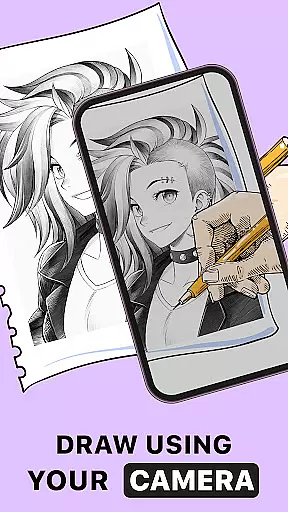
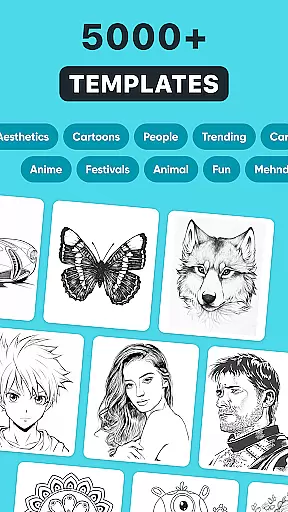
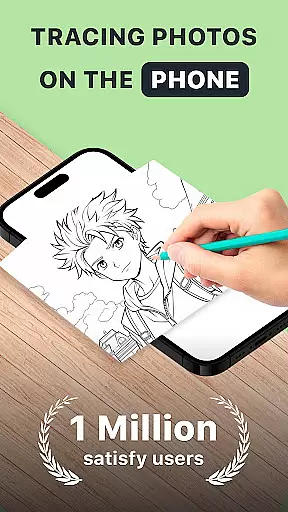
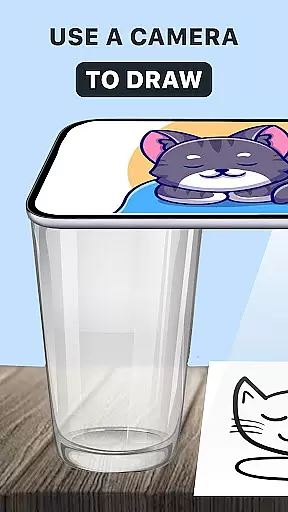
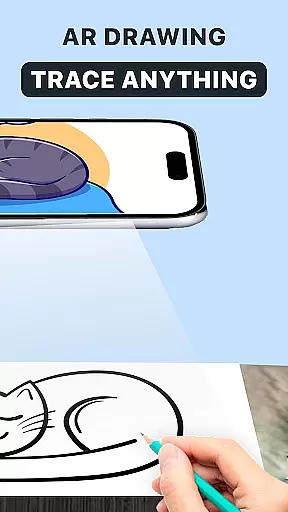
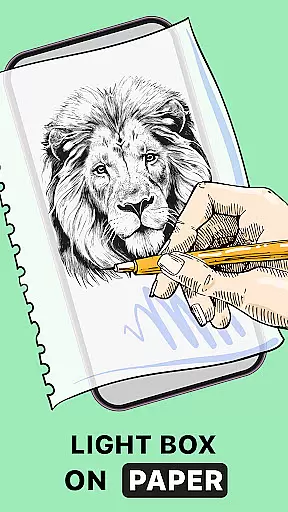
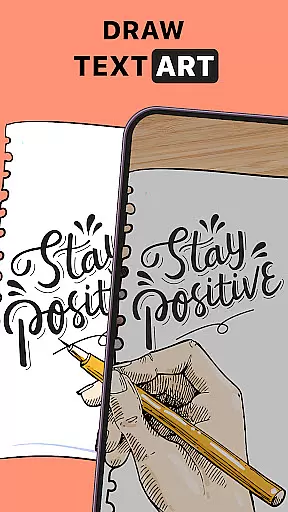
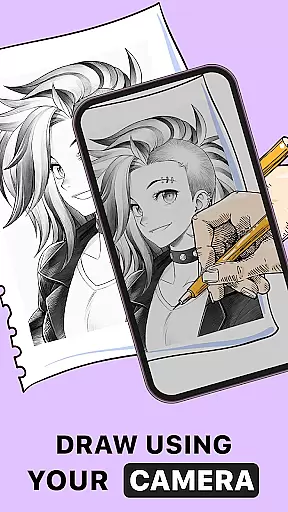
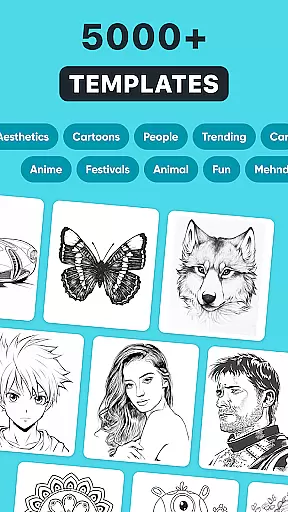
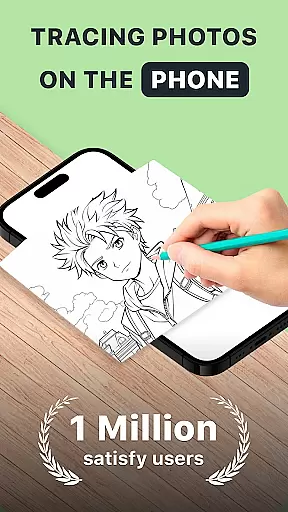
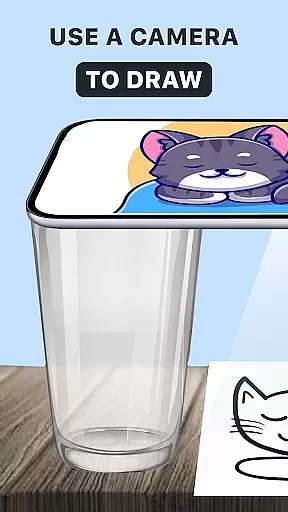
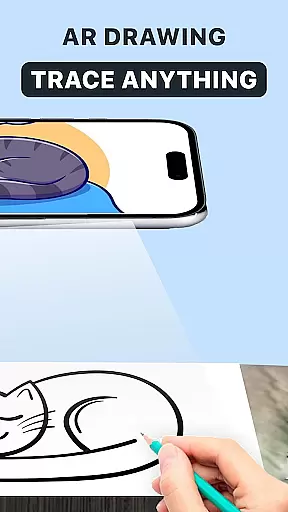
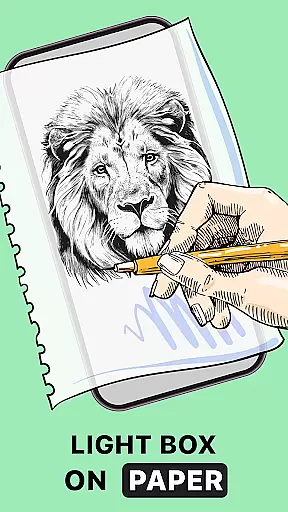
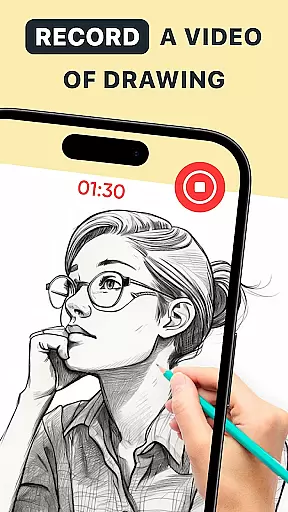
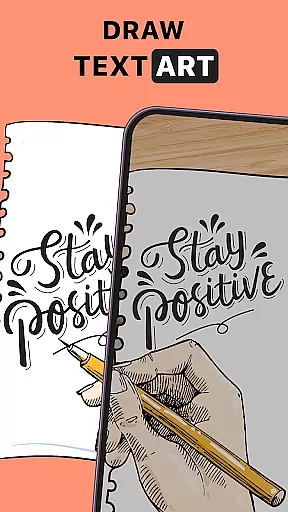
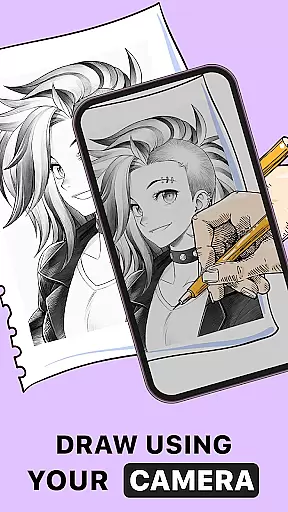
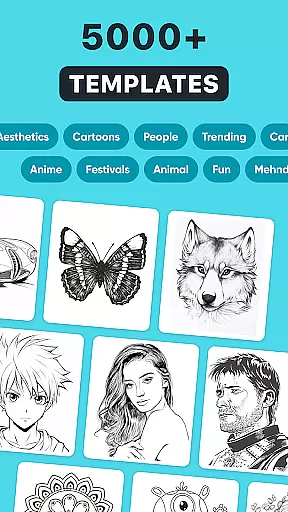
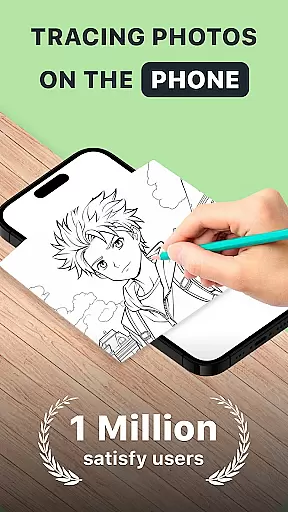
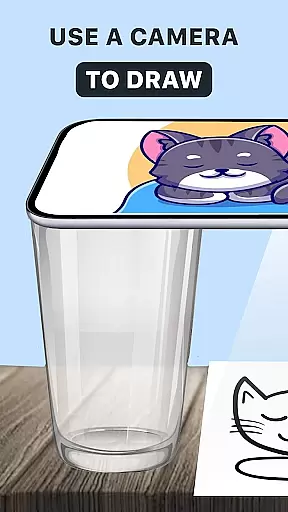
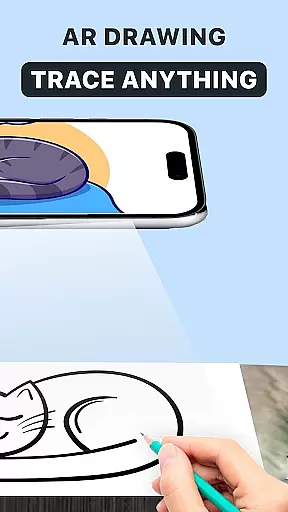
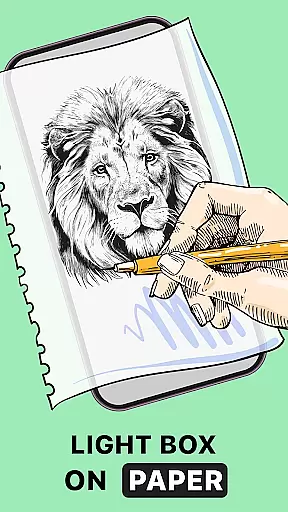
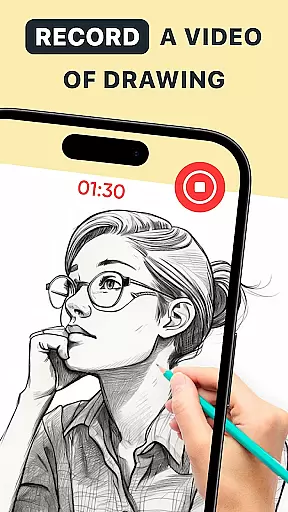
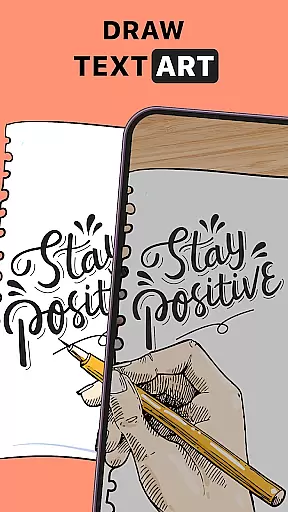
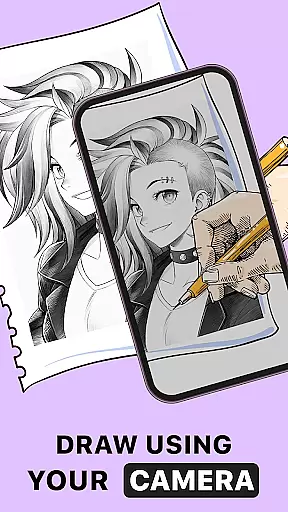
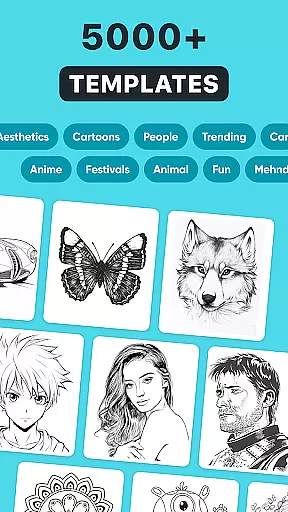
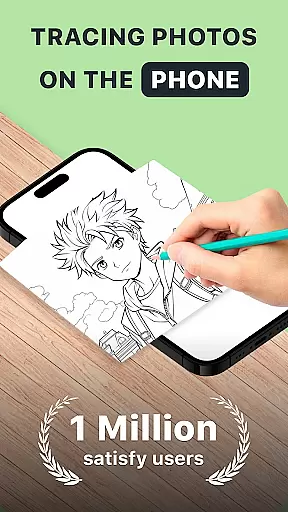
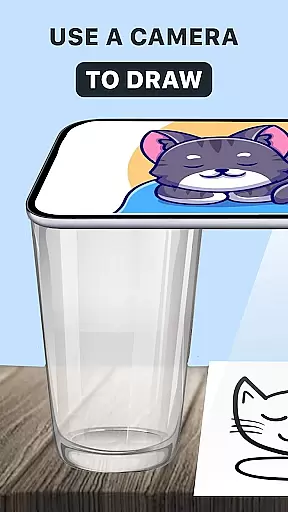
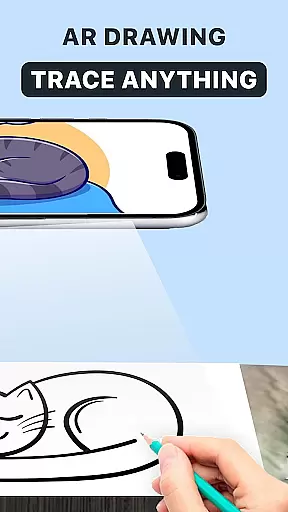
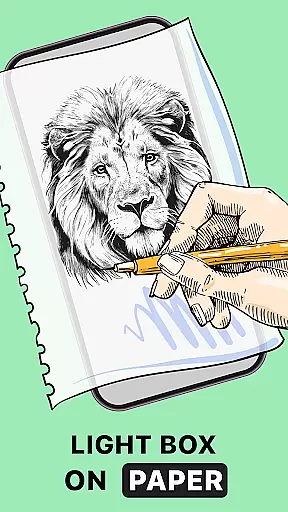
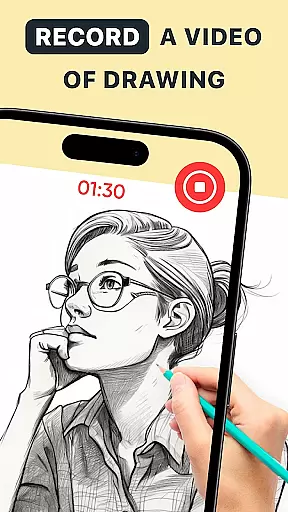
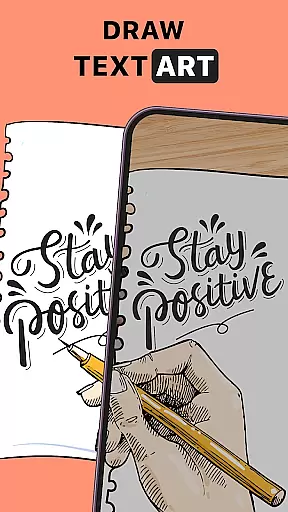
AR Drawing: Trace Anything is an innovative art application designed for both amateur and professional artists. This app allows users to transform any image into a traceable outline, enabling them to create impressive drawings with ease. With features like AR tracing, drawing anime, and sketching capabilities, it caters to various artistic needs.
The application supports creative expression through its versatile tools that work seamlessly on mobile devices. Whether you're looking to improve your drawing skills or simply enjoy artistic activities with family, this app provides the perfect platform. Its user-friendly interface and advanced AR technology make art accessible to everyone, anywhere, anytime.
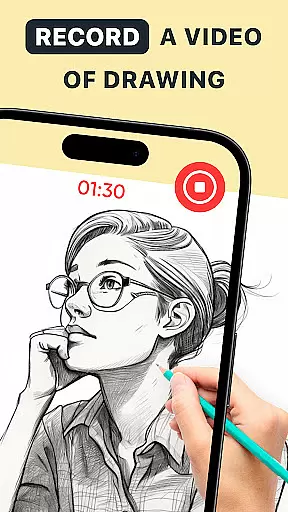
By using AR Drawing: Trace Anything, users can capture their artistic process through time-lapse recordings, share their creations on social media, and personalize artwork with different effects. The app's ability to turn simple photos into masterpieces offers immense value for those seeking to enhance their artistic abilities while having fun.
AR Drawing: Trace Anything stands out with its comprehensive feature set tailored for artists of all levels. The core functionality includes AR-based tracing that lets users draw over images with precision. This feature is particularly useful for beginners who want to learn drawing techniques while providing professionals with tools for complex designs.
In addition to basic tracing, the app offers specialized features like AR drawing anime mode and customizable sketchbooks. Users can create detailed anime drawings or experiment with different artistic styles. The built-in time-lapse recording function allows artists to document their creative process, making it ideal for creating tutorials or sharing work on social media platforms.
The application's versatility extends to its personalization options, where artists can apply various effects to their drawings. With support for both casual doodling and serious artistic projects, AR Drawing: Trace Anything becomes an essential tool for anyone interested in digital art. Its lightweight nature and cross-platform compatibility ensure smooth performance across different devices.
In the realm of digital art, having access to comprehensive creative tools is essential for artists looking to express their visions fully. AR Drawing: Trace Anything offers a robust suite of features that cater to both novice and experienced artists alike. The app includes functionalities such as AR drawing, trace drawing, and an extensive sketchbook, which collectively ensure that creators have everything they need at their disposal.
One of the standout aspects of this application is its ability to transform any picture into a traceable outline, allowing users to create detailed artwork with ease. This feature not only simplifies the process of drawing but also enhances the quality of the output by providing precise outlines that can be filled in or embellished according to the artist's preference.
Moreover, the inclusion of specialized tools like AR drawing anime and AR draw sketch further expands the creative possibilities within the app. These tools enable users to experiment with different styles and techniques, from creating lifelike portraits to designing intricate anime characters. As a result, artists can continually refine their skills and produce increasingly sophisticated pieces over time.
Flexibility in canvas and format options is crucial for artists who wish to explore various mediums and presentation styles without being constrained by technical limitations. AR Drawing: Trace Anything excels in this area by offering unparalleled adaptability in terms of project setup and execution. Users can import images from their gallery or choose from the app's rich library, ensuring that they always have the right starting point for their creations.
The app supports a wide range of artistic endeavors, whether it's crafting detailed sketches, producing vibrant anime scenes, or experimenting with abstract designs. By allowing artists to personalize their work with transparent and line effects, AR Drawing empowers them to add unique touches to every piece. This level of customization ensures that each artwork remains distinct and reflective of the creator's individual style.
Furthermore, the convenience of using just a smartphone and a sheet of paper cannot be overstated. With AR Drawing, there's no need for bulky supplies or dedicated studio space. Artists can practice their craft anywhere, anytime, making it easier than ever to integrate creative expression into daily life. This accessibility democratizes art creation, inviting everyone to participate regardless of their background or experience level.
User-friendly interface
Advanced AR features
Versatile drawing tools
Time-lapse recording
Customizable effects
Limited free features
Occasional glitches
High storage usage
Subscription required
Learning curve

Download now for a stylish and functional timepiece
 4.1
4.1
Transform photos into amazing monochrome dither art with professional algorithms
4.2
Create sweet, cool and unique couple avatars easily, in just a few steps!
3.40
Design your dream room with AI. Get decor ideas & plan home interiors
3.90
Castle is social media for creating and playing games!
4.60
Powerful home decoration & house design that allows you to design dream home.
3.80
Image resizer to resize, crop, rotate, flip, change dpi photo or picture in bulk
4.60
Photo stitcher for automatically screenshot stitching into a long screenshot
4.70
AI-powered photo & video creation—fast, fun, and effortless with Quick Actions
4.60
Mobile pixel art editor. Simple. Fast. Portable.
4.80
Minecraft & Roblox Clothes
4.70
Digital Drawing: Draw & Paint
4.10
Unleash Your Creativity with Draw Cartoon - AR Drawing App
4.10
Sketch and paint on your device with the feel and freedom of drawing on paper
4.00
Art of Combination Wear OS Watch faces (for Wear OS 5+ devices)
3.90
Experience next-gen icons with a modern liquid glass look.
3.60
Meet the magic aı 3d photo generator and smart AI video generator app.
3.20
Pose and morph realistic male and female models! 3D poser app
3.00
Art of Combination Wear OS Watch faces (for Wear OS 5+ devices)
3.00


User Reviews