
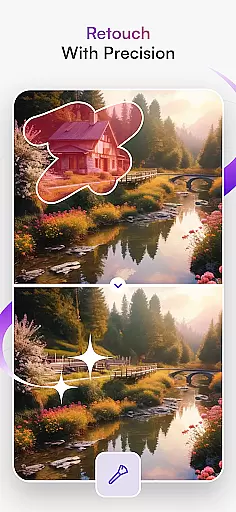
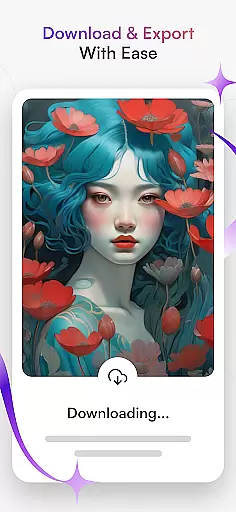
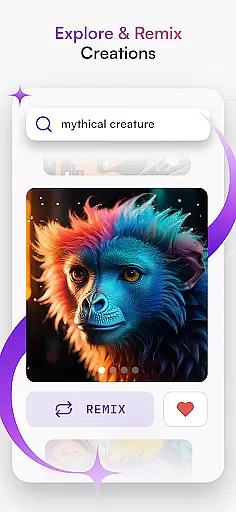
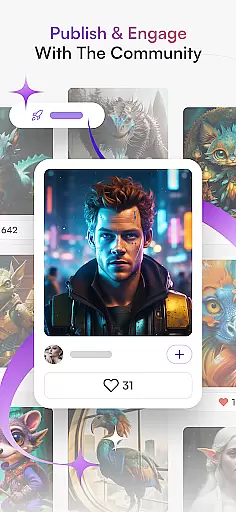
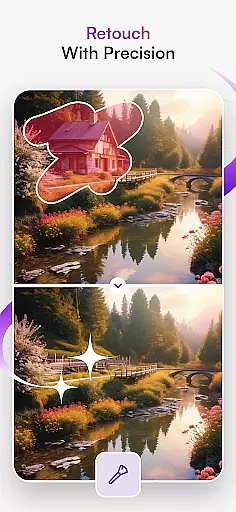
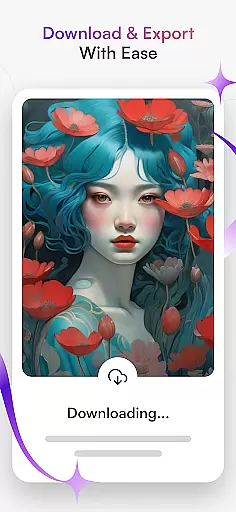
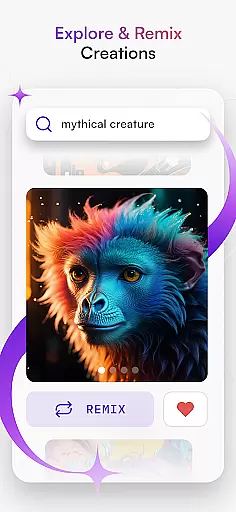
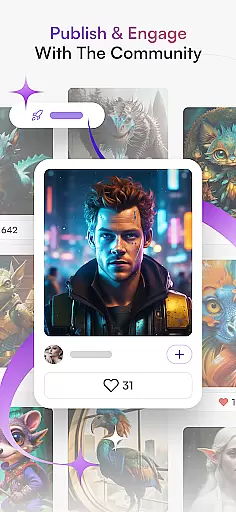
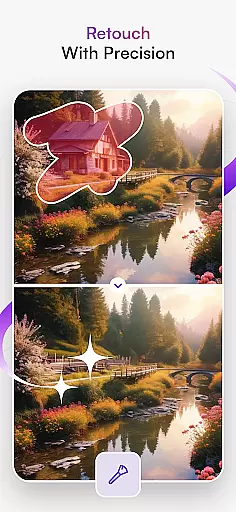
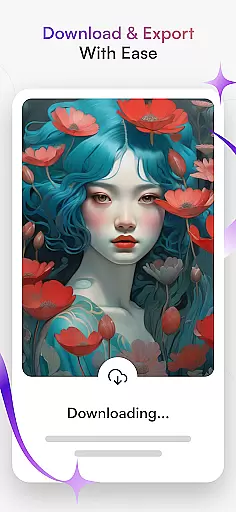
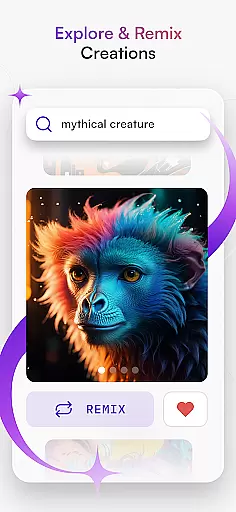
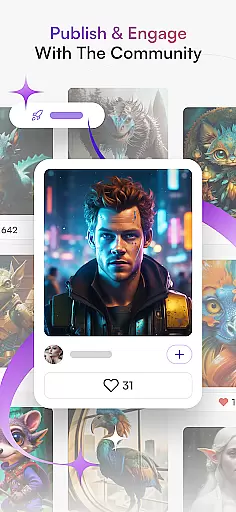
starryai is an advanced AI art generator that transforms text and images into stunning digital artworks. The app offers a diverse range of creative tools, including Text to Image, Image Variations, and AI Portrait Generator, enabling users to produce everything from anime-inspired designs to hyperrealistic landscapes.
With features like AI Drawing, AI Avatar Generator, and Anime AI, starryai caters to both professional artists and hobbyists. Users can experiment with different styles, enhance image quality, and even create personalized avatars. The platform also supports NFT creation and provides drawing ideas for various applications such as graphic design and tattoo concepts.
This versatile app is perfect for anyone looking to explore their artistic potential through artificial intelligence. Whether you want to create realistic AI-generated art or immerse yourself in anime-style visuals, starryai delivers limitless possibilities for creative expression.
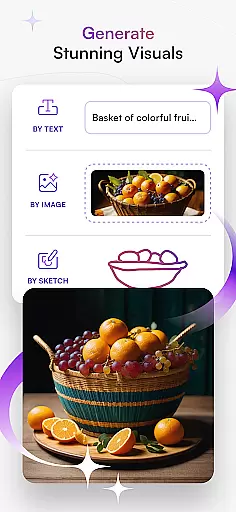
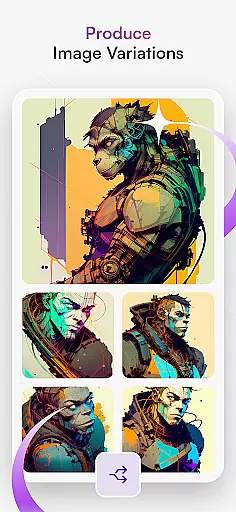
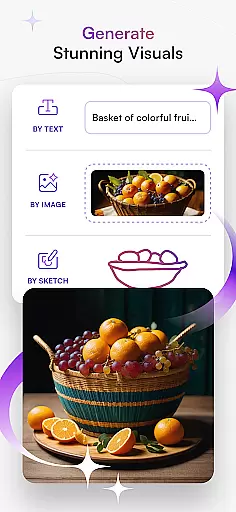
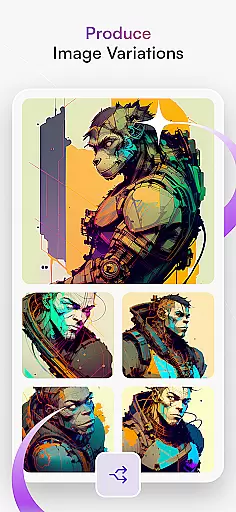
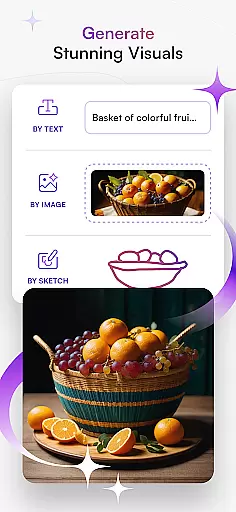
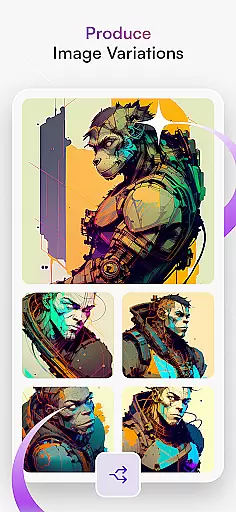
starryai stands out with its comprehensive suite of AI-powered art creation tools. The Text to Image feature allows users to generate beautiful digital artwork simply by entering descriptive text. With Image Variations, the app creates multiple versions of an image with different styles and details, all while maintaining exceptional quality.
The AI Photo Generator lets users transform ordinary photos into extraordinary artworks by experimenting with various artistic styles. The AI Portrait Generator captures the essence of subjects, creating striking portraits that convey personality and emotion. Additionally, the AI Avatar Generator helps users express themselves through custom avatars, ideal for crafting digital personas.
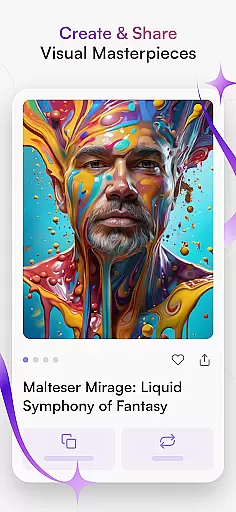
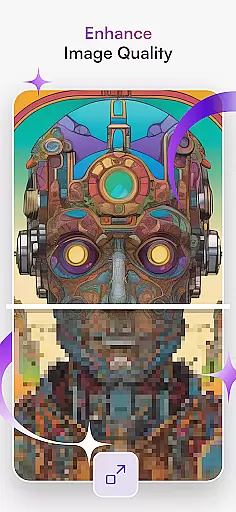
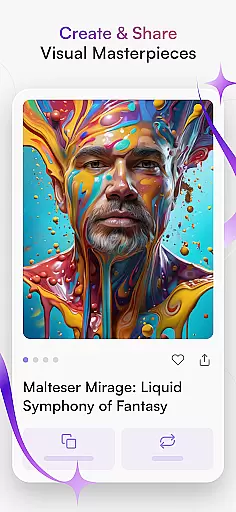
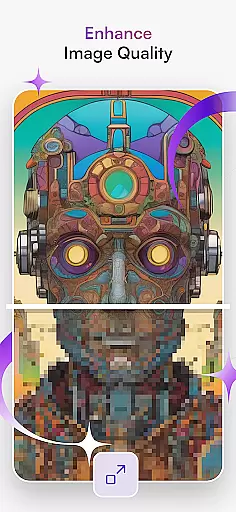
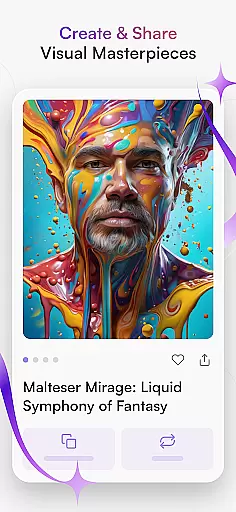
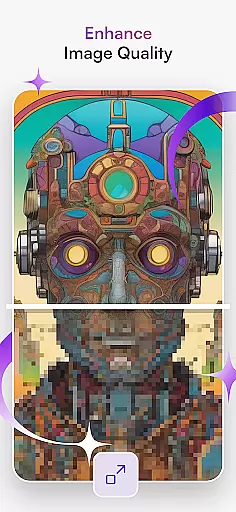
Other notable features include Anime AI for creating anime-style artworks, Enhance Image Quality for improving photo resolution, and Create & Share functionality for publishing masterpieces within the community. These robust features make starryai a complete solution for artists seeking to push the boundaries of AI-assisted creativity.
In the realm of digital art, having a comprehensive suite of creative tools is essential for artists to fully express their visions. starryai - AI Art Generator stands out by offering an extensive array of features that cater to both novice and professional artists alike. The app includes functionalities such as Text to Image, which allows users to transform textual descriptions into compelling visuals, ranging from anime-inspired designs to hyperrealistic landscapes.
Moreover, starryai provides Image Variations, enabling creators to generate multiple interpretations of a single concept with impressive realism and detail. This feature is powered by advanced AI algorithms that ensure each variation is unique yet coherent. Additionally, the AI Drawing capability supports various artistic expressions, whether it's sketching, doodling, or painting, making the process intuitive and enjoyable.
The inclusion of specialized tools like the AI Portrait Generator and AI Avatar Generator further demonstrates starryai's commitment to tool variety. These features allow users to create personalized portraits and avatars that capture individual characteristics and emotions. With these robust options at their disposal, artists can explore limitless possibilities and bring their imaginative concepts to life.
Flexibility in canvas and format options is crucial for artists who wish to work without constraints. starryai - AI Art Generator addresses this need by providing versatile solutions that accommodate different artistic styles and project requirements. Users can experiment with diverse formats, thanks to features like the AI Photo Generator, which lets them apply varied artistic effects to photographs, thus transforming ordinary images into extraordinary pieces of art.
Furthermore, starryai supports the creation of high-quality anime artworks through its Anime AI feature. Artists can draw inspiration from popular anime styles and characters, ensuring that their creations resonate with fans of the genre. The platform also offers an Enhance Image Quality tool, which serves as a powerful ally in refining drawings and elevating them to professional standards.
For those interested in sharing their work within a community or monetizing their art via NFTs, starryai facilitates these activities with ease. Creators can produce and distribute their AI-generated art, knowing that the platform supports a wide range of output formats suitable for digital sharing and printing. This adaptability ensures that artists can focus on their creative process without worrying about technical limitations.
User-friendly interface
Wide range of art styles
High-quality image generation
Supports NFT creation
Active community engagement
Requires internet connection
Some features may need subscription
Learning curve for beginners
Limited free usage
Occasional processing delays

Art of Combination Wear OS Watch faces (for Wear OS 5+ devices)
 3.00
3.00
Meet the magic aı 3d photo generator and smart AI video generator app.
3.20
Digital Drawing: Draw & Paint
4.10
Convert image to JPG PNG HEIC PDF, support almost all kinds of image formats
4.70
Make your phone cooler and have a fantastic experience
4.80
Image resizer to resize, crop, rotate, flip, change dpi photo or picture in bulk
4.60
Bring One UI 8.5 Icons to life -elegant dark icons with a modern, premium touch.
4.30
Everything you need to create hand drawn animation, anywhere you go!
4.40
Kling AI is an image and video generation and editing studio powered by AI.
4.50
Get an overview over all your embroidery threads, projects and more.
4.60
Castle is social media for creating and playing games!
4.60
Remove Background, Magic Eraser, Photo Enhancer, Story Templates, Collage Maker
4.30
800+ Drawing, Painting Lessons App to Practice, Sketch & Paint Art.
4.30
Create stylish invitation cards using templates for weddings, birthdays & RSVP.
4.20
Floor Plan Creator lets you create, edit and share floor plans.
4.00
Art of Combination Wear OS Watch faces (for Wear OS 5+ devices)
3.90
Create cute cat emojis & PFPs! Fun, custom avatars for cat lovers.
3.70
Sketch, trace and master AR drawing with awesome anime art!
3.30
Retouch photos. Create or edit images. Endless capabilities.
2.70


User Reviews