
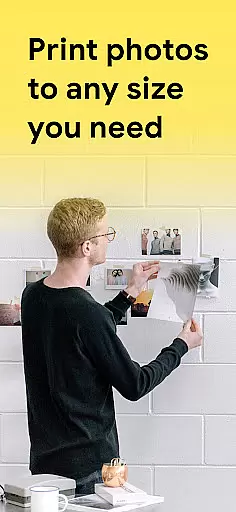
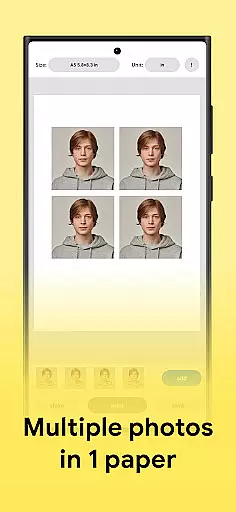
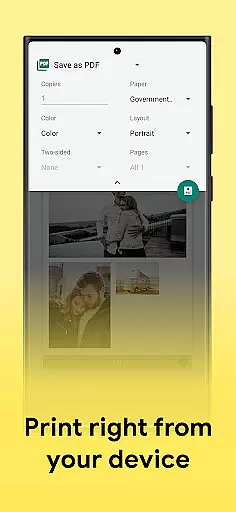
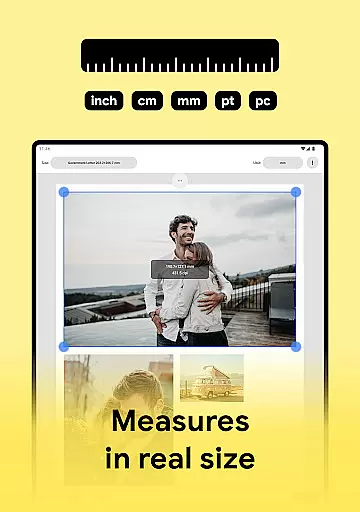
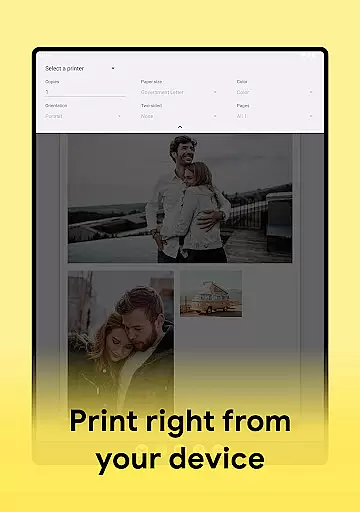
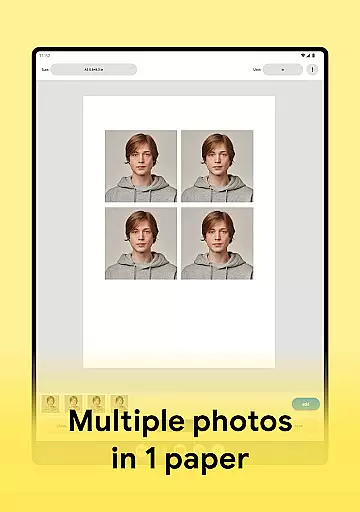
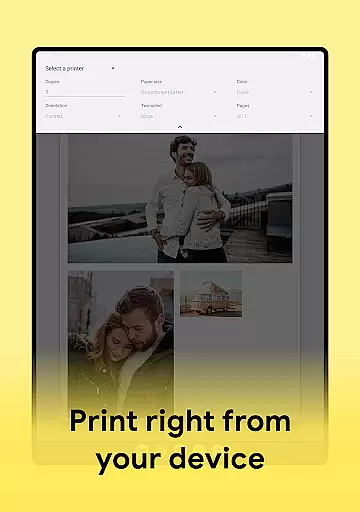
Print Photo is an innovative mobile application designed specifically for photo printing, scanning, and resizing tasks. This app allows users to effortlessly print photos, badges, labels, passport-sized photos, and more directly from their devices. It supports a wide range of printers including HP Smart, Samsung Print, Pixma Canon Printer, Brother iPrint, and Epson Print.
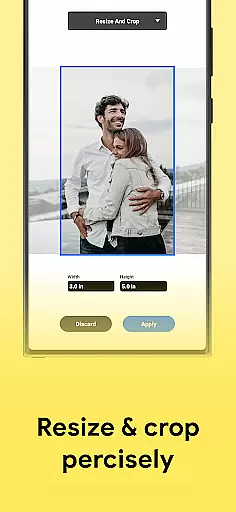
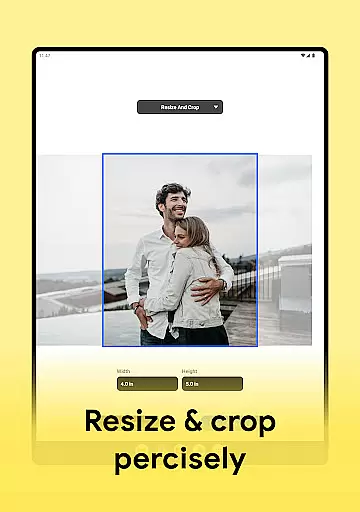
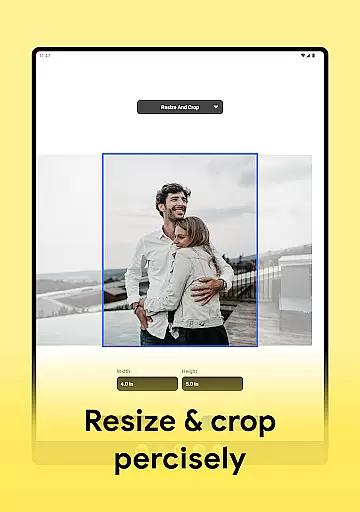
The core functionality of Print Photo revolves around its ability to adjust DPI, print resolution, and crop images to fit various paper sizes. Users can add multiple pictures, customize templates, and even create passport-sized photos on a single sheet of paper. The app also enables saving files in PDF, PNG, or JPG formats and offers seamless integration with popular cloud storage services.
Whether you need to print high-quality photos or prepare documents for official use, Print Photo provides a fast and easy solution. Its intuitive interface and comprehensive feature set make it an essential tool for anyone looking to streamline their photo printing process.
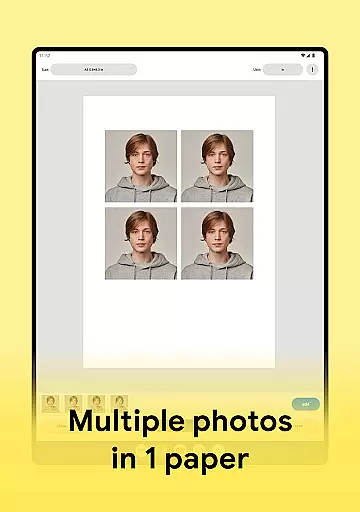
Print Photo stands out due to its rich array of features tailored for both casual and professional users. One of the key highlights is its ability to print photos in maximum quality, ensuring that every image looks sharp and vibrant. The app supports creating passport-sized photos with multiple pictures on one sheet of paper, making it ideal for document preparation.
Another notable feature is the flexibility in adjusting print resolution and DPI settings. Users can fine-tune these parameters to achieve the desired output quality. Additionally, Print Photo offers a variety of templates for different paper sizes, allowing users to either select predefined formats or create custom ones. This versatility extends to file management, where users can save their projects as PDF, PNG, or JPG files.
The app's compatibility with major printer brands such as HP, Samsung, Canon, Brother, and Epson ensures broad usability across various devices. With its user-friendly interface and robust functionality, Print Photo simplifies the entire photo printing workflow, from uploading and editing images to connecting with printers and executing print jobs.
In the realm of photo printing and editing, having a comprehensive set of creative tools is essential for unleashing your artistic potential. Print Photo offers an extensive suite of features that cater to both amateur enthusiasts and professional photographers alike.
The application allows users to adjust dpi and print resolution, ensuring that each photograph can be fine-tuned to meet exacting standards before it's sent off to the printer. With support for various formats including PDF, PNG, and JPG, as well as integration with cloud storage services, you have the flexibility to manage and store your creations in a way that suits your workflow.
Moreover, Print Photo stands out by providing specialized functions such as creating passport-sized photos on a single sheet of paper, which is not only practical but also cost-effective. This feature exemplifies how the app goes beyond basic printing capabilities to offer solutions tailored to specific needs.
By incorporating these advanced yet user-friendly options, Print Photo empowers users to produce high-quality prints from their devices without compromising on creativity or control over the final output.
A versatile canvas and format flexibility are crucial for any art and design application, allowing creators to express their vision without constraints. Print Photo excels in this area by offering unparalleled adaptability when it comes to preparing images for print.
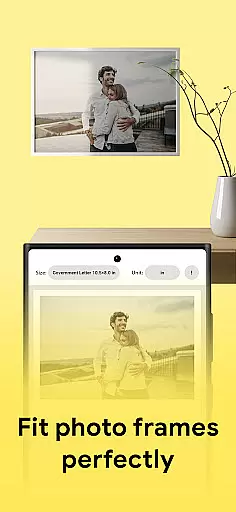
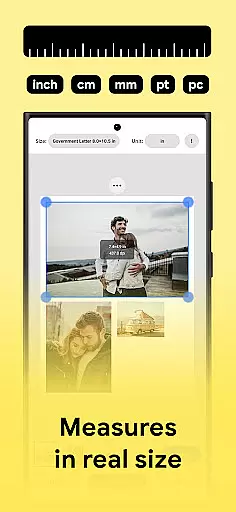
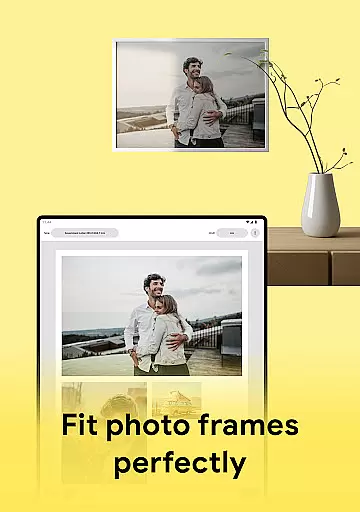
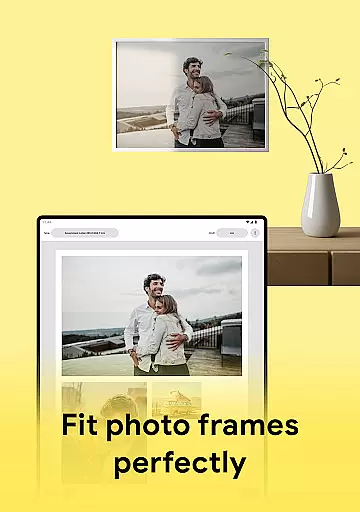
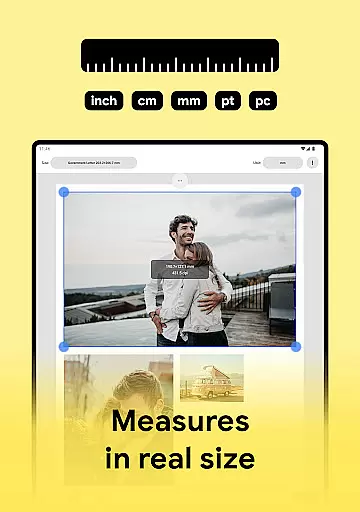
Users can select from predefined paper sizes or customize their own dimensions, making it possible to fit pictures perfectly onto anything from standard photo paper to unique label sheets. The ability to tailor the canvas size ensures that whether you're printing badges, labels, or passport photos, each item will be precisely sized for its intended use.
In addition to customizable sizing, Print Photo supports an array of file formats, giving users the freedom to save their work as PDFs, PNGs, or JPGs. Such diversity in output options means that no matter what type of project you're working on, there's a suitable format available within the app.
This level of canvas and format customization not only streamlines the process of photo printing but also enhances the overall user experience by accommodating a wide range of creative requirements.
User-friendly interface
High-quality prints
Wide printer support
Customizable templates
Cloud storage integration
Limited advanced editing
No batch processing
Occasional connectivity issues
Basic color adjustments
Subscription fees for premium features

Vidu is an AI video generator made for creators and aspiring makers.
 3.30
3.30
Draw anime & manga drawing, art with templates to create stunning picture!
4.50
Logo Generator powered by AI: Create stunning logos effortlessly!
4.70
Paint with oils and sketch with natural tools on a realistic virtual canvas.
3.80
Unleash Your Creativity with Draw Cartoon - AR Drawing App
4.10
Painting, drawing, & sketching
4.50
Your homescreen as an elegant glass with customized blur, lighting, and visuals.
3.70
Bring One UI 8.5 Icons to life -elegant dark icons with a modern, premium touch.
4.30
All-in-One art, logo & collage maker. Design photos and edit video backgrounds
4.80
The ultimate tool for creating animations
4.60
Digital, Abstract, Classic - all types of color wheels in one app!
4.60
Draw beautiful mandala's very easily
4.60
Digital illustration drawing & painting pad app to paint Anime and Manga art
4.50
Create neon drawing with magic doodle and fun doodle art effects!
4.50
Stylish letters, Stylish Keyboard, Symbols, Emojis, Cool nickname
4.40
Trace, draw, and create art with AR - from memes to masterpieces!
4.30
Text to Image, Image to Video & AI Chat
4.20
AR Anime Drawing: How to draw anime with AR drawing & sketching apps!
4.00
Create sweet, cool and unique couple avatars easily, in just a few steps!
3.40


User Reviews