
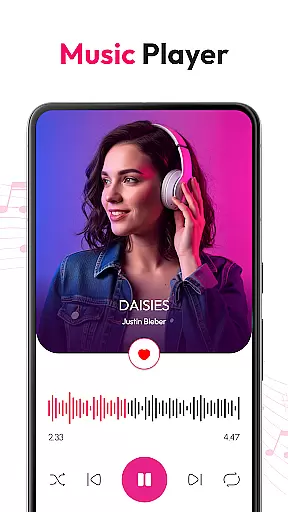
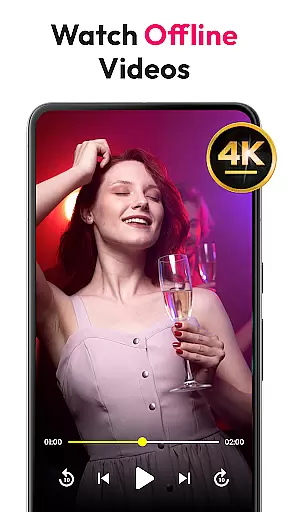
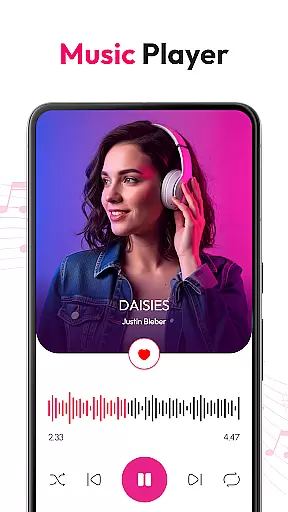
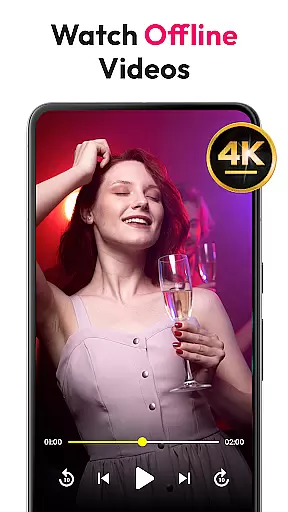
HD Video & Music Player is a versatile media player for Android that supports all video and audio formats. Whether you're watching 4K Ultra HD videos or listening to MP3 tracks, this app delivers smooth playback with advanced controls. The app combines the best of both video and music players, offering features like floating player mode, equalizer settings, and playlist management.
This all-in-one media player automatically scans your device for media files and provides easy organization tools. With support for Picture-in-Picture mode, gesture controls, and offline playback, it ensures an uninterrupted entertainment experience on any Android phone or tablet. Enjoy high-quality visuals and crisp sound whether you're managing your media library or streaming content.
HD Video & Music Player stands out with its comprehensive format support, including MP4, AVI, MKV, MP3, FLAC, and more. It offers advanced playback options such as auto-rotate, screen lock, and customizable aspect ratios. The built-in file manager helps users organize their media efficiently while supporting features like floating player mode enhance multitasking.
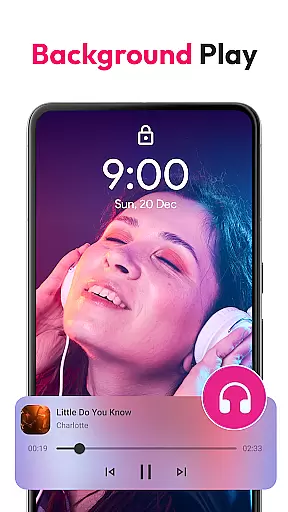
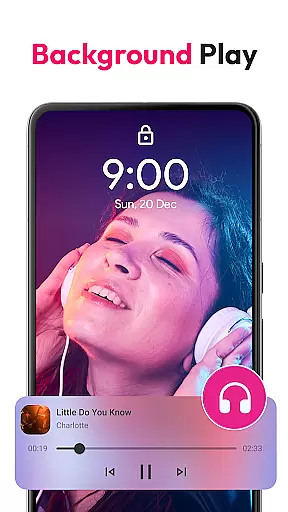
For music enthusiasts, the app includes a powerful equalizer with bass boost and 3D sound effects. Users can create custom playlists, browse by album or artist, and control playback from the lock screen. With full offline functionality and widget support, this app ensures you can enjoy your favorite content without interruptions, anytime and anywhere.
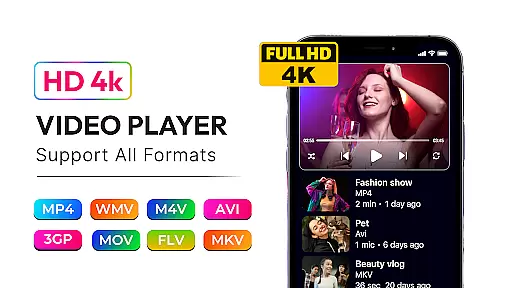
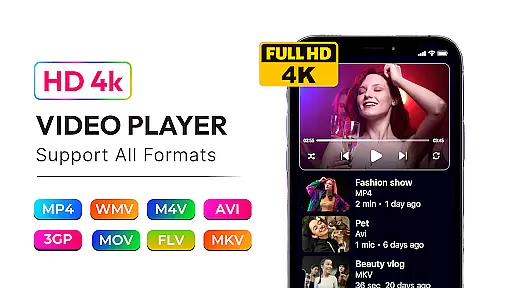
Video format compatibility is a critical feature for any media player, ensuring that users can enjoy their favorite content without worrying about file type restrictions. HD Video & Music Player excels in this area by supporting an extensive range of video formats including MP4, AVI, MKV, 3GP, FLV, MOV, WMV, and TS.
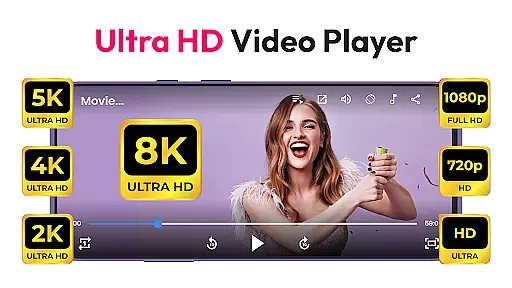
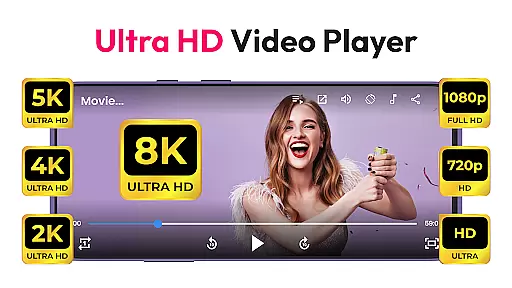
This versatile video player provides smooth playback for high-resolution videos such as 4K, Ultra HD, and Full HD. Whether you're watching downloaded movies or streaming online content, the app ensures that every frame is sharp and every detail is clear.
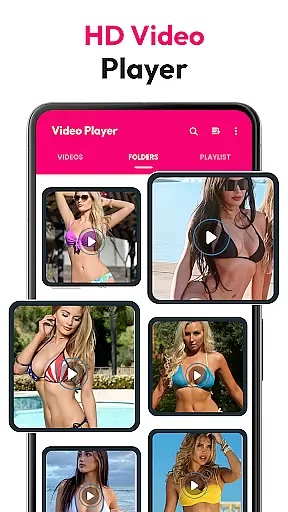
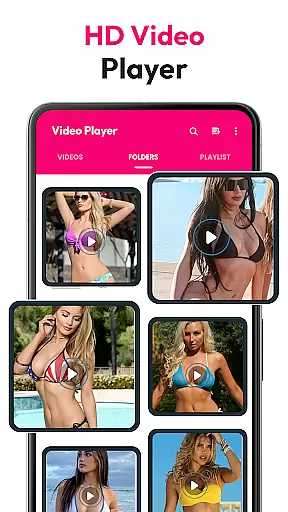
With automatic scanning of video files from internal storage and SD cards, users can easily access all their media within one platform. The built-in file manager further enhances organization capabilities, allowing seamless management of your library.
By offering comprehensive format support and advanced playback features, HD Video & Music Player guarantees a superior viewing experience across different types of media, making it an ideal choice for Android users seeking flexibility and performance.
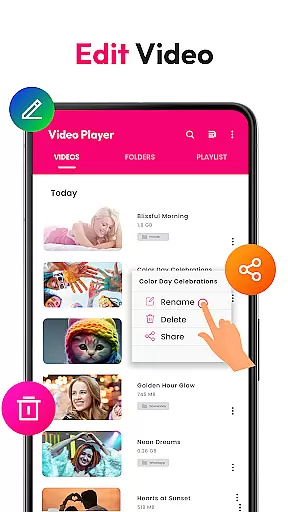
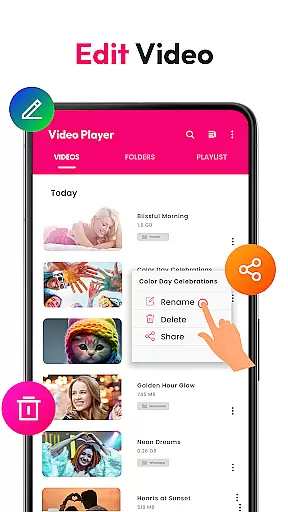
AI-powered editing features are revolutionizing how we interact with multimedia content by providing intelligent tools that enhance both audio and visual elements. While HD Video & Music Player primarily focuses on playback, its advanced functionalities offer some editing capabilities that benefit from AI technology.
The powerful equalizer with bass boost, 3D sound, and reverb options allows users to customize their listening experience according to personal preferences. These smart audio adjustments create immersive soundscapes that elevate music playback beyond basic functionality.
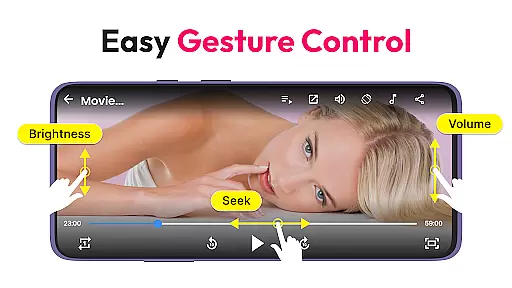
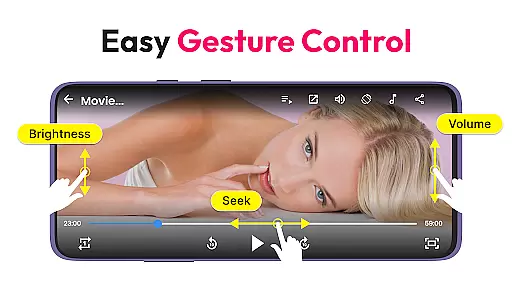
Gesture controls for volume, brightness, and seek operations demonstrate another aspect of AI-enhanced interaction. By recognizing user movements, the application simplifies navigation and control processes, making them more intuitive and responsive during media consumption.
Although not a traditional video editor, HD Video & Music Player incorporates AI-driven enhancements that improve overall usability. From floating player modes to Picture-in-Picture support, these innovative features showcase how artificial intelligence can optimize entertainment applications for modern audiences.
User-friendly interface
Wide format compatibility
Advanced equalizer settings
Picture-in-Picture mode
Offline playback support
Occasional ads in free version
Large app size
No cloud integration
Limited editing tools
High system requirements

Online Videos Player
 3.90
3.90
You can play SWF format file!
2.50
1)AirPlay/DLNA Mirroring/Streaming, up to 4 connections; 2)Samba/NAS/DMS Player.
4.00
Powerful Video Editor & Photo Editing App —— Quick Edits & Stunning Effects!
4.30
Flud is a simple and beautiful BitTorrent client for Android.
4.80
AI Video Editor with Music, Filter, Slideshow, Effect, Merge & Trim Video.
4.80
Livestream, news, & gaming content. Watch, chat, and upload. Join Rumble today!
3.80
Fast private browser with secure, seamless access & supported video downloads!
4.00
Enjoy your favorite videos and channels with the official YouTube app.
3.90
Screen recorder with audio to take live videos & Screenshot in high quality!
4.70
Video Player - Unlimited features, 30 days money back guarantee.
4.60
Search & download videos from net with all video downloader, auto-detect & safe.
4.60
Fast & easy HD video downloader for all formats, support 4K playback & download.
4.60
IPTV Loader, loads your own Playlist. DOES NOT CONTAIN ANY LIST OR CHANNELS
4.60
Viddo: Generate Action Figure, AI Anime, AI kiss, AI hug Video from image & text
4.40
IPTV-Smarters Player Pro M3U - Watch Live Stream TV Channels with Chromecast
4.00
Live TV, anywhere in your home
3.80
Manage your IPTV live channels and VOD playlists (no playlist included)
3.80
Play and download HD videos from all sources — fast, simple, and all-in-one.
4.4


User Reviews