
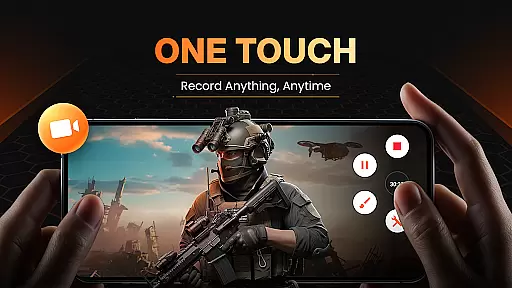
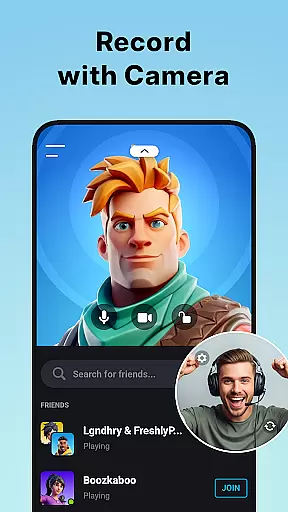
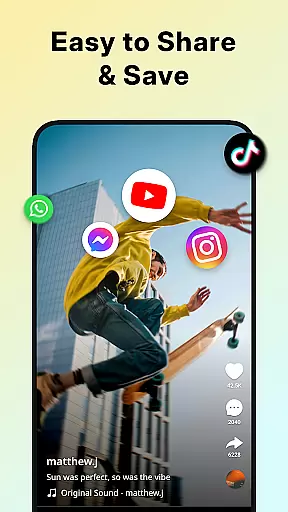
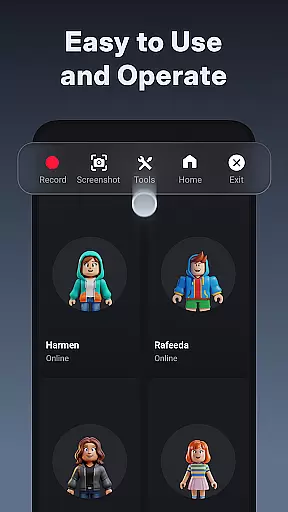
XRecorder is a versatile screen recording app designed for capturing smooth and clear screen videos, screenshots, and live game shows without any watermarks. It offers advanced features such as internal audio recording, facecam, and video editing tools.
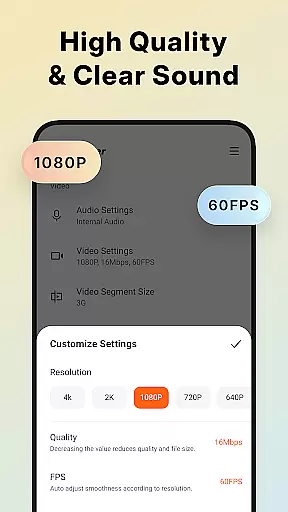
With support for high-quality 1080p recording at 60FPS, XRecorder allows users to customize their recording settings and floating ball controls. The app is suitable for creating video tutorials, recording gameplay, and capturing moments that can't be downloaded, ensuring you never miss an important moment.
XRecorder stands out with its comprehensive feature set tailored for both casual and professional users. The app supports HD video recording at up to 120 FPS, providing an exceptional visual experience. Users can record gameplay, video calls, and live streams directly to YouTube or RTMP.
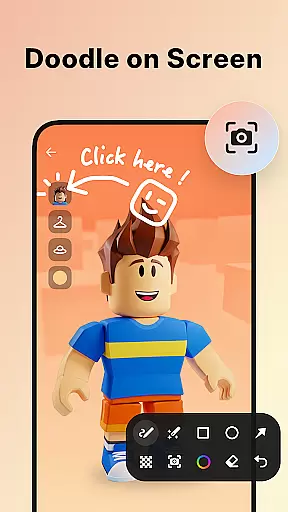
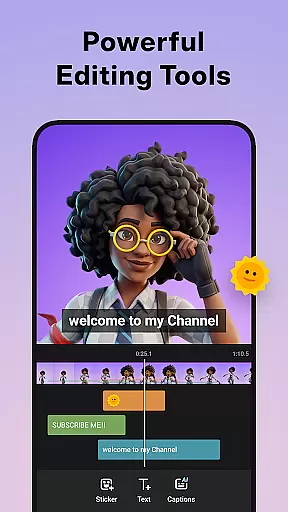
Additional features include a facecam for reaction videos, brush tools for on-screen annotations, and a robust video editor for trimming, adding music, and controlling playback speed. With customizable floating controls, pause/resume functionality, and multiple storage options, XRecorder delivers a seamless recording experience.
Video format compatibility is a crucial feature for any video player and editor, ensuring that users can work with a wide range of video files without the hassle of conversion. Screen Recorder - XRecorder excels in this area by supporting various resolutions and frame rates, from 240p to 1080p Full HD and 15FPS to an impressive 120 FPS for ultimate smoothness. This flexibility allows creators to capture content in their preferred quality settings while maintaining high performance.
The app's ability to export videos in custom settings such as 240p up to 1080p resolution, with bitrates reaching 12Mbps, ensures that your recordings will be compatible across different platforms and devices. Whether you're looking to upload directly to social media or store files for later editing, XRecorder has got you covered.
Moreover, the inclusion of advanced features like trimming, cropping, rotating, and adjusting aspect ratios means that not only does it support multiple formats but also empowers users to edit these videos extensively within the app itself. With options to add music, stickers, text overlays, filters, speed controls, and more, XRecorder transforms into a comprehensive video editing suite.
By offering such extensive video format compatibility alongside robust editing tools, Screen Recorder - XRecorder stands out as an indispensable tool for both casual recorders and professional content creators who demand versatility and quality in their workflow.
AI-powered editing features are revolutionizing how we approach video post-production, making sophisticated edits accessible even to beginners. In Screen Recorder - XRecorder, artificial intelligence plays a pivotal role in enhancing user experience through smart functionalities designed to streamline the editing process. For instance, its facecam technology intelligently tracks facial movements, allowing users to overlay reactions seamlessly onto gameplay footage or tutorials.
Beyond just picture-in-picture capabilities, XRecorder leverages AI for audio processing too. The internal audio recording function on Android 10+ devices captures sound without background noise interferenceu2014a boon for those creating voiceovers or podcasts. Additionally, live streaming services integrated into the app utilize AI algorithms to optimize broadcast quality dynamically based on network conditions.
Another standout feature powered by AI is the automatic video trimming tool which intelligently suggests cuts based on scene changes or silence detection, saving editors valuable time during the rough cut phase. Furthermore, brush tools enable creative freedom by letting users draw directly onto frames, guided by intuitive gesture recognition powered by machine learning models.
With these cutting-edge AI-driven enhancements, Screen Recorder - XRecorder not only simplifies complex tasks but also elevates the overall production value of videos created using the platform, setting new standards in mobile video creation.
User-friendly interface
High-quality recording
No watermark
Flexible customization
Comprehensive editing tools
Internal audio limited to Android 10+
Feature overload for beginners
Occasional bugs reported
Editing tools could be more advanced
Live streaming requires stable internet

Online Videos Player
 3.90
3.90
Kodi media center, a free and open source cross-platform entertainment hub
3.60
HD Video player all format, HD Videos, Cast & Subtitle. No annoying ads.
4.60
Your media, on your terms.
4.10
Fast & Private Video Downloader App. Save all videos easily from the Internet.
4.40
Download videos and play them offline
4.70
Browser for Samsung TV to stream webvideos, online movies and livestreams in HD
4.10
Video player with 4K & 1080P support, popup play, background play and subtitle.
4.20
Make videos you’re proud to share with Edits, a video editor for creators.
4.70
Play ALL formats in 4K & HD. Video downloader, MP3 player, Chromecast & more.
4.80
Video Player - Unlimited features, 30 days money back guarantee.
4.60
Support 1000+ Video Format, Subtitle Download, mp3 & Background Play, Cast On TV
4.60
Fast, private downloading, video saving, social media
4.50
Full HD Video mp3 Player, MP4 player play 1080p, File manager, Video Downloader
4.40
Video player, file manager for all formats, 4K/HD media player supports subtitle
4.30
AI Video Editor:AI Music, Text to Video,Text to Speech,Auto Caption,Video Effect
4.00
Make your own Animations, Video and Photo Edits, Visual Effects, and more!
4.00
Connect EasyCap or UVC devices for recording and broadcast video/audio stream
3.60
Client application for NextPVR software
3.00


User Reviews