
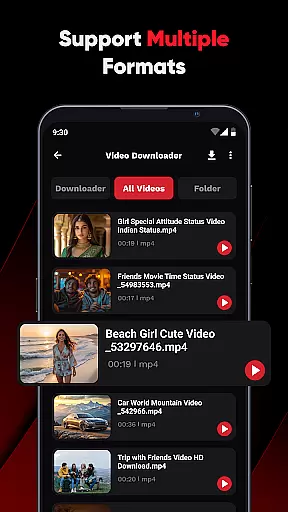
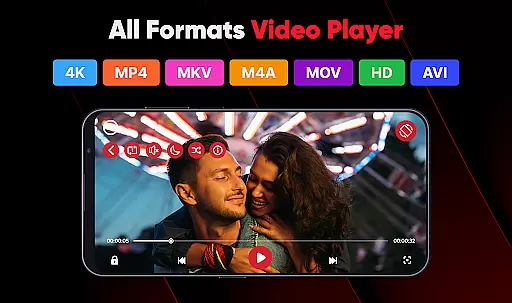
ViPlayer is a versatile video player and downloader designed for users who want to enjoy HD videos seamlessly. The app supports all major video formats including MP4, MKV, AVI, and MOV, allowing users to stream or play saved videos directly from their devices with ease.
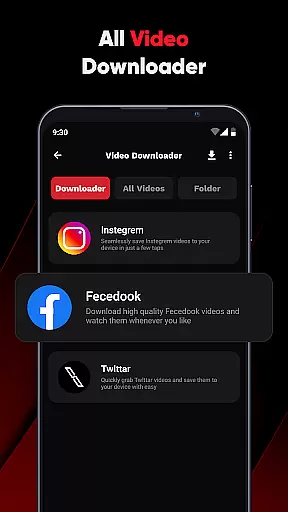
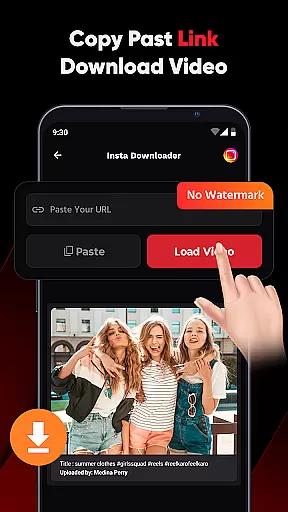
One of the standout features of ViPlayer is its ability to download videos from social media platforms like Facebook and Instagram by simply pasting the URL. With no login required, users can save videos to their gallery and watch them offline anytime. Its advanced gesture controls and clean, lightweight UI make it an ideal choice for those seeking speed, simplicity, and style in their video experience.
Whether you're managing personal content or downloading videos for offline viewing, ViPlayer offers a comprehensive solution that caters to various user needs, ensuring a smooth and smart video experience.
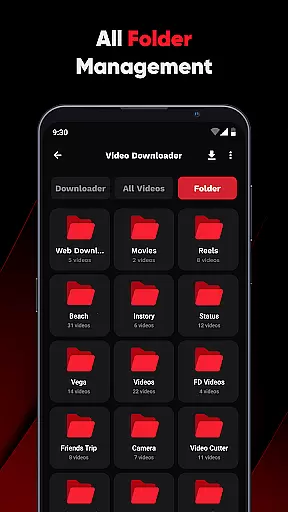
ViPlayer stands out with its robust feature set tailored for video enthusiasts. It auto-detects videos from both internal and external storage, organizing them efficiently by folder. This ensures that users can easily locate and manage their video files without hassle.
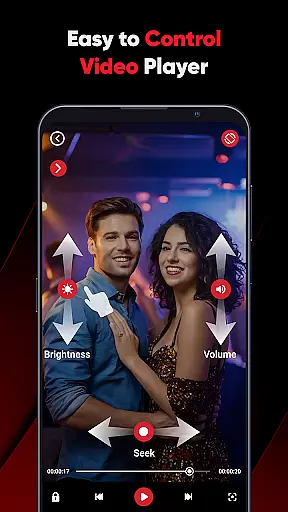
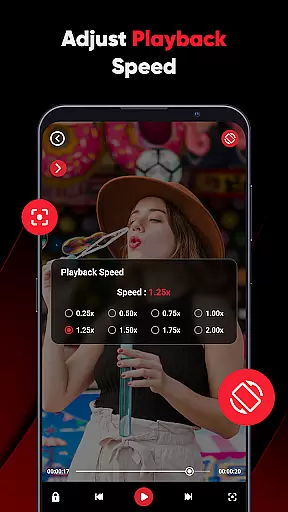
The app's advanced swipe controls allow users to adjust volume, brightness, and playback with simple gestures, enhancing the overall user experience. Additionally, ViPlayer's one-click downloader makes it easy to paste a URL, preview the content, and save videos in seconds, supporting downloads from platforms like Facebook and Instagram.
With its clean and intuitive interface, ViPlayer provides a fast and secure environment for video playback and downloading. Users can enjoy a seamless experience without worrying about unauthorized access, as the app does not require any login, ensuring privacy and security.
ViPlayer stands out as a versatile video player due to its extensive video format compatibility. The app supports an array of major video formats including MP4, MKV, AVI, and MOV, ensuring that users can play virtually any video file they come across.
This broad format support eliminates the need for separate apps or conversion tools, streamlining the video playback experience. Whether it's personal content stored on your device or videos downloaded from various sources, ViPlayer handles them all with ease.
The comprehensive format coverage is paired with a powerful built-in player that delivers smooth streaming and playback. This means users can enjoy high-quality video without interruptions or format-related issues.
By removing barriers related to video format incompatibility, ViPlayer provides a seamless viewing experience, making it an essential tool for anyone who regularly consumes video content on their mobile device.
While ViPlayer focuses primarily on video playback and downloading, it also integrates AI-powered features that enhance user interaction with video content. Although not a traditional video editor, its advanced gesture controls offer a unique form of interaction that resembles smart editing capabilities.
The app's swipe controls utilize intelligent recognition to adjust volume, brightness, and playback position through simple gestures. This intuitive approach to video control creates a more engaging and personalized viewing experience.
Additionally, the one-click downloader function demonstrates AI-powered efficiency by automatically detecting downloadable content from supported links. Users can preview and save videos quickly, streamlining the content acquisition process.
These smart features, combined with the app's clean and lightweight interface, demonstrate how artificial intelligence can be effectively integrated into video applications to create a more responsive and user-friendly experience.
User-friendly interface
Supports multiple formats
Fast video downloading
Advanced gesture controls
No login required
Limited to supported links
Offline functionality only
No cloud integration
Basic editing tools
Social platform restrictions

HD Video player all format, HD Videos, Cast & Subtitle. No annoying ads.
 4.60
4.60
Video Trimmer, Video to MP3 Converter. Extract music from video, Easy & Fast.
4.80
Search & download videos from net with all video downloader, auto-detect & safe.
4.60
Turn your phone into a wireless camera!
4.20
AirMirror Receiver - Screen mirroring/cast web videos to Android TV by AirPlay.
4.40
An easy-to-use and all-round screen recorder with audio
4.80
Cast to Smart TV, Fire TV. Cast video, photo - Fast & Stable!
3.90
Make your own Animations, Video and Photo Edits, Visual Effects, and more!
4.00
Powerful video player with advanced hardware acceleration and subtitle supports
4.20
Cast Videos from Web Browser, IPTV to Roku, Chromecast, DLNA, Smart TV +more
4.60
?100% FREE! Download & save videos? safely in this app. All formats supported.
4.60
VLC Remote lets you control your VLC Media Player on Mac, PC or Linux.
4.60
Support 1000+ Video Format, Subtitle Download, mp3 & Background Play, Cast On TV
4.60
IPTV Loader, loads your own Playlist. DOES NOT CONTAIN ANY LIST OR CHANNELS
4.60
Browser + Remote for Roku to stream webvideos, online movies and livestreams
4.60
Fast, private downloading, video saving, social media
4.50
KMPlayer Plus (Divx Codec) officially support Divx codec.
4.30
VLC for Android is the best open source video and music player, fast and easy!
4.10
1)AirPlay/DLNA Mirroring/Streaming, up to 4 connections; 2)Samba/NAS/DMS Player.
4.00


User Reviews