
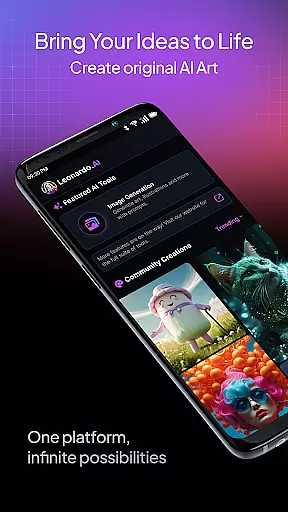
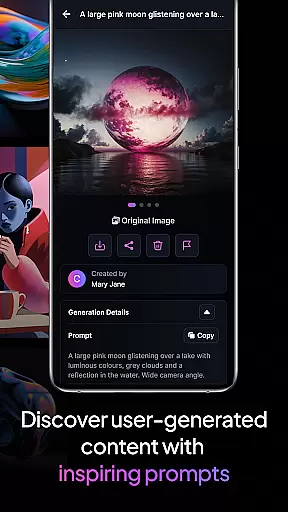
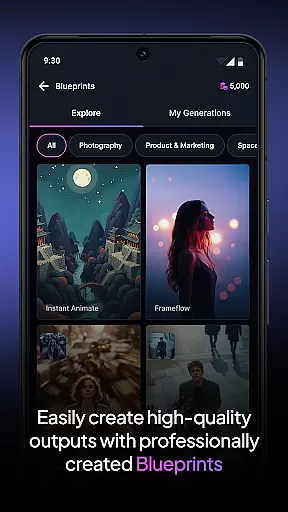
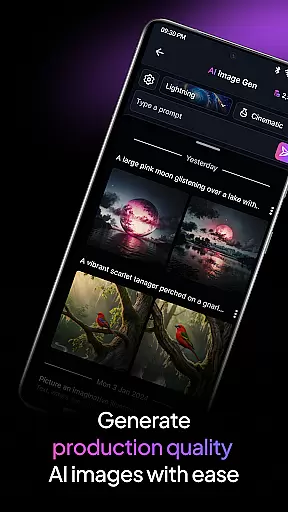
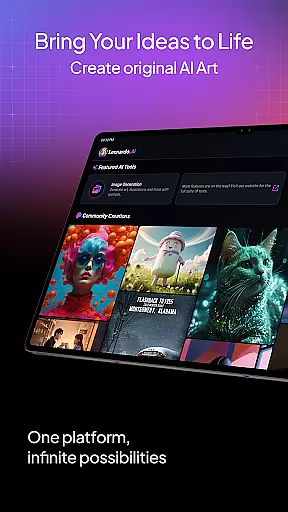
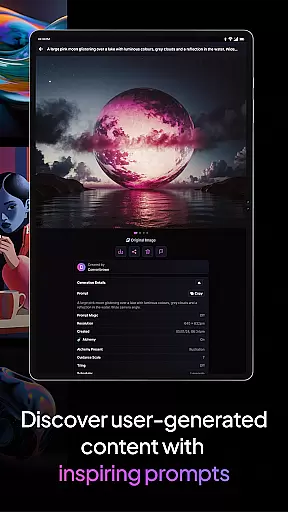
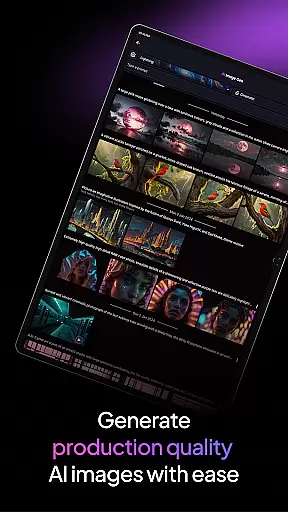
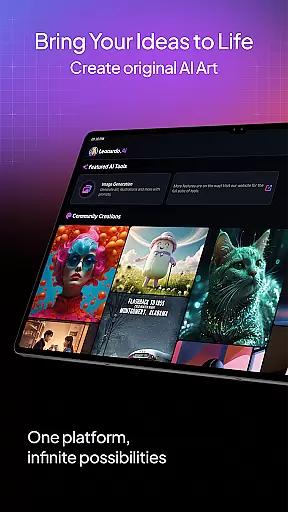
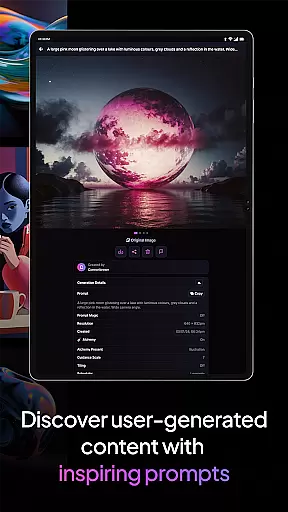
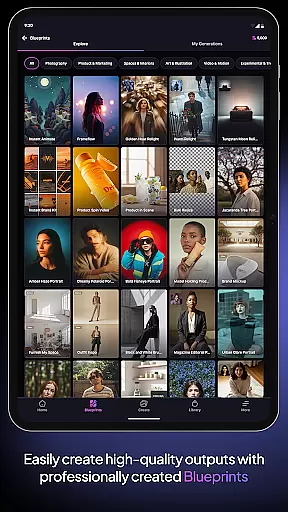
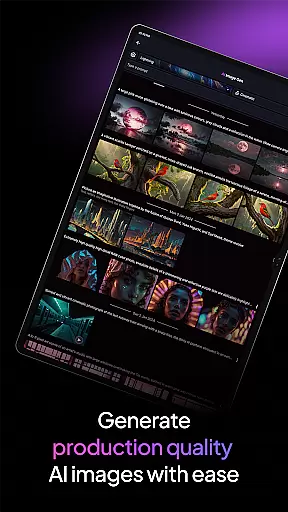
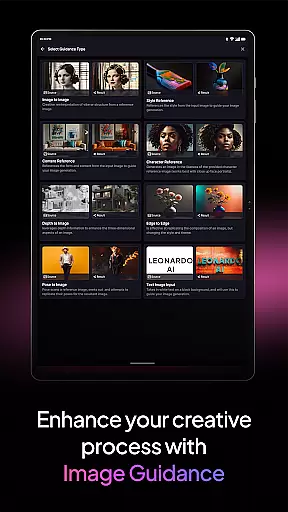
Leonardo.Ai is a cutting-edge AI art image generator designed for creative professionals and enthusiasts alike. Available on Android, this app empowers users to generate high-quality digital art with remarkable precision. By offering advanced controls such as prompts, negative prompts, and tiling, Leonardo.Ai ensures that every aspect of the creative process can be fine-tuned to perfection.
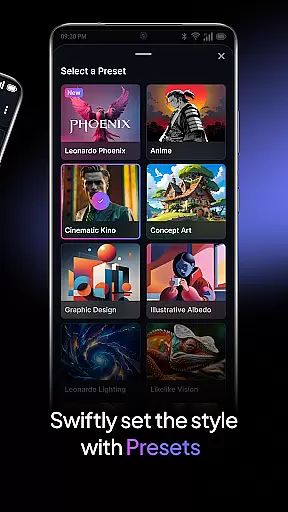
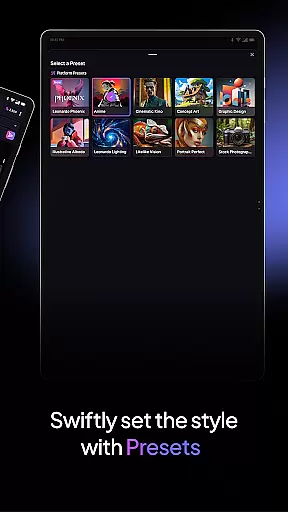
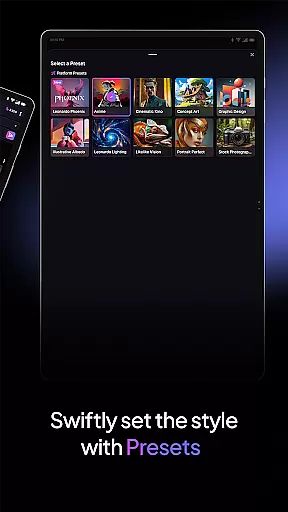
The app features general-purpose and finetuned presets, enabling effortless creation of production-ready art and design assets. With Leonardo Phoenix, its foundational model, users experience next-level prompt adherence and coherent text-to-image generation. This allows rapid ideation and exploration of various artistic styles while maintaining consistency across projects.
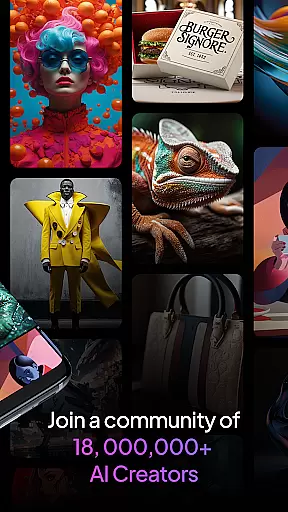
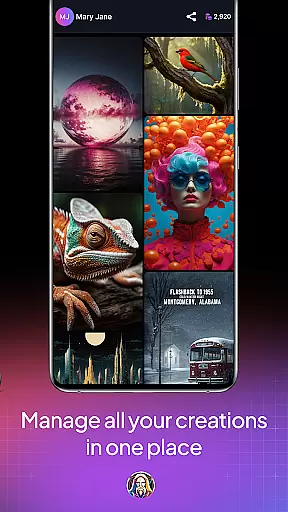
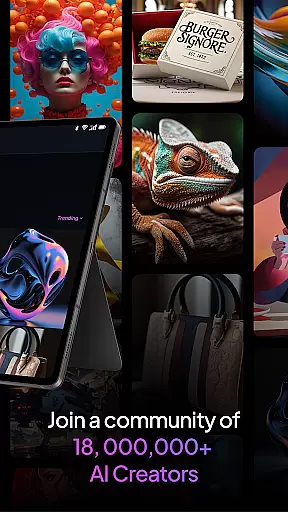
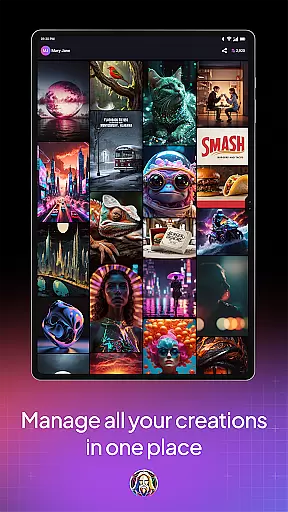
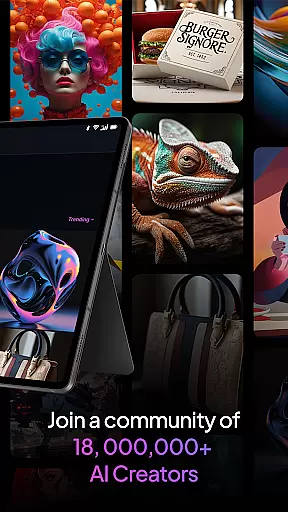
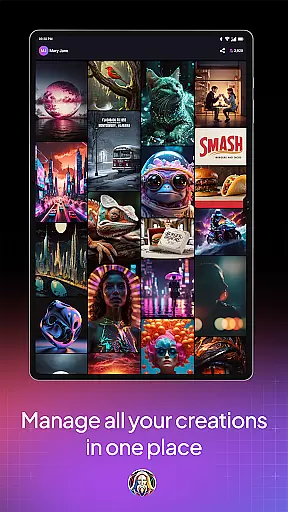
Joining a vibrant community of over 21 million creatives, users can access more than 1.7 billion images already generated using Leonardo.Ai. Whether you're an artist looking to expand your portfolio or a designer in need of unique assets, Leonardo.Ai provides the tools to unleash your imagination and create breathtaking art within minutes.
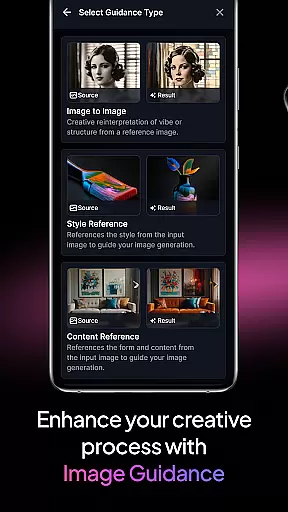
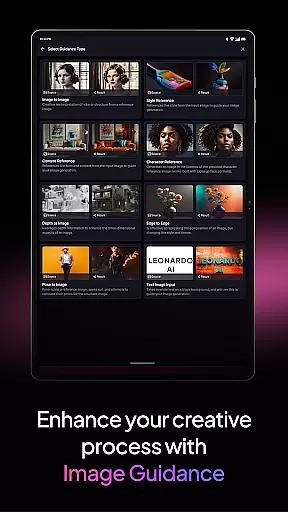
Leonardo.Ai stands out with its robust feature set tailored for digital artists and designers. One of its key highlights is the precise control it offers over the art generation process. Users can manipulate prompts, negative prompts, and tiling options to achieve their desired results with exceptional accuracy. This level of customization ensures that each piece of art aligns perfectly with the creator's vision.
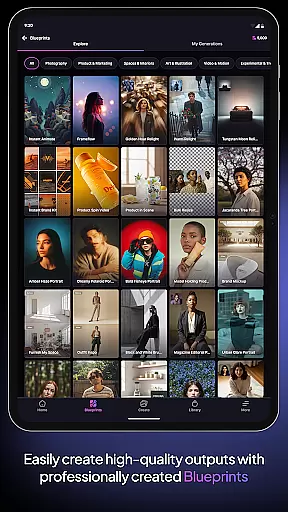
The app includes both general-purpose and finetuned presets, catering to a wide range of creative needs. These presets allow users to effortlessly produce high-quality art and design assets suitable for professional use. Additionally, Leonardo Phoenix, the foundational model, enhances the creative workflow by providing superior prompt adherence and flexible text-to-image capabilities. This enables rapid iteration and exploration of diverse artistic styles.
Another notable feature is the vast community and resource pool available to users. With over 21 million creatives and more than 1.7 billion images generated, Leonardo.Ai fosters a collaborative environment where users can draw inspiration and share their work. This extensive network not only enriches the user experience but also provides a platform for showcasing and refining artistic skills.
Creative tools form the backbone of any art and design application, and Leonardo.Ai stands out with its comprehensive suite of features. This app provides users with precise control over every aspect of digital art generation, including prompts, negative prompts, tiling, and more. Such detailed customization ensures that artists can fine-tune their creations to match their exact vision.
Leonardo.Ai also offers general-purpose and finetuned presets, enabling users to generate production-ready art and design assets effortlessly. Whether you're a professional designer or an amateur artist, these presets help streamline your workflow and enhance productivity. The versatility of the tools allows for the creation of a wide range of high-quality AI art and design assets, catering to various artistic needs.
Furthermore, the app's foundational model, Leonardo Phoenix, takes creativity to the next level. It provides superior prompt adherence, coherent and flexible text in images, and supports rapid ideation through iterative prompting. This empowers users to explore diverse styles while maintaining consistency in their work. With Leonardo.Ai, artists have all the tools they need to unleash their imagination and create stunning digital art.
Flexibility in canvas and format options is crucial for artists who need to adapt their work to various mediums and platforms. Leonardo.Ai excels in this area by offering unparalleled canvas and format flexibility. Users can create art in multiple dimensions and resolutions, ensuring their work is suitable for both digital and print formats.
The app supports a wide array of file formats, making it easy to export and share your creations across different platforms. Whether you need high-resolution images for professional printing or optimized files for web use, Leonardo.Ai has you covered. This flexibility ensures that your artwork maintains its quality and integrity, regardless of where it's displayed.
Additionally, Leonardo.Ai's adaptive canvas feature allows artists to experiment with different styles and layouts without constraints. This encourages creative exploration and iteration, enabling users to refine their concepts rapidly. By providing such extensive canvas and format options, Leonardo.Ai empowers artists to bring their visions to life in a universe of infinite possibilities.
User-friendly interface
Advanced customization options
High-quality art generation
Vibrant creative community
Effortless asset creation
Limited to Android
Requires internet connection
Premium features may cost extra
Learning curve for beginners
Occasional server downtime

Transform photos into amazing monochrome dither art with professional algorithms
 4.4
4.4
Meet the magic aı 3d photo generator and smart AI video generator app.
3.20
Remove Background, Magic Eraser, Photo Enhancer, Story Templates, Collage Maker
4.30
Create color palette from Image, RGB & RYB Color wheel harmonies, Color Scheme
4.50
Passport size photo maker, create ID photo and visa photo in seconds
4.80
Powerful home decoration & house design that allows you to design dream home.
3.80
Resize photos and print photos in exact size with our powerful photo printer!
3.80
Get an overview over all your embroidery threads, projects and more.
4.60
Create cute cat emojis & PFPs! Fun, custom avatars for cat lovers.
3.70
Make your phone cooler and have a fantastic experience
4.80
AI Tattoo Generator: Create Tattoo Designs & Get Ideas! Ink & Stencil Maker
4.50
Image/ Text to Video Generator
4.40
Draw, make movies & animate cartoons easily with our 2D animation maker app
4.40
Create stylish invitation cards using templates for weddings, birthdays & RSVP.
4.20
Turning simple sketches into captivating tales filled with life and motion
3.90
Art of Combination Wear OS Watch faces (for Wear OS 5+ devices)
3.00
Inky runs Inkscape on Android devices and Chromebooks
2.90
Retouch photos. Create or edit images. Endless capabilities.
2.70
Premium version of Shimeji-ee app with no ads & no limit active shimeji
4.3


User Reviews