
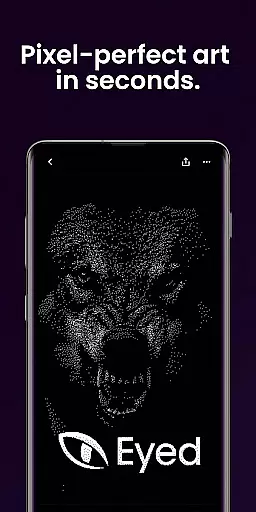
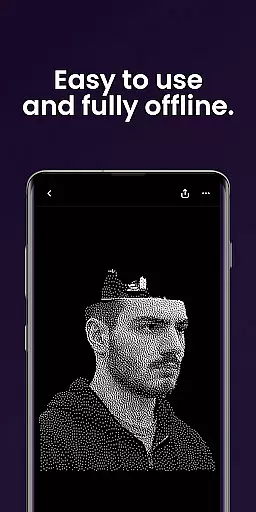
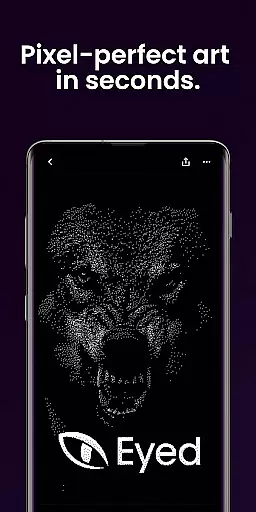
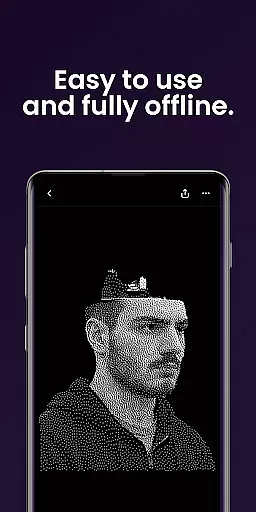
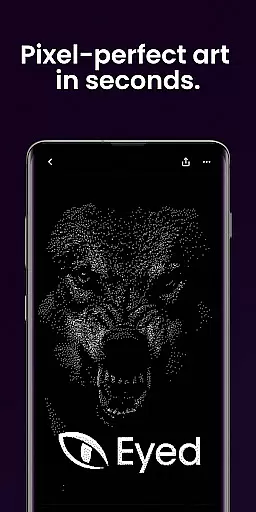
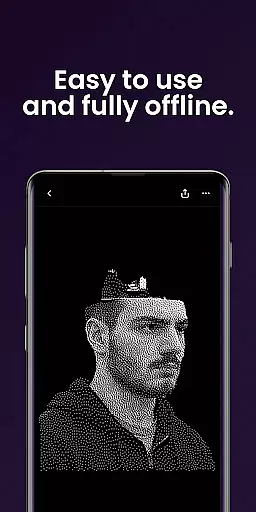
Dither By Eyed is a photo editor app designed to transform your images into print-inspired artwork with expressive results in seconds. It offers iconic processing methods such as Floyd-Steinberg, Atkinson, and Stucki, along with curated looks that deliver instant character. The app allows users to fine-tune contrast, midtones, highlights, blur, scale, and threshold with real-time previews.
Additionally, Dither By Eyed supports background removal for crisp compositions and exports high-quality results ready for print, web, or social media. Optimized for both phones and tablets, it features a clean interface and supports common image formats, making it an ideal tool for creators seeking a retro-inspired twist on their photos.
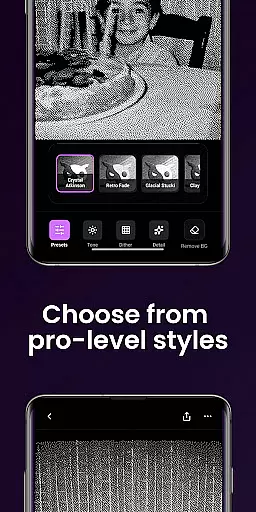
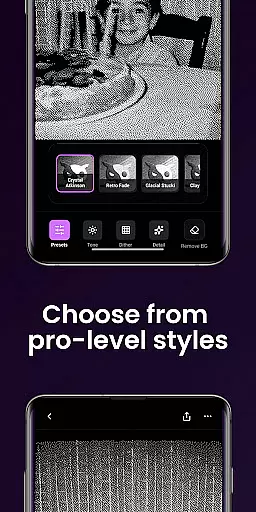
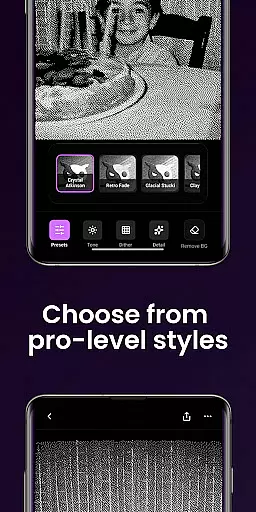
Dither By Eyed stands out with its diverse range of iconic dithering methods, including Floyd-Steinberg, Atkinson, and Stucki, which provide authentic texture and structure to your photos. Users can apply curated styles like Retro Fade, Warm Grain, and Frozen Bayer with just one tap, instantly giving images unique character.
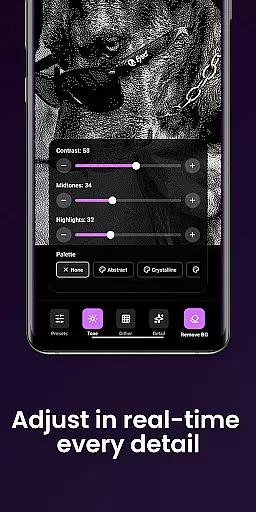
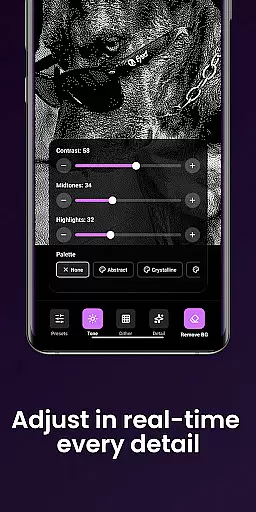
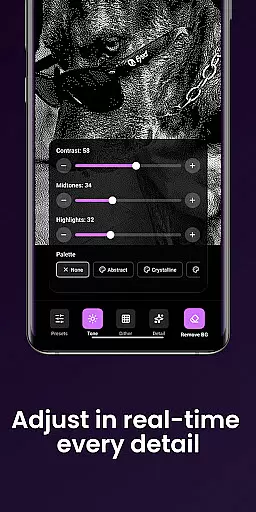
The app also includes advanced editing tools that allow you to adjust contrast, midtones, highlights, blur, scale, and threshold with responsive real-time previews. Its intuitive interface supports pinch-to-zoom functionality and works seamlessly across devices, ensuring precise adjustments every time. With no account required, Dither By Eyed makes creating and sharing professional-grade artwork effortless.
In the realm of digital art, having a comprehensive set of creative tools is essential for realizing your vision. Dither By Eyedu2122 offers an impressive array of features that cater to both novice and experienced artists alike. The app includes iconic processing methods such as Floyd-Steinberg, Atkinson, Stucki, and Bayer, allowing users to experiment with authentic textures and structures.
Moreover, Dither By Eyedu2122 provides curated looks that can be applied with just one tap. Styles like Crystal Atkinson, Retro Fade, Warm Grain, Glacial Stucki, and Frozen Bayer give instant character to your images, making it easy to achieve professional results without a steep learning curve. This ensures that whether you're aiming for a classic computer-graphics feel or something more contemporary and gallery-ready, this app has got you covered.
Fine-tuning your artwork is made simple with responsive, real-time previews. You have the ability to adjust contrast, midtones, highlights, blur, scale, and threshold according to your preferences. Such detailed control empowers creators to refine their work precisely how they envision it, ensuring every piece feels both timeless and fresh.
Flexibility in canvas and format options is crucial for artists who wish to explore different creative avenues. Dither By Eyedu2122 excels in this area by offering versatile solutions tailored to various artistic needs. Users can import images from their photo library or capture new ones directly using the camera within the app, providing ultimate convenience and speed in the creative process.
The app supports common image formats which makes importing and exporting seamless. Whether you are working on a phone or tablet, Dither By Eyedu2122 optimizes its performance with a clean, focused interface designed specifically for touch interactions. Pinch-to-zoom functionality allows for precise adjustments while panning ensures you never lose sight of the details that matter most in your compositions.
Furthermore, Dither By Eyedu2122 enables high-quality exports ready for print, web, or social media sharing. This means that once you've crafted your masterpiece, saving and sharing it becomes an effortless task. With no account required, simply open the app, create stunning pieces, and share them with the world in moments, all while enjoying unparalleled flexibility in canvas size and format compatibility.
User-friendly interface
Real-time previews
Wide range of styles
High-quality exports
No learning curve
Limited advanced tools
Few customization options
Occasional glitches
Ads in free version
Small file size limit

Pose and morph realistic male and female models! 3D poser app
 3.00
3.00
Trace, draw, and create art with AR - from memes to masterpieces!
4.30
Remove Background, Magic Eraser, Photo Enhancer, Story Templates, Collage Maker
4.30
Your homescreen as an elegant glass with customized blur, lighting, and visuals.
3.70
Art of Combination Wear OS Watch faces (for Wear OS 5+ devices)
3.90
Unleash the artist in you with our AR drawing and tracing tool for photo drawing
4.10
Inky runs Inkscape on Android devices and Chromebooks
2.90
Draw, make movies & animate cartoons easily with our 2D animation maker app
4.40
All-in-One art, logo & collage maker. Design photos and edit video backgrounds
4.80
Digital, Abstract, Classic - all types of color wheels in one app!
4.60
Draw, fidget, and spin glow art! Relax and express your creativity with a finger
4.60
Digital illustration drawing & painting pad app to paint Anime and Manga art
4.50
Create color palette from Image, RGB & RYB Color wheel harmonies, Color Scheme
4.50
Just trace a projected picture on paper and color! Draw & Paint with AR drawing
4.40
Customizable Outlined Fonts. Watch Face Format. Battery friendly Digital Clock.
4.20
Text to Image, Image to Video & AI Chat
4.20
AR Anime Drawing: How to draw anime with AR drawing & sketching apps!
4.00
AI Face Swap, Video Effects Editor, Realtime Morph, Funny Video FX,AI Filters
3.70
Android 14 style widgets and wallpapers app.
4.5


User Reviews