
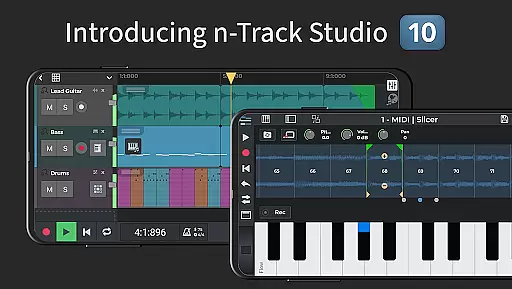
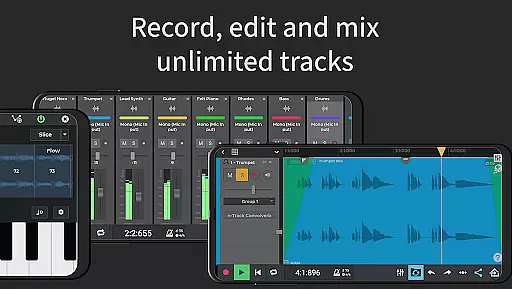
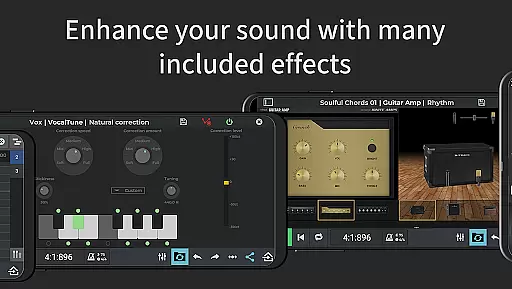
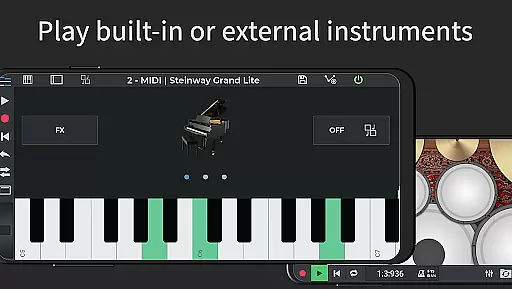
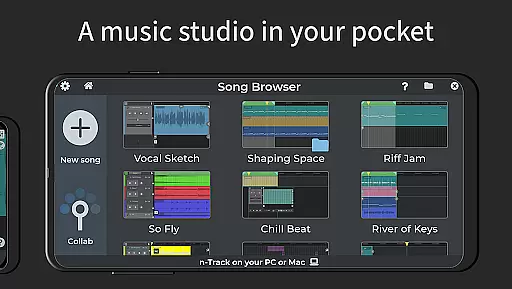
n-Track Studio Pro is a comprehensive music production app that transforms your Android device into a fully functional recording studio. The app allows users to record, edit, and mix an unlimited number of audio, MIDI, and drum tracks with ease. With features like built-in effects, pitch correction, and support for external audio interfaces, it caters to both amateur musicians and professional producers.
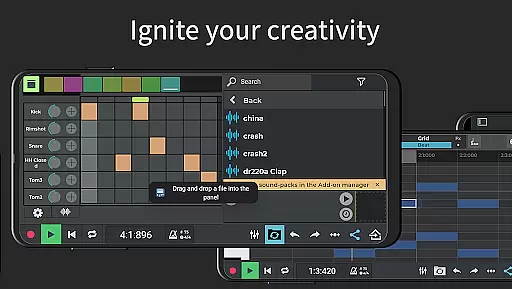
One of the standout capabilities of n-Track Studio Pro is its powerful editing tools. Users can take advantage of the piano-roll MIDI editor, step sequencer beat maker, and virtual instruments to create complex compositions. Additionally, the app supports exporting in high-quality formats up to 64-bit, ensuring that your final product meets industry standards.
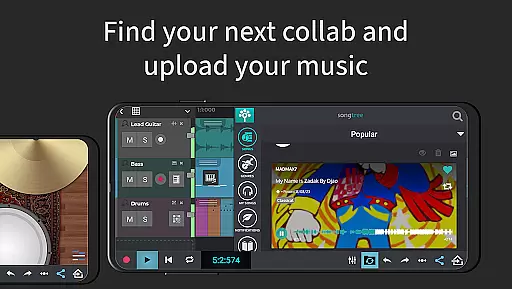
The app's collaborative features make it ideal for artists looking to connect with others. Through the integrated Songtree community, musicians can share their work, receive feedback, and even collaborate on projects with artists from around the world. This makes n-Track Studio Pro not just a tool for music creation, but also a platform for artistic growth and networking.
n-Track Studio Pro stands out with its extensive feature set tailored for music production enthusiasts. The app provides advanced audio routing capabilities, allowing users to manage complex signal flows with ease. It includes a robust mixer section where you can adjust levels, pan, EQ, and add various effects such as reverb, echo, and chorus to any track or the master channel.
Another remarkable aspect is its compatibility with external devices. By supporting MIDI clock and MTC sync, n-Track Studio Pro enables seamless integration with other apps and hardware. This ensures that whether you're using USB pro-audio devices like RME Babyface or syncing with external gear, the app maintains perfect timing and synchronization throughout your sessions.
For those seeking pristine audio quality, n-Track Studio Pro offers a 64-bit double precision floating point audio engine. This guarantees crystal-clear sound reproduction and minimal latency during recording and playback. Moreover, the ability to export in uncompressed WAV formats at resolutions up to 192 kHz means that your music will retain its fidelity when shared or mastered professionally.
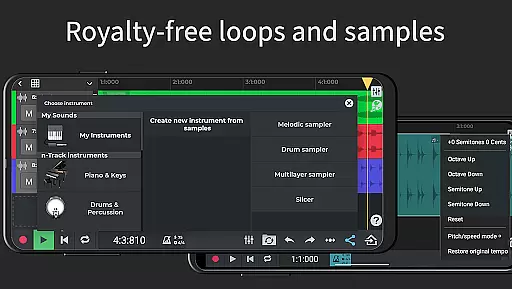
When it comes to music production applications like n-Track Studio Pro, the size and authenticity of the music library are crucial factors. This app offers an extensive collection of royalty-free sample packs and loops that users can incorporate into their projects without worrying about copyright issues. The availability of such a vast library ensures that creators have access to a wide variety of sounds and instruments.
The app includes built-in virtual instruments and supports MIDI tracks with integrated synthesizers, which greatly expand the range of musical expression. Furthermore, the option to import existing tracks allows for even more creative possibilities. With these features, musicians can craft complex compositions while being confident in the legitimacy of the sounds they use.
In addition to its comprehensive sound library, n-Track Studio Pro provides advanced capabilities such as exporting audio files in various bit depths, ensuring high-quality output. This feature is essential for professionals who require pristine audio fidelity. By offering both depth and breadth in its music library, alongside robust export options, the app establishes itself as a reliable tool for original music creation.
For any digital audio workstation (DAW), including n-Track Studio Pro, audio quality options play a significant role in defining the user experience. This application boasts a 64-bit double precision floating point audio engine, which delivers exceptional clarity and dynamic range. Such an advanced engine allows producers to work with confidence, knowing that their recordings will maintain integrity through complex processing tasks.
n-Track Studio Pro also supports high sampling frequencies up to 192 kHz when used with compatible external devices, catering to audiophiles who demand top-tier sound reproduction. Additionally, the ability to export uncompressed WAV files at different bit depthsu2014including 24-bit, 32-bit, and 64-bit formatsu2014provides flexibility for post-production workflows.
Moreover, the inclusion of professional-grade effects such as EQ with 2D & 3D spectrum analyzers, compression, reverb, and others ensures that each track can be polished to perfection. These tools collectively contribute to making n-Track Studio Pro not just a versatile music-making platform but also one that prioritizes superior audio quality throughout the production process.
User-friendly interface
Extensive effect library
High-quality audio export
Real-time collaboration
Versatile MIDI support
Steep learning curve
High system requirements
Limited free features
Occasional bugs
Expensive in-app purchases

Background pads for your band
 3.80
3.80
Most Advanced AI Song Generator and Music Creator. Rap, Pop, Rock, Gospel & more
4.70
A High-Precision Audio Spectrum Analysis App
4.20
Network/Cloud Streaming, Visualization, Graphic Equalizer and Sound Effects.
4.20
Listen radio AM / FM Stations. Live AM / FM Radio App Station. Radio Com.
4.70
The original SP-1200 experience on your iPad
4.20
Slow music down without changing pitch.
3.70
Be a true music maker: create beats, mix and make music like a real DJ!
4.30
Melody Beat: Great for travel, workouts, offline vibes, play your tunes anytime.
4.10
JBL PartyBox APP works with 110/310/710/120/320/520/Encore/Encore 2/Encore Ess 2
4.80
Performance-Synthesizer & Multi-Track-Sequencer, polyphonic + multi timbral!
4.70
Ultimate Sonos Controller
4.70
Unleash your creativity! Turn simple prompts into full fledged songs.
4.70
AI Music Maker: Generate And Compose AI Tunes & AI Songs & AI Music & AI Melody!
4.60
Fun & Easy Voice Changer – Record, Edit & Add Hilarious Effects!
4.50
Formerly known as Spotistats! View your top tracks, artists, albums and more!
4.40
10-Band Audio Equalizer, Sound / Bass Booster for Spotify Users & Music Players
4.40
The Cubase remote control app
3.60
Control your MIDI USB or Bluetooth devices in app and avoid some trampling
3.30


User Reviews