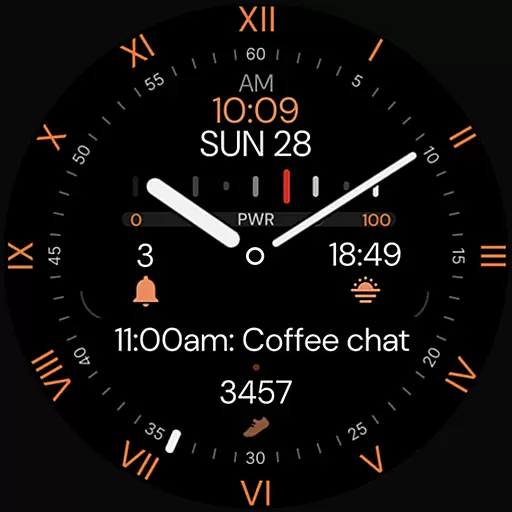
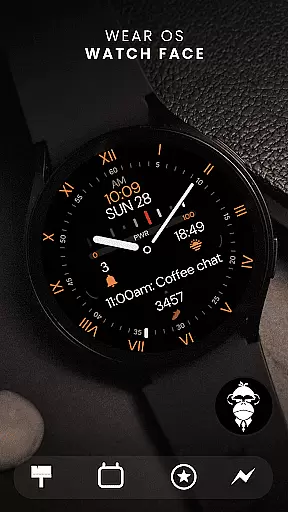
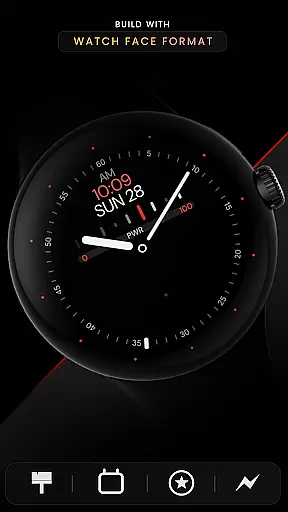
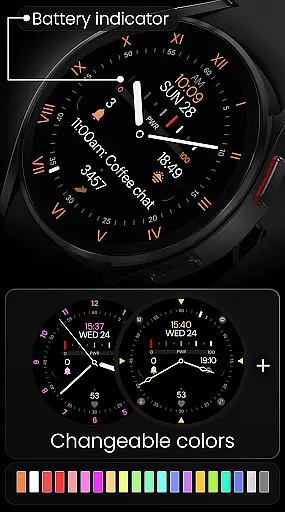
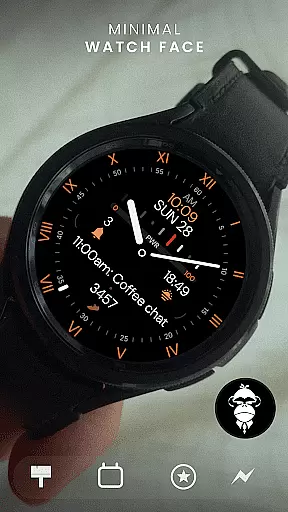
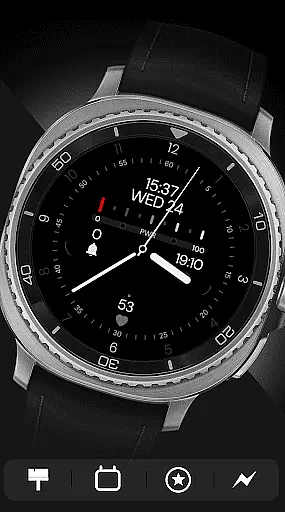
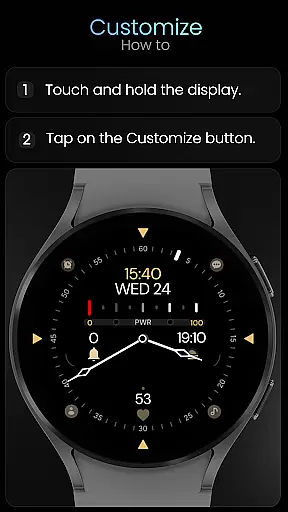
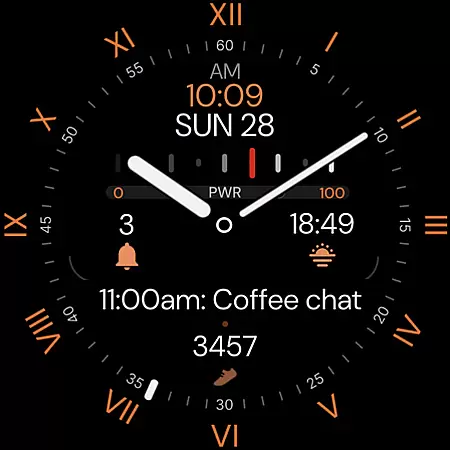
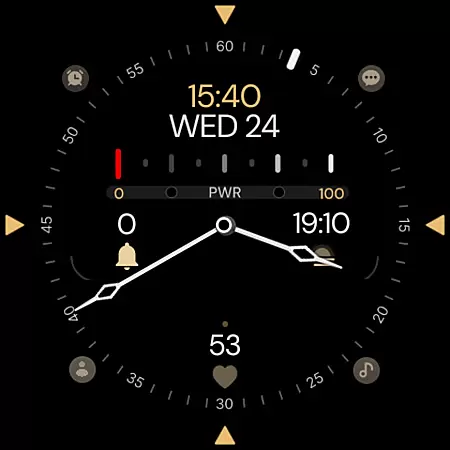
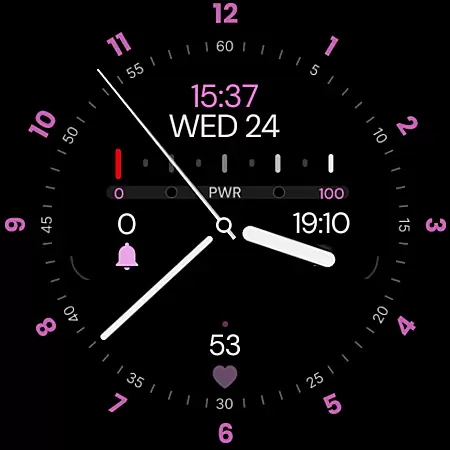
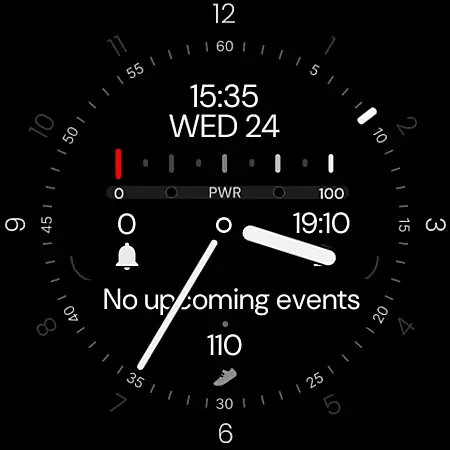
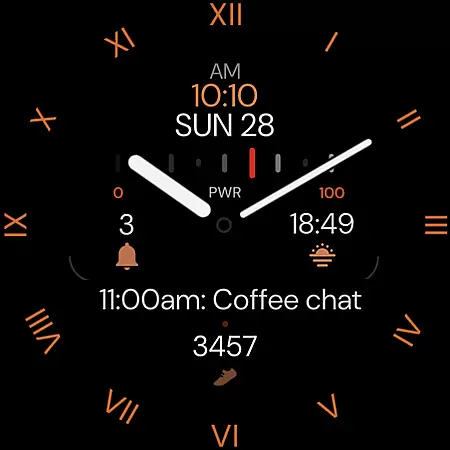
Minimal Black v32 Watch Face offers a sleek, minimalistic design for users seeking a modern and classic look on their Wear OS devices. Built with the Watch Face Format, it features digital time display in 12/24h format that syncs with phone settings, along with customizable colors to match personal style.
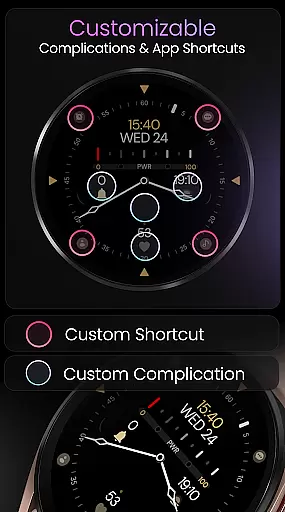
The watch face includes practical functionalities such as a battery indicator, four app shortcuts for quick access, and four complication slots for essential metrics like steps and heart rate. With compatibility across all Wear OS devices API 33+, including Google Pixel Watch and Samsung Galaxy Watch series, this face ensures broad usability while maintaining an elegant appearance.
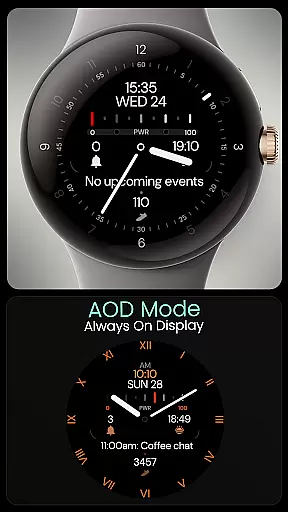
Minimal Black v32 stands out with its elegant hybrid design and versatile customization options. Users can choose from multiple index styles, watch hands, and second-hand designs, allowing for a personalized experience tailored to individual preferences. The inclusion of Always-On Display (AOD) mode ensures time and essential information are always accessible without unnecessary battery drain.
Functionality is enhanced through six index styles, eight watch hand designs, and six second-hand options, providing extensive variety. Additionally, the four customizable complications allow integration of fitness tracking and other vital data directly on the watch face. This combination of aesthetics and utility makes Minimal Black v32 a top choice for those who value both form and function in their wearable technology.
Companion app integration is essential for a seamless wearable experience. Minimal Black v32 Watch Face offers robust companion app features that ensure your watch face stays in sync with your smartphone settings.
The digital time format automatically adjusts between 12-hour and 24-hour based on your phone's configuration, providing consistency across devices. Additionally, the customizable colors can be fine-tuned to match your personal style or daily outfit directly from the companion app.
With four app shortcuts available, users gain quick access to their most-used features without needing to navigate through multiple menus. This direct line to essential functions enhances user convenience and efficiency.
Overall, the companion app integration ensures that all aspects of the Minimal Black v32 Watch Face are easily manageable, allowing users to enjoy a personalized and efficient wearable experience.
Ensuring broad device compatibility is crucial for any Wear OS application. Minimal Black v32 Watch Face is designed to work seamlessly with all Wear OS devices running API 33 and above, including popular models like the Google Pixel Watch and Samsung Galaxy Watch series.
This wide compatibility range means that whether you own a Galaxy Watch 4, 5, 6, 7, 8, or even the Ultra model, you can enjoy the elegant minimal black design without any issues. However, it's important to note that this watch face is not suitable for rectangular watches, focusing instead on round and square designs.
The Always-On Display (AOD) mode is another feature optimized for these devices, ensuring that vital information remains accessible at a glance without excessive battery drain. With support for various complications and watch hands styles, users have extensive options to tailor their watch face.
By prioritizing compatibility and optimization across a wide array of devices, Minimal Black v32 Watch Face guarantees a smooth and visually appealing experience for all Wear OS users.
Customizable colors
Battery indicator
Always-On Display
Multiple watch hands
Complications support
No rectangular support
Limited to Wear OS
Requires API 33+
Not for iOS users
Premium feel costs

Precision analog watch face with 7 complications and style options
 4.2
4.2
A full-featured Amazon Alexa voice assistant that can show you things.
3.70
MyNISSAN® lets you remotely control your car from your phone.*
4.50
A heartwarming Christmas scene featuring a cute image of Santa and Rudolf
4.1
A modern premium sporty hybrid watch face for Wear OS by Ballozi
4.70
Fitness interactive virtual pet super fighter boy watch face
4.1
Connect to your Bluelink equipped Hyundai vehicle from your smartphone.
4.50
Real-time results, stats, schedules and player profiles for all leagues
4.60
Your local weather forecast, storm tracker, radar maps & live weather news
3.40
Hyperlocal rain alerts by MyRadar using patent-pending technology, radar & more
4.80
Hybrid watch face for Wear OS with customizable complications by Matteo Dini MD
4.70
Kia Access makes getting your vehicle information easier than ever
4.60
To-Do List: daily schedule planner, task organizer, to do reminder app, calendar
4.60
A realistic hybrid watch face with many customization options.
4.60
Ideal for surviving in the wasteland left after nuclear fallout
4.50
Reliable phone calls with spam protection, caller ID and more helpful features
4.40
Bold, Modern Hybrid Watch Face for Wear OS. 10 Colors, Rich Info Display.
4.30
The ultimate destination for kids ages 3-8 to explore the Marvel Universe!
4.30
Let's celebrate Thanksgiving - Wear Os watch face
4.20


User Reviews