
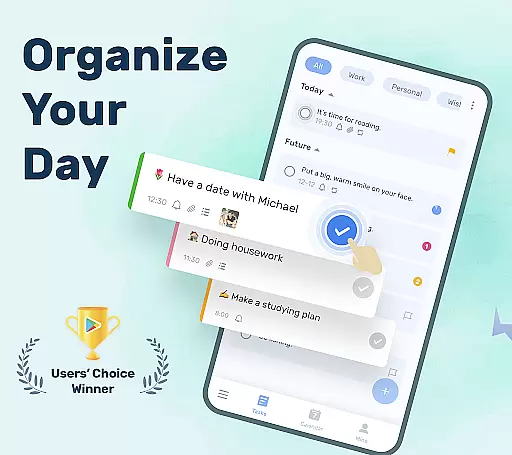
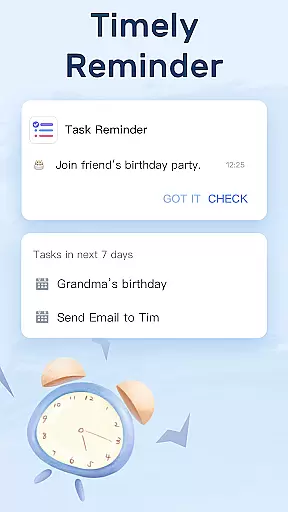
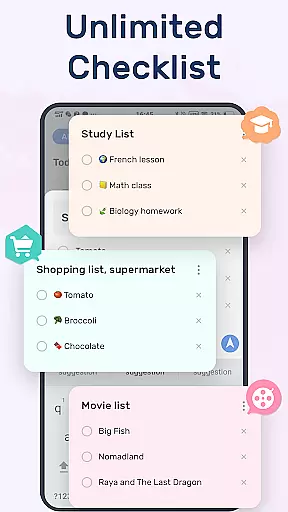
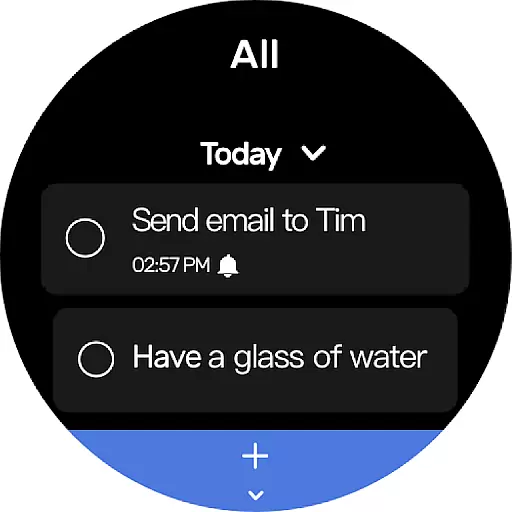
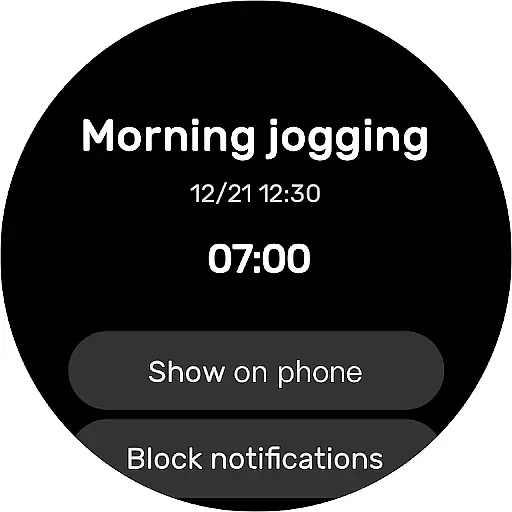
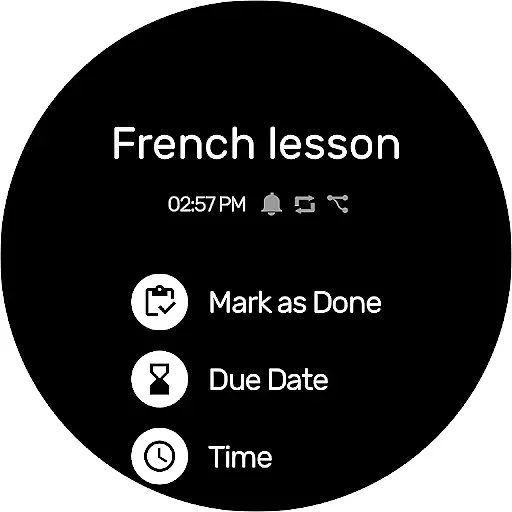
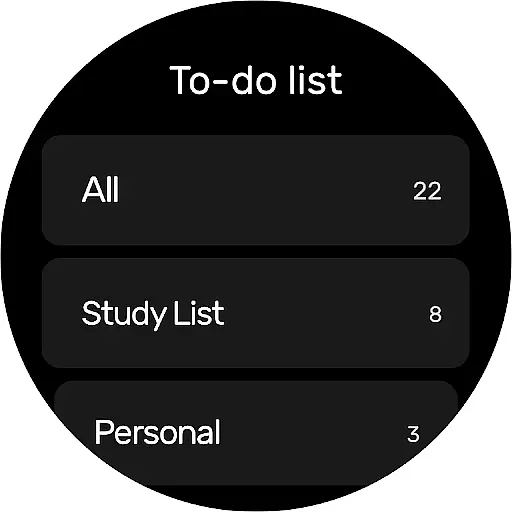
To-Do List is a comprehensive task management app designed for Android Wear, helping users organize their daily schedules effectively. This free to-do list manager allows you to create multiple task lists, set reminders with alarms, and categorize tasks efficiently.
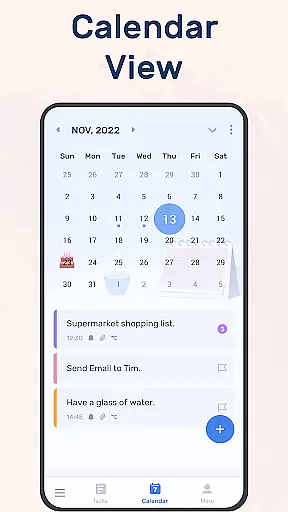
With its user-friendly interface and beautiful themes, the app makes managing your time both simple and enjoyable. The calendar view provides an overview of your schedule, while the sync and backup feature ensures your data is always safe. Whether it's work, life, or special occasions, this app has got you covered.
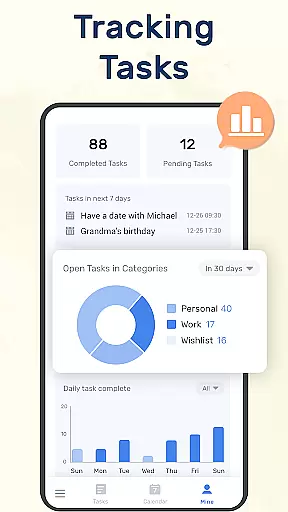
By using To-Do List, you can maintain a well-organized lifestyle, ensuring you never miss important tasks or events. Its practical features like task tracking and completion status help you stay on top of your game, making every day more productive.
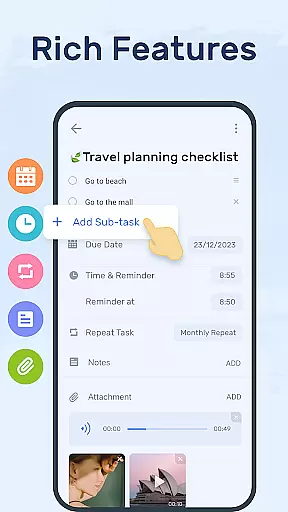
To-Do List offers a variety of powerful features that enhance productivity and organization. One standout feature is the ability to set reminders with alarms for important tasks, ensuring you never overlook crucial deadlines. Additionally, the app supports recurring reminders, simplifying the management of routine tasks.
The task categorization system allows users to prioritize and highlight essential tasks, making them more manageable. You can add sub-tasks to each to-do item, keeping all related activities well-organized. The app also includes a calendar view, providing a clear perspective of your weekly and monthly schedules.
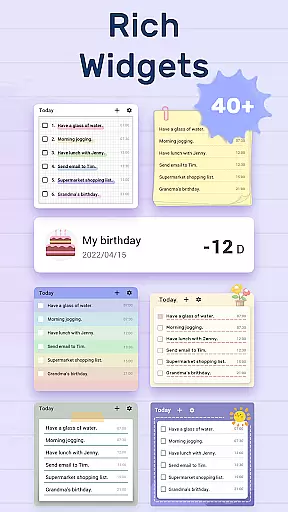
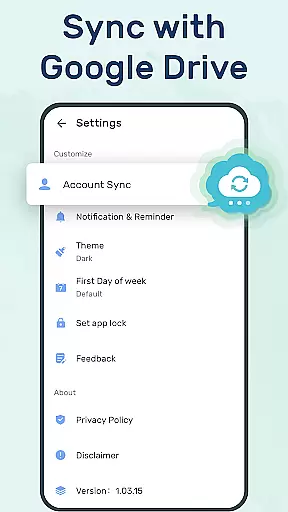
Syncing and backing up your data via Google Drive is another key feature, allowing access across multiple devices. The inclusion of a Wear OS watch support and a convenient widget for quick access further enhances its usability. These features collectively ensure that To-Do List is a robust tool for anyone looking to streamline their daily planning.
For users of wearable devices, having a reliable companion app is essential. To-Do List - Schedule Planner & To Do Reminder App Free offers seamless integration with Wear OS devices, ensuring that your tasks and reminders are always synchronized across all platforms. This means whether you're checking your phone or smartwatch, the information remains consistent and up-to-date.
The app's companion integration allows for real-time updates. As you add or complete tasks on one device, the changes are immediately reflected on the other. This feature is particularly useful for those who are always on the go and need quick access to their to-do lists without having to reach for their phones.
Furthermore, the app provides a user-friendly interface specifically designed for Wear OS. The simplified layout ensures that even on smaller screens, users can easily navigate through their tasks, set reminders, and manage their schedules efficiently. This enhances the overall user experience by making task management as effortless as possible.
By leveraging the capabilities of both mobile and wearable devices, To-Do List ensures that users never miss an important task or reminder. The synchronization between devices not only boosts productivity but also offers peace of mind, knowing that your schedule is always within reach, no matter which device you choose to use.
Compatibility with various devices is crucial for any application targeting the wearable technology market. To-Do List - Schedule Planner & To Do Reminder App Free excels in this area by offering extensive support for Wear OS devices. This compatibility ensures that users can enjoy the full functionality of the app regardless of their specific device model.
The app has been optimized to work seamlessly across different Wear OS watches, providing a consistent experience. Whether you own a popular brand or a lesser-known model, you can expect the same level of performance and reliability. This broad compatibility makes it easier for users to choose a smartwatch that suits their style without worrying about losing access to essential productivity tools.
In addition to supporting a wide range of devices, To-Do List also takes advantage of the unique features offered by Wear OS. For instance, the app utilizes voice commands and gesture controls, allowing for hands-free operation. These features enhance accessibility and convenience, making it simpler to manage your tasks while engaging in other activities.
Overall, the robust compatibility and optimization for Wear OS devices make To-Do List - Schedule Planner & To Do Reminder App Free a versatile choice for anyone looking to streamline their task management across multiple platforms. With its focus on accessibility and ease of use, the app stands out as a valuable tool for enhancing productivity in everyday life.
User-friendly interface
Customizable themes
Task reminders with alarms
Sync and backup via Google Drive
Wear OS support
Limited advanced features
Occasional sync issues
Basic free version
Ads in free version
Requires permissions

Precision analog watch face with 7 complications and style options
 4.1
4.1
MyNISSAN® lets you remotely control your car from your phone.*
4.50
Contemporary digital watch face with five complications
4.0
Easy Voice Recorder is your everyday companion to record important moments.
4.70
Beautiful, colorful and practical watch face. For Wear OS devices.
5.00
Reliable phone calls with spam protection, caller ID and more helpful features
4.40
Hyper-Realistic Airplane Dashboard Watch Face With 10 Skins and Custom AOD
4.00
Simple, helpful messaging by Google
4.60
Back up your contacts & access them anywhere
4.30
Christmas - Festive - Christmas Village - Winter - Christmas lights
5.00
Gym Log & Workout Tracker | Fitness Journal, Training & Weight Lifting Planner
4.90
Hyperlocal rain alerts by MyRadar using patent-pending technology, radar & more
4.80
Nutrition, Macro tracker: Food, fitness & healthy diet tracking for weight loss
4.60
Retro digital watch face with customizable colors and a unique lighting effect
4.60
A white realistic classic analog watch face with many customization options.
4.40
Watch the sharpness of the sky on your wrist..
3.70
Watch face designed for Thanksgiving Day. 7 Background Styles included.
3.20
3 Complications. All shadow on/off. 30 Themes color palette...
4.2
Hybrid Vibrant Health Watch Face for Wear OS
4.0


User Reviews