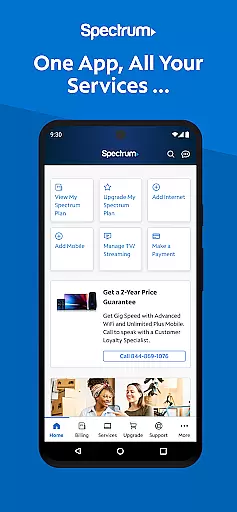

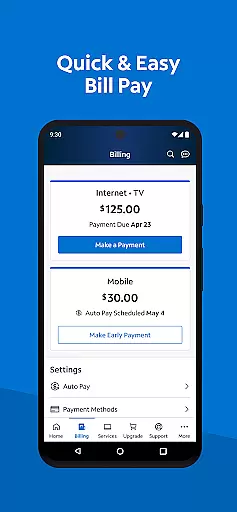
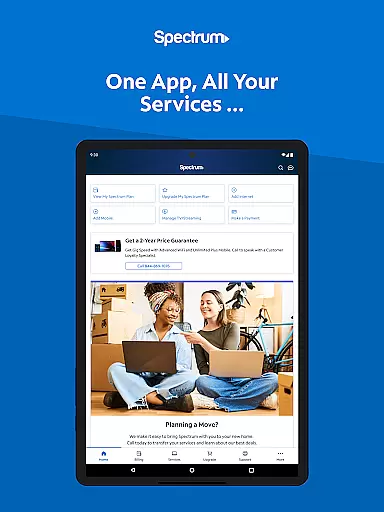
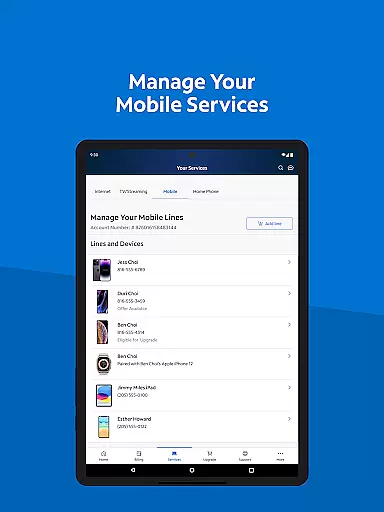
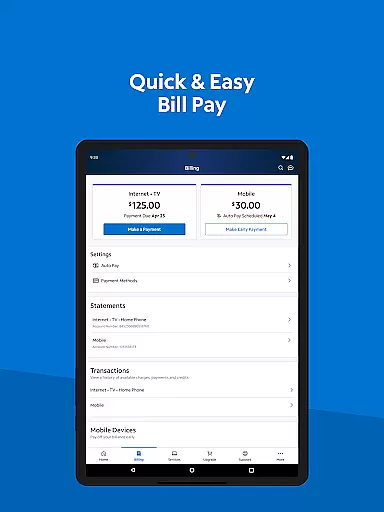
My Spectrum is a comprehensive tool designed for residential customers to manage their Spectrum services efficiently. This app consolidates functionalities such as bill payment, mobile service management, and TV streaming into one platform. Users can pay bills for various services including Mobile, Internet, TV, and Home Phone, while also enrolling in Auto Pay and paperless billing options.
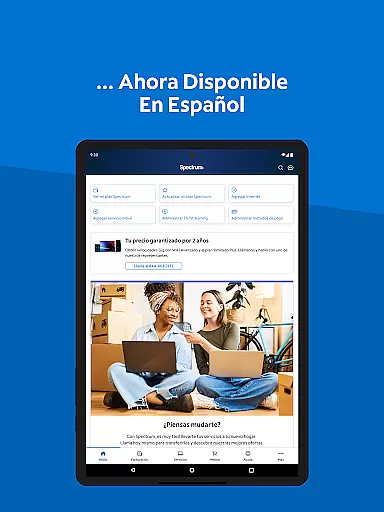
In addition to financial management, My Spectrum offers robust features for overseeing mobile data usage, receiving important notifications, and troubleshooting WiFi issues. The app supports Spanish language preferences, ensuring accessibility for a wider audience. With simplified support options like in-app chat and technician tracking, users can resolve issues without the need for appointments. Overall, this app provides a streamlined experience for managing all Spectrum services from a single interface.
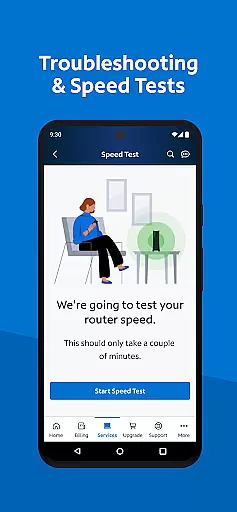
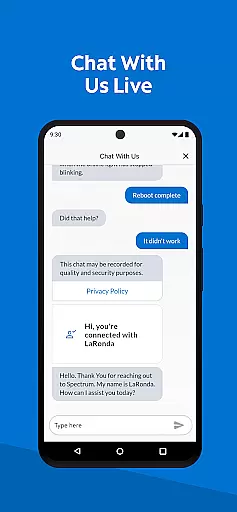
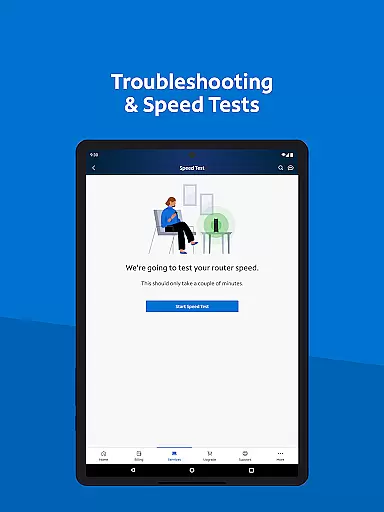
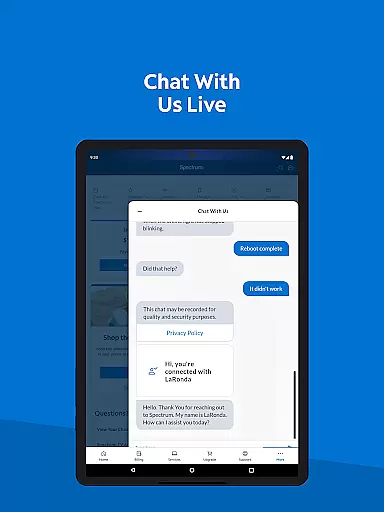
One of the standout features of My Spectrum is its ability to handle multiple services through a unified platform. Users can make one-time payments, schedule payments, and review past billing statements effortlessly. The app's dual Speed Test and enhanced WiFi troubleshooting tools allow users to maintain optimal internet performance. Additionally, the app provides easy access to customer service through live chat and tracks technicians in real time, enhancing user convenience.
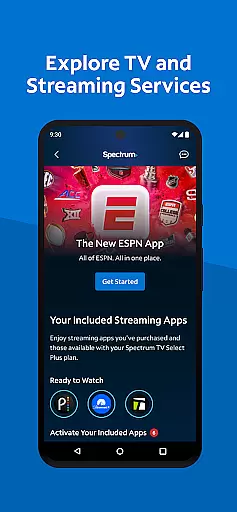
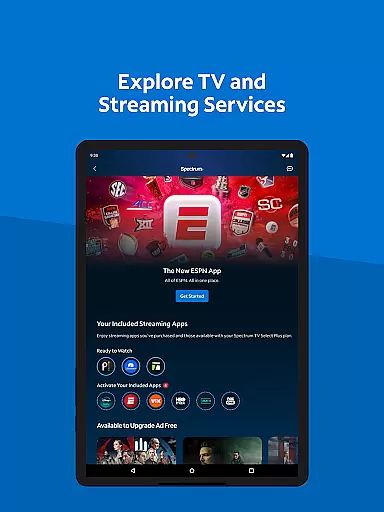
For entertainment enthusiasts, My Spectrum allows users to explore TV channel lineups and manage streaming subscriptions seamlessly. It also offers premium add-ons to customize viewing experiences. The app includes features like finding the nearest Spectrum Store and connecting to nationwide WiFi hotspots, making it versatile for different user needs. Moreover, feedback mechanisms are integrated, allowing users to share their thoughts directly with the developers, which helps in continuous improvement of the app.
When it comes to managing your Spectrum services, the My Spectrum App excels in core function accuracy and effectiveness. This app consolidates all essential functionalities for Spectrum customers into one place, ensuring that each feature performs its intended purpose with precision.
The bill payment process is streamlined and reliable, allowing users to pay for various services like Spectrum Mobile, Internet, TV, and Home Phone effortlessly. With options such as Auto Pay and scheduled payments, the app ensures that financial transactions are processed accurately and on time, providing peace of mind for users who want to avoid late fees or service interruptions.
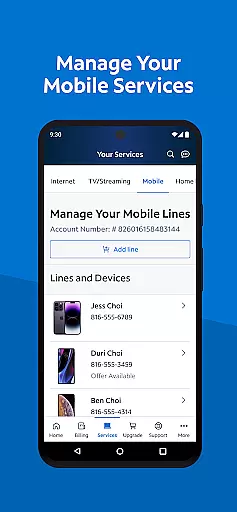
For managing mobile services, the app offers real-time data usage tracking and plan management. Users can easily add new lines or adjust their existing plans based on accurate usage statistics. Additionally, features like WiFi troubleshooting with an enhanced dual Speed Test and finding nearby Spectrum Stores further demonstrate the app's commitment to delivering precise and effective tools for maintaining optimal home network performance.
Overall, the My Spectrum App stands out by offering a suite of functions that not only meet but exceed user expectations in terms of accuracy and effectiveness, making it an indispensable tool for anyone relying on Spectrum services.
A user-friendly interface is crucial for any application aiming to provide a seamless experience, and the My Spectrum App delivers just that through its simplicity and intuitiveness. From the moment users open the app, they are greeted with a clean layout that organizes key features logically, ensuring easy navigation without overwhelming them with unnecessary complexity.
Managing multiple services becomes hassle-free thanks to well-structured menus and clear icons representing different functionalities such as bill payments, mobile service management, and TV streaming options. The ability to toggle between English and Spanish languages directly from the main screen exemplifies how intuitive design choices cater to diverse user bases while maintaining ease of use.
Moreover, support features have been thoughtfully integrated; live chat assistance and technician tracking are accessible within just a few taps, demonstrating how straightforward it is to get help when needed. Even advanced tasks like self-installing devices or customizing channel lineups are presented in an approachable manner, guiding users step-by-step through each process.
In summary, the My Spectrum App combines functional depth with an intuitive interface, empowering users to manage their Spectrum services efficiently without needing extensive technical knowledge.
User-friendly interface
Comprehensive service management
Multi-language support
Efficient billing options
Robust customer support
Limited to Spectrum customers
Occasional bugs reported
Requires stable internet
No offline functionality
Some features need subscription

Change your GPS location instantly. Simulate routes anywhere in the world.
 4.90
4.90
Quickly switch to an encrypted DNS server on Android TV
4.50
card-reader app
2.20
Amateur Radio app for APRS: Track friends, exchange messages, get tactical info.
3.90
Detect hidden spy camera with advanced scanning {{ Premium version }}
4.00
Making emulation easy for everyone!
4.30
A simple app to back up and restore SMS & MMS messages and call logs.
4.10
Game Booster, GFX Tool is now compatible with newer game update
4.50
Button mapper, mouse toggle, sleep timer and a lot of another features
4.50
Best leveling tool for your Android device. Hang paintings like a pro.
4.90
HD Camera captures every special moment.
4.60 4.50
4.50 4.50
4.50
Screen Mirroring for Roku Sticks, Roku TCL TV and Roku Hisense TV
4.50
Mirror your screen to Fire TV - Super fast and simple
4.40
An easy-to-use calculator designed to save time calculating and bending conduit
4.30
Effortlessly run ADB commands directly on your device without a PC.
4.20
PDF Reader - Document Viewer: Read, Manage & Organize Your Documents
3.10
Unlock your Essential Key. Create custom shortcuts to your favorite apps!
4.2


User Reviews