
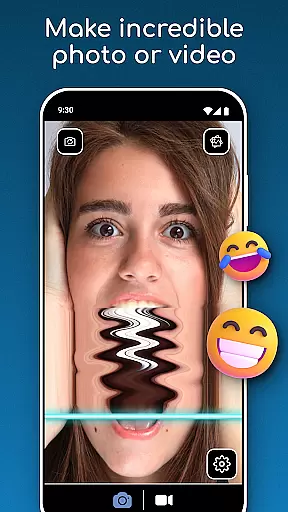
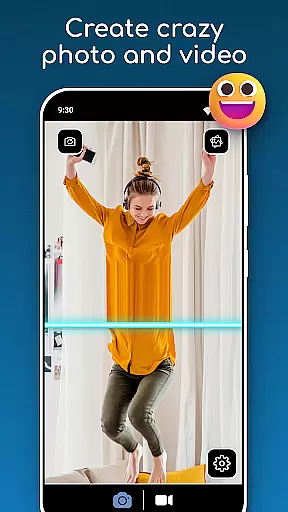
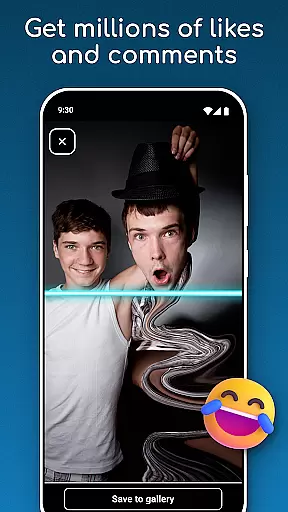
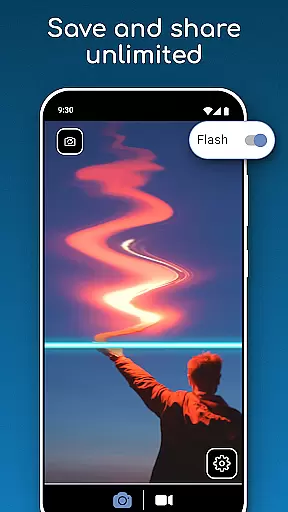
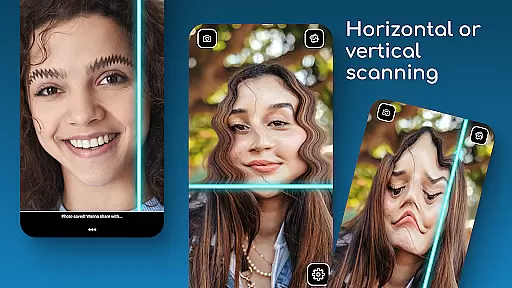
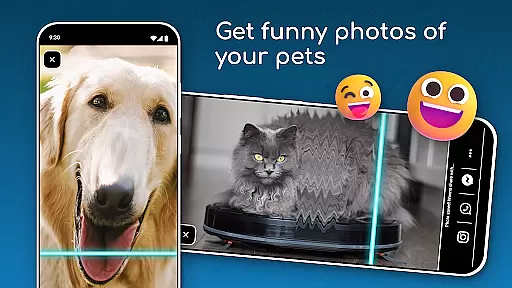
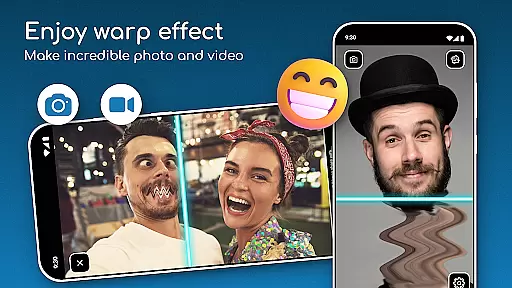
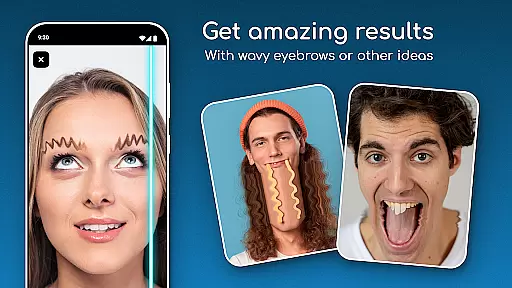
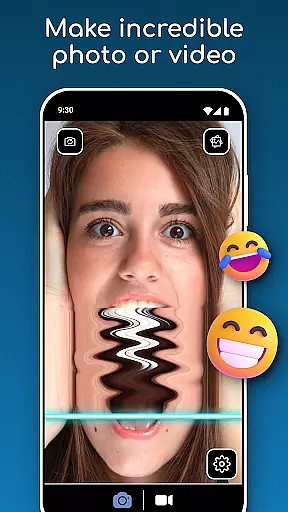
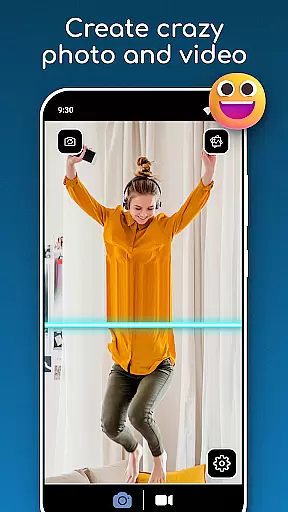
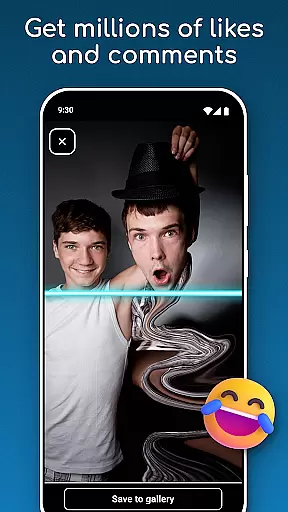
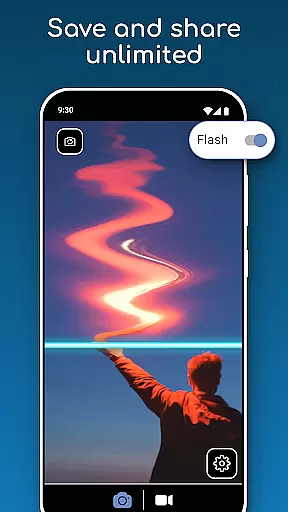
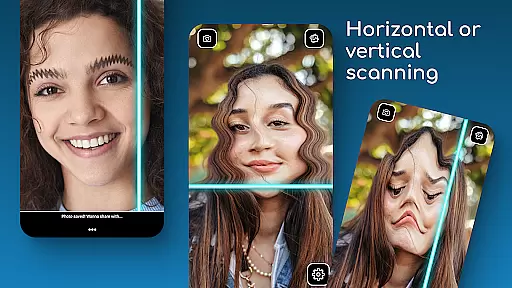
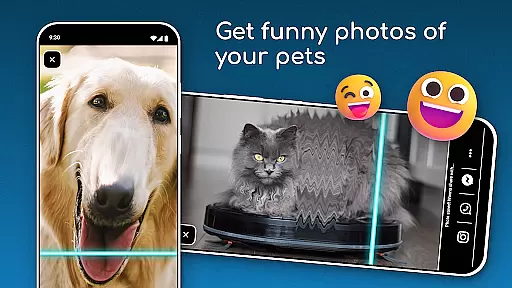
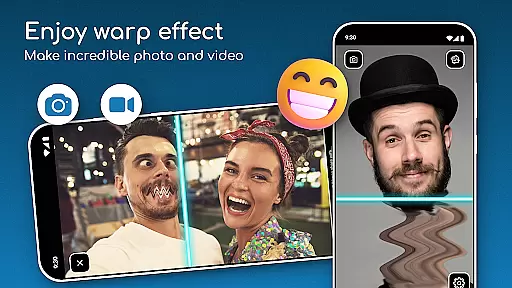
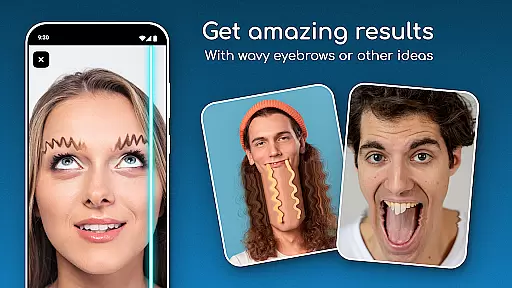
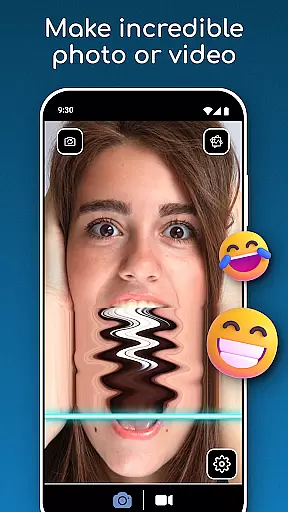
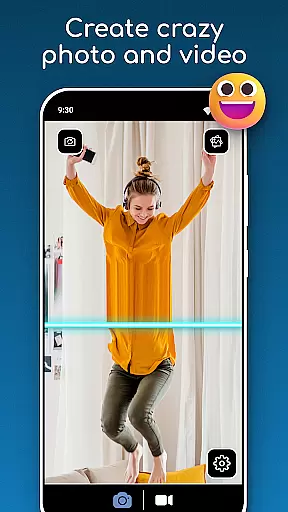
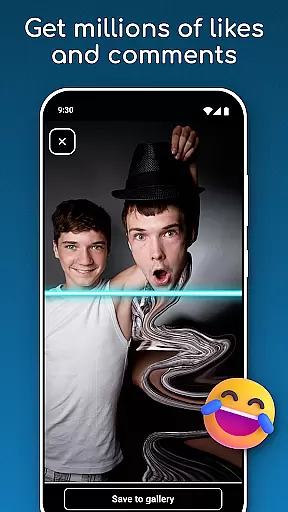
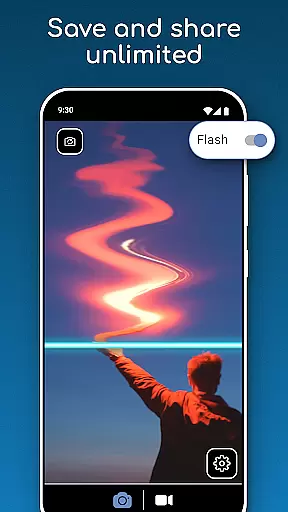
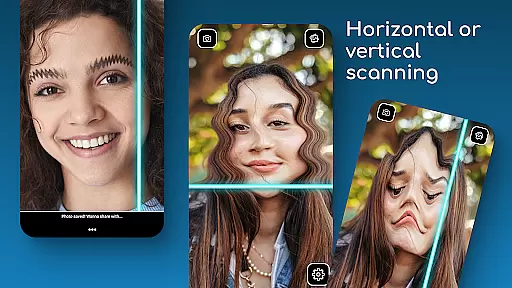
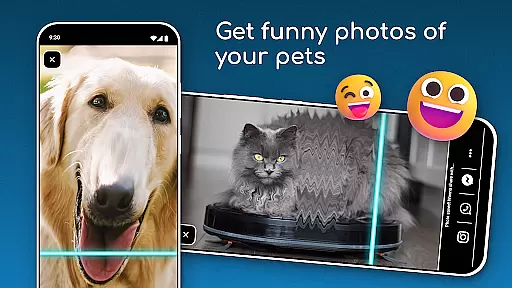
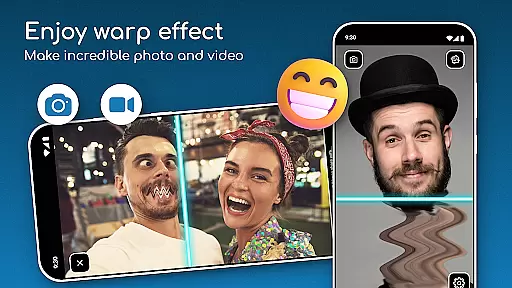
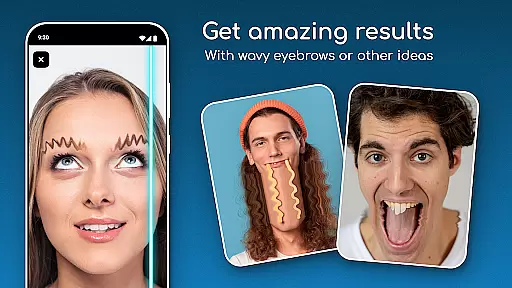
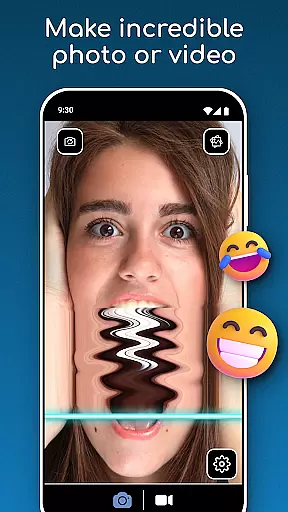
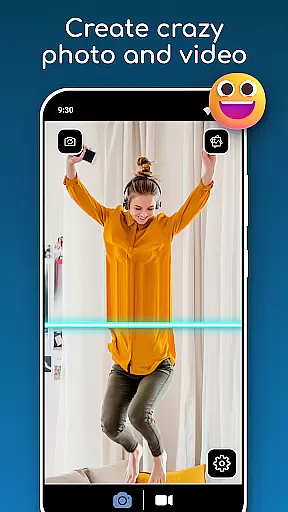
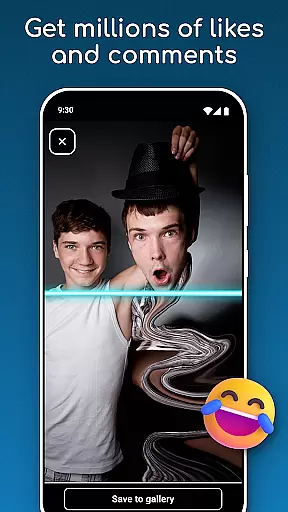
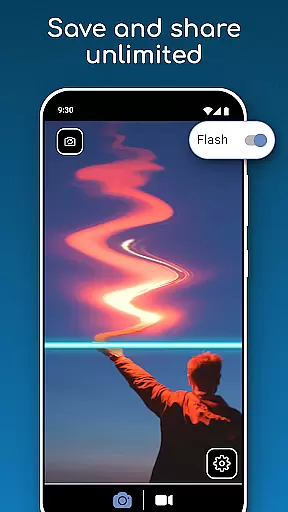
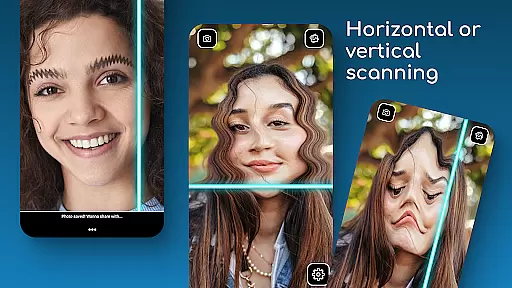
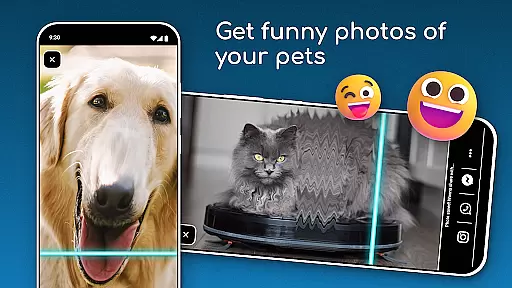
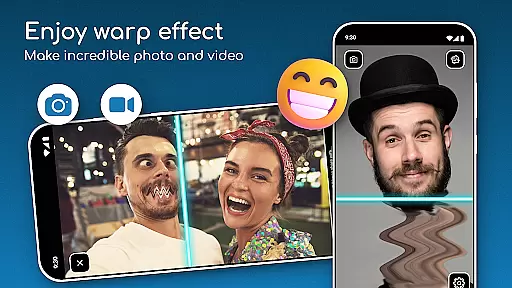
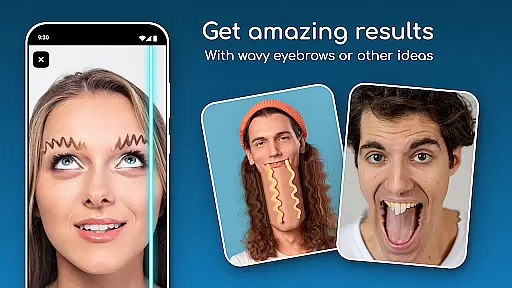
Time Warp Scan: Face Scanner is a creative photography app that allows users to add unique visual effects to their photos and videos. The app's standout feature is the Time Warp Effect with its iconic blue line filter, which scans images horizontally or vertically to create visually stunning results. Users can experiment with different scan directions and freeze faces in motion using the Warp Camera mode.
This app is perfect for those looking to produce fun, artistic content without needing advanced photo editing skills. Whether you're creating humorous videos or experimenting with new artistic styles, the app provides all the necessary tools at your fingertips. With easy sharing options and instant saving capabilities, it ensures your creations are ready to impress friends and followers across social media platforms.
The true value of Time Warp Scan lies in its ability to make creative photography accessible to everyone. Its intuitive interface and innovative features like the Timewarp Filter and Slit Scan effect enable users to produce professional-looking content directly from their mobile devices. This makes it an excellent choice for both casual users and content creators seeking to enhance their digital presence.
Time Warp Scan: Face Scanner offers several distinctive features that set it apart in the photography app market. The most notable is its signature Time Warp Effect, which utilizes a blue line filter to scan images and create mesmerizing visual distortions. Users can choose between horizontal and vertical scan directions, giving them creative control over the final output. The app also includes a Warp Camera mode with Face Freeze functionality, allowing users to capture unique moments by freezing facial expressions during the scanning process.
Another key advantage is the app's user-friendly design. Unlike many photo editing apps that require social media integration, Time Warp Scan operates independently, making it more accessible to users who prefer not to link their social accounts. The simple interface enables quick creation and sharing of content, while the instant save feature ensures users can store their creations without hassle. Additionally, the app's compatibility with various file storage systems means users can easily manage their media files.
These features collectively provide significant value to users by enabling them to create distinctive content that stands out on social media. The combination of professional-grade effects with an intuitive interface makes this app suitable for both casual entertainment and serious content creation, helping users expand their creative possibilities.
Real-time capture and preview functionality is essential for photography apps like TIME WARP SCAN. This feature allows users to see the effects applied to their photos or videos instantly as they are being captured.
TIME WARP SCAN offers a unique twist with its Time Warp Effect: Blue Line Filter, enabling users to visualize how the blue line will scan across their image or video in real time. The app provides options to choose between horizontal or vertical scan directions, enhancing creative control.
Users benefit from this immediate feedback by making precise adjustments before capturing their content. This ensures that the final output aligns perfectly with their creative vision without needing post-processing.
The ability to preview creations live not only saves time but also enhances user engagement by making the process interactive and enjoyable. With features like Warp Camera: Face Freeze mode, users can experiment freely, knowing exactly what they'll get in the end result.
AI beauty and enhancement features have become increasingly popular in photography apps, aiming to improve images naturally without over-processing them. TIME WARP SCAN incorporates such capabilities through its Timewarp Filter: Slit Scan effect, which adds an artistic touch while maintaining authenticity.
This app focuses on creating visually stunning yet believable edits using AI technology. For instance, it applies the Time Warp Effect subtly so that enhancements look genuine rather than artificial. Users can apply these filters directly within the app, ensuring high-quality results every time.
By leveraging advanced algorithms, TIME WARP SCAN ensures that all modifications enhance the original photo's natural qualities. Whether freezing faces mid-motion or adding dynamic blue lines, the edits remain true to life, preserving the subjectu2019s essence.
Ultimately, this approach helps users produce engaging content that stands out due to its creativity and realism. By avoiding exaggerated effects, TIME WARP SCAN delivers professional-grade enhancements accessible even to casual creators looking to elevate their social media presence.
User-friendly interface
Unique visual effects
Instant saving capability
Creative control options
Social media ready content
Storage permission required
Limited free features
Device compatibility issues
Occasional app crashes
Ads in free version

Easily stitch panoramas from multiple photos or video.
 4.40
4.40
Create funny photos and videos with the popular Time Warp Scan filter.
4.90
HD Photo gallery and photo manager to edit, hide private photos, videos & albums
4.1
Over 800 film simulation recipes for Fujifilm. Black Friday Offer!
4.4
Movie camera, supports pro recording settings for filming. Try it and be amazed!
4.50
Add a dreamy vibe to your selfies and videos with soft style filters
4.5
Enhance, retouch & create your story - Share the moment with Photoshop Express.
4.60
Professional camera app that brings DSLR manual photography controls to Android.
4.20
Edit photos with the picture generator: PS2 & AI Clay filters, cartoon effects.
4.50
Perfect body tune & face app - photo retouch, makeup, slim body & beautify face.
4.80
Create AI photos & videos with Enhancer; restore, fix, beautify, enhance photos
4.50
Effortlessly organize, view and share your photos & videos with Gallery app!
4.40
Natural Beauty, Selfie Retouch
4.30
Turn your phone into a professional camera - full DSLR manual photography
4.30
All-in-One Editor & AI Photo Enhancer, Beautify & Retouch, Collage, Cartoonify
4.20
All-in-One Editor & AI Photo Enhancer, Collage, Cartoonify, Funny Stickers & BGS
4.10
live datamoshing
4.00
Remote control of the phone camera from your Wear OS smartwatch
3.70
Long exposure camera with computational photography
2.60


User Reviews