
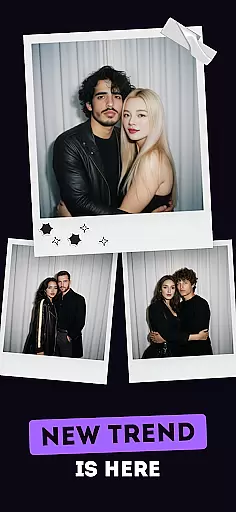
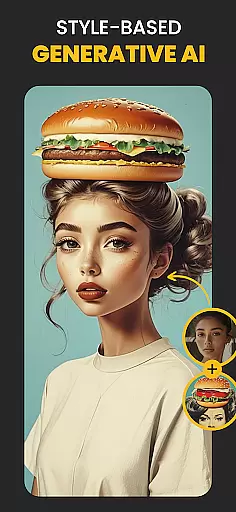
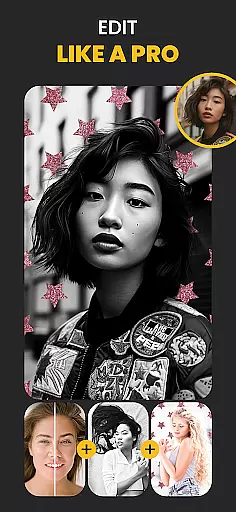
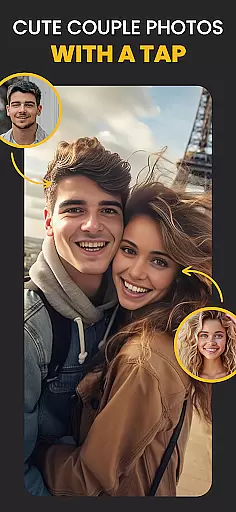
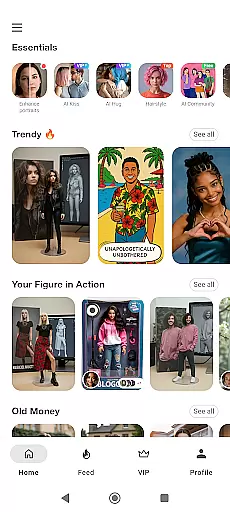
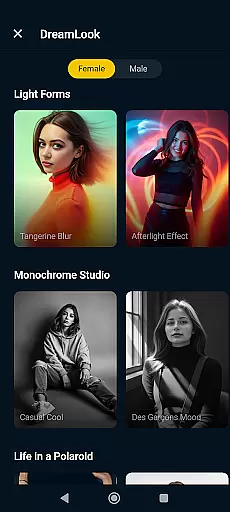
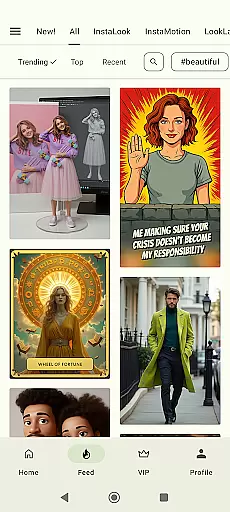
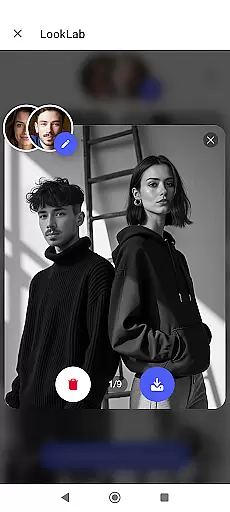
Photo Lab Picture Editor & Art is an advanced AI photo editing application that offers a comprehensive suite of tools for transforming ordinary photos into stunning works of art. With over 50 pre-set neural art styles, the app allows users to apply smart filters and effects powered by artificial intelligence.
The app includes features such as automatic face detection for creating unique photo montages, realistic photo effects, and diverse photo frames to enhance any image. Additionally, it provides creative background templates and various artistic filters like 3D photo, cartoon, vintage, anime, and oil painting, enabling users to craft visually captivating images without requiring professional skills.
One of the standout features of Photo Lab is its Neural Photo Art Styles, which leverages AI technology to turn any photo into an artwork effortlessly. The app's automatic face detection algorithm simplifies complex photo montages, allowing users to transform their selfies into cartoon characters or other imaginative looks seamlessly.
Users can also take advantage of the app's realistic photo effects and stylish frames to add depth and polish to their images. The background editor tool makes it easy to erase and change photo backgrounds, while the collage feature lets users combine multiple pictures into one cohesive visual story. These capabilities ensure that even novice editors can achieve professional-quality results.
Real-time capture and preview functionality is essential for any photography app as it allows users to see exactly what the camera sees before taking a shot. This ensures that users can make necessary adjustments to framing, lighting, and focus, resulting in higher-quality images.
Photo Lab Picture Editor & Art offers an intuitive real-time capture experience with its AI photo editor capabilities. The app provides instant feedback on filters and effects applied to photos, allowing users to visualize changes immediately. This feature empowers users to experiment with different styles and effects without any guesswork.
The benefit of real-time preview extends beyond just capturing images; it also applies to editing them. Users can witness the transformation of their photos into artworks through neural photo art styles or observe how photo frames enhance their pictures instantly. This immediate visual feedback enriches the creative process and enhances user satisfaction.
By integrating advanced face detection algorithms, Photo Lab ensures that even complex edits such as face photo montages are displayed accurately in real time. This technological advantage not only saves time but also makes sophisticated photo editing accessible to everyone, regardless of their skill level.
AI beauty and enhancement features have become a cornerstone of modern photo editing applications, offering users the ability to refine and perfect their images with natural-looking results. The importance of maintaining authenticity while enhancing photos cannot be overstated, as overly processed images can appear artificial and unappealing.
With Photo Lab Picture Editor & Art, users gain access to a suite of AI-driven tools designed to enhance portraits subtly yet effectively. From smoothing skin textures to brightening eyes, these enhancements work harmoniously to preserve the subject's original features while elevating overall aesthetics.
This app stands out by providing realistic photo effects that add depth and character without compromising the imageu2019s genuineness. For instance, when changing backgrounds or applying photo filters like vintage or anime, the transitions remain seamless and true to life, ensuring that every edited element looks organic within the context of the entire photo.
Ultimately, Photo Lab's commitment to delivering natural enhancement options means that users can achieve polished, professional-grade edits suitable for sharing across social networks or personal keepsakes. By prioritizing authenticity alongside creativity, this app caters to both casual photographers and those seeking more advanced editing capabilities.
User-friendly interface
AI-powered photo effects
Versatile frame options
Automatic face detection
Creative background templates
Requires internet connection
Some features may need premium access
Occasional ads in free version
Limited offline functionality
Processing time for high-quality edits

Remote control of the phone camera from your Wear OS smartwatch
 3.70
3.70
Gallery show photo, video, slideshow, is perfect 3D effect private photo albums.
4.80
Create funny photos and videos with the popular Time Warp Scan filter.
4.90
Application for remote controlling DSLR
3.00
Photo prints, cards, & gifts at Walgreens. Easy ordering & fast local pickup !
4.80
Cartoon and artistic effects for your photos and videos
4.70
HD Camera Pro with HD Video shooting, Panorama, Photo editor , Beauty Camera.
4.50
Fit multiple photos on one post. Create carousels & scroll layouts for Instagram
4.50
Solocator stamps photos you take with GPS location, Compass Direction, Date/Time
3.80
Perfect body tune & face app - photo retouch, makeup, slim body & beautify face.
4.80
Take videos and pictures with the popular TikTok TIME WARP SCAN filter.
4.60
Create Business Headshots, Polaroid Filter, Retake Photos,Profile Pics,AI Photos
4.50
Shooting photos and records video easily and efficient with professional Camera
4.30
All-in-One Editor & AI Photo Enhancer, Beautify & Retouch, Collage, Cartoonify
4.20
The #1 app for B&W film developing featuring an advanced darkroom timer.
4.10
Transform Photos: Edit, Beautify and Craft Memories & Make Collages!
4.10
How old age camera Gender Swap App Face Shape Hairstyle App Hair Styler App fun!
4.00
Pet Camera
3.70
Over 800 film simulation recipes for Fujifilm. Black Friday Offer!
4.3


User Reviews