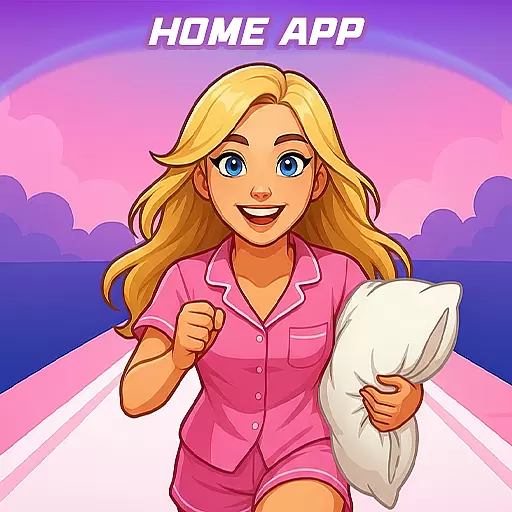
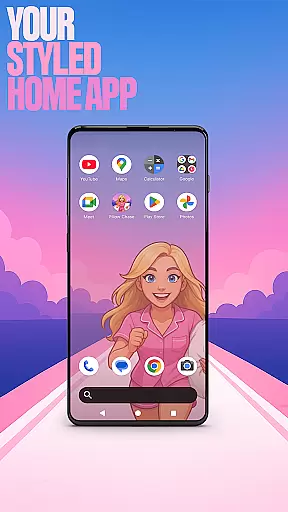

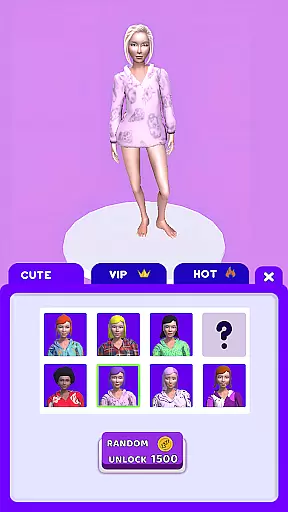
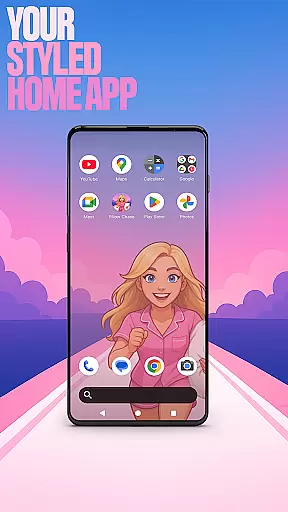

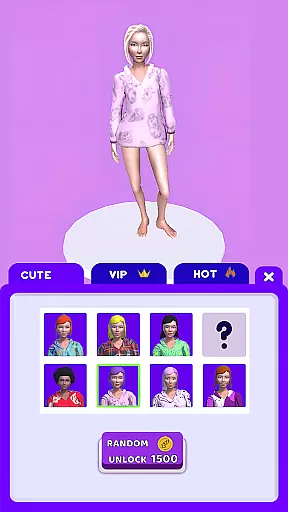
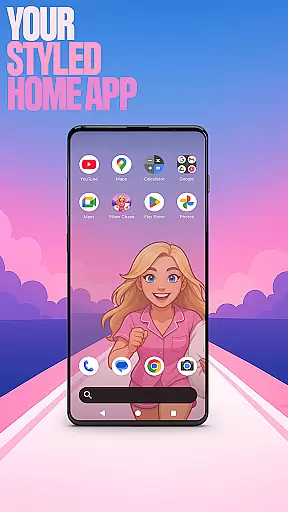

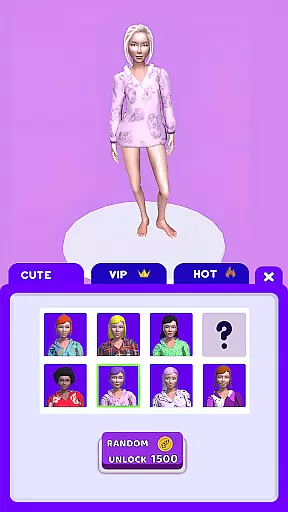
Pillow Chase Home App is a launcher app that allows users to create a personalized home screen. It offers full customization of the layout, folders, and colors, providing a fresh style for daily use. The app also includes an exciting game called Pillow Chase, where players run, dodge, and race their way to sweet dreams by collecting pillows and avoiding obstacles.
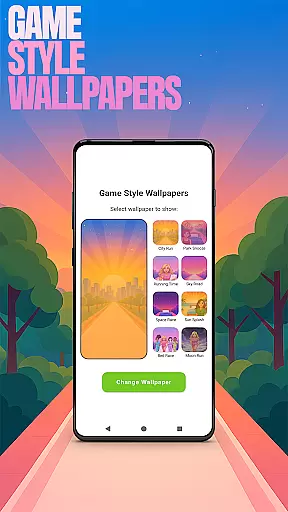
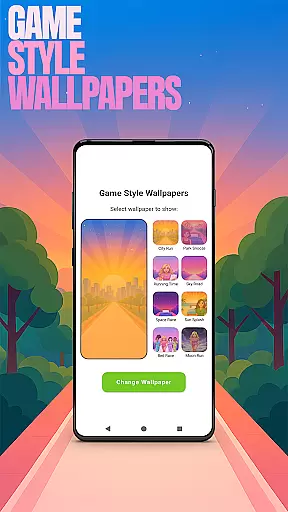
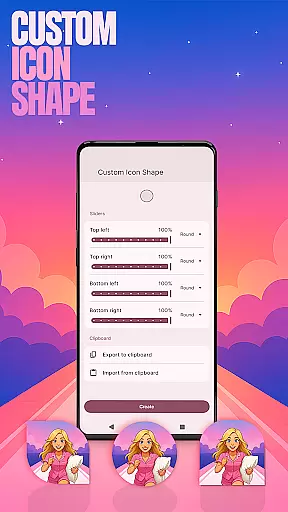
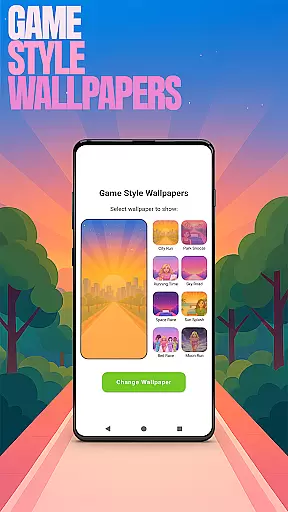
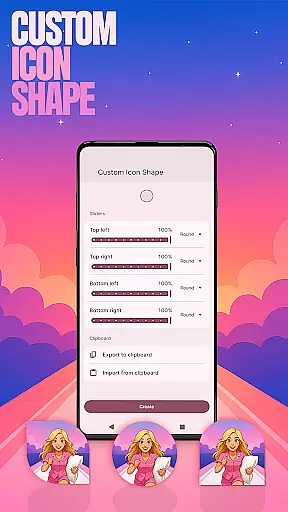
With its unique features such as Game Style Wallpapers, Custom Icon Shape, Custom Gestures, Hide Apps, and Accent Color, Pillow Chase Home App provides users with a highly customizable experience. These features can be accessed via the home screen through simple gestures or menu options. Whether you want to add a playful touch to your device or keep certain apps hidden for privacy, this app has got you covered.
This app is perfect for those who enjoy personalizing their devices and seeking quick entertainment during breaks. By choosing Pillow Chase Home App as your default launcher, you can transform your smartphone into a personalized hub of fun and functionality.
Pillow Chase Home App offers a range of impressive features that enhance the user experience. One standout feature is the ability to customize every aspect of the home screen layout, including creating folders and selecting colors. This level of customization ensures that each user's home screen feels truly unique and tailored to their preferences.
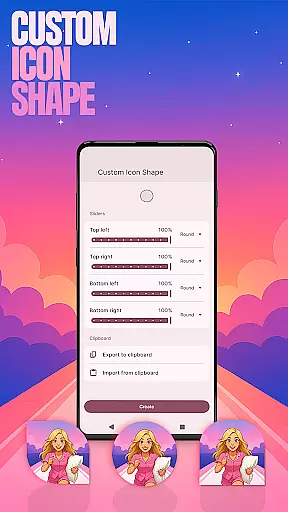
In addition to layout customization, Pillow Chase Home App provides several other notable features. Users can choose from various icon shapes and styles to personalize their device's appearance further. Custom gestures allow for quick access to apps, settings, or the app drawer with simple swipes or taps. The Hide Apps function enables users to keep private apps concealed while maintaining control over their visibility.
Another remarkable feature is the Accent Color option, which lets users customize the color scheme of their home app using presets or creating their own style. With these diverse features at hand, Pillow Chase Home App empowers users to design a personalized and visually appealing home screen that reflects their individuality.
Customization is at the heart of Pillow Chase Home App, offering users a wide array of options to personalize their home screen. This app allows for complete control over the layout, enabling users to create a space that truly feels like their own.
With features such as custom icon shapes, accent color settings, and unique game-style wallpapers, users can tailor the visual aesthetics to match their personal style. The ability to hide apps adds an extra layer of privacy and personal management.
The app also supports custom gestures, allowing users to define specific actions like swiping or tapping to open apps or settings quickly. This level of customization ensures that every interaction with the home screen is both intuitive and uniquely suited to individual preferences.
By providing these diverse customization options, Pillow Chase Home App enhances user engagement and satisfaction, making daily device interactions more enjoyable and efficient.
Pillow Chase Home App excels in theme compatibility, ensuring that all customizations are seamlessly integrated into the user's device. Whether itu2019s through vibrant game-inspired wallpapers or personalized icon designs, the app maintains visual consistency across the board.
Users can select from preset themes or craft their own by adjusting accent colors and icon shapes. This flexibility guarantees that regardless of the chosen aesthetic, the application will deliver a cohesive look and feel throughout the home screen.
Moreover, the app's compatibility extends to functional elements. Custom gestures and hidden apps operate smoothly within the personalized themes, preserving both form and function without compromising on either aspect.
This harmonious blend of appearance and usability underscores Pillow Chase Home Appu2019s commitment to delivering a fully immersive and compatible theming experience.
Highly customizable
Unique game integration
Variety of icon shapes
Quick access gestures
Privacy-focused Hide Apps
May change existing layout
Limited wallpaper options
No automatic backup
Occasional performance issues
Not suitable for all devices

A light in the dark, a unique style and an andless cutomization!
 4.30
4.30
Ninja Turtles Cowabunga SE watch face for Wear OS
4.50
Realistic animated snow on your wrist, with 10 images landscapes to choose from
4.00
Bring adorable pets to life on your screen. Playful, interactive and full of fun
4.60
Want to make your phone more special than ever?
4.60
Zip lock screen with magic wallpaper to decorate your phone with fun zipper lock
4.60 4.10
4.10
Vibrant Adaptive Icons with Material You and Enhanced Monet Colors.
4.50
Adorable pets roam and play right on your phone screen!
3.30
Customizable Glass widgets. Over 360+ stunning widgets and more!
4.70
Shimeji adds cute animated characters to your screen, lively and fun.
4.70
Nothing Icon pack with more than 3750+ highly crafted icons.
4.70
Classic analogue watch face. For wear os devices.
4.60
Glass style colourful icons with a One UI look and feel
4.60
300+ widgets inspired by Material You and Material 3 expressive design.
4.60
Art & Emoji Keyboard with Cool Fonts, Cute Themes and Custom Designs.
4.40
Transfer your live wallpapers from Windows to Android using Wallpaper Engine!
4.00
Adaptive Dot Style IconPack with Light & Dark Theme.
3.70
Interactive Miniature Painting Catalogue
3.30


User Reviews