
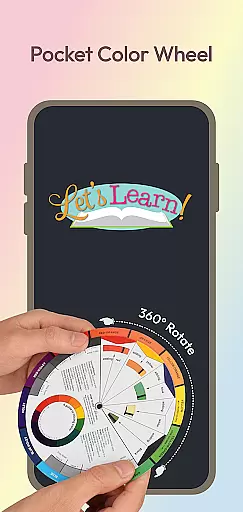
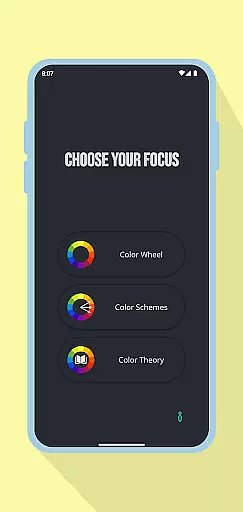
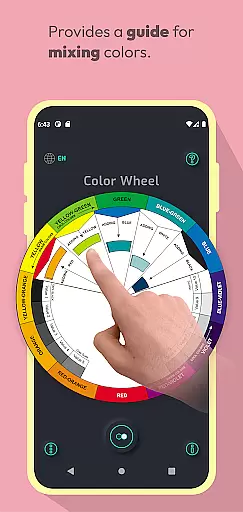
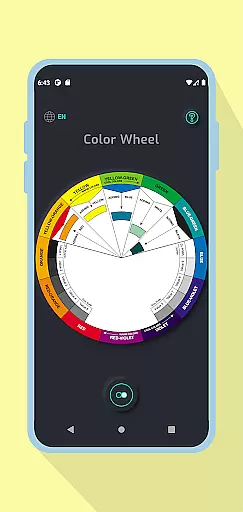
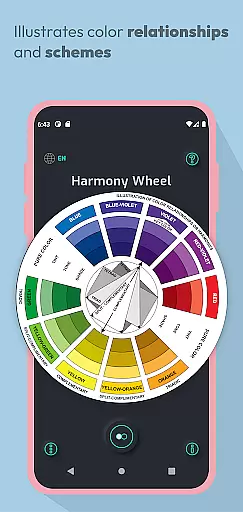
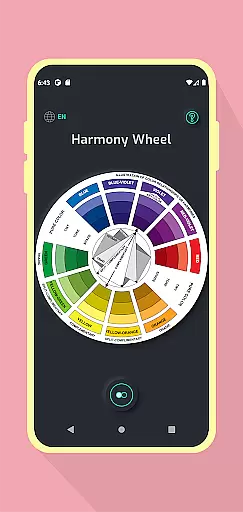
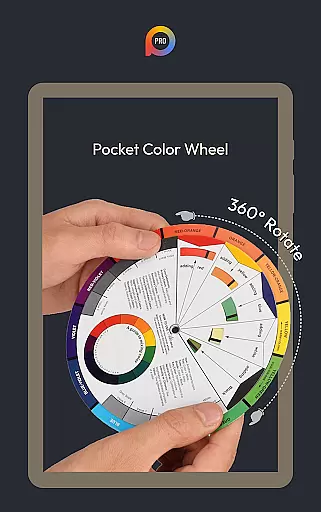
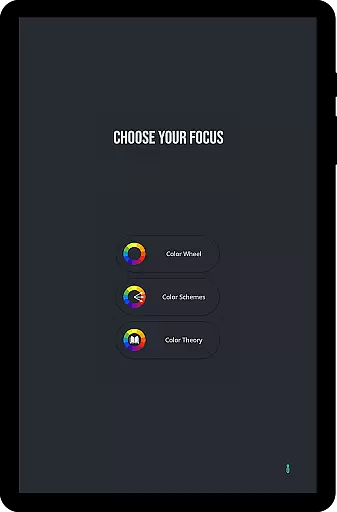
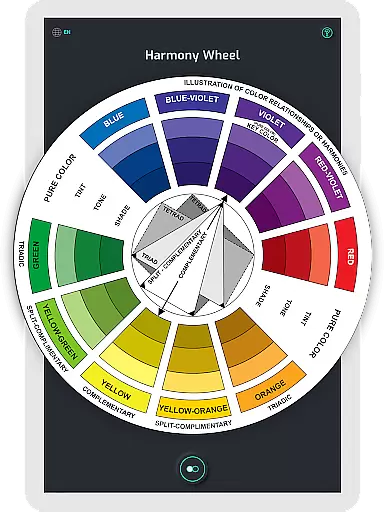
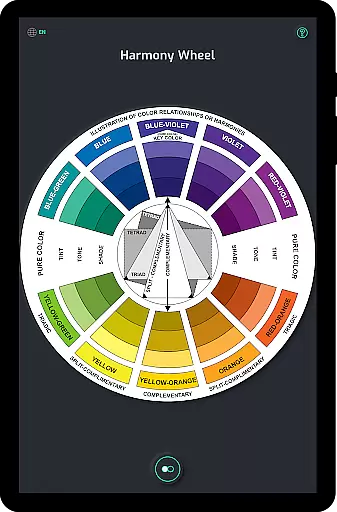
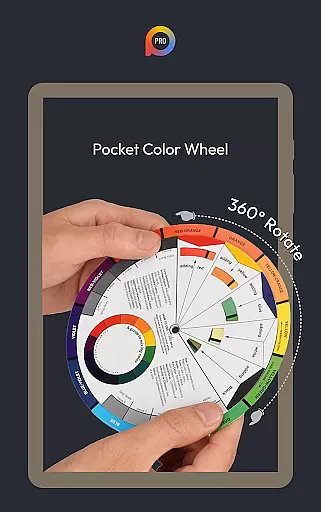
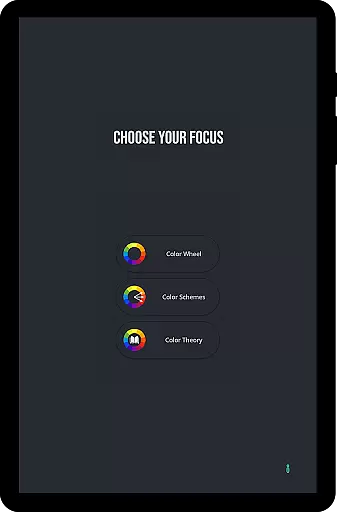
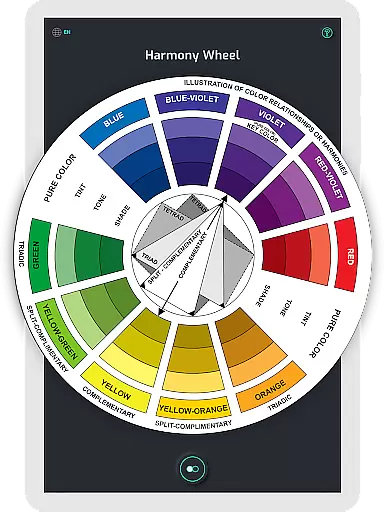
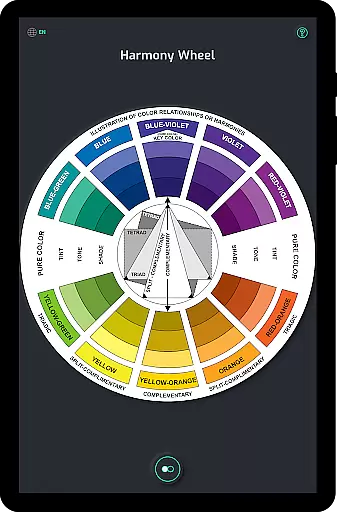
Pocket Color Wheel Pro is an essential reference tool for mastering color theory, designed for students, artists, and designers. This app simplifies complex color relationships by offering an interactive color wheel that allows users to explore harmonious combinations such as complementary, triadic, and analogous colors. With the Pro version, users can choose between 12 or 18 color wheel options, providing more flexibility in design exploration.
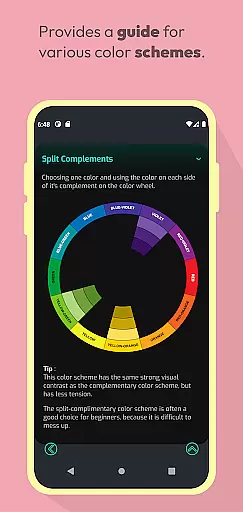
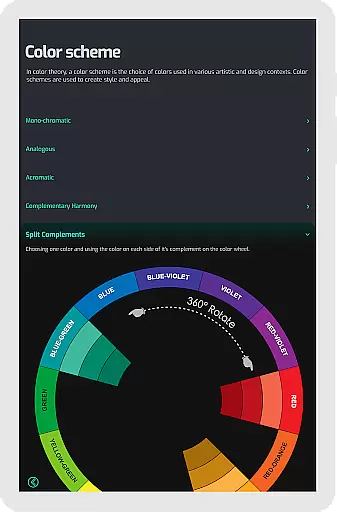
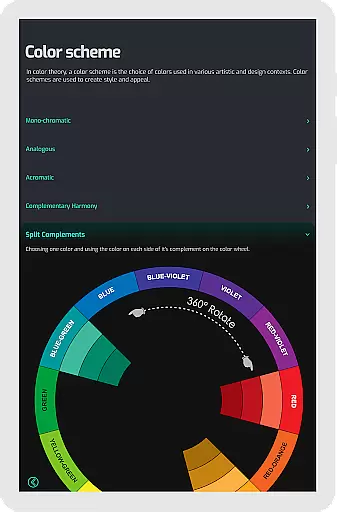
One of the standout features of Pocket Color Wheel Pro is its offline functionality. Whether you're traveling or working in areas without internet access, the app ensures uninterrupted use. The ability to create detailed color schemes like monochromatic, split-complementary, and tetradic makes it a versatile tool for both learning and professional projects. Its comprehensive visual guide helps users understand tints, tones, shades, and grayscale, making it indispensable for creative work.
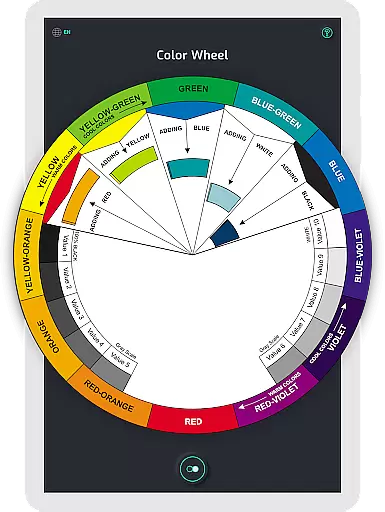
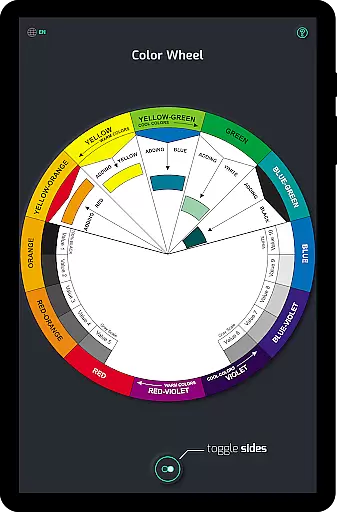
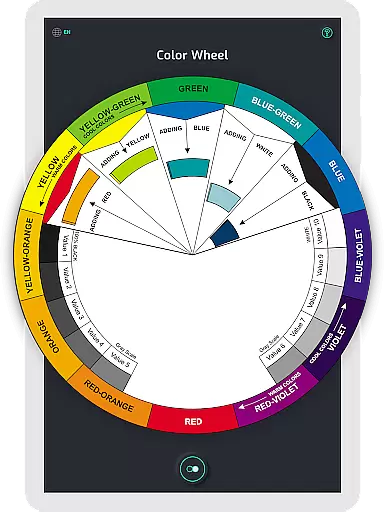
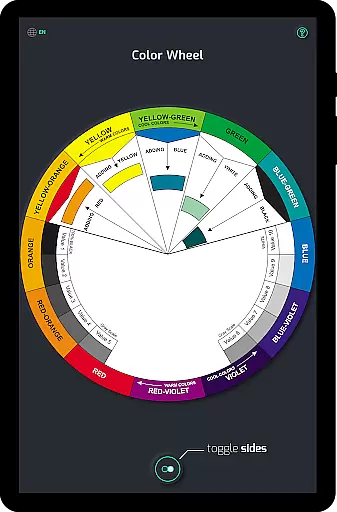
Pocket Color Wheel Pro offers a robust set of features tailored for creative professionals. The app's interactive color wheel lets users rotate and experiment with different color relationships, instantly visualizing how combinations like complementary and analogous colors work together. The Pro version enhances this experience by allowing users to select from 12 or 18 color wheel configurations, expanding the range of hues and blends available for exploration.
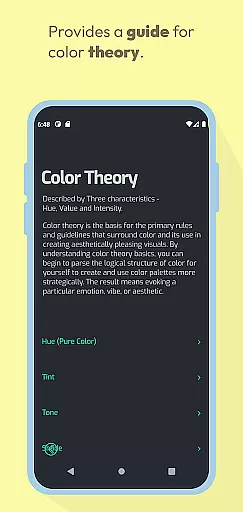
Another key feature is the color mixing tool, which simplifies the process of selecting and blending colors. Users can also generate complete color schemes, including monochromatic, triadic, and split-complementary arrangements, aiding in the creation of visually appealing designs. Additionally, the inclusion of tone and shade variations, along with a grayscale guide, provides a deeper understanding of color theory. These tools collectively ensure that Pocket Color Wheel Pro is a comprehensive solution for anyone involved in art and design.
Pocket Color Wheel Pro offers a comprehensive suite of creative tools that cater to artists, designers, and students alike. The app includes an interactive colour wheel that allows users to explore various colour relationships such as complementary, triadic, and analogous colours by simply rotating the wheel. This feature is crucial for anyone looking to master colour theory.
Additionally, the app simplifies colour mixing by enabling users to select a colour and instantly view the results on the wheel. With the Pro version, users can create detailed colour schemes choosing from 12 or 18 colour wheel options, which supports more complex design needs. These tools are essential for crafting visually stunning designs with ease.
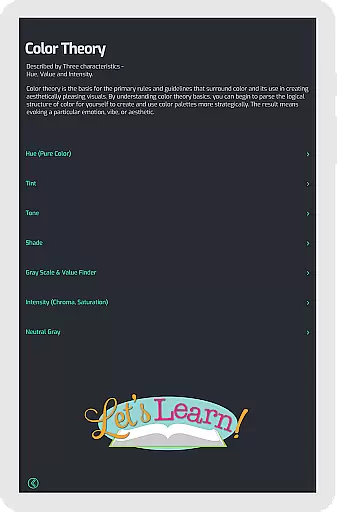
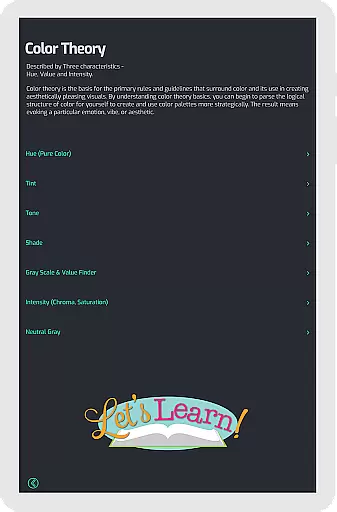
The inclusion of tone and shade variations provides clear examples on the wheel, helping users understand tints, tones, and shades. This aids in making informed decisions about colour choices in any creative project. Such features ensure that Pocket Color Wheel Pro stands out as a complete creative toolset.
Flexibility in canvas and format options is vital for creative professionals, and Pocket Color Wheel Pro excels in this area. The app offers offline access, allowing users to utilize all its features without an active internet connection. This ensures that whether traveling or in remote areas, users have uninterrupted access to their creative toolkit.
Moreover, the app supports a wide range of colour schemes including monochromatic, analogous, complementary, split-complementary, triadic, and tetradic. This variety enables users to experiment with different design styles and formats, catering to diverse artistic needs. The ability to switch between 12 or 18 color wheel options further enhances this flexibility.
For those who require precision in their work, the app also includes a grey scale for neutral tones and easy-to-understand definitions of essential colour terms. These features provide the necessary flexibility to adapt to various project requirements while maintaining high standards of quality and creativity.
Comprehensive color theory
Offline functionality
Interactive color wheel
Flexible color schemes
User-friendly interface
Limited free features
No advanced tutorials
Basic grayscale options
Interface not intuitive
Few customization options

Create sweet, cool and unique couple avatars easily, in just a few steps!
 3.40
3.40
Art of Combination Wear OS Watch faces
4.2
Draw on screen: FP sDraw is a simple and lightweight drawing app
4.70
Nano Banana AI Image Generator, Anime Filter, AI Portrait, AI Photo Generator
4.30
800+ Drawing, Painting Lessons App to Practice, Sketch & Paint Art.
4.30
Your AI soulmate — meaningful chats, and unique emotional moments
4.70
Powerful home decoration & house design that allows you to design dream home.
3.80
Mobile pixel art editor. Simple. Fast. Portable.
4.80
Get an overview over all your embroidery threads, projects and more.
4.60
Photo editor for art, avatars, filters & fun transformations.
4.60
Image resizer to resize, crop, rotate, flip, change dpi photo or picture in bulk
4.60
Draw, fidget, and spin glow art! Relax and express your creativity with a finger
4.60
Unleash your drawing and painting potential
4.50
Draw Trace image sketch by, AR art projector app, Easy to trace any image.
4.50
Text to Image, Image to Video & AI Chat
4.20
Floor Plan Creator lets you create, edit and share floor plans.
4.00
Paint with oils and sketch with natural tools on a realistic virtual canvas.
3.80
Design unique, funny and adorable cat stickers that reflect your own style!
3.80
Your homescreen as an elegant glass with customized blur, lighting, and visuals.
3.70


User Reviews